Free Shipping on Domestic Orders $75+

Samsung RF28T5001SR Refrigerator Icemaker Assembly Replacement

What you need

    1. Samsung RF28T5001SR Refrigerator Icemaker Assembly Replacement, Unplug your refrigerator: step 1, image 1 of 1
      • Unplug your refrigerator before you begin your repair.

      Ask FixBot

      Add Comment

    1. Samsung RF28T5001SR Refrigerator Icemaker Assembly Replacement, Open the freezer drawer: step 2, image 1 of 2 Samsung RF28T5001SR Refrigerator Icemaker Assembly Replacement, Open the freezer drawer: step 2, image 2 of 2
      • Slide the freezer drawer fully open.

      Ask FixBot

      Add Comment

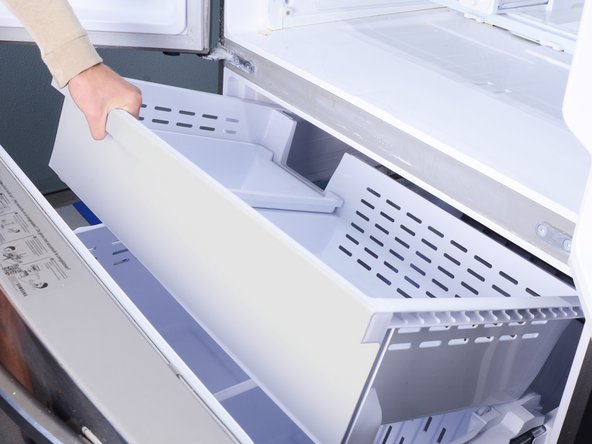
    2. Samsung RF28T5001SR Refrigerator Icemaker Assembly Replacement, Remove the freezer bins: step 3, image 1 of 3 Samsung RF28T5001SR Refrigerator Icemaker Assembly Replacement, Remove the freezer bins: step 3, image 2 of 3 Samsung RF28T5001SR Refrigerator Icemaker Assembly Replacement, Remove the freezer bins: step 3, image 3 of 3
      • Lift and remove all the freezer bins from the drawer.

      • You may need to open the refrigerator doors in order to remove the large bin.

      Ask FixBot

      Add Comment

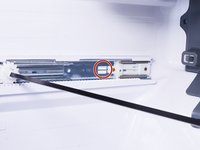
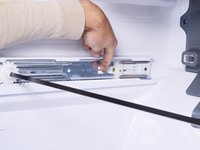
    3. Samsung RF28T5001SR Refrigerator Icemaker Assembly Replacement, Remove the freezer door: step 4, image 1 of 3 Samsung RF28T5001SR Refrigerator Icemaker Assembly Replacement, Remove the freezer door: step 4, image 2 of 3 Samsung RF28T5001SR Refrigerator Icemaker Assembly Replacement, Remove the freezer door: step 4, image 3 of 3
      • A plastic tab locks each drawer rail in place.

      • Use a flathead screwdriver or your fingers to press in the plastic tab near the inner end of the drawer rail.

      • While pressing the plastic tab, grasp the rail with your free hand and slide it towards you slightly to unlock the rail.

      Ask FixBot

      Add Comment

    4. Samsung RF28T5001SR Refrigerator Icemaker Assembly Replacement: step 5, image 1 of 1
      • Repeat the rail unlock procedure on the other drawer rail.

      Ask FixBot

      Add Comment

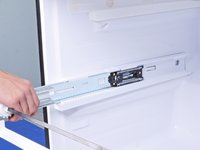
    5. Samsung RF28T5001SR Refrigerator Icemaker Assembly Replacement: step 6, image 1 of 1
      • Once both rails are unlocked, firmly pull both rails to slide them out of the refrigerator wall guides.

      • Remove the freezer drawer.

      • To reinstall the freezer drawer:

      • Push the geared torsion bar until it rests at the very end of the rails.

      • Align the drawer rails to the refrigerator wall guides.

      • Close the freezer drawer until the rails lock back in place.

      • If you don't hear a click, visually check if the plastic tabs have locked in place. You may need to push the rails in a little further with your fingers to set the tabs.

      Ask FixBot

      Add Comment

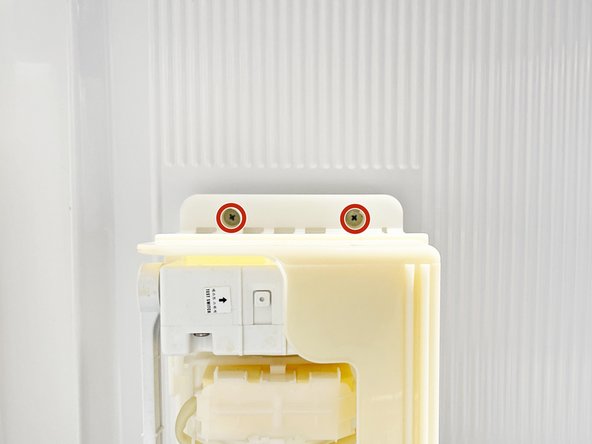
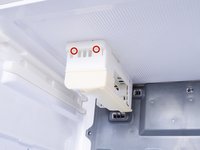
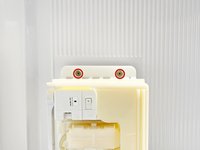
    1. Samsung RF28T5001SR Refrigerator Icemaker Assembly Replacement, Unfasten the icemaker assembly: step 7, image 1 of 2 Samsung RF28T5001SR Refrigerator Icemaker Assembly Replacement, Unfasten the icemaker assembly: step 7, image 2 of 2
      • Use a Phillips screwdriver to remove the two 18.5 mm-long screws securing the icemaker assembly to the freezer ceiling.

      Ask FixBot

      Add Comment

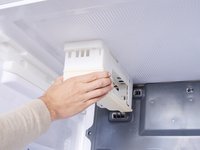
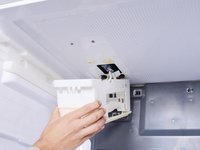
    2. Samsung RF28T5001SR Refrigerator Icemaker Assembly Replacement, Disconnect the icemaker assembly: step 8, image 1 of 2 Samsung RF28T5001SR Refrigerator Icemaker Assembly Replacement, Disconnect the icemaker assembly: step 8, image 2 of 2
      • Grasp the front edge of the icemaker assembly and tilt it downwards.

      • Don't try to remove the icemaker yet, as it's still connected by a few wires.

      Ask FixBot

      Add Comment

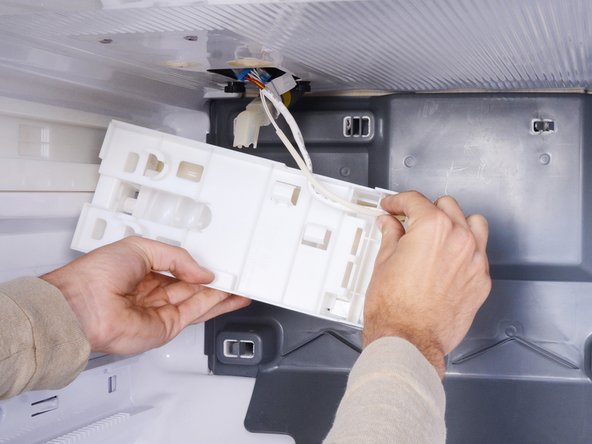
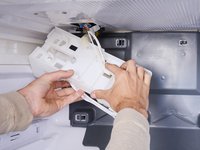
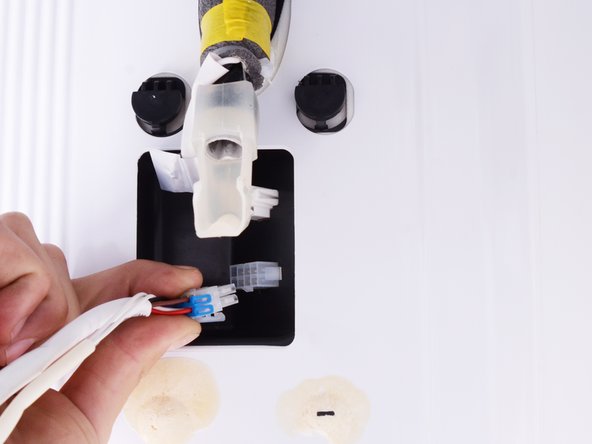
    3. Samsung RF28T5001SR Refrigerator Icemaker Assembly Replacement: step 9, image 1 of 2 Samsung RF28T5001SR Refrigerator Icemaker Assembly Replacement: step 9, image 2 of 2
      • Use your fingers to guide the wire harness out of the icemaker assembly.

      Ask FixBot

      Add Comment

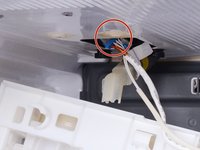
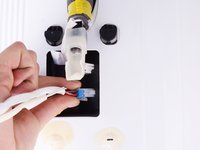
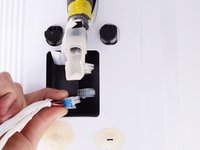
    4. Samsung RF28T5001SR Refrigerator Icemaker Assembly Replacement: step 10, image 1 of 3 Samsung RF28T5001SR Refrigerator Icemaker Assembly Replacement: step 10, image 2 of 3 Samsung RF28T5001SR Refrigerator Icemaker Assembly Replacement: step 10, image 3 of 3
      • Squeeze the icemaker cable connector and pull to disconnect it.

      Ask FixBot

      Add Comment

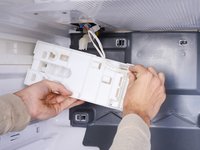
    5. Samsung RF28T5001SR Refrigerator Icemaker Assembly Replacement: step 11, image 1 of 1
      • Remove the icemaker assembly.

      Ask FixBot

      Add Comment

Conclusion

To reassemble your device, follow these instructions in reverse order.

Take your e-waste to an R2 or e-Stewards certified recycler.

Repair didn’t go as planned? Ask our Answers community for help.

Cancel: I did not complete this guide.

One other person completed this guide.

Arthur Shi

Member since: 01/03/18

346,334 Reputation

923 Guides authored

Team

iFixit Member of iFixit

Staff

123 Members

82,549 Guides authored

0 Guide Comments

Add Comment

View Statistics:

Past 24 Hours: 5

Past 7 Days: 50

Past 30 Days: 191

All Time: 4,428