
Samsung NX500 Main board Replacement

Eli Carcalete and 3 other contributors
Last updated on May 7, 2024
Views: 2.4K
View statistics:
- Past 24 Hours:
- 1
- Past 7 Days:
- 18
- Past 30 Days:
- 113
- All Time:
- 2,443
Comments: 5
5 guide comments.
Go to guide commentsCompleted: 2 3
2 people have marked this guide "completed." Will you be next?
3 people have marked this guide "completed." Including you — great job!
Favorites: 0 1
No one has favorited (and subscribed to) this guide. Will you be the first?
1 person has favorited (and subscribed to) this guide — and that's you!
Introduction
Go to step 1 ↓If your device turns on but the screen is black or if you when take a picture it comes out distorted or blurry, you may need to change the main board. A bad main board can also cause distorted sound or no sound at all.
What you need
Tools


-
-
-
-
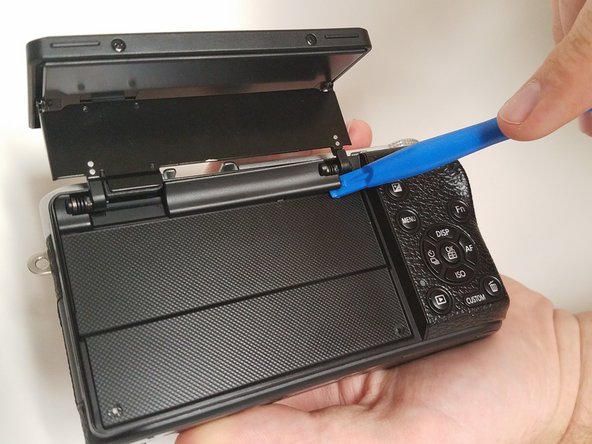
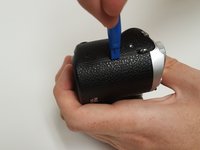
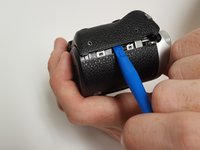
Open the screen exposing the hinge cover and place the plastic opening tool inside.
-
Pry the hinge cover up by moving the plastic opening tool in a downward motion.
-
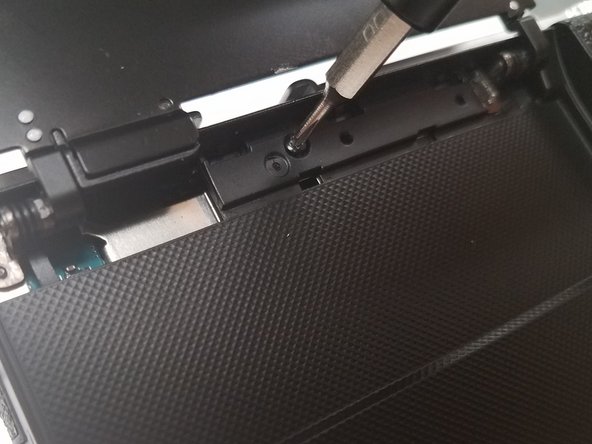
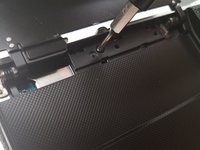
Remove the black 4mm Phillips #000 screw that is revealed once the hinge cover is removed.
-
-
-
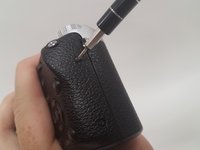
Unscrew the two 4 mm Phillips #000 screws on the right hand side of the camera using the screwdriver.
-
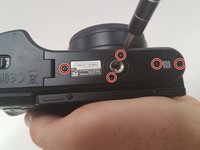
Unscrew five more 4 mm Phillips #000 screws that are located at the bottom of the camera with the screwdriver.
-
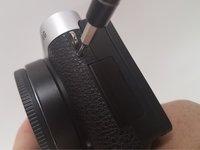
Remove the last exterior 4 mm Phillips #000 screws on the left hand side of the camera with the scredriver.
-
-
-
Use the plastic opening tool in a downward motion around each side of the camera to pry the casing open.
-
-
-
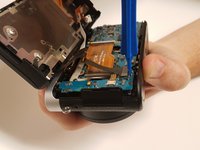
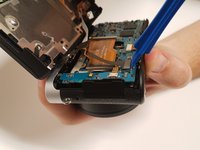
Locate the black ribbon at the bottom left of the camera's interior.
-
Place the plastic opening tool under the black ribbon connector.
-
Remove the cable by moving your plastic opening tool in a downward motion.
-
-
-
-
-
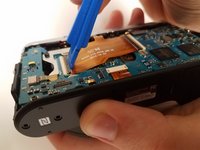
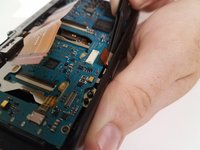
Lift the black latch of the left main ribbon connector using a wide-set plastic opening tool in a downward motion.
-
Use your fingers to disconnect the cable.
-
-
-
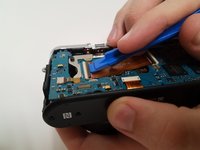
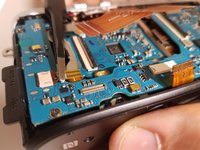
Use the wide-set plastic opening tool to lift the latch on the right main ZIF cable in a downward motion.
-
Disconnect the cable using your finger.
-
-
-
Tool used on this step:Tweezers$4.99
-
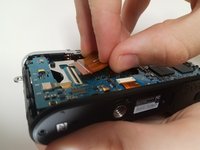
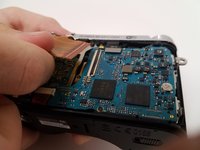
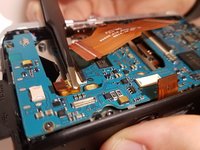
Locate the ZIF cable at the bottom of the main board.
-
Disconnect the cable with the tweezers by pulling it away from where the cable is connected.
-
-
-
Locate the skinny ZIF cable on the left side of the main board.
-
Disconnect the cable with the tweezers by pulling it away from where the cable is connected.
-
-
-
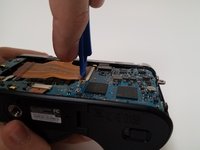
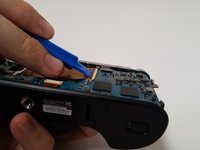
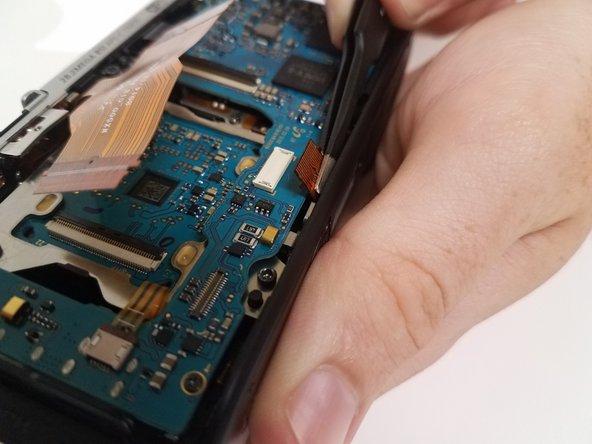
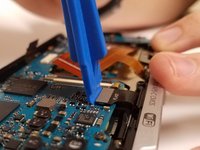
Locate the black cable connected at the top right of the main board.
-
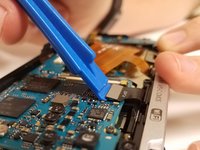
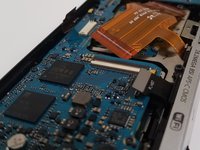
Place the wide-set plastic opening tool underneath the gray connector and carefully pry it up.
-
-
-
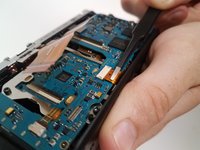
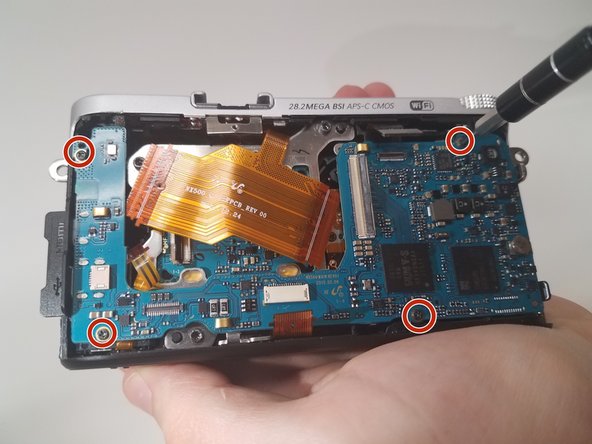
Remove the 4 black 4-mm Phillips #000 screws located near each corner of the main board.
-
-


 Ask FixBot

















To reassemble your device, follow these instructions in reverse order.
Cancel: I did not complete this guide.
2 other people completed this guide.

Team

USF Tampa, Team 18-5, Blackwell Fall 2016 Member of USF Tampa, Team 18-5, Blackwell Fall 2016
USFT-BLACKWELL-F16S18G5
3 Members
72 Guides authored
5 Guide Comments
How do you actually get the mainboard for replacement? Is it directly through Samsung?
Nevermind, the parts are available at Samsungparts.com.
I believe the particular part of interest is the AD92-02282A, although I'll write a followup if this is not correct.
I can now confirm the part is the AD92-02282A. Following this guide worked very well and saved me risking $800 on ebay for a used nx500.
i’ve been told that after replacing the mainboard the camera needs to be adjusted which could only be done by a professional workshop.
did you run into any problems with the new mainboard?
Where to get or address to obtain or purchase new board for replacement?
