
Samsung NX1000 Menu Button Replacement

Yesenia and 4 other contributors
Last updated on Jun 16, 2015
Views: 2.5K
View statistics:
- Past 24 Hours:
- 3
- Past 7 Days:
- 22
- Past 30 Days:
- 100
- All Time:
- 2,496
Comments: 1
1 guide comment.
Go to guide commentsCompleted: 1 2
1 person has marked this guide "completed." Will you be next?
2 people have marked this guide "completed." Including you — great job!
Favorites: 0 1
No one has favorited (and subscribed to) this guide. Will you be the first?
1 person has favorited (and subscribed to) this guide — and that's you!
Missing Steps
Oops! This guide is currently missing one or more important steps.
Introduction
Go to step 1 ↓If your menu button is not working properly or sticking or is even chipped or cracked and you wish to replace it here is the guide needed. Make sure you turn off the camera and remove the battery before you begin the replacement.
What you need
Tools


-
-
-
Locate the bottom panel of the camera.
-
Unscrew the four 4.5mm Philips #000 (perpendicular cross) screws with the Philips #000 screwdriver.
 Ask FixBot
-
-
-
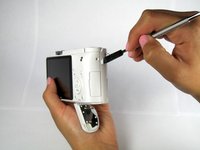
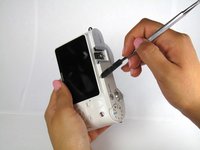
Unscrew the three 4.5mm #000 Philips screws on the sides of the camera using the Philips #000 screwdriver.
-
-
-
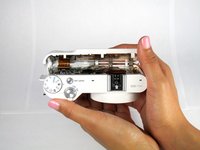
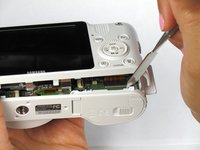
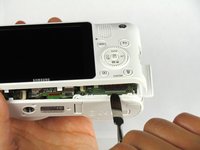
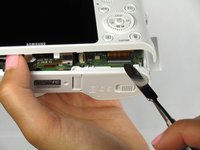
Open the two halves of the camera, taking care not to disturb the ribbon cable.
-
-
-
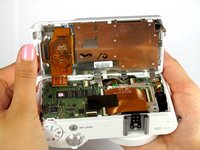
Remove the ribbon by lifting the grey tab on the ZIF connector with the metal spudger.
-
Push the ribbon out of its socket with the plastic opening tool.
-
-
-
-
-
Remove all five 3mm Philips #000 screws from the inside of the back panel using the Philips #000 Screwdriver.
-
-
-
-
Lift up the grey tab on the ZIF connector with the spudger to remove the ribbon.
-
Using both thumbs push the ribbon out of the ZIF connection.
-
-
-
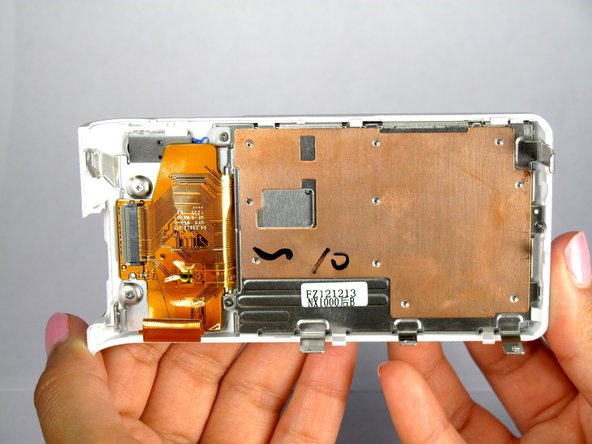
Use the metal spudger to pick the bottom of the plastic piece while simultaneously using your index finger to push down on the larger metal slab. This will cause the metal plate with the large ribbon to slide down and out of the plastic back panel.
-
-
-







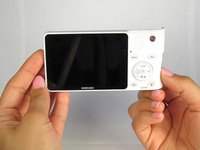
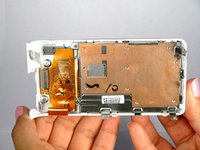

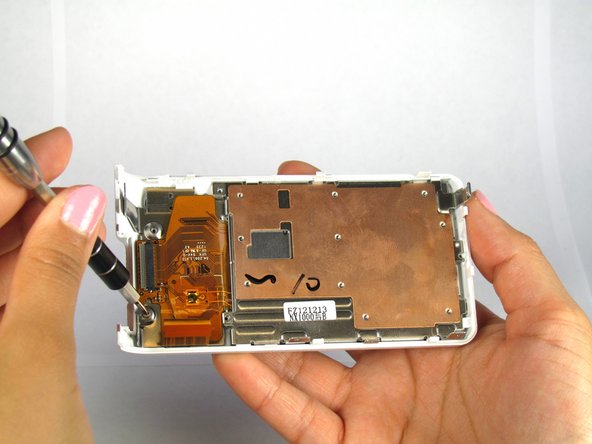


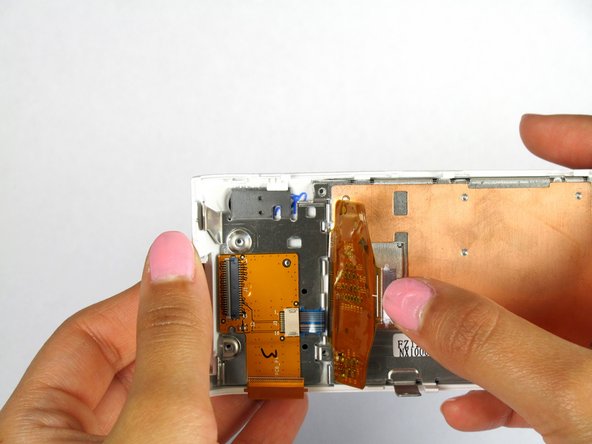


To reassemble your device, follow these instructions in reverse order.
Cancel: I did not complete this guide.
One other person completed this guide.

Team

Cal Poly, Team 20-13, Maness Winter 2015 Member of Cal Poly, Team 20-13, Maness Winter 2015
CPSU-MANESS-W15S20G13
4 Members
84 Guides authored
