Introduction
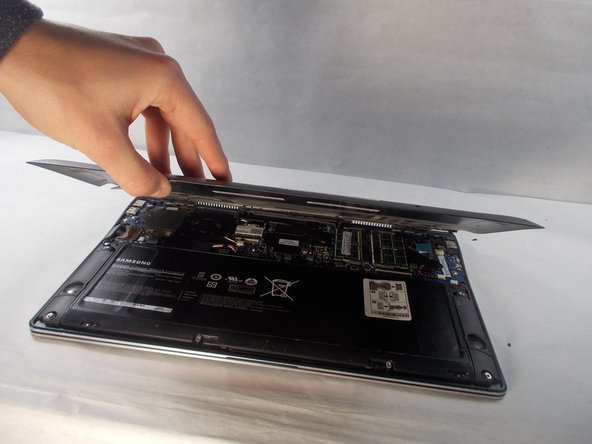
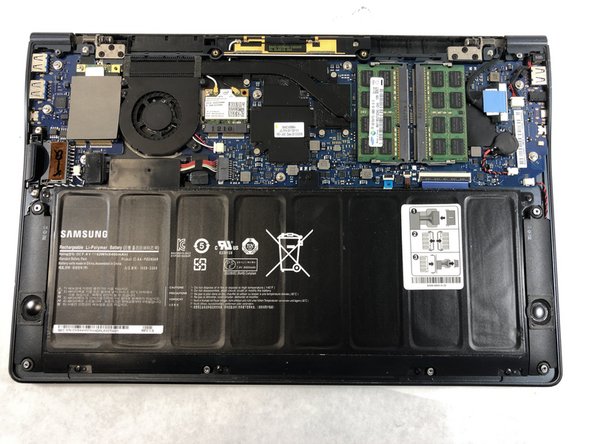
This guide will give a step by step walk through on how to remove the back panel of the laptop. Before replacing the back cover make sure the device is unplugged and turned off as a safety step.
What you need
-
-
-
First turn the computer over so you are looking at the back panel.
-
Next locate all ten Phillips #0 3.5mm screws on the back panel that are securing it down.
 Ask FixBot
-
-
-


Conclusion
To reassemble your device, follow these instructions in reverse order.

Team

UMass Dartmouth, Team S4-G6, Valliere Fall 2018 Member of UMass Dartmouth, Team S4-G6, Valliere Fall 2018
UMASSD-VALLIERE-F18S4G6
5 Members
72 Guides authored
