Introduction
This guide covers how to replace the RAM for the Samsung Series 5 NP540U3C-A02UB.
The RAM provides memory to the laptop while running the operating system and its many applications. Such memory is essential for allowing the laptop to complete many tasks such as loading applications, editing spreadsheets, and browsing the Internet. Damage to the laptop's RAM may result in a slow operating system or crashing. If you are experiencing these issues, see our troubleshooting guide for possible causes and solutions before attempting to replace the RAM.
Free diagnostic programs available via the Internet can detect if crashes are a result of RAM issues, or some other cause. If a replacement is necessary, the laptop uses SODIMM DDR3 RAM running at a speed of 1600 MHz. Ensure that any RAM purchased meets these specifications. Compatible RAM is attached below.
It should be noted that the laptop comes with 4 GB of soldered RAM on the motherboard which cannot be removed. An additional 4 GB of RAM can be added and replaced.
What you need
-
-
-
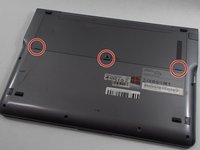
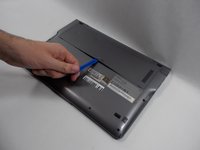
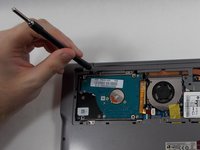
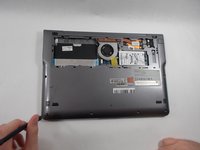
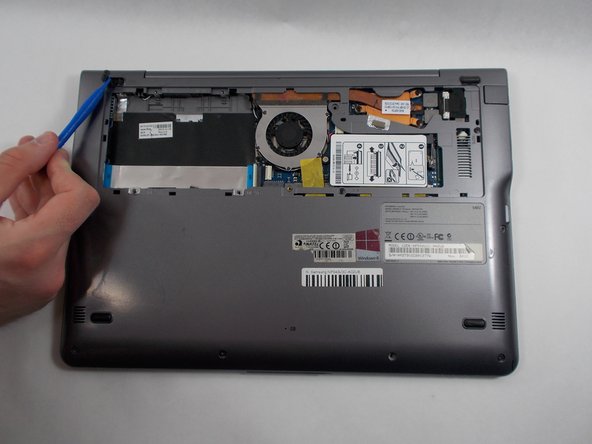
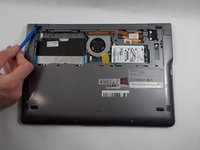
Gently release the 3 clips holding the HDD cover with the plastic opening tool.
-
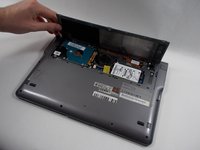
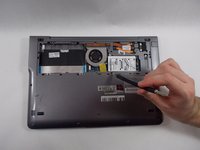
Remove the HDD cover from the device.
-
-
-
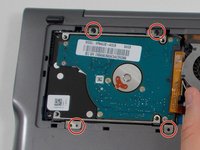
Remove the four 6 mm Phillips #00 screws attaching the hard drive to the case.
-
-
-
-
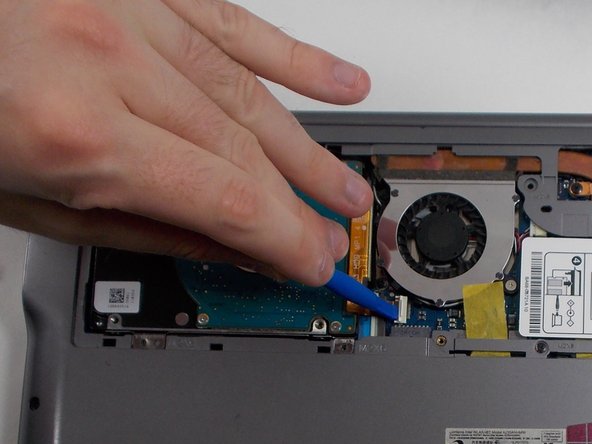
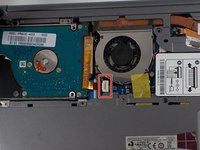
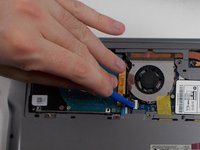
Using the plastic opening tool, push the hard drive connector clip upwards in order to release the cable.
-
-
-
-
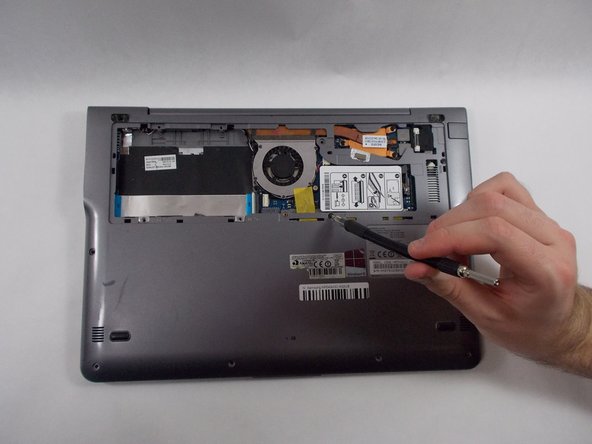
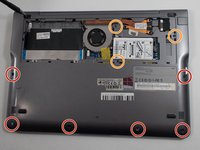
Remove the following screws holding the case together:
-
6x 4mm Phillips #00 screws.
-
3x 6mm Phillips #00 screws.
-
-
-
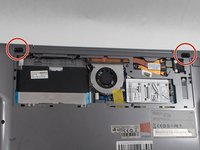
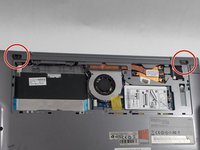
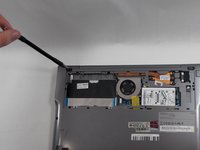
Using the opening tool, remove the two rubber pads just above the hard drive cover.
-
-
-
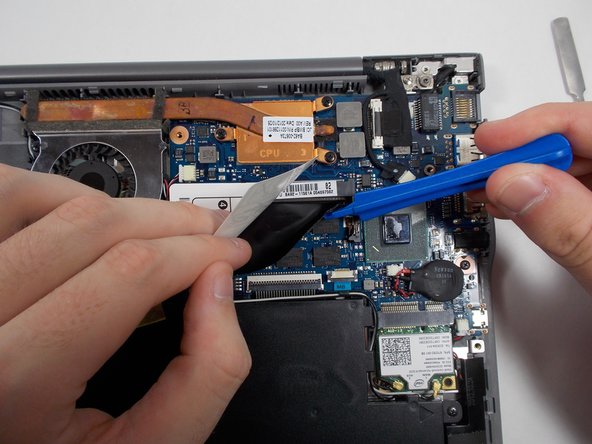
Lift up the white instruction guide with your hand to expose the RAM module underneath.
-
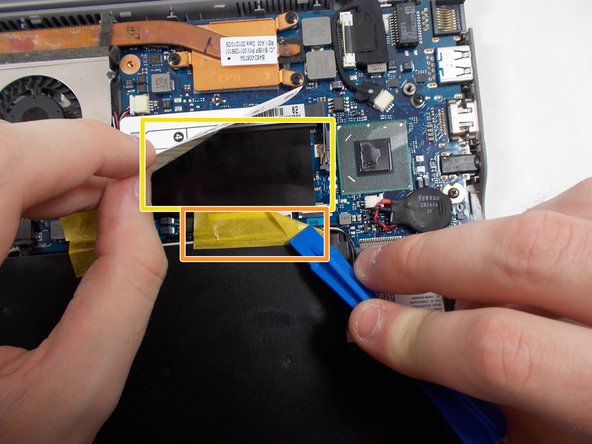
Using the plastic opening tool or your hand, peel off the yellow tape.
-
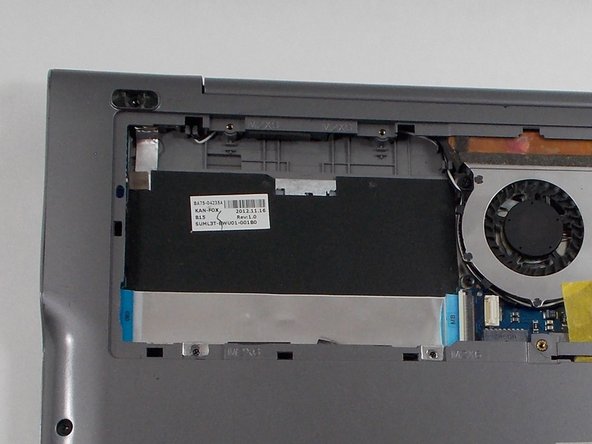
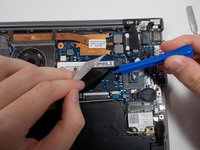
Using the plastic opening tool or your hand, gently remove the black cover that lays on top of the RAM.
-
-

 Ask FixBot














To reassemble your device, follow these instructions in reverse order.

Team

UMass Dartmouth, Team C-1, Gurgel Spring 2022 Member of UMass Dartmouth, Team C-1, Gurgel Spring 2022
UMASSD-GURGEL-S22SCG1
4 Members
72 Guides authored
