Free Shipping on Domestic Orders $75+

Samsung NP36535C-S05US RAM Replacement

What you need

    1. Samsung NP36535C-S05US RAM Replacement, Battery: step 1, image 1 of 1
      • Turn the computer off.

      • Disconnect the charging cable from the laptop.

      • Failure to disconnect cable may result in electric shock.

      • Flip the laptop face down on a flat surface.

      Ask FixBot

      Add Comment

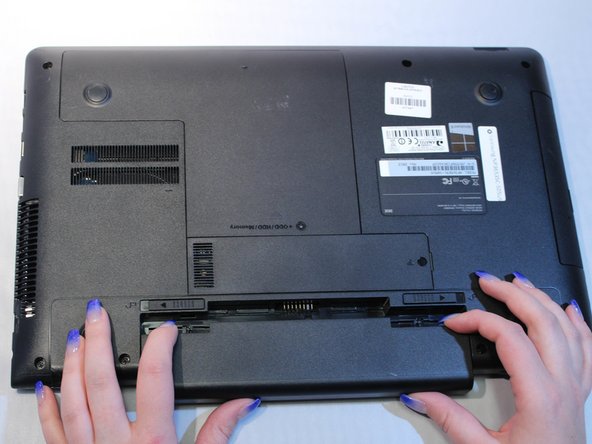
    2. Samsung NP36535C-S05US RAM Replacement: step 2, image 1 of 1
      • Slide the left and right switches to the unlock position.

      Ask FixBot

      Add Comment

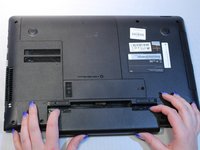
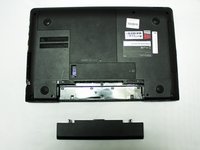
    3. Samsung NP36535C-S05US RAM Replacement: step 3, image 1 of 2 Samsung NP36535C-S05US RAM Replacement: step 3, image 2 of 2
      • While holding the left and right lock switches in the unlock position, pull the battery away from the computer.

      Ask FixBot

      Add Comment

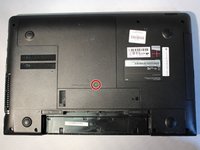
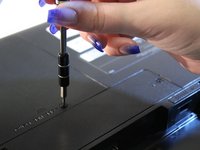
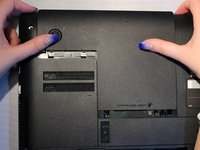
    1. Samsung NP36535C-S05US RAM Replacement, ODD/HDD/Memory panel: step 4, image 1 of 3 Samsung NP36535C-S05US RAM Replacement, ODD/HDD/Memory panel: step 4, image 2 of 3 Samsung NP36535C-S05US RAM Replacement, ODD/HDD/Memory panel: step 4, image 3 of 3
      • Locate the ODD/HDD/Memory panel.

      • Remove the 1.9 mm screw located on the ODD/HDD/Memory panel with the Philips #0 screwdriver.

      • Slide the ODD/HDD/Memory panel away from the device to remove it.

      Ask FixBot

      Add Comment

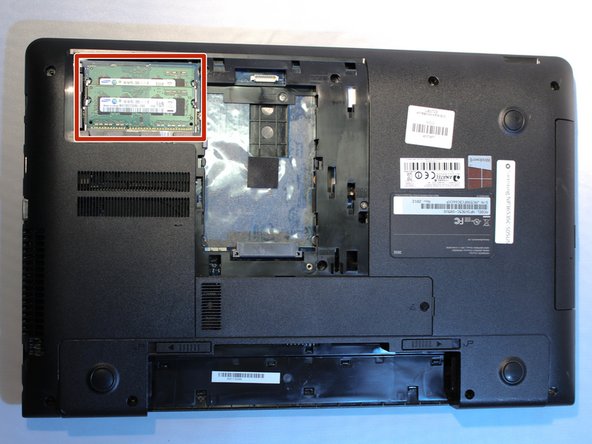
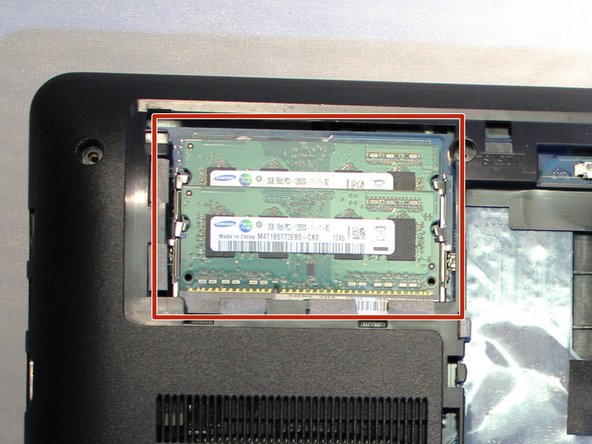
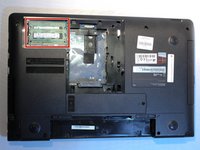
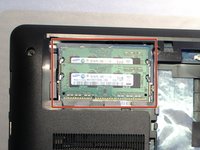
    1. Samsung NP36535C-S05US RAM Replacement, RAM: step 5, image 1 of 2 Samsung NP36535C-S05US RAM Replacement, RAM: step 5, image 2 of 2
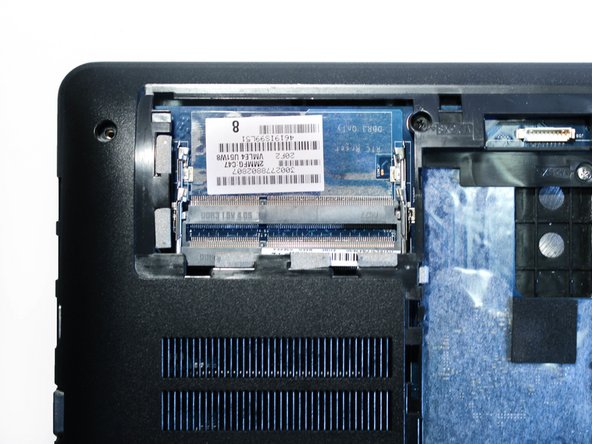
      • Locate the two (2) RAM chips in the upper left corner.

      Ask FixBot

      Add Comment

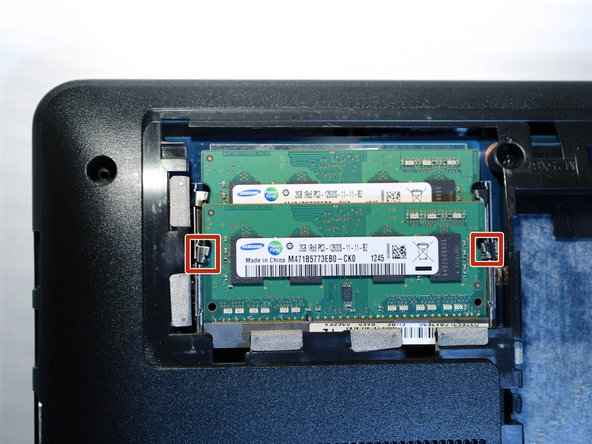
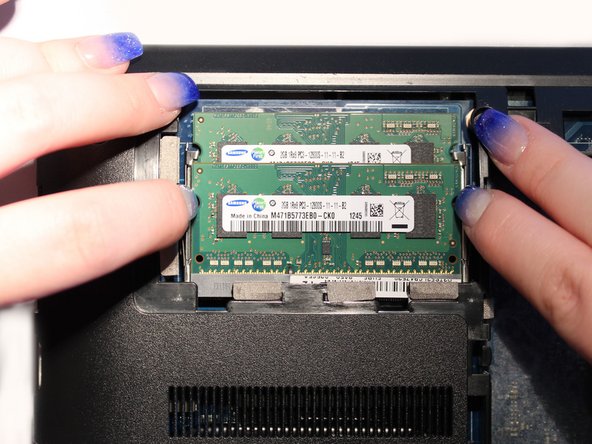
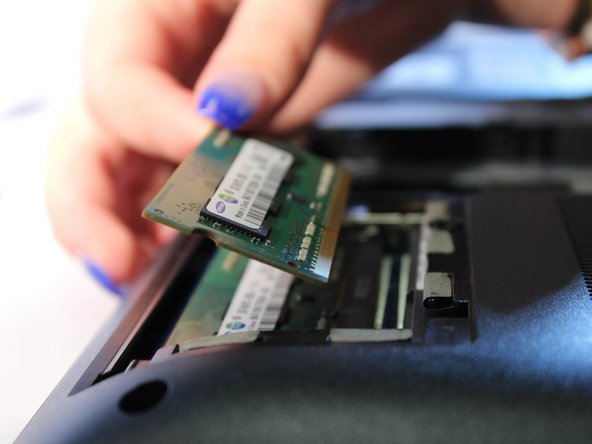
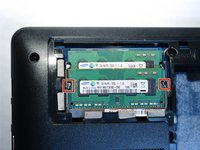
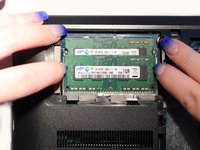
    2. Samsung NP36535C-S05US RAM Replacement: step 6, image 1 of 3 Samsung NP36535C-S05US RAM Replacement: step 6, image 2 of 3 Samsung NP36535C-S05US RAM Replacement: step 6, image 3 of 3
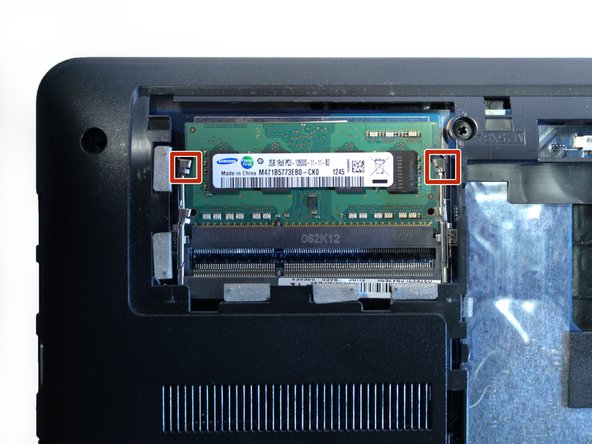
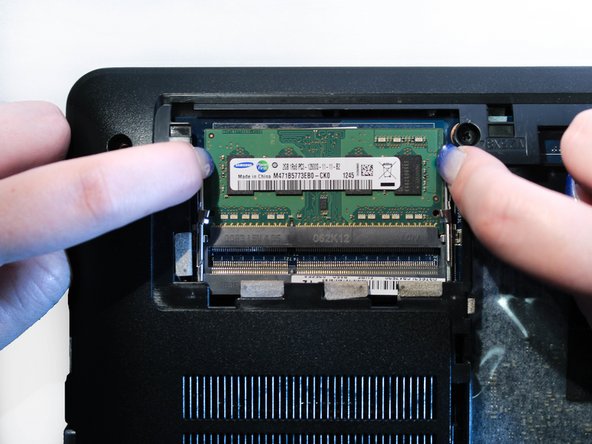
      • Locate the two (2) metal brackets holding the RAM chip in place.

      • Carefully push the brackets outwards away from the RAM chip, causing it to pop out of the brackets.

      • Remove the first RAM chip by pulling it up and out of its plug.

      Ask FixBot

      Add Comment

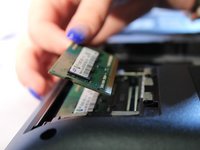
    3. Samsung NP36535C-S05US RAM Replacement: step 7, image 1 of 3 Samsung NP36535C-S05US RAM Replacement: step 7, image 2 of 3 Samsung NP36535C-S05US RAM Replacement: step 7, image 3 of 3
      • Locate the second set of metal brackets holding the remaining RAM chip.

      • Carefully push the brackets outwards away from the RAM chip, causing it to pop out of the brackets.

      • Remove the second RAM chip by pulling it up and out of its plug.

      Ask FixBot

      Add Comment

    4. Samsung NP36535C-S05US RAM Replacement: step 8, image 1 of 1
      • You have successfully removed the RAM chips.

      Ask FixBot

      Add Comment

Conclusion

To reassemble your device, follow these instructions in reverse order.

Cancel: I did not complete this guide.

0 Guide Comments

Add Comment

View Statistics:

Past 24 Hours: 3

Past 7 Days: 16

Past 30 Days: 84

All Time: 753