Free Shipping on Domestic Orders $75+

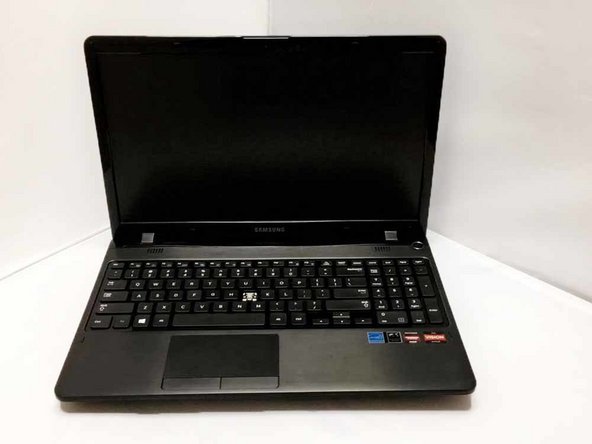
Samsung NP36535C-S05US Key Replacement

What you need

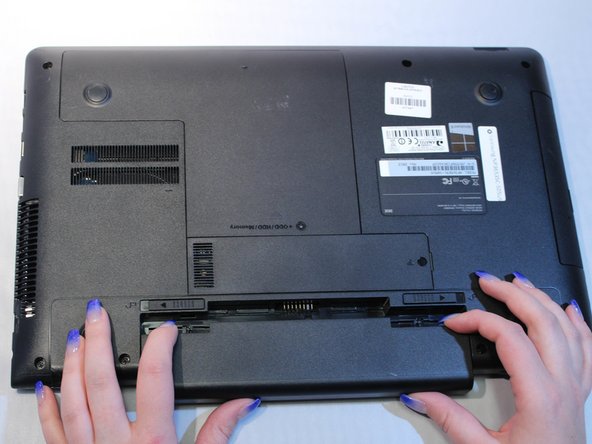
    1. Samsung NP36535C-S05US Key Replacement, Battery: step 1, image 1 of 1
      • Turn the computer off.

      • Disconnect the charging cable from the laptop.

      • Failure to disconnect cable may result in electric shock.

      • Flip the laptop face down on a flat surface.

      Ask FixBot

      Add Comment

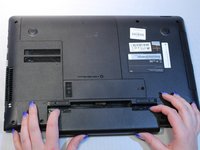
    2. Samsung NP36535C-S05US Key Replacement: step 2, image 1 of 1
      • Slide the left and right switches to the unlock position.

      Ask FixBot

      Add Comment

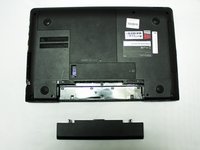
    3. Samsung NP36535C-S05US Key Replacement: step 3, image 1 of 2 Samsung NP36535C-S05US Key Replacement: step 3, image 2 of 2
      • While holding the left and right lock switches in the unlock position, pull the battery away from the computer.

      Ask FixBot

      Add Comment

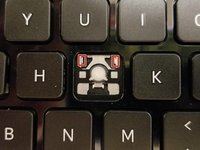
    1. Samsung NP36535C-S05US Key Replacement, Key: step 4, image 1 of 3 Samsung NP36535C-S05US Key Replacement, Key: step 4, image 2 of 3 Samsung NP36535C-S05US Key Replacement, Key: step 4, image 3 of 3
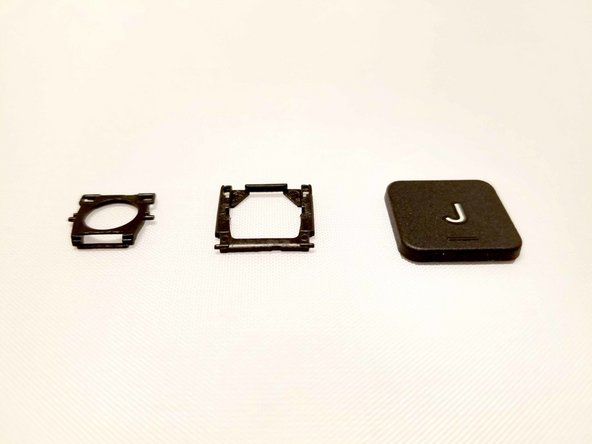
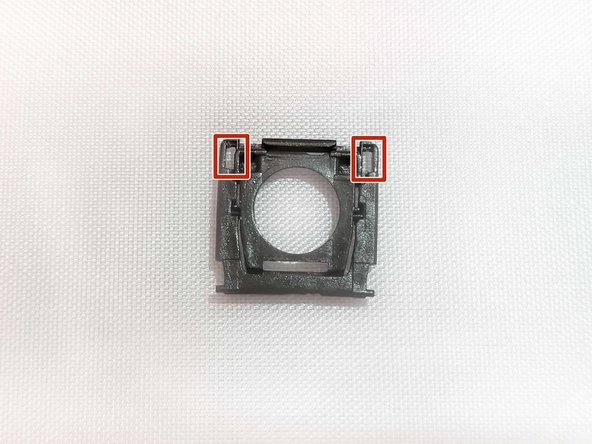
      • There is an outer and inner piece of the retainer. The outer retainer has two (2) grooves for the inner retainer's posts to sit in.

      • Place the inner retainer piece into the outer retainer piece by inserting the posts into the grooves on the outer retainer piece.

      Ask FixBot

      Add Comment

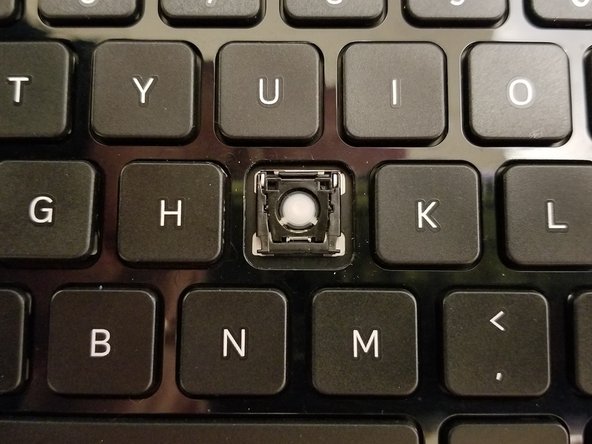
    2. Samsung NP36535C-S05US Key Replacement: step 5, image 1 of 3 Samsung NP36535C-S05US Key Replacement: step 5, image 2 of 3 Samsung NP36535C-S05US Key Replacement: step 5, image 3 of 3
      Tool used on this step:
      Tweezers
      $3.99
      Buy
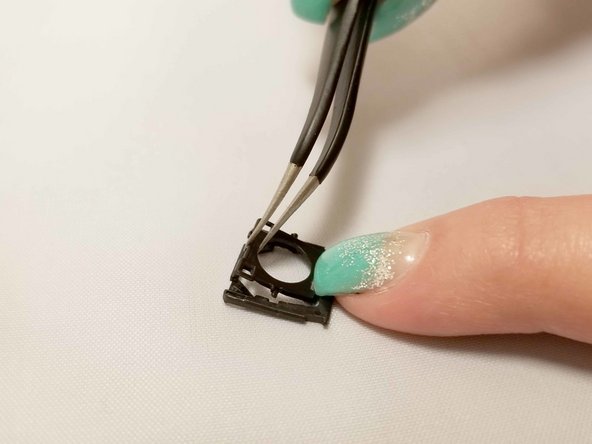
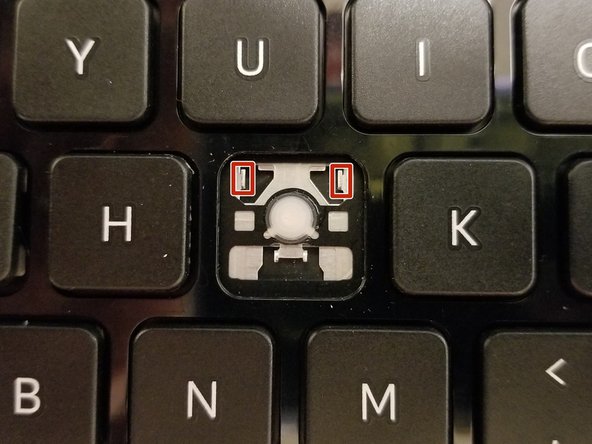
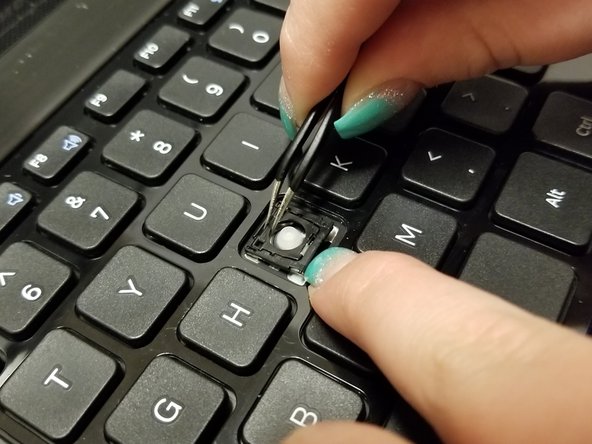
      • There are two (2) grooves on the outer retainer that fit onto two (2) metal brackets on the key's designated space.

      • Use angled tweezers to place the assembled retainer onto the two (2) metal brackets on the keyboard.

      Ask FixBot

      Add Comment

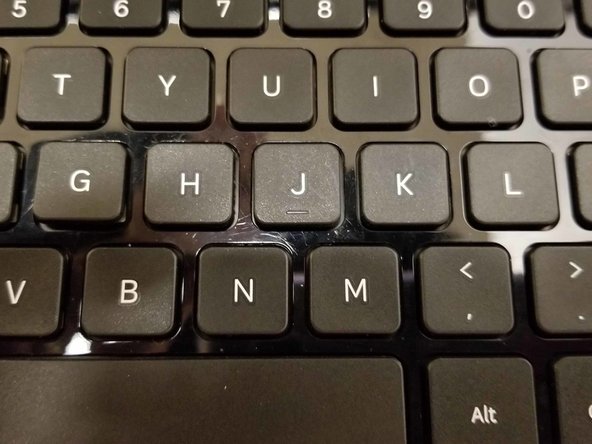
    3. Samsung NP36535C-S05US Key Replacement: step 6, image 1 of 3 Samsung NP36535C-S05US Key Replacement: step 6, image 2 of 3 Samsung NP36535C-S05US Key Replacement: step 6, image 3 of 3
      • Once the retainer is attached, press the key onto the retainer, it will make a snapping sound when in place.

      Ask FixBot

      Add Comment

Conclusion

To reassemble your device, follow these instructions in reverse order.

Cancel: I did not complete this guide.

0 Guide Comments

Add Comment

View Statistics:

Past 24 Hours: 2

Past 7 Days: 35

Past 30 Days: 57

All Time: 696