Introduction
This guide will provide instructions on how to entirely replace the screen of a Samsung N145 laptop. You will be given steps on how to detach a the screen on your device and attach a new one. You will want to perform this replacement when the screen no longer works or randomly blacks out when being used.
What you need
-
-
Tool used on this step:Tweezers$4.99
-
Remove the four black screw covers located at all corners of the screen with tweezers to expose the screws
-
Remove the four 4.5 mm screws located at each corner of the screen by using the Phillips #0 screwdriver.
-
-
-
-
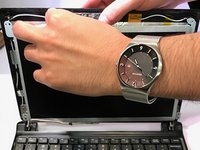
Use a blue prying tool to pry the screen frame off.
-
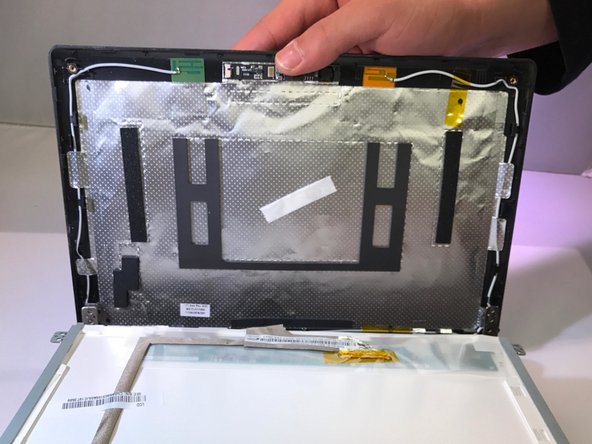
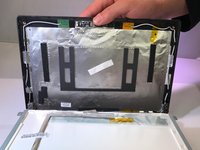
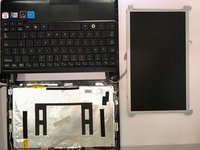
Unscrew the four 6.5mm screws that are securing the screen using Phillips J0 screwdriver head.
-

 Ask FixBot



To reassemble your device, follow these instructions in reverse order.

Team

Eastern Washington University, Team 2-4, Crane Winter 2017 Member of Eastern Washington University, Team 2-4, Crane Winter 2017
EWU-CRANE-W17S2G4
4 Members
60 Guides authored
