Introduction
This guide will show you how to replace your microphone.
What you need
-
-
To remove the phone's back cover, slide your fingernail into the slit at the bottom of your phone.
-
-
-
Using a Phillips #00 Screwdriver, remove the six 5 mm screws from the back casing of the phone.
-
-
-
-
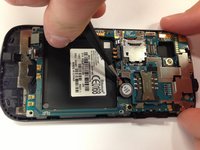
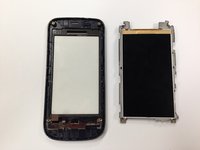
Hold the phone by the black plastic at the ends and gently bend them down so that the middle of the phone is the highest point. Apply pressure slowly until the grey portion pops off.
-
-
Tool used on this step:Tweezers$4.99
-
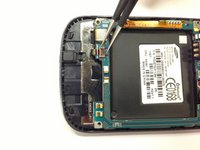
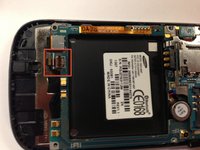
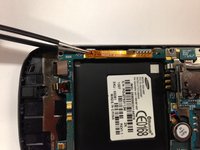
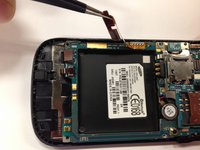
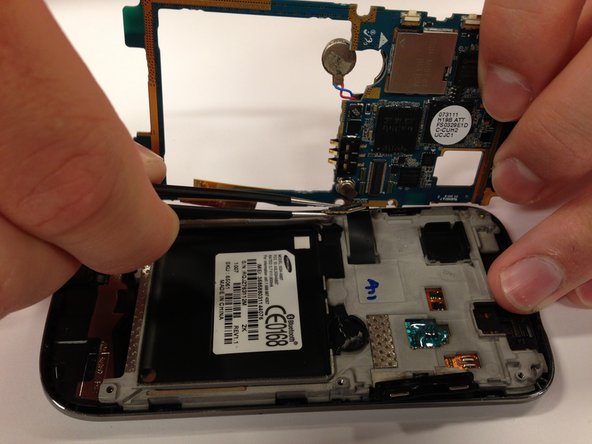
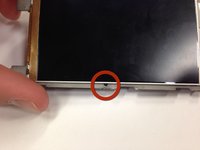
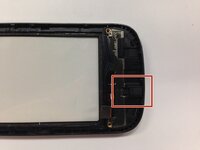
Find the rubber microphone backing on the bottom of the back of the front cover as shown in the picture.
-
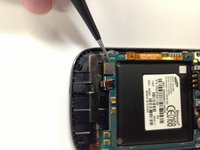
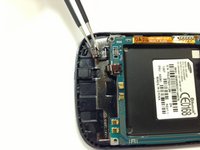
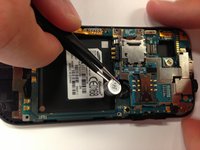
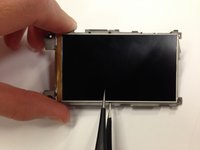
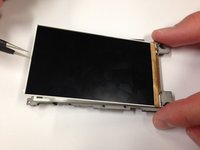
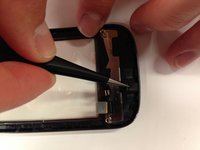
Use tweezers to remove the microphone from the casing.
-















To reassemble your device, follow these instructions in reverse order. Take your e-waste to an R2 or e-Stewards certified recycler.

Team

Cal Poly, Team 17-1, Regan Spring 2013 Member of Cal Poly, Team 17-1, Regan Spring 2013
CPSU-REGAN-S13S17G1
4 Members
18 Guides authored
