Free Shipping on Domestic Orders $75+

Samsung ML2510 Rear Cooling Fan Replacement

What you need

  1. Samsung ML2510 Rear Cooling Fan Replacement, Removing Samsung ML2510 Back Panel: step 1, image 1 of 3 Samsung ML2510 Rear Cooling Fan Replacement, Removing Samsung ML2510 Back Panel: step 1, image 2 of 3 Samsung ML2510 Rear Cooling Fan Replacement, Removing Samsung ML2510 Back Panel: step 1, image 3 of 3
    • Remove the top hinged panel by taking out the pins at the bottom of this panel.

    Ask FixBot

    Add Comment

  2. Samsung ML2510 Rear Cooling Fan Replacement: step 2, image 1 of 1
    • Using a Phillips #2 screwdriver, remove the four screws on the back of the printer.

    Ask FixBot

    Add Comment

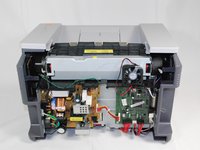
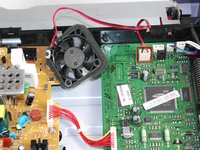
  3. Samsung ML2510 Rear Cooling Fan Replacement: step 3, image 1 of 3 Samsung ML2510 Rear Cooling Fan Replacement: step 3, image 2 of 3 Samsung ML2510 Rear Cooling Fan Replacement: step 3, image 3 of 3
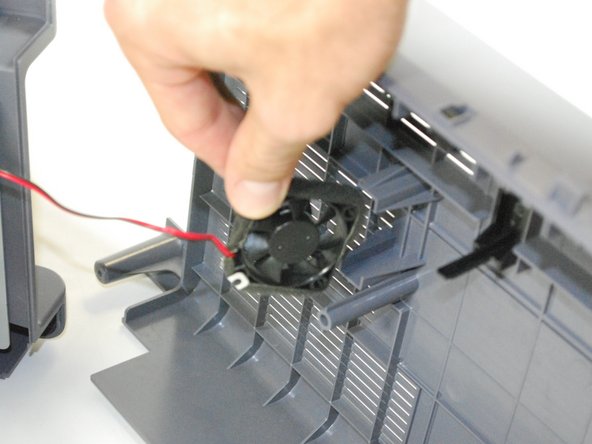
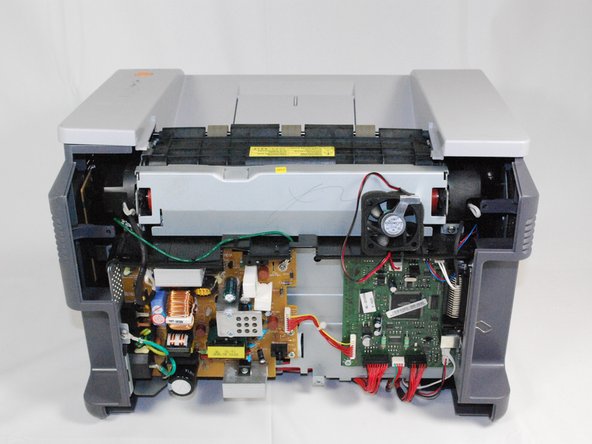
    • Gently lift the top panel while simultaneously pulling off the back panel.

    • Before pulling out the back panel entirely, make sure to remove the rear cooling fan from its slot.

    Ask FixBot

    Add Comment

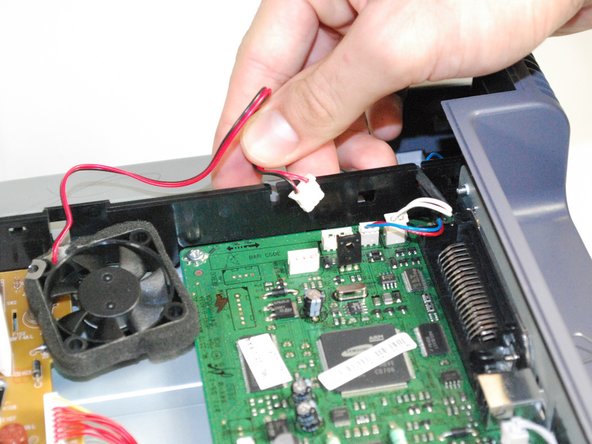
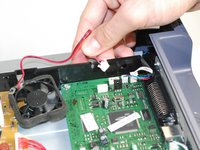
  4. Samsung ML2510 Rear Cooling Fan Replacement, Rear Cooling Fan: step 4, image 1 of 2 Samsung ML2510 Rear Cooling Fan Replacement, Rear Cooling Fan: step 4, image 2 of 2
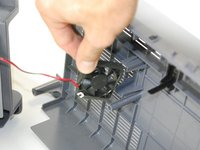
    • Once the fan is detached, unplug the fan from the circuit board.

    • Slide the fan's wiring through the anchored slit.

    Ask FixBot

    Add Comment

  5. Samsung ML2510 Rear Cooling Fan Replacement: step 5, image 1 of 1
    • With the new fan, thread the wiring through the old fan's slit.

    • Reconnect the fan by plugging it back into the circuit board.

    • Reattach the back panel following these instructions in reverse order.

    Ask FixBot

    Add Comment

Finish Line

Cancel: I did not complete this guide.

bbaustin

Member since: 10/12/11

268 Reputation

6 Guides authored

Team

Cal Poly, Team 17-18, Regan Fall 2011 Member of Cal Poly, Team 17-18, Regan Fall 2011

CPSU-REGAN-F11S17G18

4 Members

12 Guides authored

1 Guide Comment

My printer is in this state currently. What is the type of fan (brand/specs) that needs to be installed? And perhaps also, where does one obtain such a fan?

Bax Bagatelli - Reply Share

Add Comment

View Statistics:

Past 24 Hours: 1

Past 7 Days: 9

Past 30 Days: 47

All Time: 3,818