
Samsung HMX-W200 Control Buttons Replacement

Haya Barakat and
Last updated on May 7, 2024
Views: 832
View statistics:
- Past 24 Hours:
- 3
- Past 7 Days:
- 17
- Past 30 Days:
- 93
- All Time:
- 832
Comments: 2
2 comments on steps.
Completed: 0 1
No one has marked this guide "completed." Will you be the first?
1 person has marked this guide "completed." It's you — great job!
Favorites: 0 1
No one has favorited (and subscribed to) this guide. Will you be the first?
1 person has favorited (and subscribed to) this guide — and that's you!
What you need
Tools


Introduction
Go to step 1 ↓For this replacement, the user will need to remove the outer casing. Then remove the motherboard. After, they will be able to begin the replacement process of the control buttons.
-
-
-
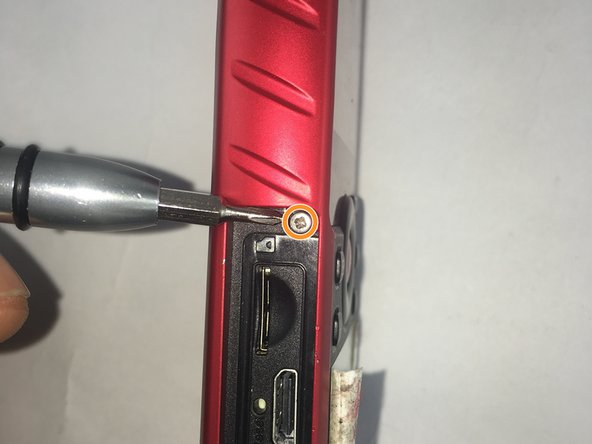
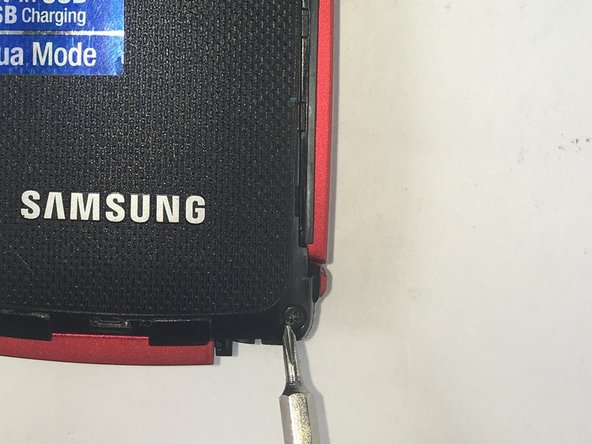
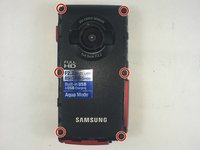
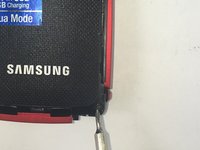
Remove the 5.00mm screw on the right of the LCD display towards the bottom of the device by using a Phillips #00 screwdriver.
 Ask FixBot
-
-
-
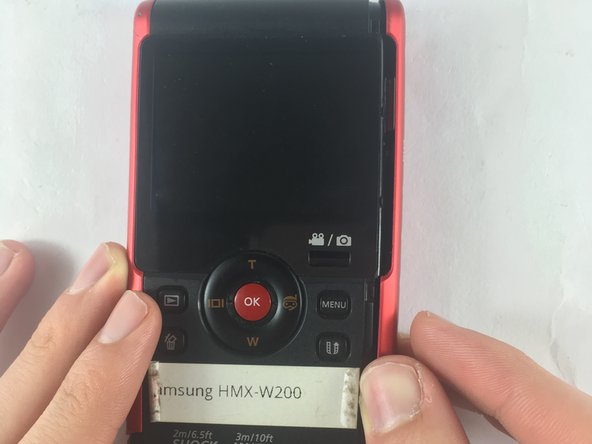
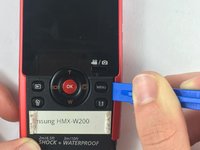
Use the plastic opening tool to separate and remove the bottom red casing. Do this by, pushing the tool into the seam and prying up the red casing as you move along the edges.
-
-
-
Using the plastic opening tool, separate and pull away the red casing on the right of the LCD screen.
-
-
-
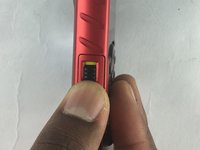
To access the HDMI slot, move slider towards the bottom of the casing on the other side of the camcorder. The lid casing will lift up upon doing so.
-
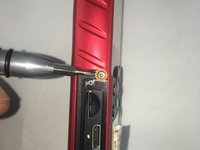
After accessing the HDMI slot you will find a 5.00mm screw. Using a Phillips #00 screwdriver, remove the screw.
-
-
-
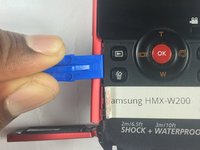
Using the plastic opening tool, separate and pull away the red casing to the left of the LCD screen.
-
-
-
-
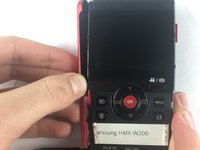
Lift the two plastic tabs on the left side of the LCD screen and the single one on the right side on the black casing to open the device.
-
-
-
-
-
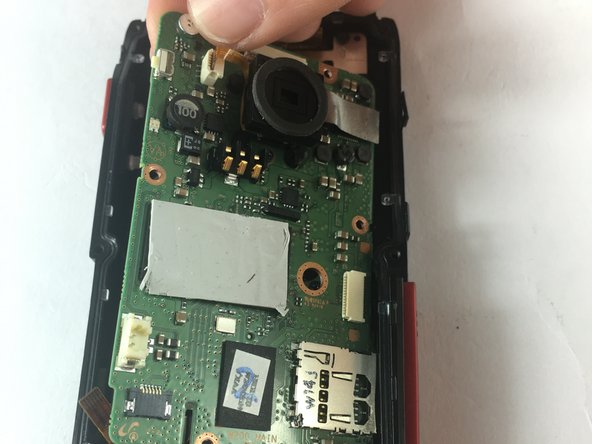
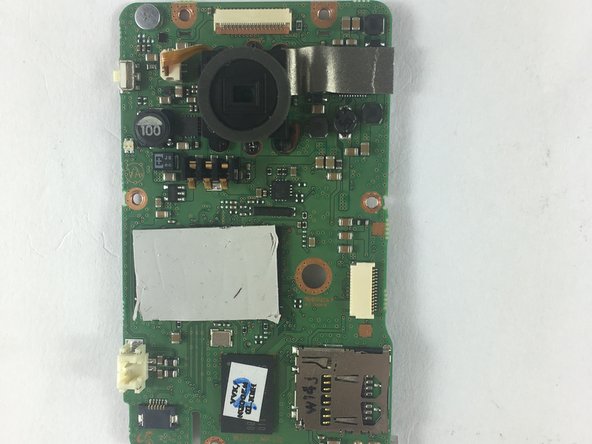
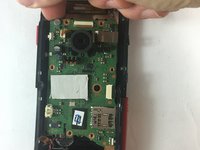
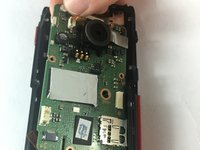
Once inside the device, find the half that contains the motherboard of the device.
-
-
Tool used on this step:Tweezers$4.99
-
Use precision tweezers to gently pull out the USB connection from the motherboard.
-
-
-
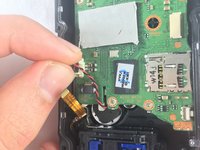
Remove the audio connector from the motherboard (red and black cables).
-
Using the plastic opening tool, lift the connectors from all sides before pulling it with your fingers.
-
-
-
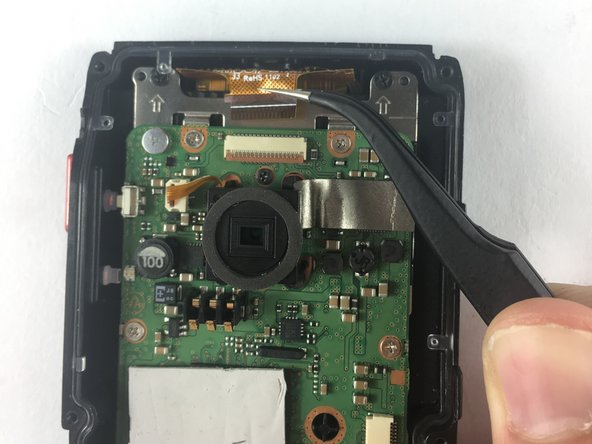
Use precision tweezers to remove the connector joining the LCD and the motherboard.
-
-
-
-
-
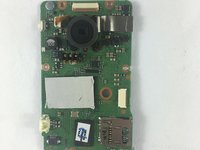
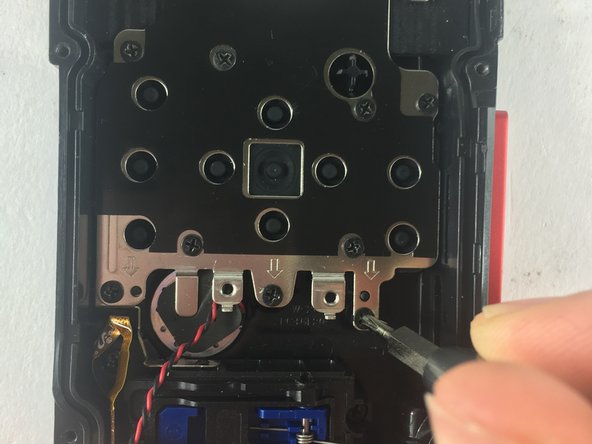
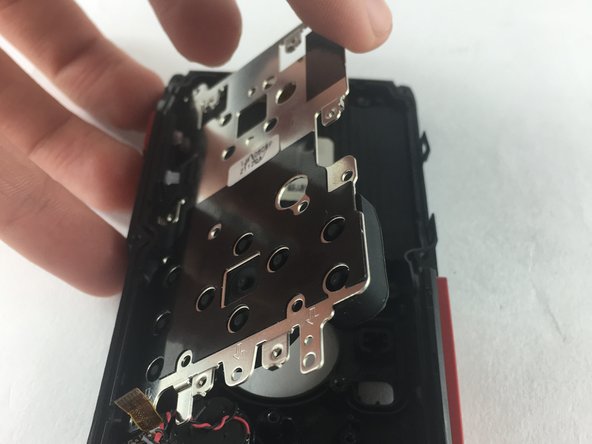
Locate the metal plate under the motherboard. This plate should be removed.
-
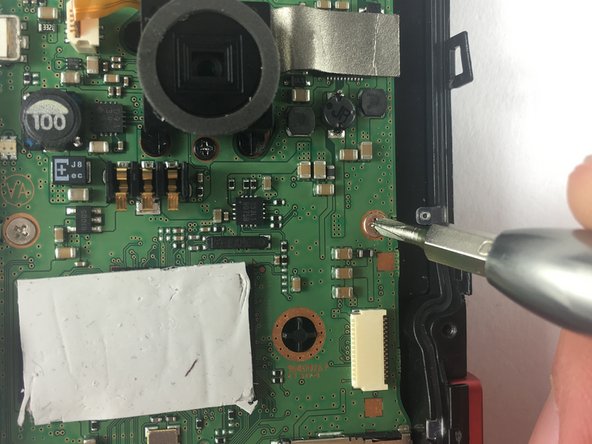
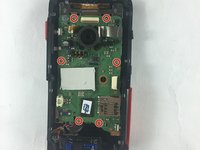
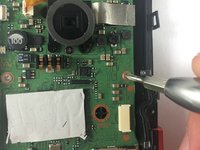
Use a Phillips head #00 screwdriver to remove eleven 5mm screws.
-
-
Tool used on this step:Tweezers$4.99
-
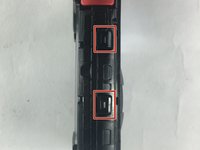
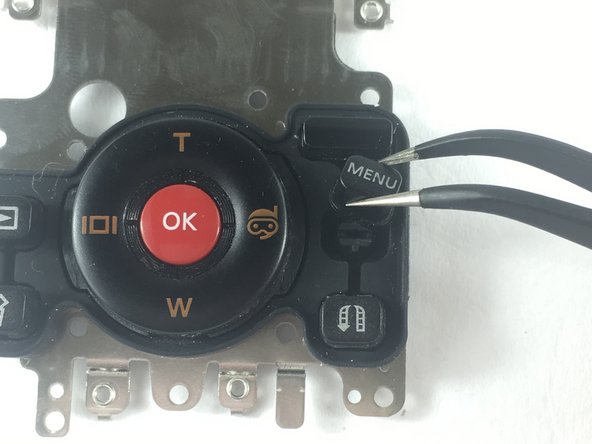
Use precision tweezers to lift the button to be replaced.
-
-








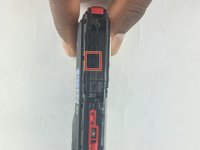
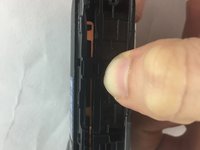


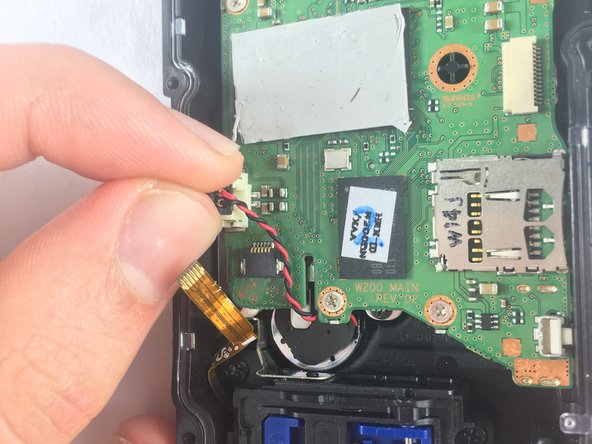
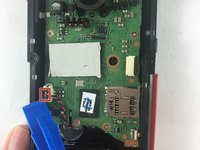










To reassemble your device, follow these instructions in reverse order.

Team

USF Tampa, Team 3-6, Sullivan Fall 2016 Member of USF Tampa, Team 3-6, Sullivan Fall 2016
USFT-SULLIVAN-F16S3G6
4 Members
84 Guides authored
