
Samsung Glyde Keyboard Replacement

Cameron Law and
Last updated on Nov 13, 2018
Views: 1.9K
View statistics:
- Past 24 Hours:
- 4
- Past 7 Days:
- 17
- Past 30 Days:
- 93
- All Time:
- 1,873
Comments: 0
No one has left comments on this guide. Will you be first?
Go to guide commentsCompleted: 0 1
No one has marked this guide "completed." Will you be the first?
1 person has marked this guide "completed." It's you — great job!
Favorites: 4 5
4 people have favorited (and subscribed to) this guide. Will you be next?
5 people have favorited (and subscribed to) this guide — including you!
Action Shots
Be an action hero! This guide needs images that better demonstrate how to perform specific actions.
What you need
Tools


Introduction
Go to step 1 ↓This guide will provide a step by step procedure for installing the keyboard.
-
-
-
Using your thumb, press down and slide the back cover away from the camera.
 Ask FixBot
-
-
-
Remove the battery from the phone by using your plastic opening tool to find a gap at any edge of the battery and lifting the battery up.
-
-
-
-
-
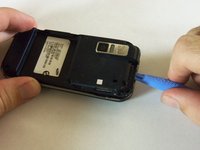
Find a gap on the top side of the phone and pry apart the phone case using the plastic opening tool . Use moderate pressure to slowly maneuver around until the case is pryed apart.
-
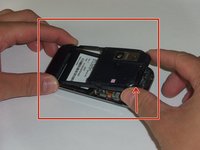
Take the case off with your fingers
-
-
-
-
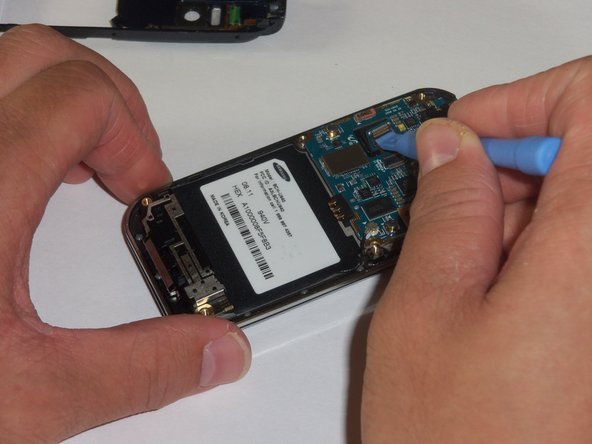
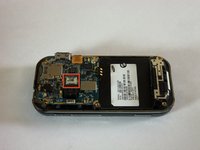
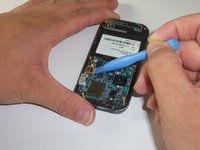
The green film is located above the camera. It is the camera connector to the motherboard.
-
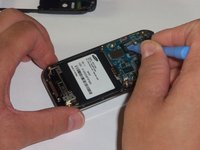
Disconnect the camera connector with the plastic opening tool.
-
-
-
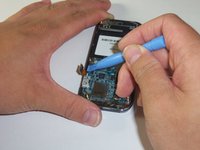
Take a close up of the picture for this step for a better view.
-
Use a plastic opening tool to disconnect the keyboard connector.
-
-
-
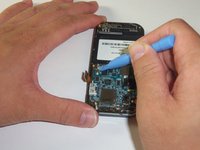
The motherboard is held in place by the circular connector.
-
Using a plastic opening tool, disconnect the circular connector.
-
-
-
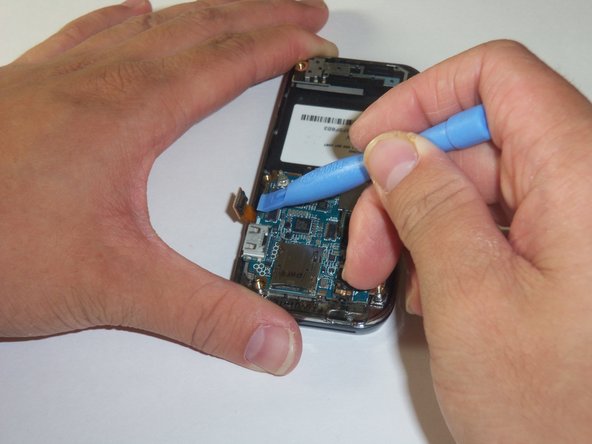
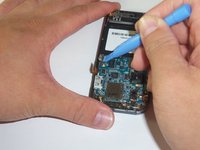
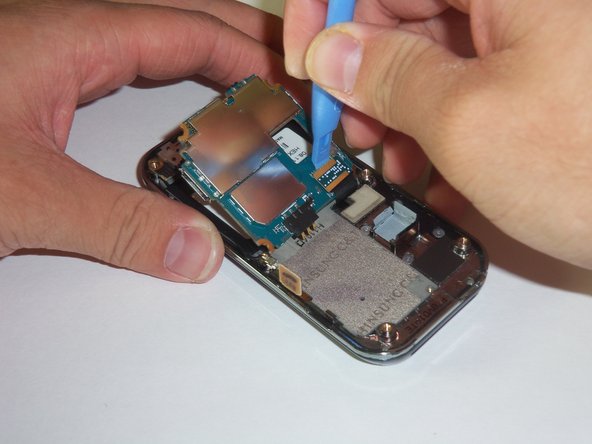
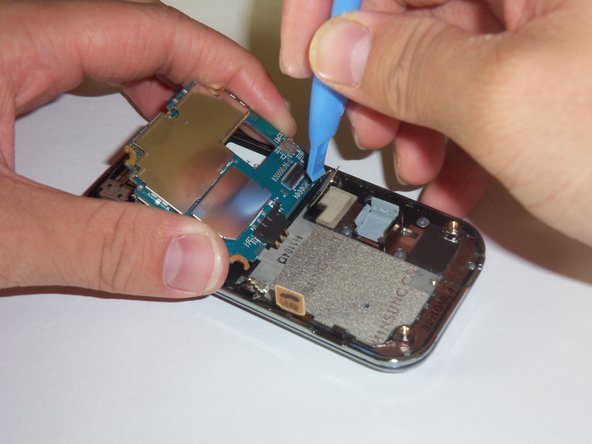
A LCD connector is located underneath the motherboard.
-
Lift the far edge of the motherboard gently upwards toward the center.
-
Using a plastic opening tool, disconnect the LCD connector.
-
-
-
Lift the motherboard up with your fingers.
-
Place the motherboard in a secure area.
-
-
-
Look for the antenna which is located at the bottom end of the device. Prop the antenna out by using the plastic opening tool and slipping the tip of the tool into the edges of the antenna.
-
Using the plastic opening tool, disconnect the connector that leads from the phone to the antenna.
-
With your hands finish prying apart the antenna by lifting it up.
-
-
-
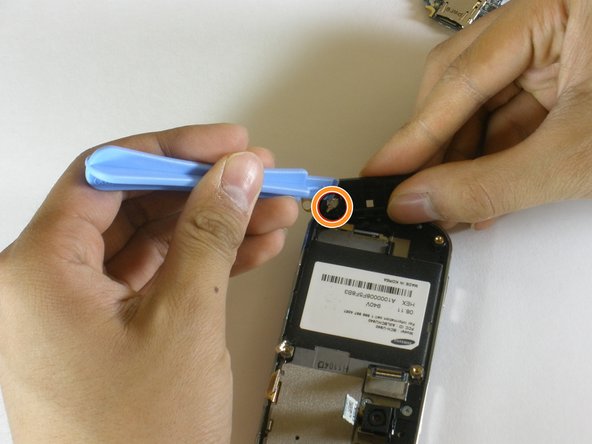
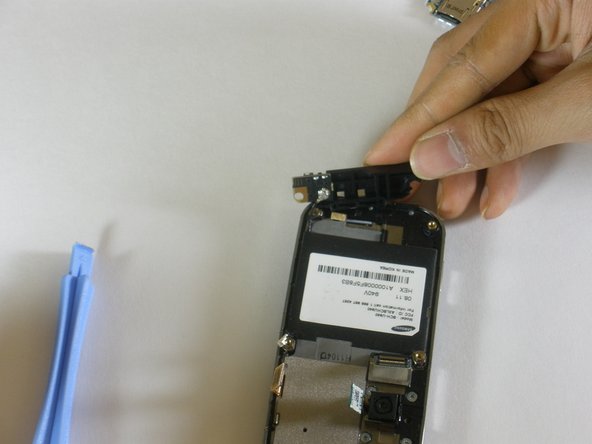
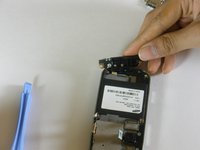
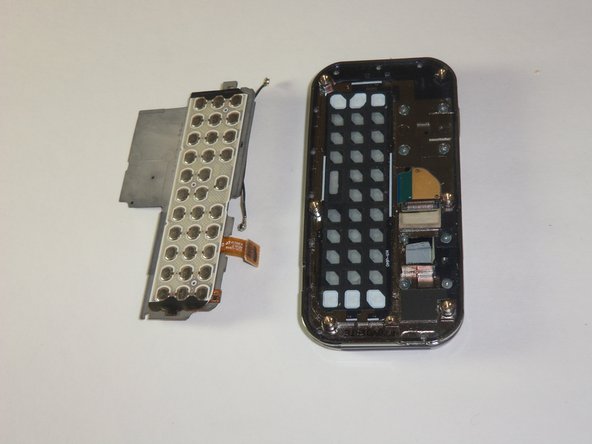
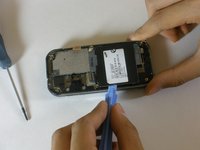
The keyboard chip is located on top of the device. Pry the keyboard off of the case with the plastic opening tool.
-


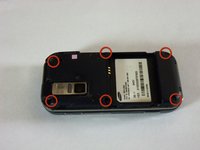
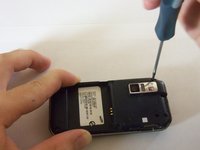







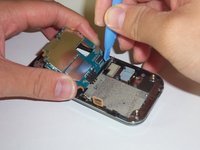

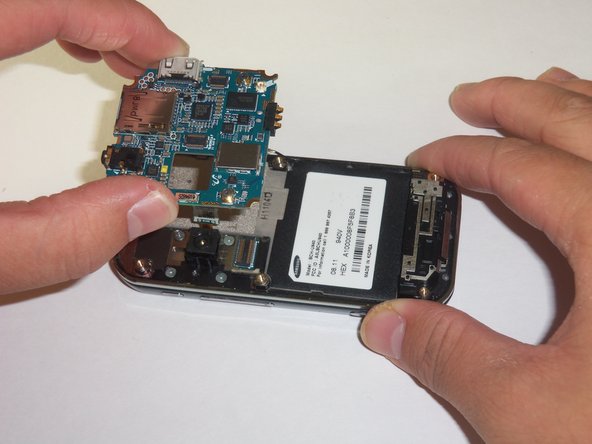


To reassemble your device, follow these instructions in reverse order.

Team

Cal Poly, Team 3-12, Regan Fall 2011 Member of Cal Poly, Team 3-12, Regan Fall 2011
CPSU-REGAN-F11S3G12
4 Members
84 Guides authored
