Free Shipping on Domestic Orders $75+

Samsung Gear 360 Rear Camera Replacement

Views: 2K

View statistics:

Past 24 Hours:
1
Past 7 Days:
16
Past 30 Days:
86
All Time:
1,962
Comments: 1

1 guide comment.

Go to guide comments
Completed: 2

2 people have marked this guide "completed." Will you be next?

Favorites: 0

No one has favorited (and subscribed to) this guide. Will you be the first?

Time Required: 30 minutes - 1 hour
Difficulty: Difficult
Featured Student Guide

This guide has been the hard work of our awesome students and is found to be exceptionally cool by the iFixit staff.

Samsung Gear 360 Rear Camera Replacement

Introduction

Go to step 1 ↓

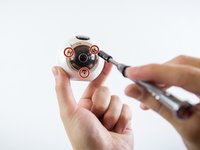
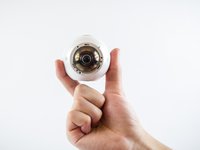
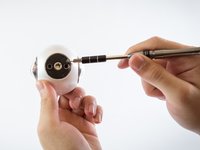
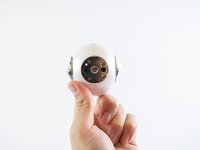
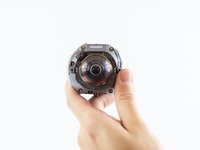
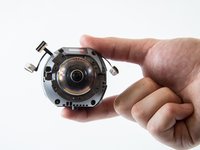
This guide will show you how to remove the rear camera module from the Samsung Gear 360. Like the front camera, this module can be removed by completing a tear-down of the device, and unscrewing the module from there.

What you need

Tools

    1. Samsung Gear 360 Rear Camera Replacement, Case: step 1, image 1 of 3 Samsung Gear 360 Rear Camera Replacement, Case: step 1, image 2 of 3 Samsung Gear 360 Rear Camera Replacement, Case: step 1, image 3 of 3
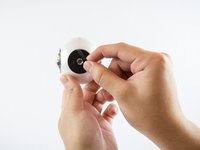
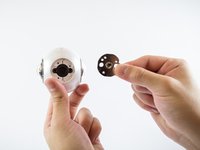
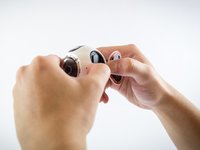
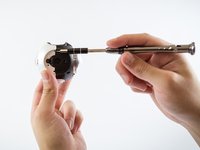
      • Twist silver ring on the lens counter-clockwise with force to remove it.

      Ask FixBot

      Add Comment

    2. Samsung Gear 360 Rear Camera Replacement: step 2, image 1 of 2 Samsung Gear 360 Rear Camera Replacement: step 2, image 2 of 2
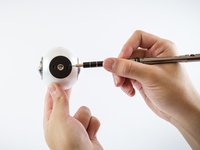
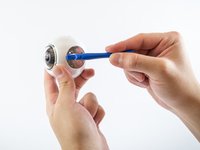
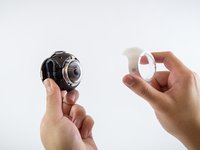
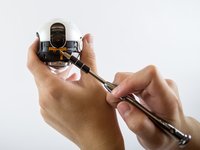
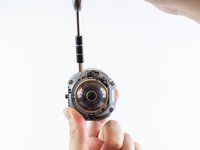
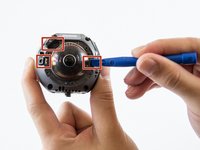
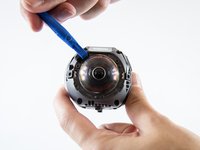
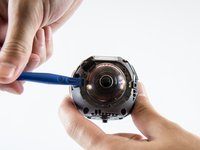
      • Insert a small flathead screwdriver into marked slot on camera lens and pry off camera lens cover.

      Ask FixBot

      Add Comment

    3. Samsung Gear 360 Rear Camera Replacement: step 3, image 1 of 2 Samsung Gear 360 Rear Camera Replacement: step 3, image 2 of 2
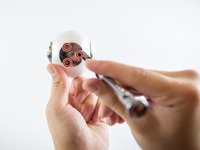
      • Using a PH00 screwdriver head, remove all Phillips #00 0.75 mm screws on the front of the camera.

      • Repeat for the back side of the camera.

      Ask FixBot

      Add Comment

    4. Samsung Gear 360 Rear Camera Replacement: step 4, image 1 of 3 Samsung Gear 360 Rear Camera Replacement: step 4, image 2 of 3 Samsung Gear 360 Rear Camera Replacement: step 4, image 3 of 3
      • Peel off the black rubber located on the bottom of the device using your hand or a small flathead screwdriver.

      Ask FixBot

      Add Comment

    5. Samsung Gear 360 Rear Camera Replacement: step 5, image 1 of 2 Samsung Gear 360 Rear Camera Replacement: step 5, image 2 of 2
      • Once the black rubber has been removed, unscrew all Phillips #00 0.75 mm screws on the bottom of the device using a PH00 screwdriver head.

      Ask FixBot

      Add Comment

    6. Samsung Gear 360 Rear Camera Replacement: step 6, image 1 of 2 Samsung Gear 360 Rear Camera Replacement: step 6, image 2 of 2
      • Using a plastic opening tool, pry the tripod mount off the device.

      Ask FixBot

      Add Comment

    7. Samsung Gear 360 Rear Camera Replacement: step 7, image 1 of 2 Samsung Gear 360 Rear Camera Replacement: step 7, image 2 of 2
      • Using both hands, carefully remove the right cover off the camera body.

      Ask FixBot

      Add Comment

    8. Samsung Gear 360 Rear Camera Replacement: step 8, image 1 of 3 Samsung Gear 360 Rear Camera Replacement: step 8, image 2 of 3 Samsung Gear 360 Rear Camera Replacement: step 8, image 3 of 3
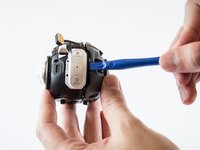
      • To remove the left cover of the camera body, lift the left cover using a small flathead screwdriver and pull it off.

      Ask FixBot

      Add Comment

    9. Samsung Gear 360 Rear Camera Replacement: step 9, image 1 of 2 Samsung Gear 360 Rear Camera Replacement: step 9, image 2 of 2
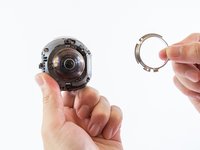
      • Once the camera body has been removed, lift and pull off the metal support ring using a small flathead screwdriver.

      • Repeat for both sides of the camera.

      Ask FixBot

      Add Comment

    10. Samsung Gear 360 Rear Camera Replacement: step 10, image 1 of 2 Samsung Gear 360 Rear Camera Replacement: step 10, image 2 of 2
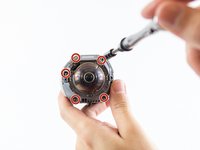
      • Remove all Phillips #00 0.75 mm screws from the body of the camera using a PH00 screwdriver head.

      Ask FixBot

      Add Comment

    11. Samsung Gear 360 Rear Camera Replacement: step 11, image 1 of 3 Samsung Gear 360 Rear Camera Replacement: step 11, image 2 of 3 Samsung Gear 360 Rear Camera Replacement: step 11, image 3 of 3
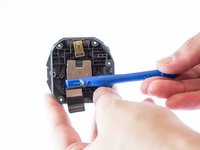
      • Carefully lift the three sensors off using a plastic opening tool and pull them aside.

      Ask FixBot

      Add Comment

    12. Samsung Gear 360 Rear Camera Replacement: step 12, image 1 of 2 Samsung Gear 360 Rear Camera Replacement: step 12, image 2 of 2
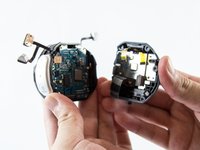
      • Carefully use a plastic opening tool to separate the gray case from the black case on the device.

      Ask FixBot

      Add Comment

    13. Samsung Gear 360 Rear Camera Replacement: step 13, image 1 of 3 Samsung Gear 360 Rear Camera Replacement: step 13, image 2 of 3 Samsung Gear 360 Rear Camera Replacement: step 13, image 3 of 3
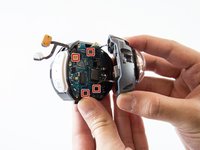
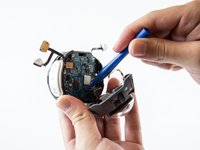
      • Insert a plastic removal tool underneath the four sensors on the motherboard to fully separate the camera case.

      Ask FixBot

      Add Comment

    1. Samsung Gear 360 Rear Camera Replacement, Rear Camera: step 14, image 1 of 2 Samsung Gear 360 Rear Camera Replacement, Rear Camera: step 14, image 2 of 2
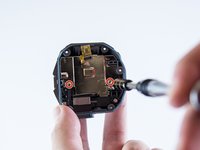
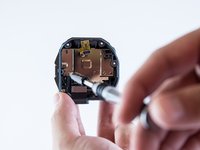
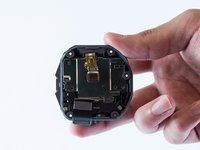
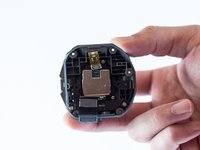
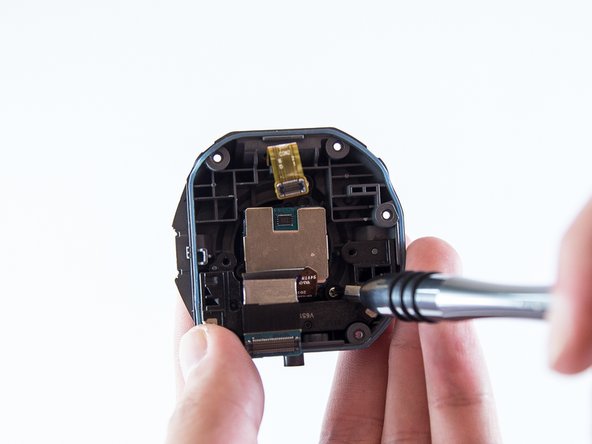
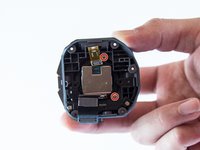
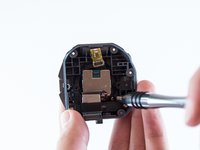
      • Within the grey half of the case, unscrew both Phillips #00 0.75 mm screws located on the metal plate using PH00 screwdriver.

      Ask FixBot

      Add Comment

    2. Samsung Gear 360 Rear Camera Replacement: step 15, image 1 of 2 Samsung Gear 360 Rear Camera Replacement: step 15, image 2 of 2
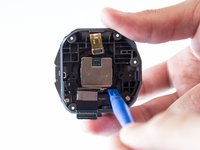
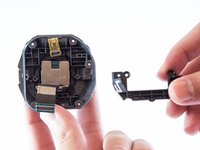
      • Once the screws have been removed, remove the metal plate.

      Ask FixBot

      Add Comment

    3. Samsung Gear 360 Rear Camera Replacement: step 16, image 1 of 2 Samsung Gear 360 Rear Camera Replacement: step 16, image 2 of 2
      • Using a PH000 screwdriver head, remove the both Phillips #000 0.75 mm screws on the grey case.

      Ask FixBot

      Add Comment

    4. Samsung Gear 360 Rear Camera Replacement: step 17, image 1 of 2 Samsung Gear 360 Rear Camera Replacement: step 17, image 2 of 2
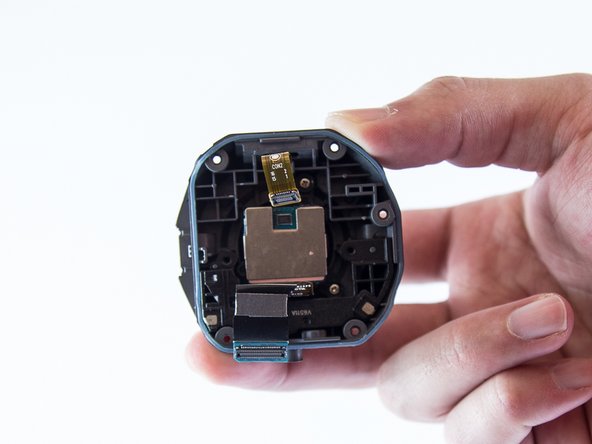
      • Using a plastic opening tool, remove the plastic cover underneath the rear camera

      Ask FixBot

      Add Comment

    5. Samsung Gear 360 Rear Camera Replacement: step 18, image 1 of 2 Samsung Gear 360 Rear Camera Replacement: step 18, image 2 of 2
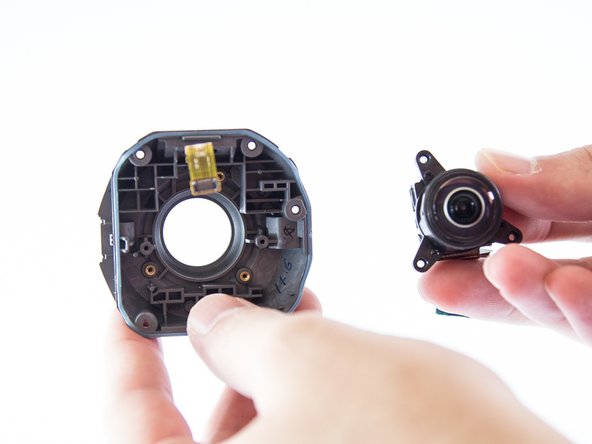
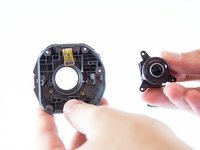
      • Gently remove the rear camera module by using a plastic opening tool and lifting the module.

      Ask FixBot

      Add Comment

Conclusion

To reassemble your device, follow these instructions in reverse order.

Cancel: I did not complete this guide.

2 other people completed this guide.

Connor

Member since: 02/20/17

454 Reputation

3 Guides authored

Team

USF Tampa, Team S3-G5, Sullivan Spring 2017 Member of USF Tampa, Team S3-G5, Sullivan Spring 2017

USFT-SULLIVAN-S17S3G5

4 Members

84 Guides authored

1 Guide Comment

number datasheet sensor camera?

Pelicula 360 - Reply Share
Add Comment

View Statistics:

Past 24 Hours: 1

Past 7 Days: 16

Past 30 Days: 86

All Time: 1,962