Introduction
This guide will describe how to replace a Samsung Galaxy Y's touchscreen and LCD display, should the touchscreen be cracked or the LCD malfunction and cause the phone to display only a black screen.
What you need
-
-
-
Use the blue plastic opening tool to pry the back-panel off of the device.
 Ask FixBot
-
-
-
-
-
Use the screwdriver with a Phillips #000 screwdriver head to remove the four 5mm screws located in the corner of the interior back panel.
-
Remove the SD card as well by sliding the card out of it's slot.
-
-
-
-
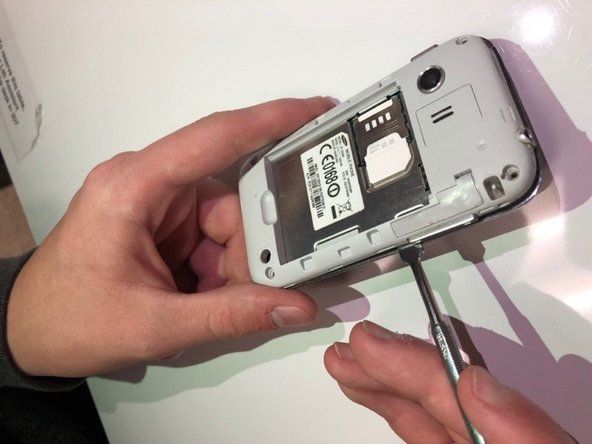
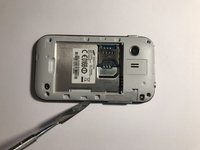
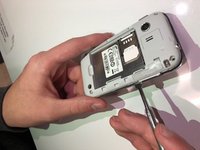
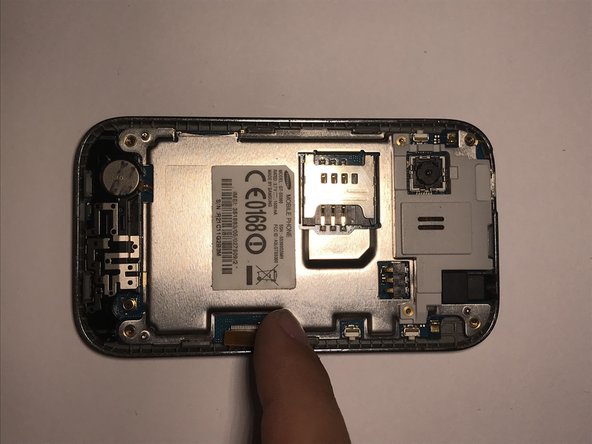
Use the metal pry tool to separate the interior back panel from the interior hardware and screen.
-
-
-
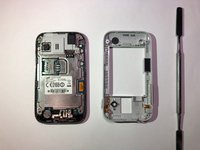
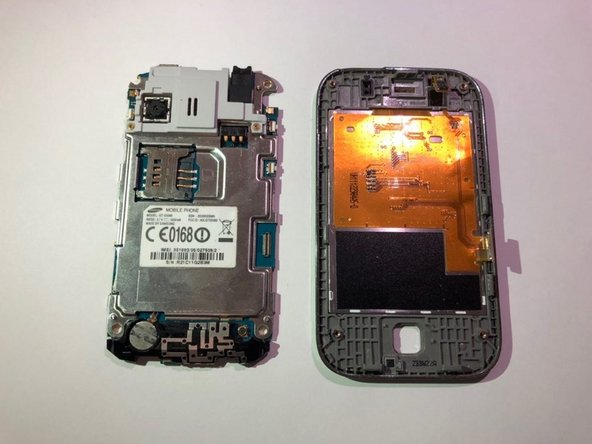
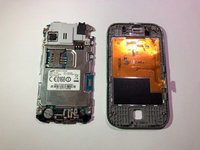
Disconnect the orange motherboard connection, then remove the interior hardware from the front screen display.
-
-




To reassemble your device, follow these instructions in reverse order.

Team

University of North Texas, Team S5-G4, Thompson Fall 2018 Member of University of North Texas, Team S5-G4, Thompson Fall 2018
UNT-THOMPSON-F18S5G4
4 Members
72 Guides authored
