Free Shipping on Domestic Orders $75+

Samsung Galaxy Watch Battery Replacement

Views: 377K

View statistics:

Past 24 Hours:
102
Past 7 Days:
711
Past 30 Days:
2,911
All Time:
377,203
Comments: 113

51 comments on steps, 62 guide comments.

Go to guide comments
Completed: 154

154 people have marked this guide "completed." Will you be next?

Favorites: 22

22 people have favorited (and subscribed to) this guide. Will you be next?

Time Required: 40 minutes - 1 hour
Difficulty: Moderate
Featured Guide

This guide has been found to be exceptionally cool by the iFixit staff.

Samsung Galaxy Watch Battery Replacement

Introduction

Go to step 1 ↓

Use this guide to replace a worn-out or dead battery in your Galaxy Watch.

If your battery is swollen, take appropriate precautions. For your safety, discharge your battery below 25% before disassembling your smartwatch. This reduces the risk of a dangerous thermal event if the battery is accidentally damaged during the repair.

What you need

Parts

Tools

    1. Samsung Galaxy Watch Battery Replacement, Opening Procedure: step 1, image 1 of 1
      • Remove the four Tri-point #00 screws (4.2 mm length) on the backside of the watch.

      Ask FixBot

      Add Comment

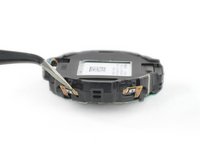
    2. Samsung Galaxy Watch Battery Replacement: step 2, image 1 of 2 Samsung Galaxy Watch Battery Replacement: step 2, image 2 of 2
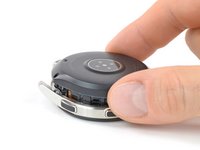
      • Use an opening tool to get between the back cover and the metal housing of the watch.

      • Carefully pry the plastic back cover open.

      • Don't remove the back cover yet. There is a flex cable running to the core assembly inside.

      Ask FixBot

      Add Comment

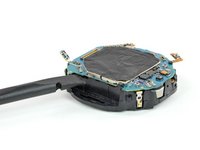
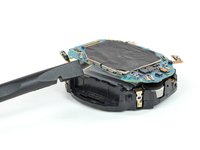
    3. Samsung Galaxy Watch Battery Replacement: step 3, image 1 of 2 Samsung Galaxy Watch Battery Replacement: step 3, image 2 of 2
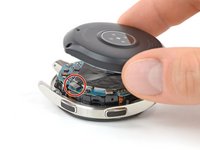
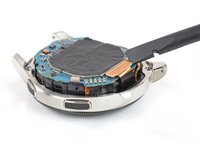
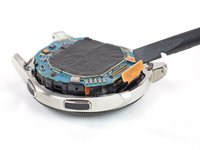
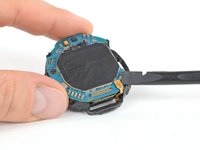
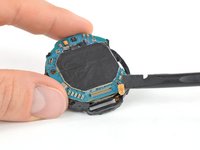
      • Lay down the watch and lift the back cover to access the sensor connector on the motherboard.

      Ask FixBot

      Add Comment

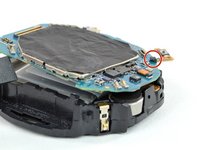
    4. Samsung Galaxy Watch Battery Replacement: step 4, image 1 of 2 Samsung Galaxy Watch Battery Replacement: step 4, image 2 of 2
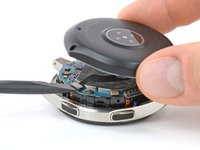
      • Use a spudger to disconnect the sensor flex cable from the motherboard.

      Ask FixBot

      Add Comment

    5. Samsung Galaxy Watch Battery Replacement: step 5, image 1 of 3 Samsung Galaxy Watch Battery Replacement: step 5, image 2 of 3 Samsung Galaxy Watch Battery Replacement: step 5, image 3 of 3
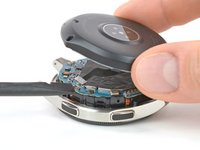
      • Remove the back cover.

      • When closing the watch make sure the rubber gasket is undamaged or replace it with a new one.

      Ask FixBot

      Add Comment

    1. Samsung Galaxy Watch Battery Replacement, Core Assembly Removal: step 6, image 1 of 2 Samsung Galaxy Watch Battery Replacement, Core Assembly Removal: step 6, image 2 of 2
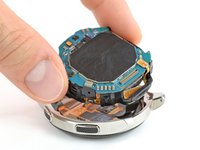
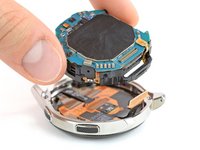
      • Use a spudger to disconnect the display flex cable from the motherboard.

      Ask FixBot

      Add Comment

    2. Samsung Galaxy Watch Battery Replacement: step 7, image 1 of 2 Samsung Galaxy Watch Battery Replacement: step 7, image 2 of 2
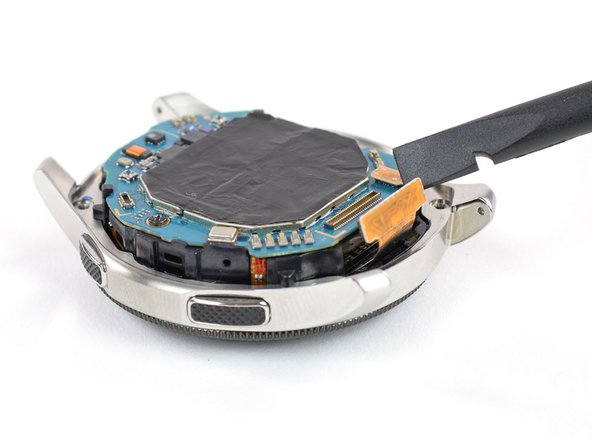
      • Lift the core unit out of the housing.

      • The core's plastic frame sits tight inside the housing.

      • Carefully thread the display flex cable through the gap of the core's plastic frame.

      Ask FixBot

      Add Comment

    1. Samsung Galaxy Watch Battery Replacement, Motherboard: step 8, image 1 of 2 Samsung Galaxy Watch Battery Replacement, Motherboard: step 8, image 2 of 2
      • Use a spudger to disconnect the hall sensor flex cable.

      Ask FixBot

      Add Comment

    2. Samsung Galaxy Watch Battery Replacement: step 9, image 1 of 3 Samsung Galaxy Watch Battery Replacement: step 9, image 2 of 3 Samsung Galaxy Watch Battery Replacement: step 9, image 3 of 3
      Tool used on this step:
      Tweezers
      $4.99
      Buy
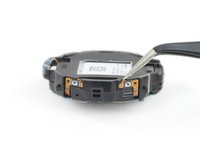
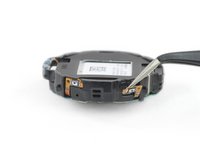
      • Use a pair of tweezers to gently peel both button cables from the plastic frame.

      • The button cables have metal plates behind them. These plates should remain on the cables.

      Ask FixBot

      Add Comment

    3. Samsung Galaxy Watch Battery Replacement: step 10, image 1 of 1
      • Remove the single Phillips #00 screw (3.4 mm length).

      Ask FixBot

      Add Comment

    4. Samsung Galaxy Watch Battery Replacement: step 11, image 1 of 3 Samsung Galaxy Watch Battery Replacement: step 11, image 2 of 3 Samsung Galaxy Watch Battery Replacement: step 11, image 3 of 3
      • Insert a spudger into the small gap underneath the motherboard where the cutout in the plastic frame is.

      • Lift the motherboard by twisting the spudger.

      • Slide the motherboard out from under the plastic tab.

      Ask FixBot

      Add Comment

    5. Samsung Galaxy Watch Battery Replacement: step 12, image 1 of 1
      • Remove the motherboard.

      Ask FixBot

      Add Comment

    1. Samsung Galaxy Watch Battery Replacement, Battery: step 13, image 1 of 3 Samsung Galaxy Watch Battery Replacement, Battery: step 13, image 2 of 3 Samsung Galaxy Watch Battery Replacement, Battery: step 13, image 3 of 3
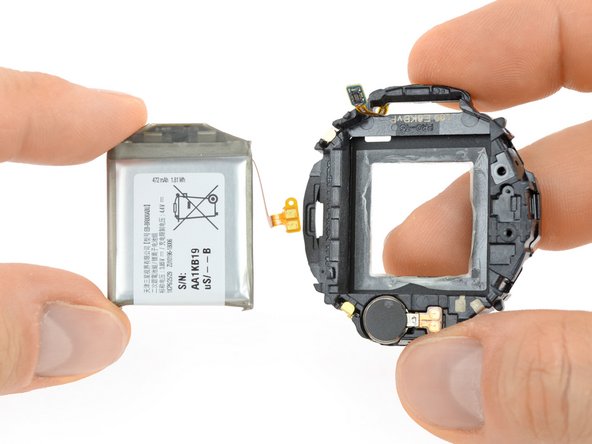
      • Push the battery out of its recess through the cutout in the plastic frame.

      • The battery cable may slightly stick to the plastic frame—pull carefully.

      • Remove the battery.

      Ask FixBot

      Add Comment

Conclusion

If possible, turn on your device and test your repair before installing new adhesive and resealing.

Secure the new battery with pre-cut adhesive or double-sided adhesive tape. In order to position it correctly, apply the new adhesive into the device at the places where the old adhesive was located, not directly onto the battery.

To reassemble your device, follow these instructions in reverse order.

For optimal performance, calibrate your newly installed battery: Charge it to 100% and keep charging it for at least 2 more hours. Then use your device until it shuts off due to low battery. Finally, charge it uninterrupted to 100%.

Repair didn’t go as planned? Try some basic troubleshooting, or ask our Answers community for help.

Take your e-waste to an R2 or e-Stewards certified recycler.

Cancel: I did not complete this guide.

154 other people completed this guide.

Tobias Isakeit

Member since: 03/31/14

136,104 Reputation

189 Guides authored

Team

62 Guide Comments

thank you,it really help alot

Otunla oluwashina - Reply Share

Where can I buy the battery?

Buzz Burrows - Reply Share

Where can you buy the battery 42mm version?

Thomas - Reply Share

We hope to have them in our store soon. Check on our Samsung smartwatch parts over at https://www.ifixit.com/Store/Parts/Samsu...

Tobias Isakeit - Reply Share

How much does this cost for a battery and labor

Audrey Snit - Reply Share

Add Comment

View Statistics:

Past 24 Hours: 102

Past 7 Days: 711

Past 30 Days: 2,911

All Time: 377,203