Free Shipping on Domestic Orders $75+

Samsung Galaxy TabPro S Rear Facing Camera Replacement

What you need

    1. Samsung Galaxy TabPro S Rear Facing Camera Replacement, Rear Facing Camera: step 1, image 1 of 1
      • Place the device face down on a flat work surface.

      Ask FixBot

      Add Comment

    2. Samsung Galaxy TabPro S Rear Facing Camera Replacement: step 2, image 1 of 2 Samsung Galaxy TabPro S Rear Facing Camera Replacement: step 2, image 2 of 2
      • Heat the iOpener in the microwave for 30 seconds. Then place it on each side for 20 seconds in order to loosen the adhesive sealing on the device.

      Ask FixBot

      Add Comment

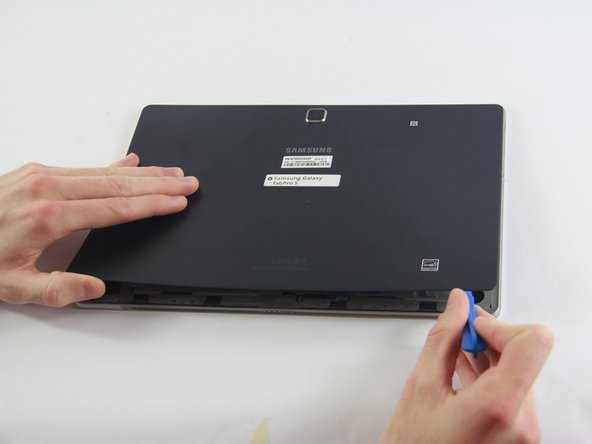
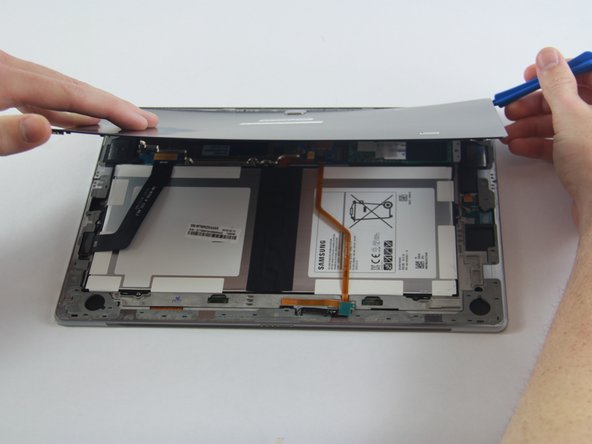
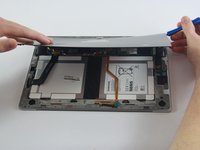
    3. Samsung Galaxy TabPro S Rear Facing Camera Replacement: step 3, image 1 of 3 Samsung Galaxy TabPro S Rear Facing Camera Replacement: step 3, image 2 of 3 Samsung Galaxy TabPro S Rear Facing Camera Replacement: step 3, image 3 of 3
      • Using the plastic spudger, open up the back of the device.

      Ask FixBot

      Add Comment

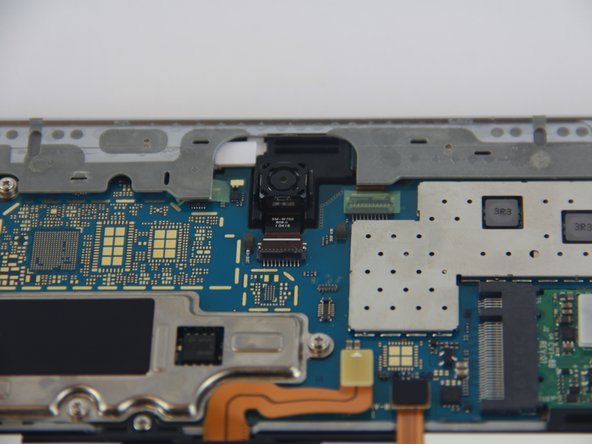
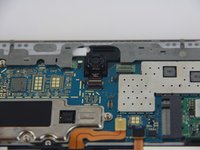
    4. Samsung Galaxy TabPro S Rear Facing Camera Replacement: step 4, image 1 of 1
      • Locate the camera and its corresponding connecting port.

      Ask FixBot

      Add Comment

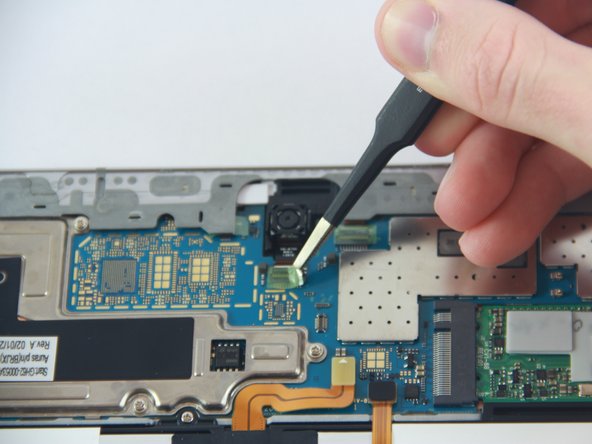
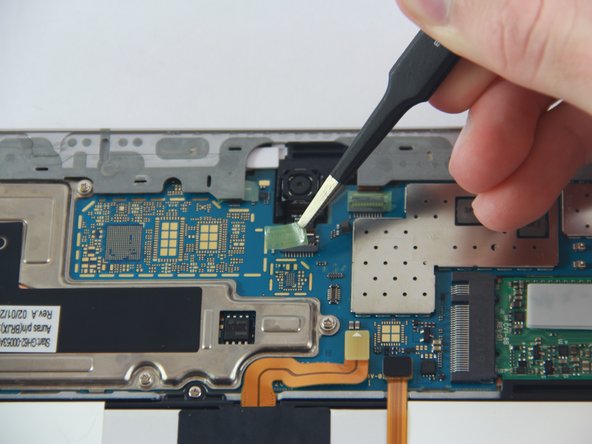
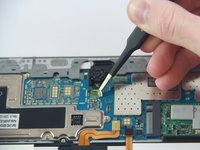
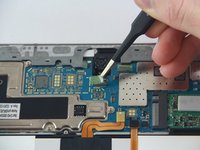
    5. Samsung Galaxy TabPro S Rear Facing Camera Replacement: step 5, image 1 of 3 Samsung Galaxy TabPro S Rear Facing Camera Replacement: step 5, image 2 of 3 Samsung Galaxy TabPro S Rear Facing Camera Replacement: step 5, image 3 of 3
      Tool used on this step:
      Tweezers
      $4.99
      Buy
      • Using tweezers carefully peel off the sticker.

      Ask FixBot

      Add Comment

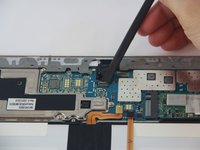
    6. Samsung Galaxy TabPro S Rear Facing Camera Replacement: step 6, image 1 of 2 Samsung Galaxy TabPro S Rear Facing Camera Replacement: step 6, image 2 of 2
      • Using the black nylon spudger, flip the top half of the connecting port downward until you hear a click.

      Ask FixBot

      Add Comment

    7. Samsung Galaxy TabPro S Rear Facing Camera Replacement: step 7, image 1 of 1
      • Proceed to lift up the camera out of its resting position.

      Ask FixBot

      Add Comment

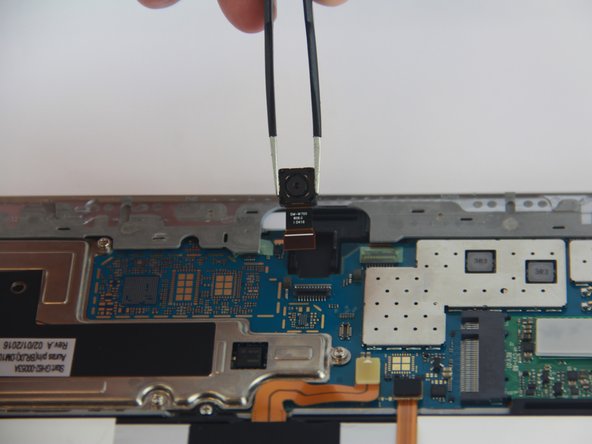
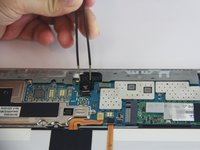
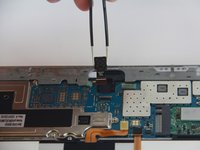
    8. Samsung Galaxy TabPro S Rear Facing Camera Replacement: step 8, image 1 of 2 Samsung Galaxy TabPro S Rear Facing Camera Replacement: step 8, image 2 of 2
      • Simply pull the camera parallel to the device out of its connecting port.

      Ask FixBot

      Add Comment

Conclusion

To reassemble your device, follow these instructions in reverse order.

Cancel: I did not complete this guide.

2 other people completed this guide.

Jyotsna Gone

Member since: 02/20/17

515 Reputation

2 Guides authored

Team

USF Tampa, Team 1-2, Sullivan Spring 2017 Member of USF Tampa, Team 1-2, Sullivan Spring 2017

USFT-SULLIVAN-S17S1G2

4 Members

11 Guides authored

0 Guide Comments

Add Comment

View Statistics:

Past 24 Hours: 1

Past 7 Days: 8

Past 30 Days: 57

All Time: 1,936