Free Shipping on Domestic Orders $75+

Samsung Galaxy S7 Active Front Camera Replacement

What you need

  1. Samsung Galaxy S7 Active  Front Camera Replacement, Samsung Galaxy S7 Active Disassembly: step 1, image 1 of 1
    • Melt the adhesive on the screen by applying a blow dryer directly on the screen.

    • Your phone is hot, please do not touch it with your bare hand.

    Ask FixBot

    Add Comment

  2. Samsung Galaxy S7 Active  Front Camera Replacement: step 2, image 1 of 1
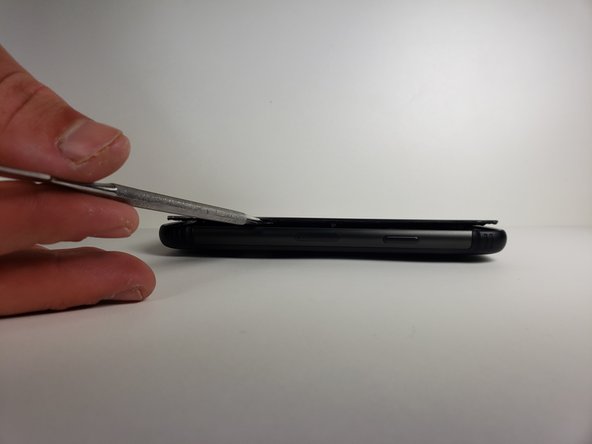
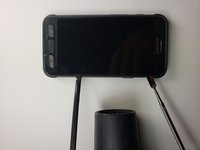
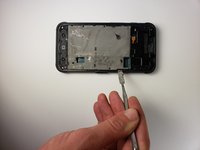
    • Wedge the metal spudger in between the screen and the frame to begin separating them.

    • It would be easier to separate the screen from the sealing adhesive on the frame if you do it with more than one metal spudger.

    • Your phone might no longer be watertight after you reassemble it.

    Ask FixBot

    Add Comment

  3. Samsung Galaxy S7 Active  Front Camera Replacement: step 3, image 1 of 2 Samsung Galaxy S7 Active  Front Camera Replacement: step 3, image 2 of 2
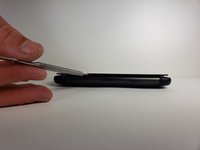
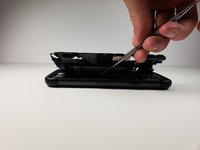
    • Slide the metal spudger around the phone at least once.

    • It would be easier to slide your metal spudger if you apply the blow dryer to where you are currently sliding.

    Ask FixBot

    Add Comment

  4. Samsung Galaxy S7 Active  Front Camera Replacement: step 4, image 1 of 1
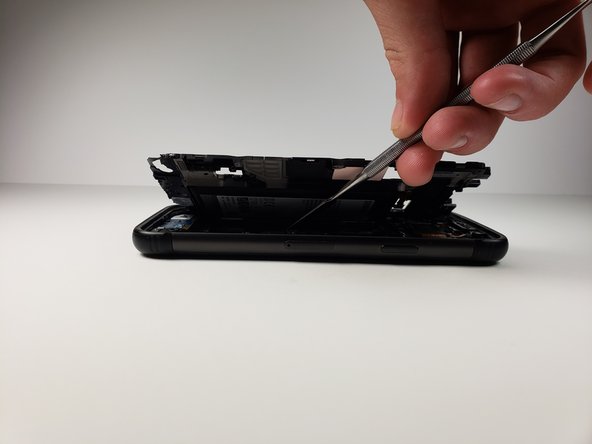
    • Lift the screen up with your hands.

    • Please wash your hands thoroughly with hot water and soap after you finish.

    Ask FixBot

    Add Comment

  5. Samsung Galaxy S7 Active  Front Camera Replacement, Battery: step 5, image 1 of 1
    • Use a Phillips #000 screwdriver to remove a single screw.

    Ask FixBot

    Add Comment

  6. Samsung Galaxy S7 Active  Front Camera Replacement: step 6, image 1 of 1
    Tool used on this step:
    Tweezers
    $4.99
    Buy
    • Use tweezers to remove the small plastic cover you just unscrewed.

    Ask FixBot

    Add Comment

  7. Samsung Galaxy S7 Active  Front Camera Replacement: step 7, image 1 of 1
    • Use tweezers to remove the other small plastic cover.

    Ask FixBot

    Add Comment

  8. Samsung Galaxy S7 Active  Front Camera Replacement: step 8, image 1 of 1
    • Use a Phillips head #000 to take out the eleven screws marked in the photo.

    Ask FixBot

    Add Comment

  9. Samsung Galaxy S7 Active  Front Camera Replacement: step 9, image 1 of 1
    • Use tweezers to disconnect the marked pieces from the motherboard.

    Ask FixBot

    Add Comment

  10. Samsung Galaxy S7 Active  Front Camera Replacement: step 10, image 1 of 1
    • Use tweezers to take out the middle button and its connection to the motherboard.

    Ask FixBot

    Add Comment

  11. Samsung Galaxy S7 Active  Front Camera Replacement: step 11, image 1 of 3 Samsung Galaxy S7 Active  Front Camera Replacement: step 11, image 2 of 3 Samsung Galaxy S7 Active  Front Camera Replacement: step 11, image 3 of 3
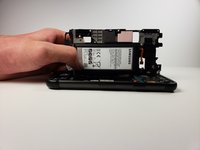
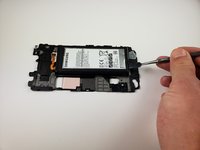
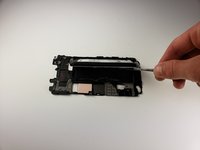
    • Use a metal spudger to pull the mid frame and battery off of the motherboard.

    Ask FixBot

    Add Comment

  12. Samsung Galaxy S7 Active  Front Camera Replacement: step 12, image 1 of 2 Samsung Galaxy S7 Active  Front Camera Replacement: step 12, image 2 of 2
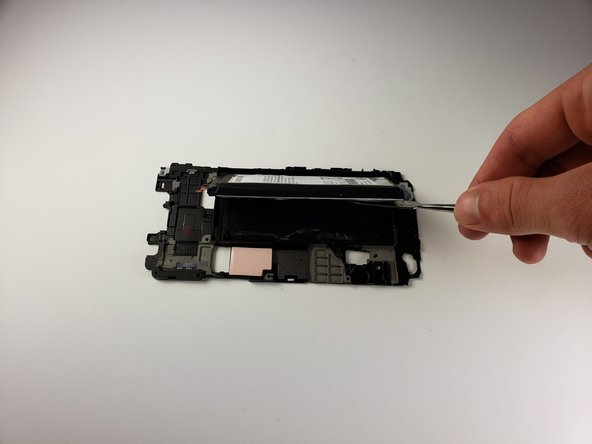
    • Use a spudger to remove the battery from the midframe.

    • To install a new battery and adhesive, follow this guide.

    Ask FixBot

    Add Comment

  13. Samsung Galaxy S7 Active  Front Camera Replacement, Rear Camera: step 13, image 1 of 1
    Tool used on this step:
    Tweezers
    $4.99
    Buy
    • Use tweezers to disconnect the front camera from the battery.

    • The connector should unsnap similar to a lego piece.

    Ask FixBot

    Add Comment

  14. Samsung Galaxy S7 Active  Front Camera Replacement, Motherboard: step 14, image 1 of 1
    • Use a Phillips 000 screwdriver to remove the screw covering the proximity sensor.

    Ask FixBot

    Add Comment

  15. Samsung Galaxy S7 Active  Front Camera Replacement: step 15, image 1 of 2 Samsung Galaxy S7 Active  Front Camera Replacement: step 15, image 2 of 2
    Tool used on this step:
    Tweezers
    $4.99
    Buy
    • Use tweezers to remove the proximity sensor.

    • Set this aside for now.

    Ask FixBot

    Add Comment

  16. Samsung Galaxy S7 Active  Front Camera Replacement: step 16, image 1 of 1
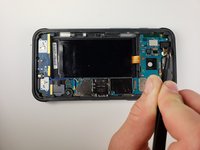
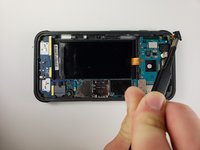
    • Use tweezers to disconnect the front mic and the two cables that have been marked in the photo.

    Ask FixBot

    Add Comment

  17. Samsung Galaxy S7 Active  Front Camera Replacement: step 17, image 1 of 1
    • Use your hands and a metal spudger to lift the motherboard out of the phone.

    • Be gentle, as there is still a connection on the underside of the motherboard.

    • Use a metal spudger to remove this connection.

    Ask FixBot

    Add Comment

  18. Samsung Galaxy S7 Active  Front Camera Replacement, Front Camera: step 18, image 1 of 1
    Tool used on this step:
    Tweezers
    $4.99
    Buy
    • Use tweezers to remove the connection between the motherboard and the front camera.

    • In order to do this, the motherboard must be flipped over from its original position.

    Ask FixBot

    Add Comment

Conclusion

To reassemble your device, follow these instructions in reverse order.

Cancel: I did not complete this guide.

Alexander Yazdani

Member since: 04/18/18

846 Reputation

3 Guides authored

Team

Cal Poly, Team S18-G1, Livingston Spring 2018 Member of Cal Poly, Team S18-G1, Livingston Spring 2018

CPSU-LIVINGSTON-S18S18G1

4 Members

15 Guides authored

0 Guide Comments

Add Comment

View Statistics:

Past 24 Hours: 1

Past 7 Days: 7

Past 30 Days: 46

All Time: 1,022