Introduction
Is the screen on your Samsung Galaxy S Blaze not responding to your touch? First things first, have you checked if the phone is charged? If so and it still does not turn on then it could be the charger, port or battery. After determining that it is none of those then the next place to look at is the display assembly itself. This guide will take you through step-by-step how to replace the display assembly on your Samsung Galaxy S Blaze.
What you need
-
-
-
Start by removing the back plastic cover by lifting it up from the notch on the left side of the phone.
 Ask FixBot
-
-
-
Remove the battery, and use a small Phillips-head screwdriver to remove the marked up screws.
-
-
-
-
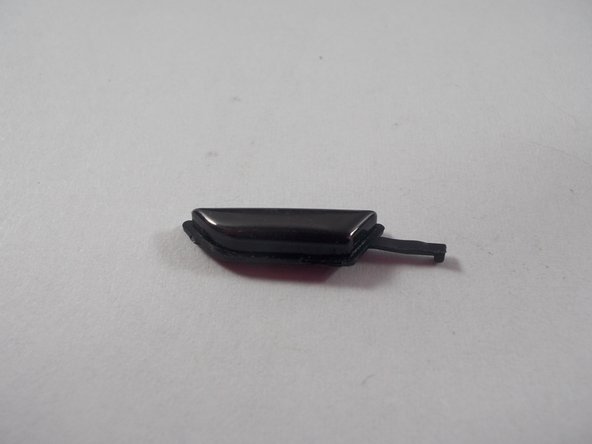
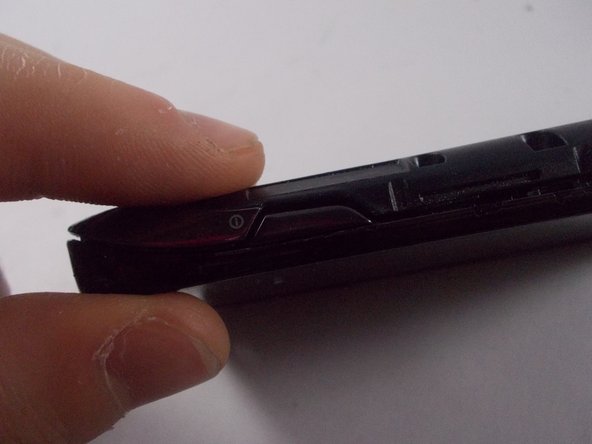
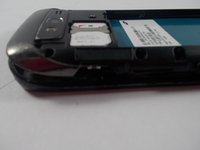
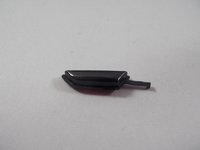
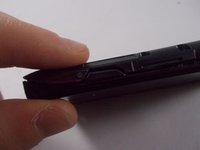
Locate the missing button slot.
-
Place in replacement button, and close the plastic housing around it.
-
-
-
-
-
Gently remove the 2 ribbon cables as shown.
-
Connect the new screen to the main motherboard just the same way it was connected before.
-
-


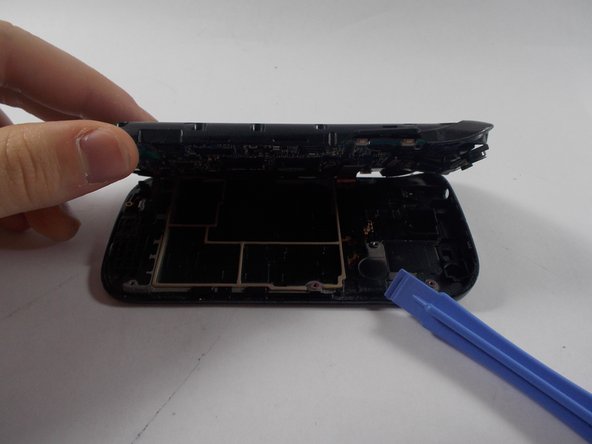


To reassemble your device, follow these instructions in reverse order.
Cancel: I did not complete this guide.
2 other people completed this guide.

Team

University of Maryland, Team 6-2, Vijaybhaskar Spring 2014 Member of University of Maryland, Team 6-2, Vijaybhaskar Spring 2014
UMD-VIJAYBHASKAR-S14S6G2
4 Members
72 Guides authored
