Free Shipping on Domestic Orders $75+

Samsung Galaxy Prevail 2 Vibrator Replacement

What you need

    1. Samsung Galaxy Prevail 2 Vibrator Replacement, Removing Back Casing: step 1, image 1 of 3 Samsung Galaxy Prevail 2 Vibrator Replacement, Removing Back Casing: step 1, image 2 of 3 Samsung Galaxy Prevail 2 Vibrator Replacement, Removing Back Casing: step 1, image 3 of 3
      • Using your finger nails or the spudger; pry the plastic casing open, and pull away from the body of the phone.

      Ask FixBot

      Add Comment

    2. Samsung Galaxy Prevail 2 Vibrator Replacement, Remove Battery: step 2, image 1 of 3 Samsung Galaxy Prevail 2 Vibrator Replacement, Remove Battery: step 2, image 2 of 3 Samsung Galaxy Prevail 2 Vibrator Replacement, Remove Battery: step 2, image 3 of 3
      • Gently pull the battery out of the phone.

      Ask FixBot

      Add Comment

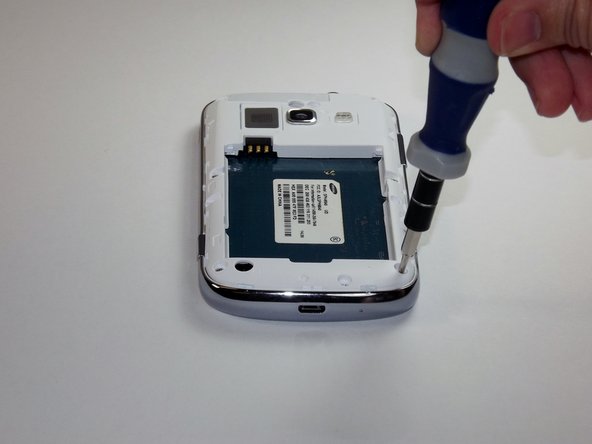
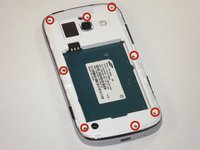
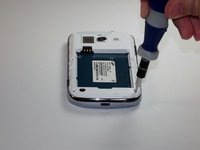
    1. Samsung Galaxy Prevail 2 Vibrator Replacement, Remove Screws: step 3, image 1 of 2 Samsung Galaxy Prevail 2 Vibrator Replacement, Remove Screws: step 3, image 2 of 2
      • Unscrew all of the screws.

      • Be sure to set the screws aside in a safe place.

      Ask FixBot

      Add Comment

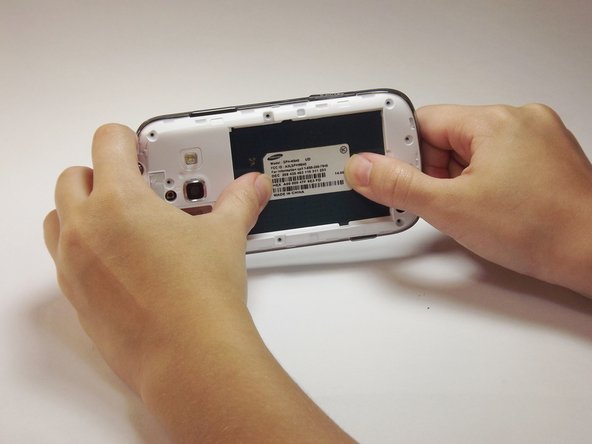
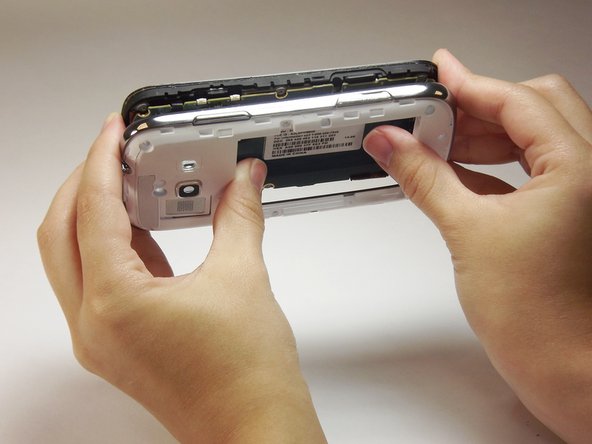
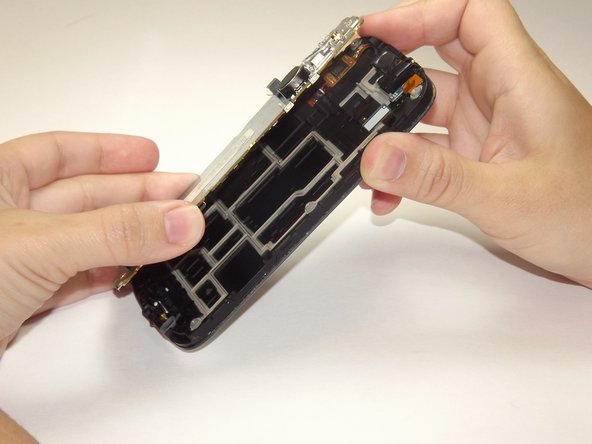
    2. Samsung Galaxy Prevail 2 Vibrator Replacement, Pry Off Back of Phone: step 4, image 1 of 3 Samsung Galaxy Prevail 2 Vibrator Replacement, Pry Off Back of Phone: step 4, image 2 of 3 Samsung Galaxy Prevail 2 Vibrator Replacement, Pry Off Back of Phone: step 4, image 3 of 3
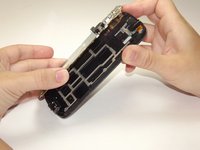
      • Insert the plastic prying tool between the silver frame and the white face of the phone. to pry off the front frame.

      • Make sure to pry around the entire frame to loosen it before proceeding.

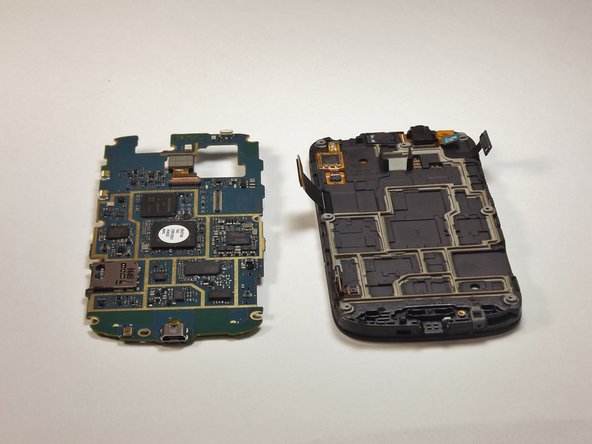
      • Use your thumbs to separate the motherboard from the back of the phone.

      Ask FixBot

      Add Comment

    3. Samsung Galaxy Prevail 2 Vibrator Replacement, Open the Motherboard: step 5, image 1 of 3 Samsung Galaxy Prevail 2 Vibrator Replacement, Open the Motherboard: step 5, image 2 of 3 Samsung Galaxy Prevail 2 Vibrator Replacement, Open the Motherboard: step 5, image 3 of 3
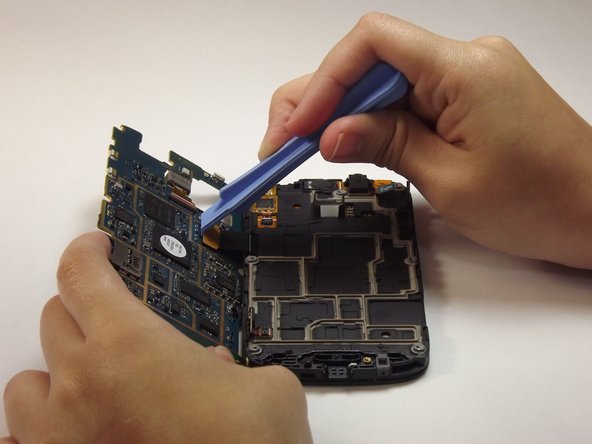
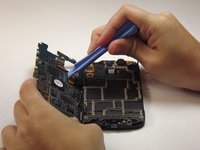
      • With the plastic prying tool, lift up the flap in order to fully open the motherboard.

      Ask FixBot

      Add Comment

    4. Samsung Galaxy Prevail 2 Vibrator Replacement, Detach Motherboard: step 6, image 1 of 3 Samsung Galaxy Prevail 2 Vibrator Replacement, Detach Motherboard: step 6, image 2 of 3 Samsung Galaxy Prevail 2 Vibrator Replacement, Detach Motherboard: step 6, image 3 of 3
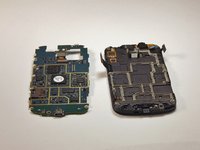
      • With plastic prying tool, lift the flap up to divide the motherboard.

      • This will make it easier to detach the internal battery.

      Ask FixBot

      Add Comment

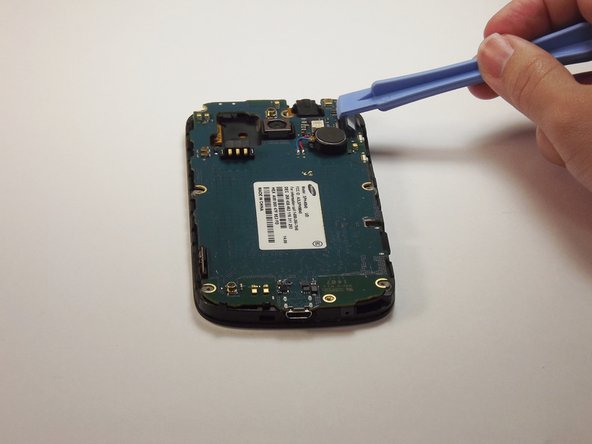
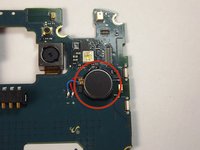
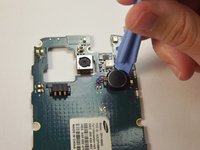
    5. Samsung Galaxy Prevail 2 Vibrator Replacement, Locate and Release Vibration Motor: step 7, image 1 of 3 Samsung Galaxy Prevail 2 Vibrator Replacement, Locate and Release Vibration Motor: step 7, image 2 of 3 Samsung Galaxy Prevail 2 Vibrator Replacement, Locate and Release Vibration Motor: step 7, image 3 of 3
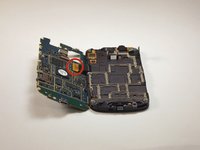
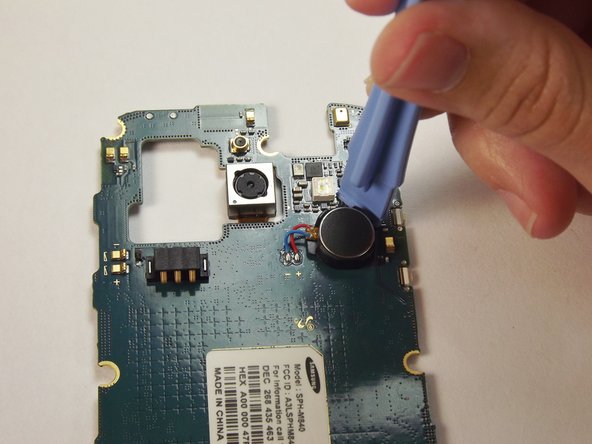
      • With plastic prying tool, lift up the vibration motor.

      Ask FixBot

      Add Comment

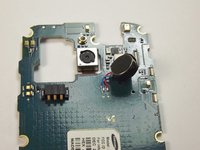
    6. Samsung Galaxy Prevail 2 Vibrator Replacement, Detach Vibration Motor: step 8, image 1 of 1
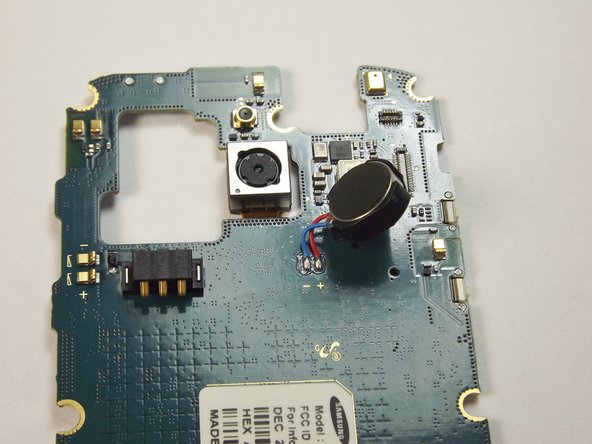
      • With the soldering iron remove the solder attaching the vibration motor to the motherboard.

      Ask FixBot

      Add Comment

Conclusion

To reassemble your device, follow these instructions in reverse order.

Cancel: I did not complete this guide.

5 other people completed this guide.

Garrett Bowleg

Member since: 10/08/14

487 Reputation

2 Guides authored

Team

USF Tampa, Team 14-4, Leahy Fall 2014 Member of USF Tampa, Team 14-4, Leahy Fall 2014

USFT-LEAHY-F14S14G4

4 Members

60 Guides authored

0 Guide Comments

Add Comment

View Statistics:

Past 24 Hours: 1

Past 7 Days: 3

Past 30 Days: 34

All Time: 1,459