Introduction
The Samsung Galaxy On5 comes with two cameras, one front-facing and one rear-facing camera. This guide will walk you through replacing both.
What you need
-
-
-
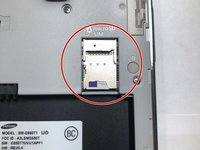
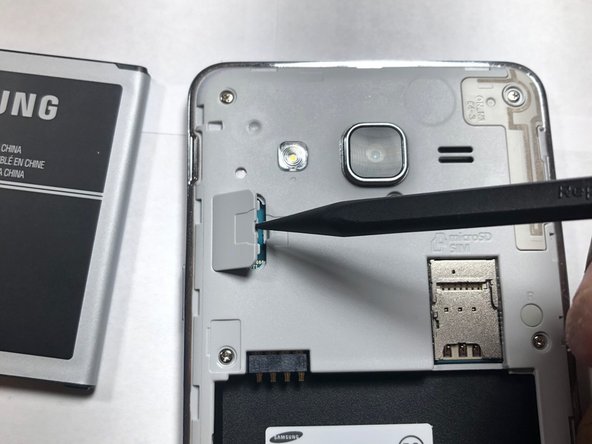
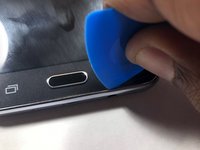
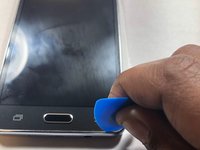
Use a plastic prying tool or your fingernail to pop the back cover off of the phone.
-
-
-
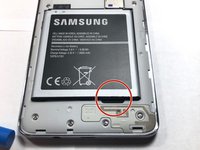
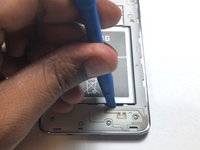
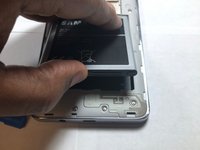
Locate the battery notch and remove the battery, using either your finger or a plastic prying tool.
-
-
-
-
-
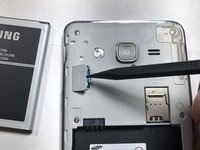
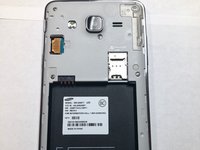
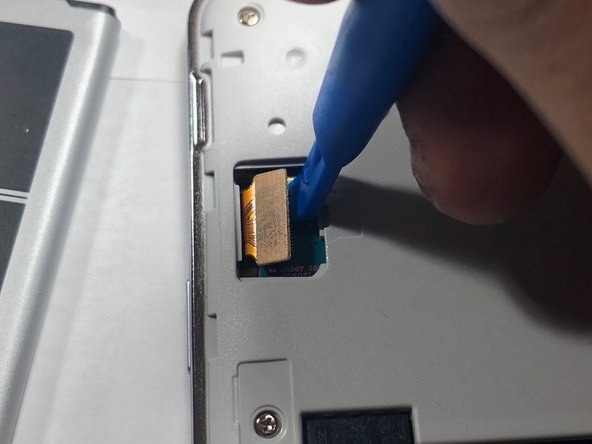
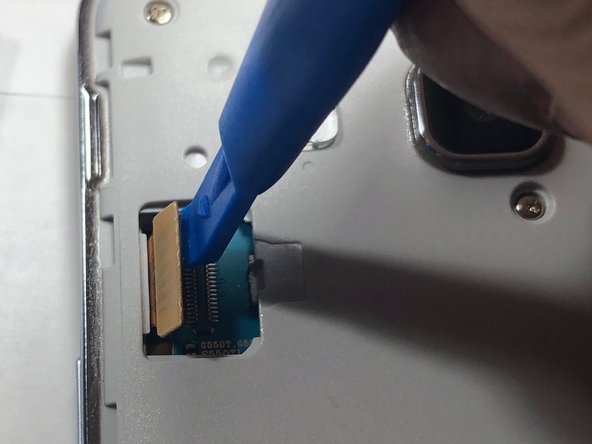
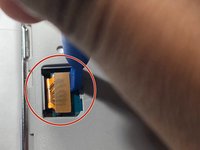
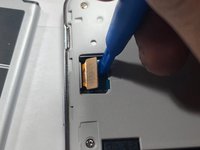
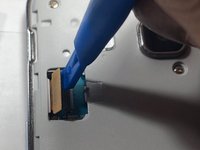
Using a plastic pry tool, carefully pry the LCD ribbon cable from the logic board.
-
-
-
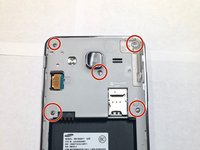
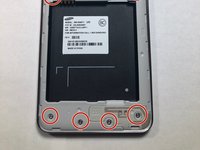
Take a Phillips #00 head and remove all 9 screws. Once done place them aside where you won't lose them.
-
-
-
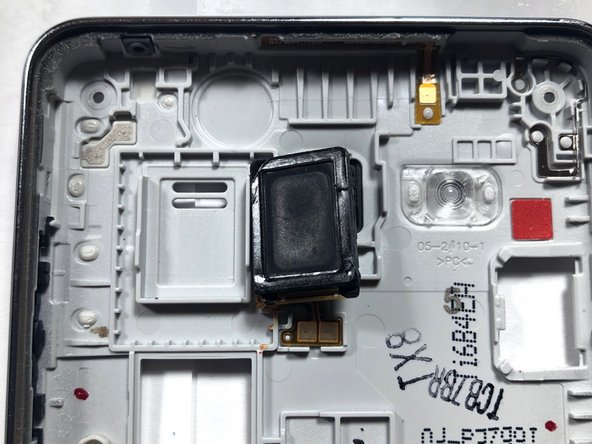
Once both the LCD and back assembly come apart, look at the back assembly where the speaker is located.
-
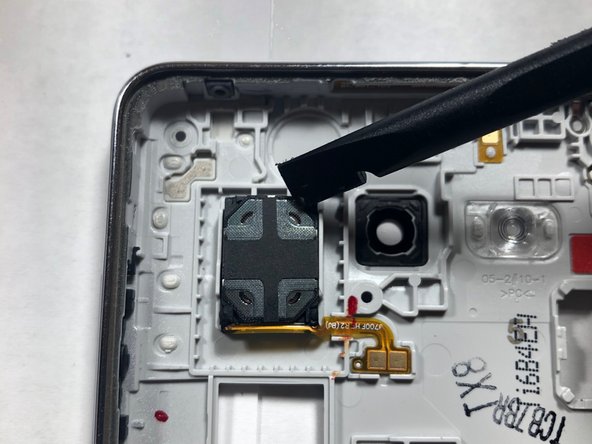
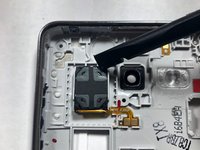
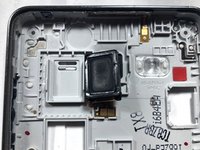
Once located, take the plastic pry tool to remove the speaker from its housing and replace it with a new one.
-
-
-
-
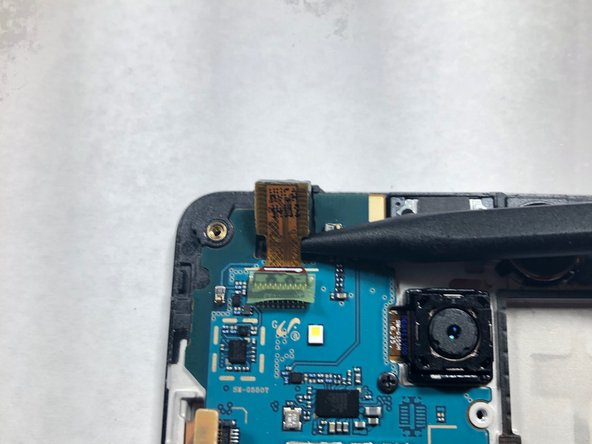
Use a plastic pry tool to lift the front-facing camera from its housing.
-
-
-
Once the camera is out of the housing, disconnect the camera from the logic board.
-
-
-
Using a Phillips #00 screwdriver, remove the screw securing the rear-facing camera.
-
-
-
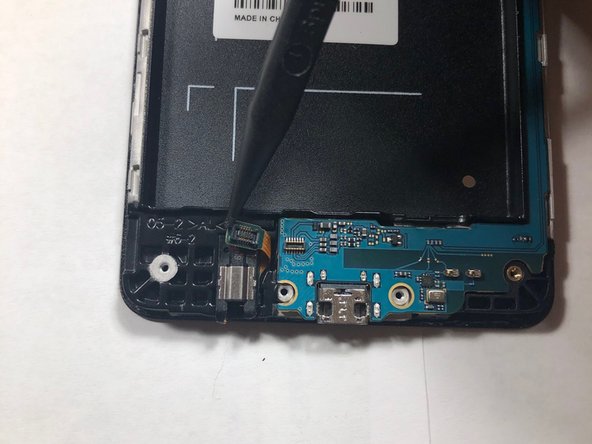
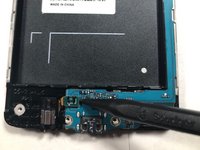
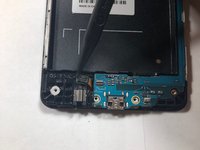
Use a plastic pry tool to disconnect the headphone ribbon from the motherboard.
-
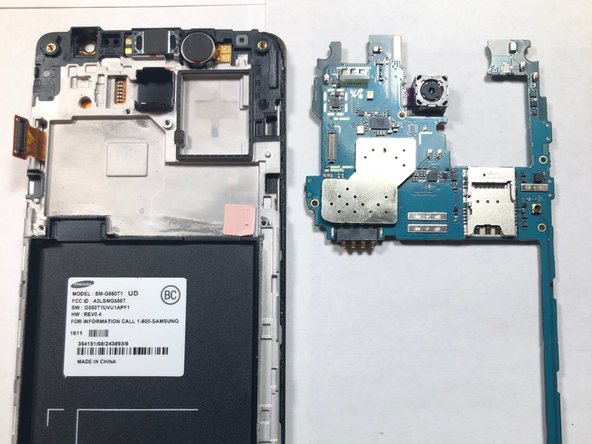
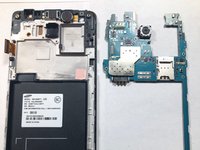
Remove the motherboard from the LCD housing by lifting up from the ends of the logic board.
-
-
-
Flip the logic board so the camera lens is facing down rather than at you.
-
Use your finger to remove the camera from its connection on the logic board.
-
-

 Ask FixBot















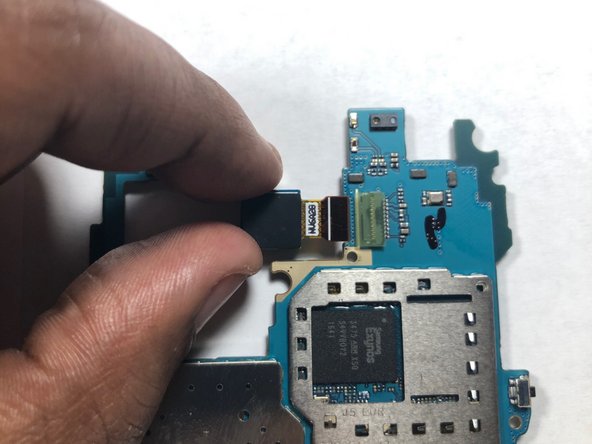
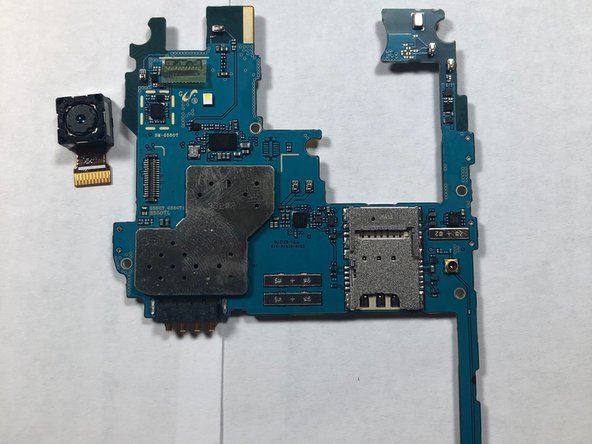
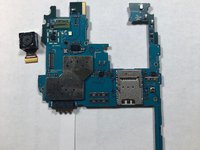
That's it, now you've removed both the front and rear facing cameras on your device! To reassemble your device, follow these instructions in reverse order.
Cancel: I did not complete this guide.
2 other people completed this guide.

Team

Gateway, Team S1-G5, Luster Fall 2018 Member of Gateway, Team S1-G5, Luster Fall 2018
GCC-LUSTER-F18S1G5
1 Member
60 Guides authored
