Free Shipping on Domestic Orders $75+

Samsung Galaxy Note Vibrator Replacement

What you need

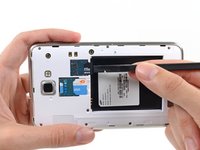
  1. Samsung Galaxy Note Vibrator Replacement, Stylus: step 1, image 1 of 2 Samsung Galaxy Note Vibrator Replacement, Stylus: step 1, image 2 of 2
    • Grasp the cap of the stylus and remove it from its slot in the midframe.

    Ask FixBot

    Add Comment

  2. Samsung Galaxy Note Vibrator Replacement, Rear Case: step 2, image 1 of 2 Samsung Galaxy Note Vibrator Replacement, Rear Case: step 2, image 2 of 2
    • Pry with a plastic opening tool, or your fingernail, in the divot to the right of the rear-facing camera, near the volume rocker.

    Ask FixBot

    Add Comment

  3. Samsung Galaxy Note Vibrator Replacement: step 3, image 1 of 2 Samsung Galaxy Note Vibrator Replacement: step 3, image 2 of 2
    • Lift and remove the rear case from the phone.

    Ask FixBot

    Add Comment

  4. Samsung Galaxy Note Vibrator Replacement, Battery: step 4, image 1 of 2 Samsung Galaxy Note Vibrator Replacement, Battery: step 4, image 2 of 2
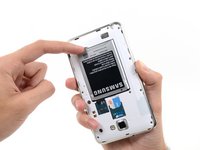
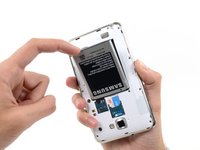
    • Insert your finger in the notch of the battery compartment.

    • Press the battery toward the rear facing camera while pulling outward.

    Ask FixBot

    Add Comment

  5. Samsung Galaxy Note Vibrator Replacement, MicroSD Card: step 5, image 1 of 3 Samsung Galaxy Note Vibrator Replacement, MicroSD Card: step 5, image 2 of 3 Samsung Galaxy Note Vibrator Replacement, MicroSD Card: step 5, image 3 of 3
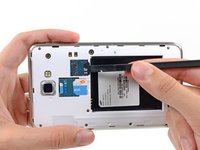
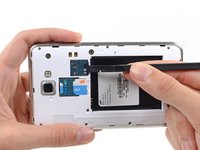
    • Use the flat end of a spudger, or your fingernail, to press the microSD card slightly deeper into its slot until you hear a click.

    • After the click, release the card and it will pop out of its slot.

    • For reassembly, push the microSD card into the slot until it clicks in place.

    Ask FixBot

    Add Comment

  6. Samsung Galaxy Note Vibrator Replacement: step 6, image 1 of 1
    • Remove the microSD card from its slot in the midframe.

    Ask FixBot

    Add Comment

  7. Samsung Galaxy Note Vibrator Replacement, SIM Card: step 7, image 1 of 2 Samsung Galaxy Note Vibrator Replacement, SIM Card: step 7, image 2 of 2
    • Use a plastic opening tool, or your fingernail, to push the SIM card out of its compartment.

    Ask FixBot

    Add Comment

  8. Samsung Galaxy Note Vibrator Replacement: step 8, image 1 of 2 Samsung Galaxy Note Vibrator Replacement: step 8, image 2 of 2
    • Slide the SIM card out the rest of the way with your thumb and remove it from the device.

    Ask FixBot

    Add Comment

  9. Samsung Galaxy Note Vibrator Replacement, Midframe: step 9, image 1 of 1
    • Remove the nine 3.4 mm Phillips #00 screws securing the midframe to the display assembly.

    Ask FixBot

    Add Comment

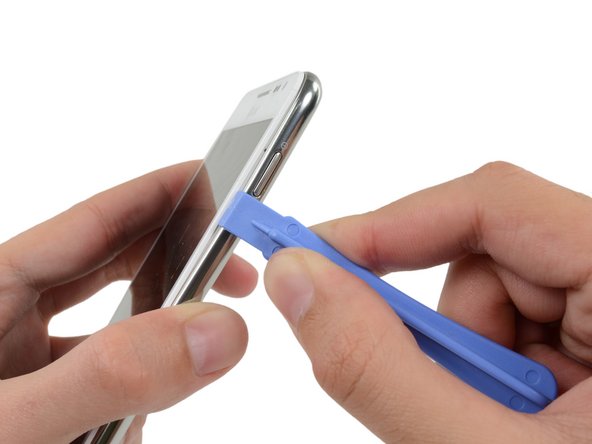
  10. Samsung Galaxy Note Vibrator Replacement: step 10, image 1 of 2 Samsung Galaxy Note Vibrator Replacement: step 10, image 2 of 2
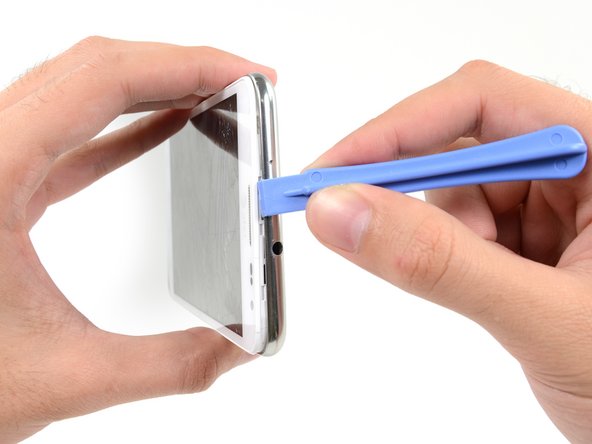
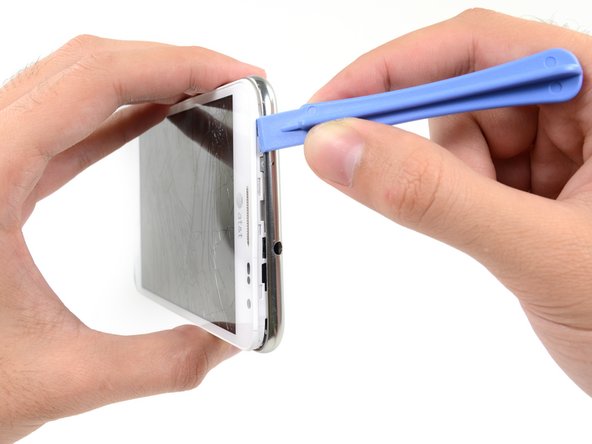
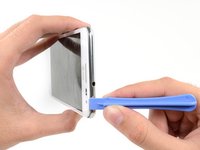
    • Insert your plastic opening tool to the left of the power button between the midframe and the front panel assembly and pry.

    Ask FixBot

    Add Comment

  11. Samsung Galaxy Note Vibrator Replacement: step 11, image 1 of 3 Samsung Galaxy Note Vibrator Replacement: step 11, image 2 of 3 Samsung Galaxy Note Vibrator Replacement: step 11, image 3 of 3
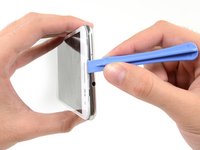
    • Slide the plastic opening tool down the seam.

    Ask FixBot

    Add Comment

  12. Samsung Galaxy Note Vibrator Replacement: step 12, image 1 of 3 Samsung Galaxy Note Vibrator Replacement: step 12, image 2 of 3 Samsung Galaxy Note Vibrator Replacement: step 12, image 3 of 3
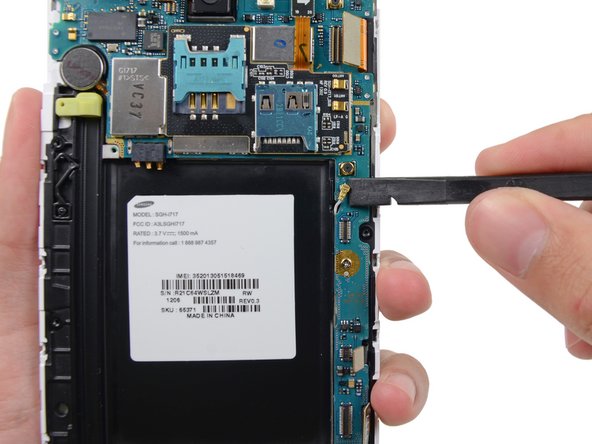
    • Insert your plastic opening tool to the left of the headphone jack between the midframe and the display assembly.

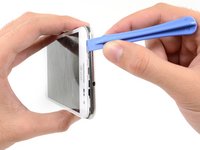
    • Slide the opening tool along the top edge of the phone.

    • Continue to run the plastic opening tool around the perimeter of the phone until the midframe is separated.

    Ask FixBot

    Add Comment

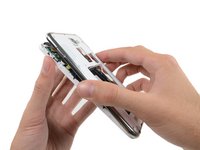
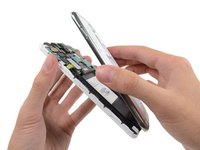
  13. Samsung Galaxy Note Vibrator Replacement: step 13, image 1 of 2 Samsung Galaxy Note Vibrator Replacement: step 13, image 2 of 2
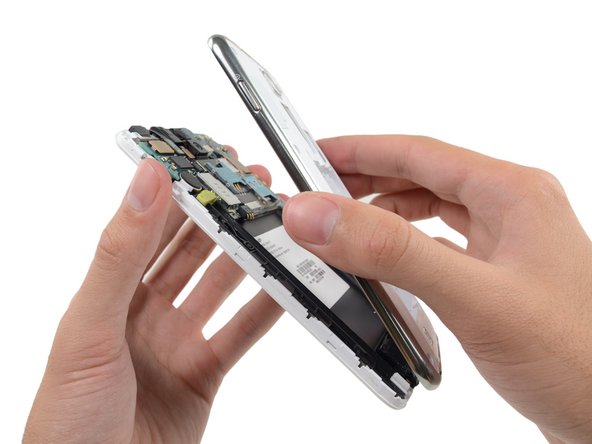
    • Remove the midframe from the display assembly.

    Ask FixBot

    Add Comment

  14. Samsung Galaxy Note Vibrator Replacement, Motherboard Assembly: step 14, image 1 of 2 Samsung Galaxy Note Vibrator Replacement, Motherboard Assembly: step 14, image 2 of 2
    • Use the flat end of a spudger to carefully disconnect the display cable connector.

    Ask FixBot

    Add Comment

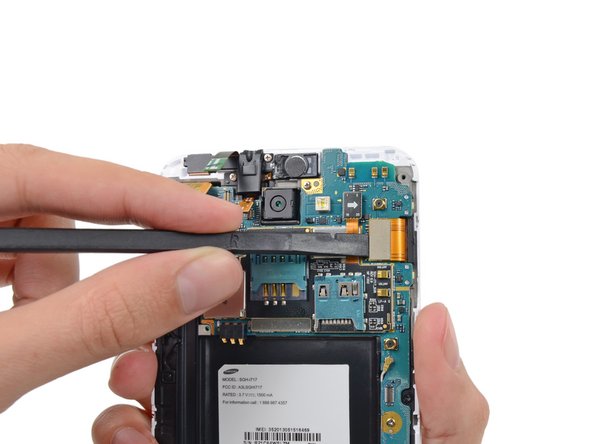
  15. Samsung Galaxy Note Vibrator Replacement: step 15, image 1 of 3 Samsung Galaxy Note Vibrator Replacement: step 15, image 2 of 3 Samsung Galaxy Note Vibrator Replacement: step 15, image 3 of 3
    • Use a spudger to disconnect the front-facing camera assembly cable connector.

    • Disconnect the headphone jack/earpiece speaker assembly cable connector.

    • Disconnect the digitizer cable connector.

    Ask FixBot

    Add Comment

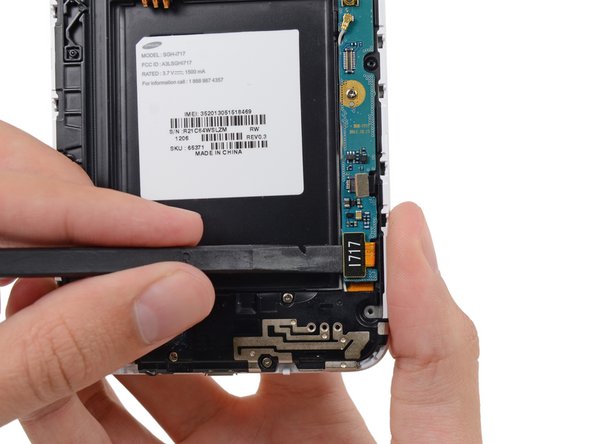
  16. Samsung Galaxy Note Vibrator Replacement: step 16, image 1 of 3 Samsung Galaxy Note Vibrator Replacement: step 16, image 2 of 3 Samsung Galaxy Note Vibrator Replacement: step 16, image 3 of 3
    • Disconnect the soft button cable connector with the flat end of a spudger.

    • Use a spudger to disconnect the USB board cable connector.

    • Disconnect the antenna cable connector.

    Ask FixBot

    Add Comment

  17. Samsung Galaxy Note Vibrator Replacement: step 17, image 1 of 1
    • Remove the two 3.4 mm Phillips #00 screws securing the motherboard to the display assembly.

    Ask FixBot

    Add Comment

  18. Samsung Galaxy Note Vibrator Replacement: step 18, image 1 of 2 Samsung Galaxy Note Vibrator Replacement: step 18, image 2 of 2
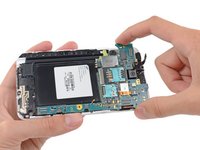
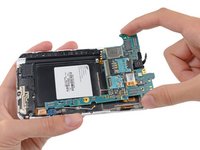
    • Remove the motherboard assembly from the display assembly.

    Ask FixBot

    Add Comment

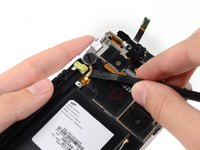
  19. Samsung Galaxy Note Vibrator Replacement, Vibrator: step 19, image 1 of 3 Samsung Galaxy Note Vibrator Replacement, Vibrator: step 19, image 2 of 3 Samsung Galaxy Note Vibrator Replacement, Vibrator: step 19, image 3 of 3
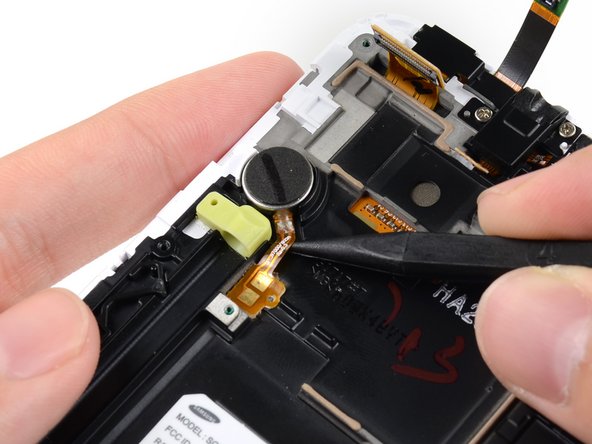
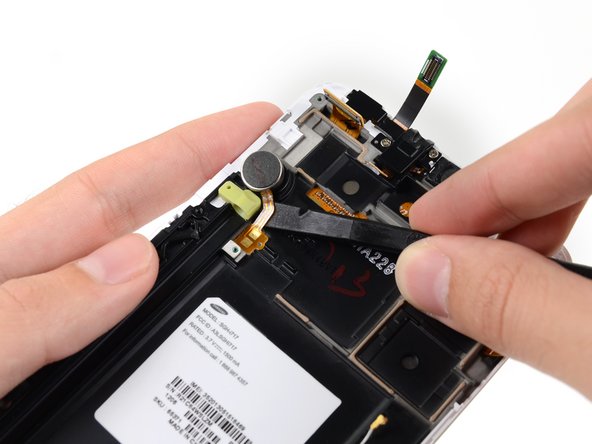
    • Insert the tip of a spudger under the vibrator connector cable near the contacts then slide it toward the vibrator itself.

    Ask FixBot

    Add Comment

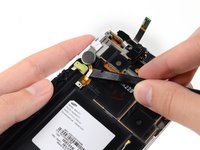
  20. Samsung Galaxy Note Vibrator Replacement: step 20, image 1 of 2 Samsung Galaxy Note Vibrator Replacement: step 20, image 2 of 2
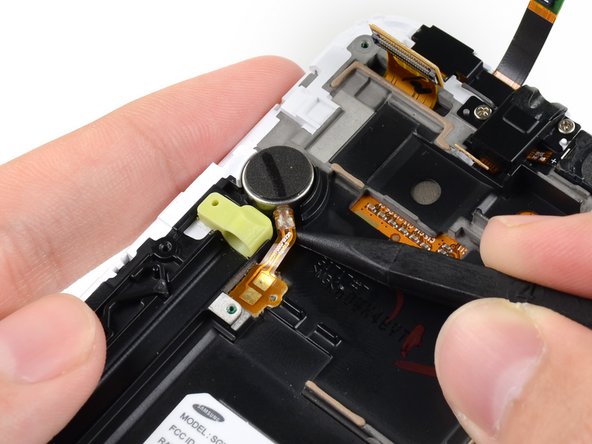
    • Insert the flat end of a spudger under the vibrator connector cable and pry it up from the adhesive.

    Ask FixBot

    Add Comment

  21. Samsung Galaxy Note Vibrator Replacement: step 21, image 1 of 1
    • Remove the vibrator from the display assembly.

    Ask FixBot

    Add Comment

Conclusion

To reassemble your device, follow these instructions in reverse order.

Cancel: I did not complete this guide.

7 other people completed this guide.

Sam Goldheart

Member since: 10/18/12

477,606 Reputation

538 Guides authored

Team

iFixit Member of iFixit

Staff

122 Members

26,591 Guides authored

0 Guide Comments

Add Comment

View Statistics:

Past 24 Hours: 1

Past 7 Days: 18

Past 30 Days: 53

All Time: 6,604