Free Shipping on Domestic Orders $75+

Samsung Galaxy Note 4 Rear Facing Camera Replacement

What you need

Video Overview

  1. Samsung Galaxy Note 4 Rear Facing Camera Replacement, Rear Facing Camera: step 1, image 1 of 3 Samsung Galaxy Note 4 Rear Facing Camera Replacement, Rear Facing Camera: step 1, image 2 of 3 Samsung Galaxy Note 4 Rear Facing Camera Replacement, Rear Facing Camera: step 1, image 3 of 3
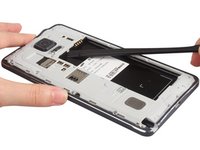
    • Take away the back cover and battery easily. Don't forget to remove SIM card and S Pen.

    Ask FixBot

    Add Comment

  2. Samsung Galaxy Note 4 Rear Facing Camera Replacement: step 2, image 1 of 3 Samsung Galaxy Note 4 Rear Facing Camera Replacement: step 2, image 2 of 3 Samsung Galaxy Note 4 Rear Facing Camera Replacement: step 2, image 3 of 3
    • Remove all 16 screws together on the back.

    Ask FixBot

    Add Comment

  3. Samsung Galaxy Note 4 Rear Facing Camera Replacement: step 3, image 1 of 3 Samsung Galaxy Note 4 Rear Facing Camera Replacement: step 3, image 2 of 3 Samsung Galaxy Note 4 Rear Facing Camera Replacement: step 3, image 3 of 3
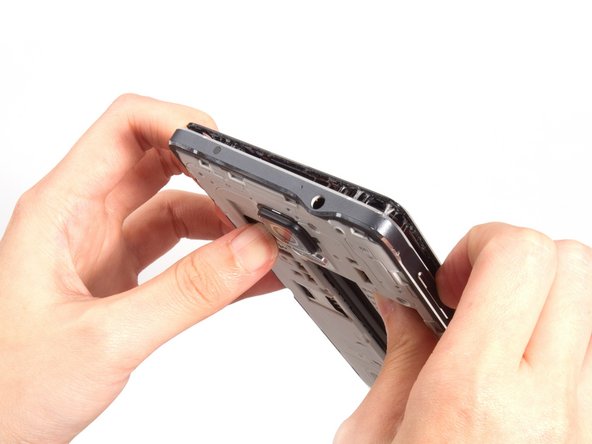
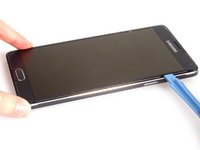
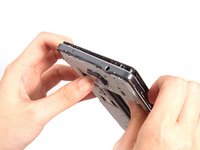
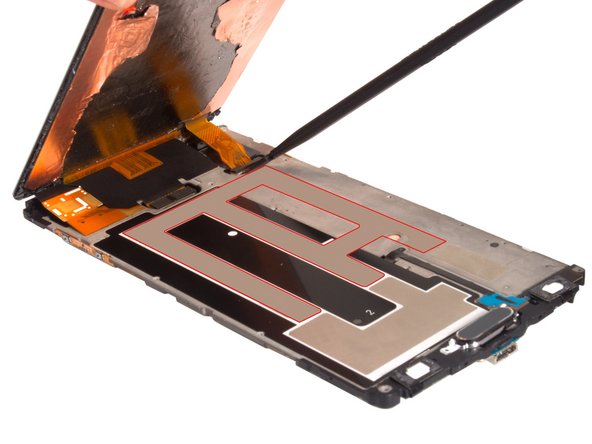
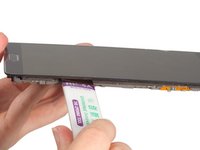
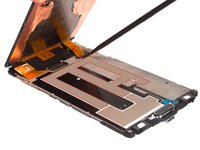
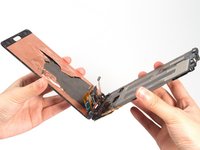
    • Cut LCD screen sticker, loosen clasps around battery slot and push the whole front assembly out from middle housing.

    Ask FixBot

    Add Comment

  4. Samsung Galaxy Note 4 Rear Facing Camera Replacement: step 4, image 1 of 1
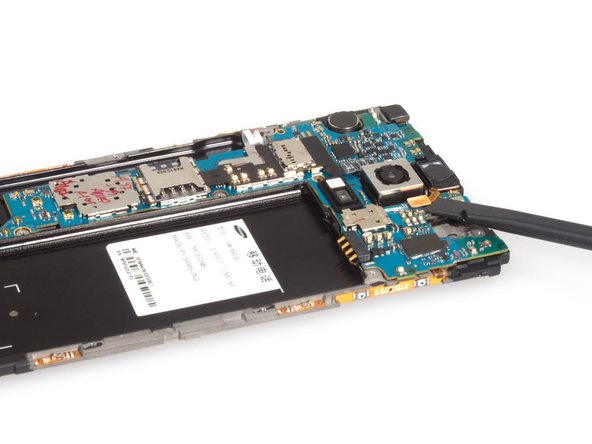
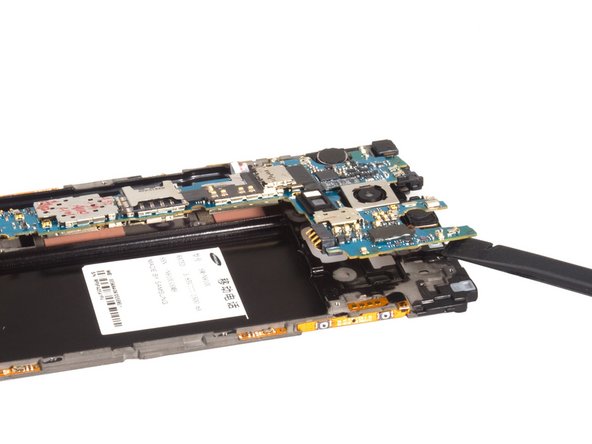
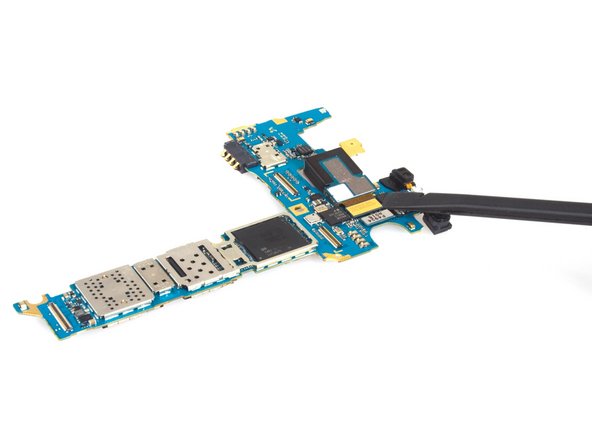
    • We can see the motherboard now and the rear camera is connected by a connector on the back of motherboard. So we have to remove motherboard before removing rear camera.

    Ask FixBot

    Add Comment

  5. Samsung Galaxy Note 4 Rear Facing Camera Replacement: step 5, image 1 of 3 Samsung Galaxy Note 4 Rear Facing Camera Replacement: step 5, image 2 of 3 Samsung Galaxy Note 4 Rear Facing Camera Replacement: step 5, image 3 of 3
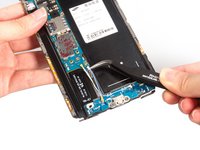
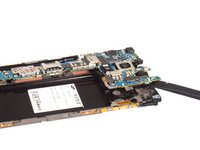
    • Before removing motherboard, we have to remove LCD screen. You can see more details on Samsung Galaxy Note 4 LCD screen replacement.

    • If just removing the rear camera it is not necessary to remove the LCD from the assembly. simply unscrew the one screw located on the left side of the motherboard and disconnect flex cables with a plastic spudger, keeping in mind the two connections underneath the board where the LCD connects. You run less risk of damage to the display this way.

    Ask FixBot

    Add Comment

  6. Samsung Galaxy Note 4 Rear Facing Camera Replacement: step 6, image 1 of 3 Samsung Galaxy Note 4 Rear Facing Camera Replacement: step 6, image 2 of 3 Samsung Galaxy Note 4 Rear Facing Camera Replacement: step 6, image 3 of 3
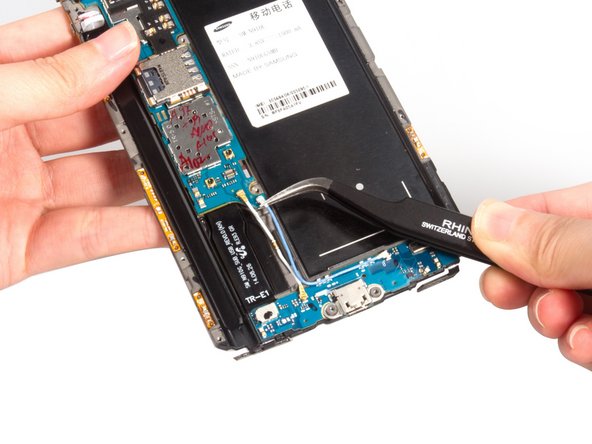
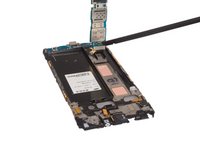
    • Release connectors which connecting with motherboard.

    Ask FixBot

    Add Comment

  7. Samsung Galaxy Note 4 Rear Facing Camera Replacement: step 7, image 1 of 3 Samsung Galaxy Note 4 Rear Facing Camera Replacement: step 7, image 2 of 3 Samsung Galaxy Note 4 Rear Facing Camera Replacement: step 7, image 3 of 3
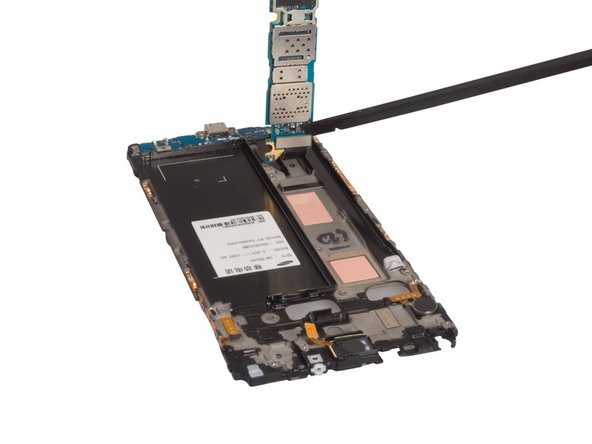
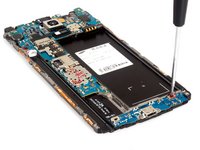
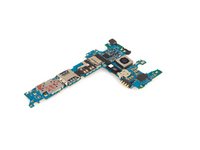
    • Remove the screws, you can remove the top one only. Pry up and release USB board connector on the back.

    • Finally, remove motherboard.

    Ask FixBot

    Add Comment

  8. Samsung Galaxy Note 4 Rear Facing Camera Replacement: step 8, image 1 of 3 Samsung Galaxy Note 4 Rear Facing Camera Replacement: step 8, image 2 of 3 Samsung Galaxy Note 4 Rear Facing Camera Replacement: step 8, image 3 of 3
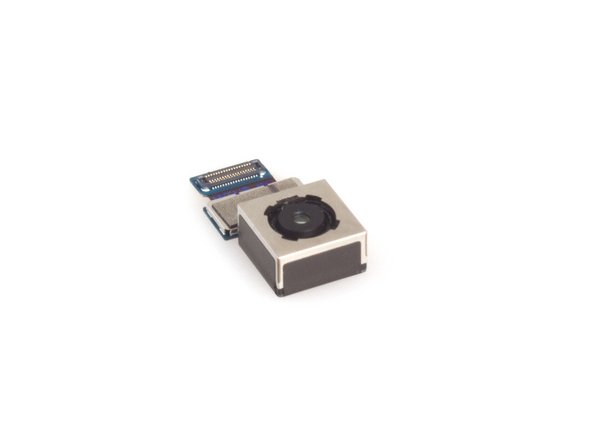
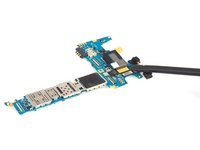
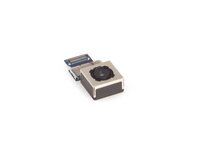
    • Release rear camera connector and remove it.

    Ask FixBot

    Add Comment

Conclusion

To reassemble your device, follow these instructions in reverse order.

Cancel: I did not complete this guide.

30 other people completed this guide.

Sophia

Member since: 03/25/14

43,911 Reputation

62 Guides authored

14 Guide Comments

What is the tool, they use in step 5?

Sara Lee - Reply Share

Just look at the photo and Google it. "The opening tool" or HH-5A

isaactannermadsen - Reply Share
Hello good day! Could someone tell me what do you call these platelets circuits that have bonded to the housing samsung galaxy note 4 I circled in red the following .. images.

[img]http://i.imgur.com/2vvZ2dK.jpg?1[/img]

[img]http://i.imgur.com/ViV1TUL.jpg?1[/img]

elisangelops - Reply Share

What could you do if just the glass was broken on your camera lens but camera still worked?

sheets83 - Reply Share

if you only have the glass broken you *MIGHT* be able to just replace the glass cover but there is a huge risk of glass and dust contamination ruining the camera anyways. I personally had this happen after replacing the glass cover and now have black splotches all over even after I tried my damnest to control for dust.

Michael Goelz - Reply Share

Add Comment

View Statistics:

Past 24 Hours: 3

Past 7 Days: 30

Past 30 Days: 81

All Time: 49,966