Free Shipping on Domestic Orders $75+

Samsung Galaxy J3 Luna Pro Front and Back Camera Replacement

What you need

    1. Samsung Galaxy J3 Luna Pro Front and Back Camera  Replacement, Motherboard Change: step 1, image 1 of 1
      • Turn off the phone.

      • Remove the back cover and battery

      Ask FixBot
      Add Comment

    2. Samsung Galaxy J3 Luna Pro Front and Back Camera  Replacement: step 2, image 1 of 3 Samsung Galaxy J3 Luna Pro Front and Back Camera  Replacement: step 2, image 2 of 3 Samsung Galaxy J3 Luna Pro Front and Back Camera  Replacement: step 2, image 3 of 3
      • Attach a suction cup to the screen and pry upwards.

      • Insert the plastic opening tool into the gap under the screen and work your way around the perimeter.

      • Don't remove the screen completely as there are cables still connection the two pieces.

      Ask FixBot
      Add Comment

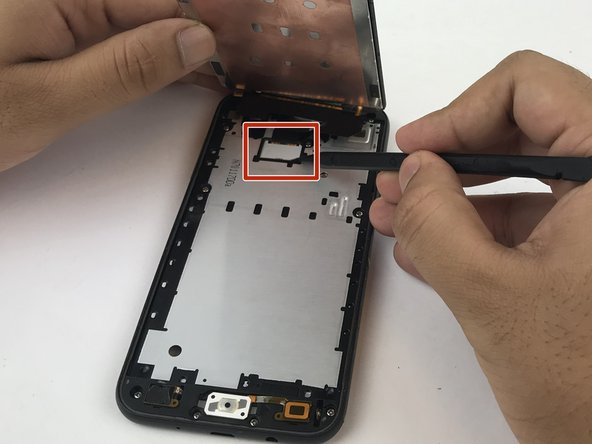
    3. Samsung Galaxy J3 Luna Pro Front and Back Camera  Replacement: step 3, image 1 of 3 Samsung Galaxy J3 Luna Pro Front and Back Camera  Replacement: step 3, image 2 of 3 Samsung Galaxy J3 Luna Pro Front and Back Camera  Replacement: step 3, image 3 of 3
      • Use the pointy end of a spudger to remove the white plastic cover from the display cover.

      • Use the spudger to pry up the display cable from the motherboard.

      • Remove the screen.

      Ask FixBot

      Add Comment

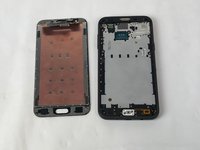
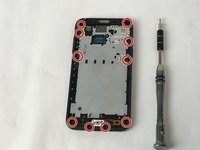
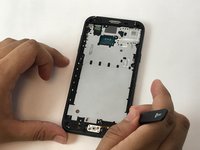
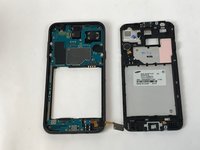
    4. Samsung Galaxy J3 Luna Pro Front and Back Camera  Replacement: step 4, image 1 of 3 Samsung Galaxy J3 Luna Pro Front and Back Camera  Replacement: step 4, image 2 of 3 Samsung Galaxy J3 Luna Pro Front and Back Camera  Replacement: step 4, image 3 of 3
      • Remove the eleven JIS 00 screws from the mid-frame.

      • Using a spudger, pry the mid-frame from the screen.

      Ask FixBot

      Add Comment

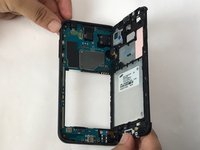
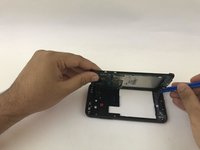
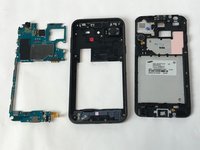
    5. Samsung Galaxy J3 Luna Pro Front and Back Camera  Replacement: step 5, image 1 of 3 Samsung Galaxy J3 Luna Pro Front and Back Camera  Replacement: step 5, image 2 of 3 Samsung Galaxy J3 Luna Pro Front and Back Camera  Replacement: step 5, image 3 of 3
      • Remove the motherboard from the mid-frame.

      Ask FixBot

      Add Comment

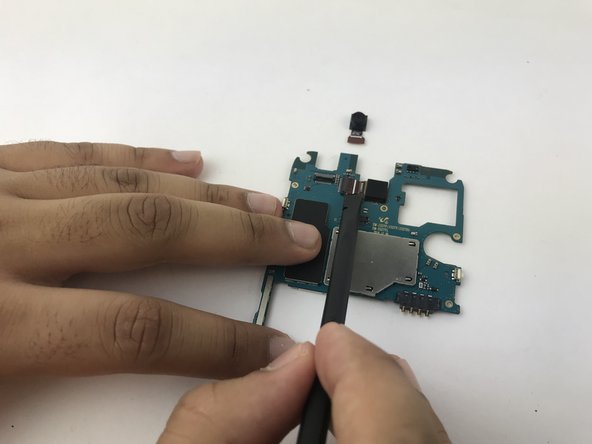
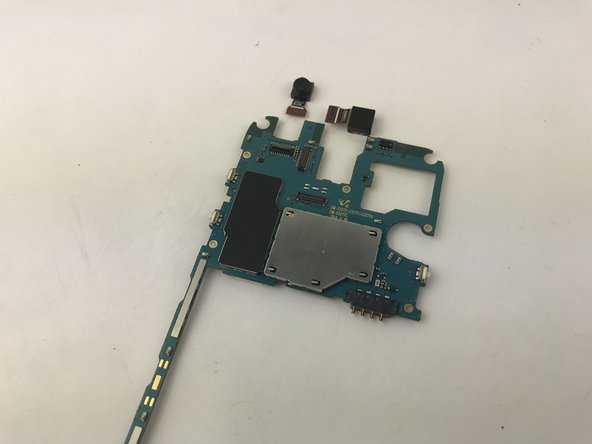
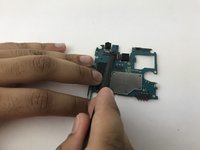
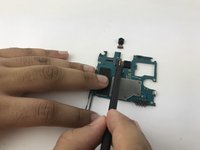
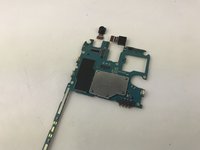
    1. Samsung Galaxy J3 Luna Pro Front and Back Camera  Replacement, Front and Back Camera: step 6, image 1 of 3 Samsung Galaxy J3 Luna Pro Front and Back Camera  Replacement, Front and Back Camera: step 6, image 2 of 3 Samsung Galaxy J3 Luna Pro Front and Back Camera  Replacement, Front and Back Camera: step 6, image 3 of 3
      • Use a spudger to flip up the retaining flaps on the front and rear camera ribbon cable ZIF sockets.

      • Pull the cables outs of the ZIF sockets.

      Ask FixBot

      Add Comment

Conclusion

To reassemble your device, follow these instructions in reverse order.

Cancel: I did not complete this guide.

2 other people completed this guide.

Jay Patel

Member since: 01/29/18

150 Reputation

1 Guide authored

Team

USF Tampa, Team S5-G5, Passmore Spring 2018 Member of USF Tampa, Team S5-G5, Passmore Spring 2018

USFT-PASSMORE-S18S5G5

5 Members

60 Guides authored

0 Guide Comments

Add Comment

View Statistics:

Past 24 Hours: 1

Past 7 Days: 6

Past 30 Days: 33

All Time: 1,725