Introduction
Samsung Galaxy CORE, DUOS (i8260, i8262) - how to disassemble the phone and remove the Logic Board.
_________________ Video tutorial: _________________
What you need
Video Overview
-
-
-
Switch-off the phone.
-
Remove the Battery cover and the battery.
-
Remove an inserted SIM and Memory cards.
 Ask FixBot
-
-
-
-
Remove 9x Phillips screws.
-
With a plastic tool remove the Back cover.
-
The Vibrator is on the other side of the back cover
-
-
-
-
-
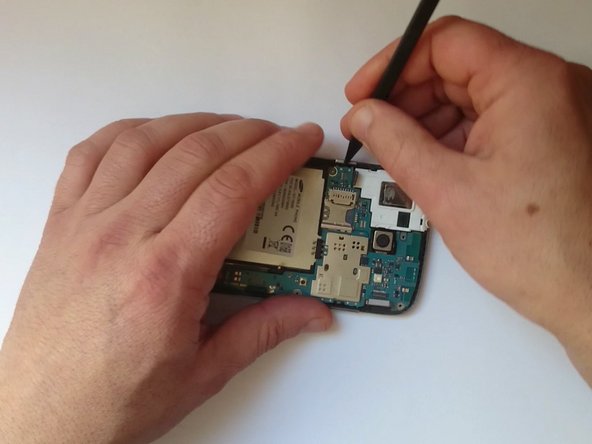
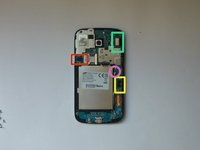
Disconnect one by one:
-
Earpiece/Loudspeaker/Audio Jack connector module flex cable
-
LCD Display flex cable
-
Charging Dock/Antenna/Mic module flex cable
-
Coaxial Antenna cable
-
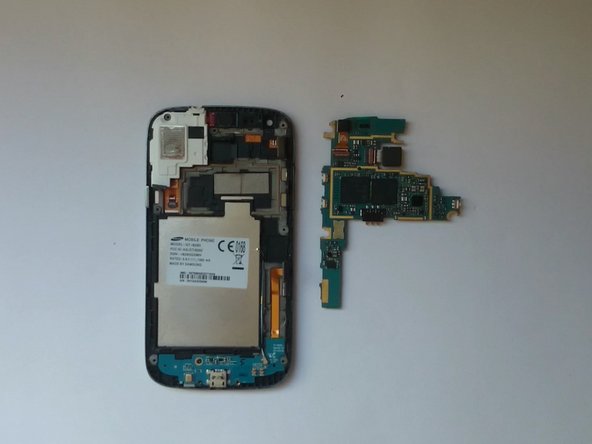
Carefully remove the Logic Board.
-
-


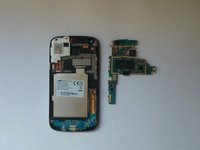
To reassemble your device, follow these instructions in reverse order.
Cancel: I did not complete this guide.
11 other people completed this guide.

Team

2 Guide Comments
I like this apps
Thank your so much.
