Free Shipping on Domestic Orders $75+

Samsung Galaxy Attain 4G Speaker/Rear Camera Replacement

What you need

  1. Samsung Galaxy Attain 4G Speaker/Rear Camera Replacement, Placement: step 1, image 1 of 1
    • Begin by turn the device over to it's back, with the screen facing down.

    Ask FixBot

    Add Comment

  2. Samsung Galaxy Attain 4G Speaker/Rear Camera Replacement, Battery Door Removal: step 2, image 1 of 2 Samsung Galaxy Attain 4G Speaker/Rear Camera Replacement, Battery Door Removal: step 2, image 2 of 2
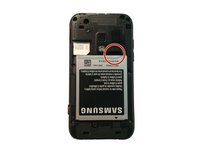
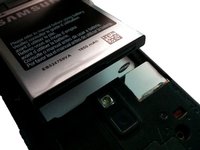
    • At the top of the device there is a small notch that is used to remove the battery door.

    • Using a pry tool or your fingernail, pry off the battery door from the main housing.

    Ask FixBot

    Add Comment

  3. Samsung Galaxy Attain 4G Speaker/Rear Camera Replacement, Battery Removal: step 3, image 1 of 3 Samsung Galaxy Attain 4G Speaker/Rear Camera Replacement, Battery Removal: step 3, image 2 of 3 Samsung Galaxy Attain 4G Speaker/Rear Camera Replacement, Battery Removal: step 3, image 3 of 3
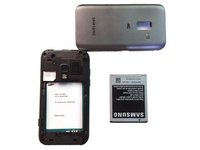
    • Place the battery door to the side.

    • Using a pry tool or your fingernail, pry the battery up towards you.

    • You have now removed the battery!

    Ask FixBot

    Add Comment

  4. Samsung Galaxy Attain 4G Speaker/Rear Camera Replacement, Heads Up!: step 4, image 1 of 1
    • Make sure when replacing the battery that the arrow on the bottom is facing down.

    Ask FixBot

    Add Comment

  5. Samsung Galaxy Attain 4G Speaker/Rear Camera Replacement, Screw Removal: step 5, image 1 of 1
    • Remove the 6 Phillips head screws that hold the rear housing in place.

    Ask FixBot

    Add Comment

  6. Samsung Galaxy Attain 4G Speaker/Rear Camera Replacement, Prying: step 6, image 1 of 1
    • Using a spudger or plastic pry tool, slowly go around the phone between the display & rear housing to release the clips.

    Ask FixBot

    Add Comment

  7. Samsung Galaxy Attain 4G Speaker/Rear Camera Replacement, Remove Housing: step 7, image 1 of 1
    • Lift the rear housing from the display assembly.

    Ask FixBot

    Add Comment

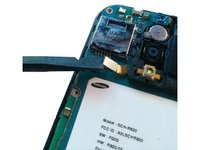
  8. Samsung Galaxy Attain 4G Speaker/Rear Camera Replacement, Logic Board: step 8, image 1 of 2 Samsung Galaxy Attain 4G Speaker/Rear Camera Replacement, Logic Board: step 8, image 2 of 2
    • Using your spudger/plastic pry tool, disconnect the headphone jack flex cable.

    Ask FixBot

    Add Comment

  9. Samsung Galaxy Attain 4G Speaker/Rear Camera Replacement: step 9, image 1 of 2 Samsung Galaxy Attain 4G Speaker/Rear Camera Replacement: step 9, image 2 of 2
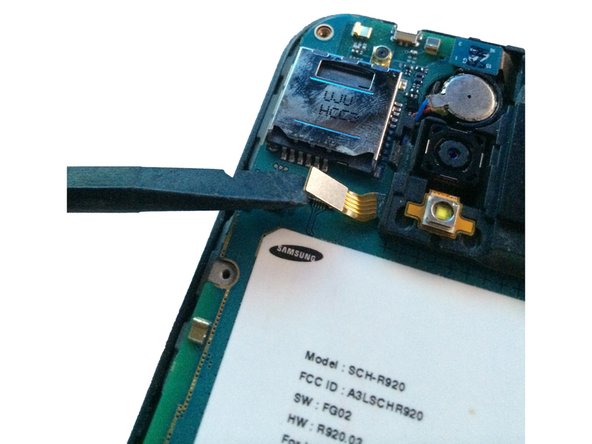
    • Using your spudger/plastic pry tool, disconnect the rear speaker flex cable.

    Ask FixBot

    Add Comment

  10. Samsung Galaxy Attain 4G Speaker/Rear Camera Replacement: step 10, image 1 of 1
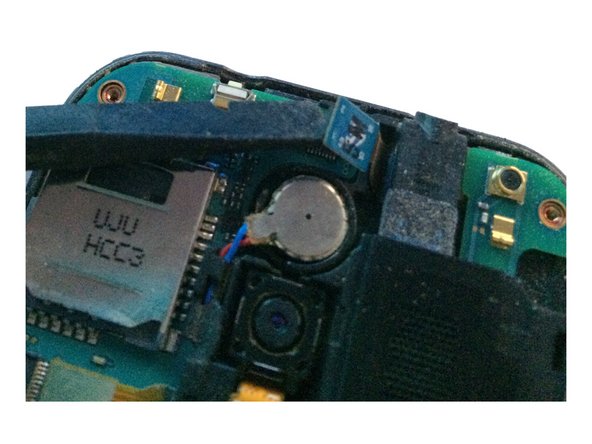
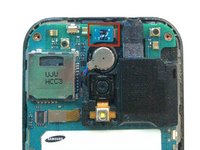
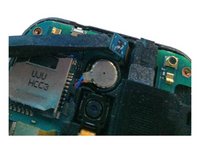
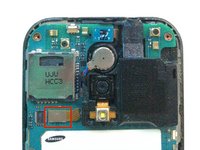
    • Using a spudger/pry tool, carefully remove the vibration motor from its housing. This has a mild adhesive on the bottom.

    Ask FixBot

    Add Comment

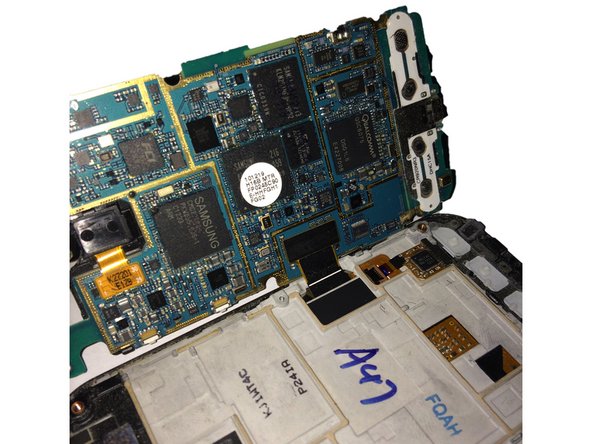
  11. Samsung Galaxy Attain 4G Speaker/Rear Camera Replacement: step 11, image 1 of 2 Samsung Galaxy Attain 4G Speaker/Rear Camera Replacement: step 11, image 2 of 2
    • After removing both flex cables, slowly move the logic board to the left of the screen assembly.

    • Do not try and remove the logic board all the way, as you still have to remove the display assembly flex cable!

    Ask FixBot

    Add Comment

  12. Samsung Galaxy Attain 4G Speaker/Rear Camera Replacement: step 12, image 1 of 1
    • Using your spudger/plastic pry tool, disconnect the LCD/Digitizer flex cable.

    Ask FixBot

    Add Comment

  13. Samsung Galaxy Attain 4G Speaker/Rear Camera Replacement: step 13, image 1 of 2 Samsung Galaxy Attain 4G Speaker/Rear Camera Replacement: step 13, image 2 of 2
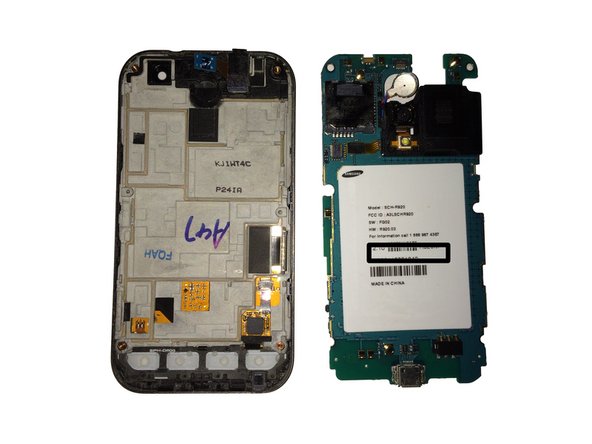
    • You have now removed the logic board from the display assembly.

    Ask FixBot

    Add Comment

  14. Samsung Galaxy Attain 4G Speaker/Rear Camera Replacement, Remove Flex Cable: step 14, image 1 of 2 Samsung Galaxy Attain 4G Speaker/Rear Camera Replacement, Remove Flex Cable: step 14, image 2 of 2
    • Flip the logic board to the rear side, and using a spudger/plastic pry tool to disconnect the rear camera flex cable.

    Ask FixBot

    Add Comment

  15. Samsung Galaxy Attain 4G Speaker/Rear Camera Replacement: step 15, image 1 of 1
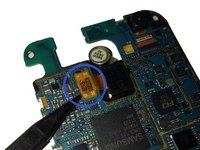
    • Flip the logic board to the front, and using a spudger/plastic pry tool to push the tension clip away from the board that holds the speaker/rear camera.

    Ask FixBot

    Add Comment

  16. Samsung Galaxy Attain 4G Speaker/Rear Camera Replacement: step 16, image 1 of 1
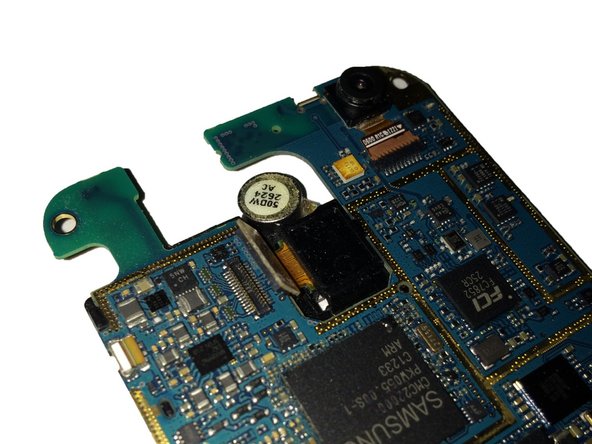
    • Flipping the board back over, remove the speaker/rear camera by lifting from the right side as shown.

    • Be careful not to rip the ribbon cable when you disconnect the speaker/rear camera cable connector.

    Ask FixBot

    Add Comment

  17. Samsung Galaxy Attain 4G Speaker/Rear Camera Replacement: step 17, image 1 of 1
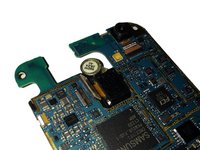
    • The speaker/rear camera has now been removed from the board.

    Ask FixBot

    Add Comment

Conclusion

To reassemble your device, follow these instructions in reverse order.

Cancel: I did not complete this guide.

2 other people completed this guide.

Josh Forester

Member since: 11/28/10

2,629 Reputation

10 Guides authored

0 Guide Comments

Add Comment

View Statistics:

Past 24 Hours: 1

Past 7 Days: 15

Past 30 Days: 45

All Time: 692