
Samsung Galaxy Amp 2 Screen Replacement

Cory Nickolatos and 4 other contributors
Last updated on May 16, 2024
Views: 3K
View statistics:
- Past 24 Hours:
- 0
- Past 7 Days:
- 14
- Past 30 Days:
- 78
- All Time:
- 2,995
Comments: 2
2 guide comments.
Go to guide commentsCompleted: 6 7
6 people have marked this guide "completed." Will you be next?
7 people have marked this guide "completed." Including you — great job!
Favorites: 0 1
No one has favorited (and subscribed to) this guide. Will you be the first?
1 person has favorited (and subscribed to) this guide — and that's you!
Introduction
Go to step 1 ↓Repair your broken or damaged screen with this guide. A replacement may be needed if the screen is cracked or unresponsive. This guide recommends use of a heat gun, though a blow dryer can be used instead. Use care when applying heat to the screen and carefully detach delicate wiring to avoid damaging the phone.
What you need
Parts
Tools


-
-
-
Insert your fingernail or an opening tool into the divot on the side of the phone. The divot is located to the left of the rear-facing camera.
-
Lift upwards and gently pry the rear panel off of the phone.
 Ask FixBot
-
-
-
Insert a fingernail or plastic opening tool into the gap in the bottom right corner of the battery and lift upward.
-
Grip the battery and safely remove it from the phone.
-
-
-
-
-
Tool used on this step:Tweezers$3.99
-
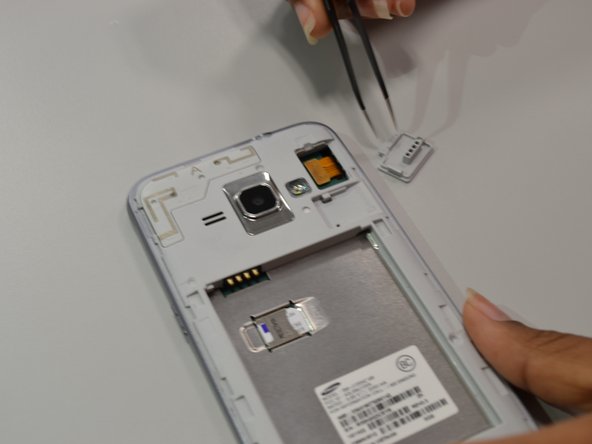
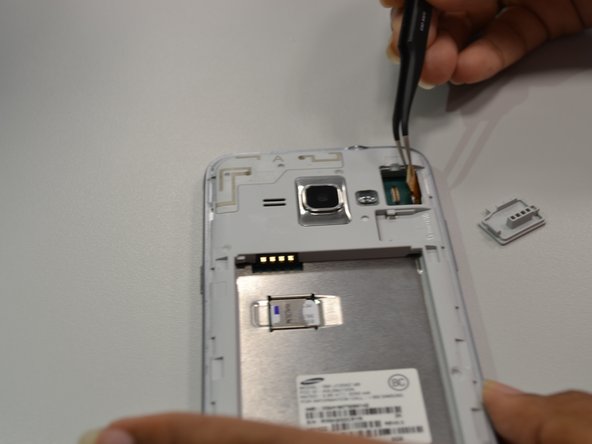
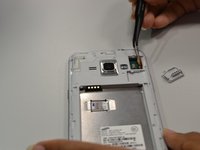
Using angled tweezers, lift the small rectangular guard at upper right corner of the phone.
-
Disconnect the connector piece from the back panel.
-
-
-
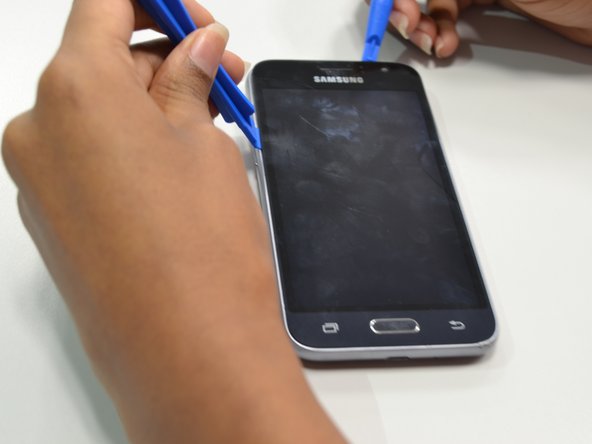
Apply heat from heat gun or blow dryer on periphery of the screen for one to two minutes.
-
-





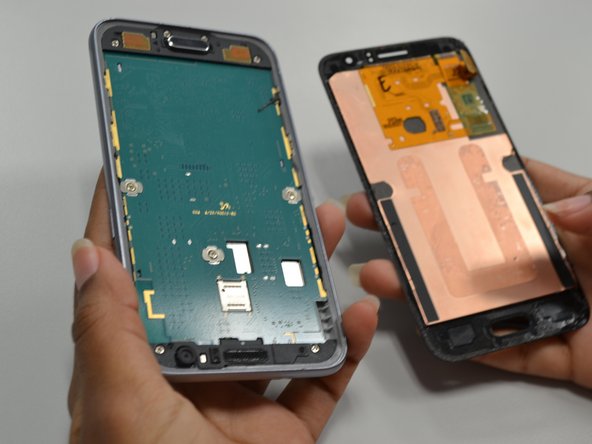
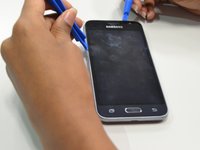
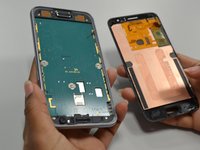
To reassemble your device, follow these instructions in reverse order.
Cancel: I did not complete this guide.
6 other people completed this guide.

Team

UW Tacoma, Team S1-G1, Cardinal Summer 2018 Member of UW Tacoma, Team S1-G1, Cardinal Summer 2018
UWT-CARDINAL-SU18S1G1
4 Members
60 Guides authored
2 Guide Comments
I broke the screen on the same day I bought the phone. I have ordered a new one from ebay. I am going to try to install the screen with LCD digitizer.
I had an amp 2 phone i accidently smashed it with my ps3 controller when I was playing games I smashed it on purpose so is this the way to fix the phone
