Introduction
Disassemble a Samsung Galaxy Amp 2 in order to replace a faulty home button. You may want to replace the home button if it is damaged or unresponsive. The most time consuming step is removing the screen, which is a bit tricky. You will need angled tweezers, four plastic opening tools, and a heat gun or blow dryer. You will also need a PH000 screwdriver in order to unscrew the motherboard, which holds the home button in place.
What you need
-
-
-
Insert your fingernail or an opening tool into the divot on the side of the phone. The divot is located to the left of the rear-facing camera.
-
Lift upwards and gently pry the rear panel off of the phone.
 Ask FixBot
-
-
-
Insert a fingernail or plastic opening tool into the gap in the bottom right corner of the battery and lift upward.
-
Grip the battery and safely remove it from the phone.
-
-
-
-
Tool used on this step:Tweezers$3.99
-
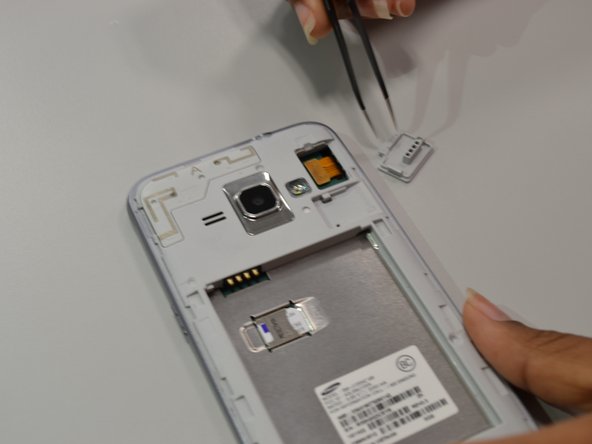
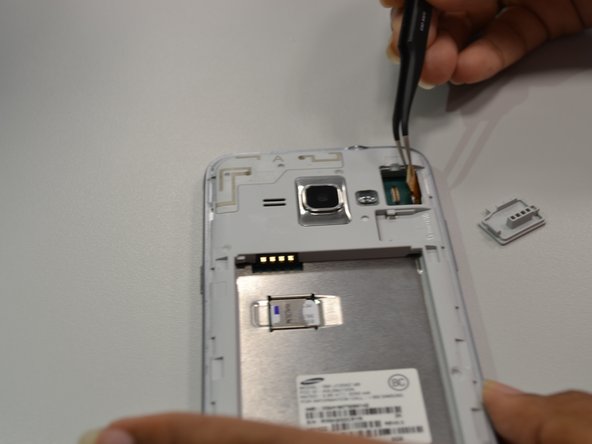
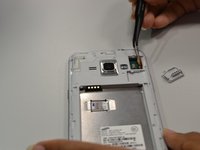
Using angled tweezers, lift the small rectangular guard at upper right corner of the phone.
-
Disconnect the connector piece from the back panel.
-
-
-
-
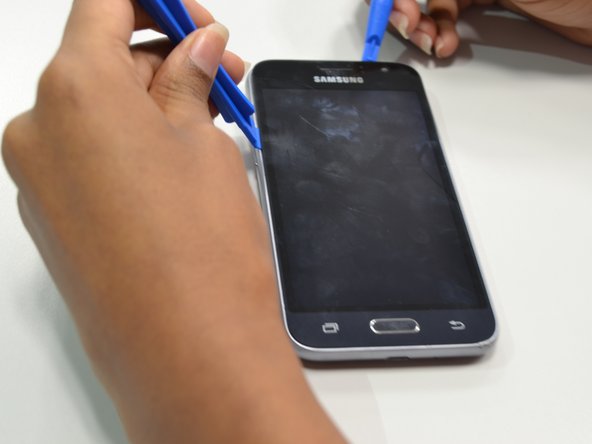
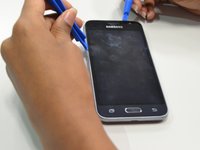
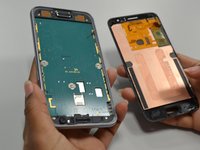
Apply heat from heat gun or blow dryer on periphery of the screen for one to two minutes.
-
-
-
-
-
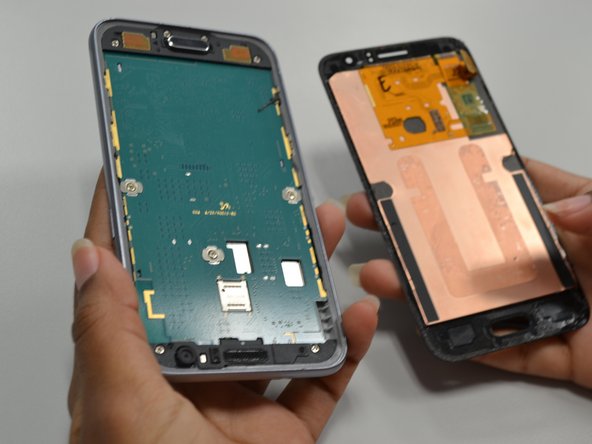
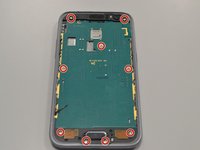
Unscrew the nine 4.5mm PH screws using a screwdriver with a PH000 bit.
-
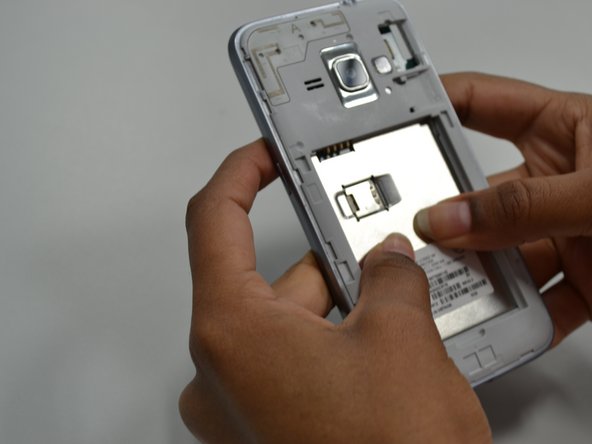
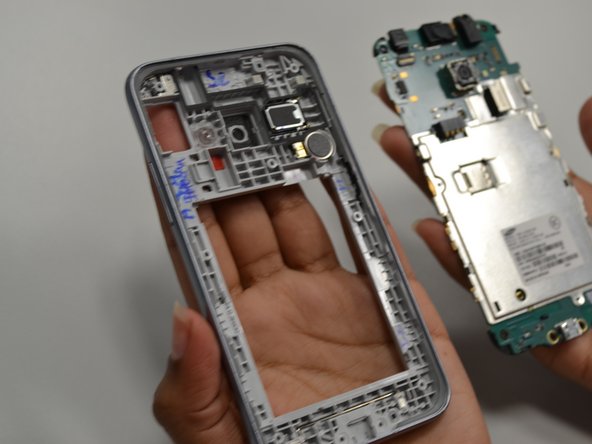
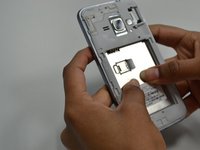
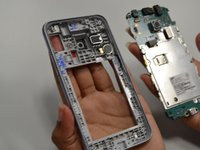
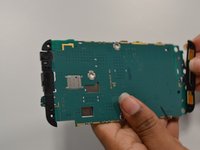
Push from the back panel to remove the bottom part of the motherboard.
-
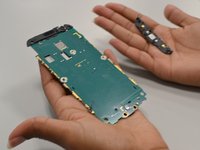
Push from the front panel to remove the top part of the motherboard.
-
-
-
-
-
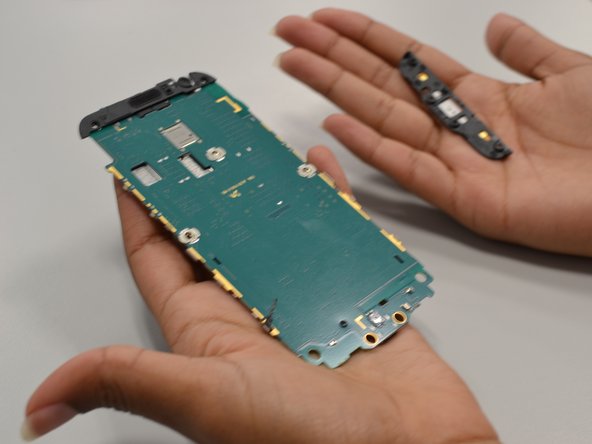
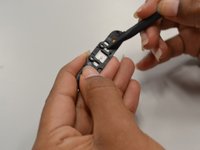
Pull the black tab that is located on the bottom of the motherboard.
-
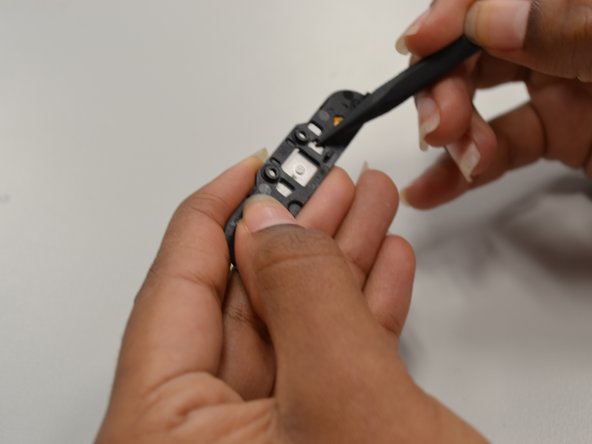
Push the home button out of the black tab.
-
-







To reassemble your device, follow these instructions in reverse order.
Cancel: I did not complete this guide.
One other person completed this guide.

Team

UW Tacoma, Team S1-G1, Cardinal Summer 2018 Member of UW Tacoma, Team S1-G1, Cardinal Summer 2018
UWT-CARDINAL-SU18S1G1
4 Members
60 Guides authored
