
Samsung Galaxy A7 (2018) Display Assembly Replacement

Last updated on Feb 27, 2025
Views: 22K
View statistics:
- Past 24 Hours:
- 0
- Past 7 Days:
- 26
- Past 30 Days:
- 135
- All Time:
- 22,127
Comments: 4
2 comments on steps, 2 guide comments.
Go to guide commentsCompleted: 22 23
22 people have marked this guide "completed." Will you be next?
23 people have marked this guide "completed." Including you — great job!
Favorites: 1 2
1 person has favorited (and subscribed to) this guide. Will you be next?
2 people have favorited (and subscribed to) this guide — including you!
Community-Contributed Guide
An awesome member of our community made this guide. It was not created by iFixit staff.
What you need
Tools
-
Spudger4.9
-


Video Overview
-
-
-
It's better to use Display Assembly (Screen With Frame) to fix your broken device.
 Ask FixBot
-
-
-
Use hot air to warm the device and soften the adhesive type.
-
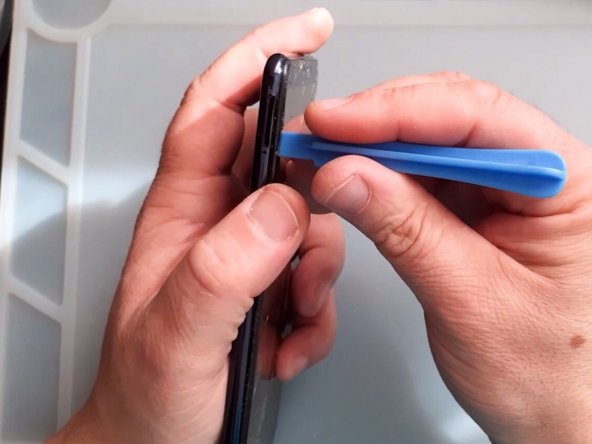
Gently separate the back cover.
-
Use Suction Cup and a plastic opening tool (Paying cart).
-
-
-
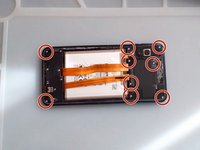
You need a screwdriver Phillips to remove all 9 screws.
-
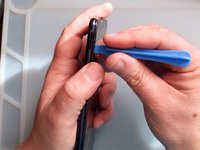
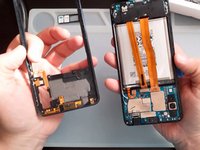
Again - using only Plastic tools remove the middle frame.
-
-
-
-
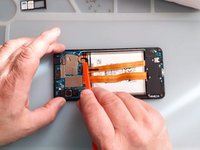
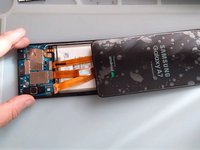
Once you have access to the battery, disconnect it.
-
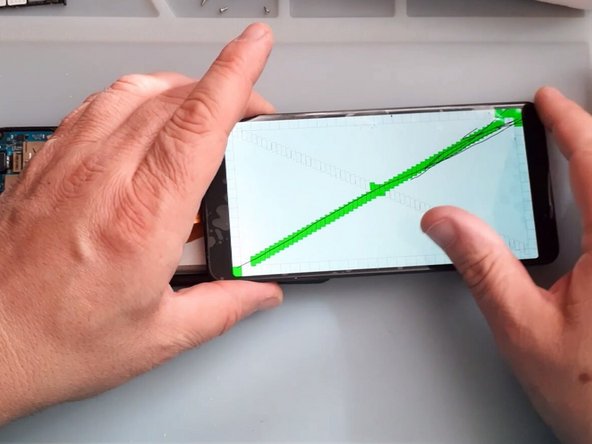
Test the new screen before installing it.
-
-
-
Use Phillips Screwdriver and plastic tool and remove the Sub board cover.
-
-
-
Remove the black Philips screw and gently take out the Mother board.
-
-
-
Remove the Antenna Sub-PBA board.
-
It's easier to take out the sub board if you warm it a little.
-
-
-
Transfer to the New Screen frame:
-
Vibrator motor
-
Loudspeacker
-
Receiver
-
Use hot air and plastic tools to remove the battery.
-
-







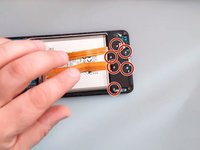
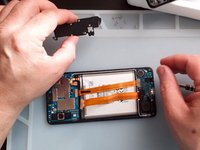

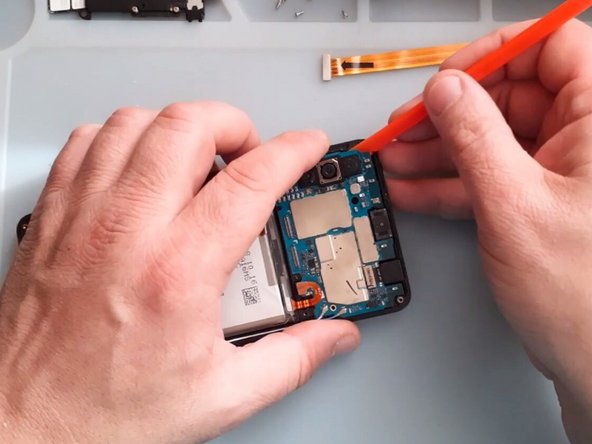
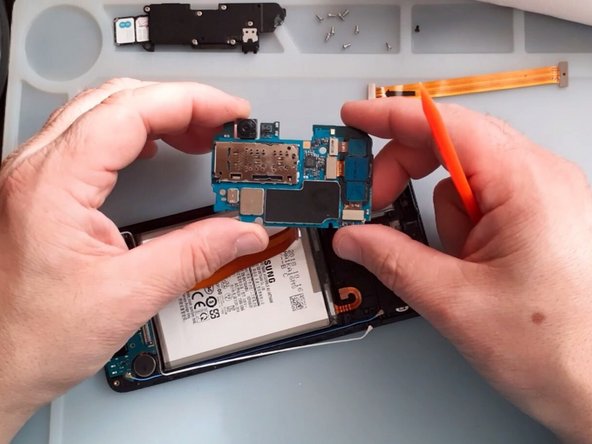
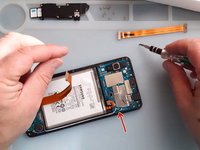
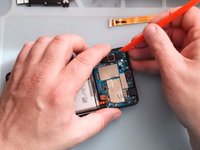
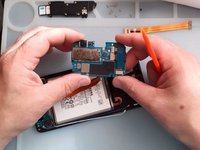

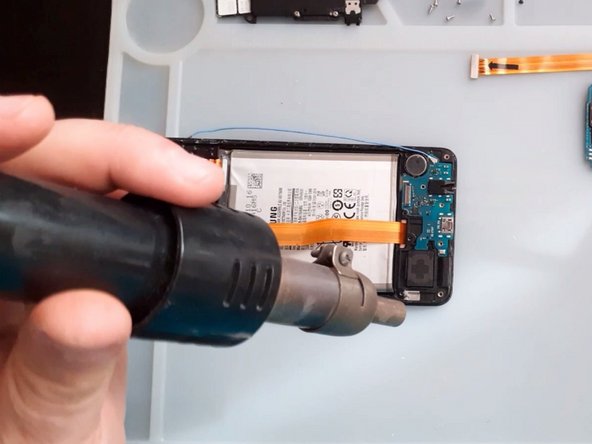
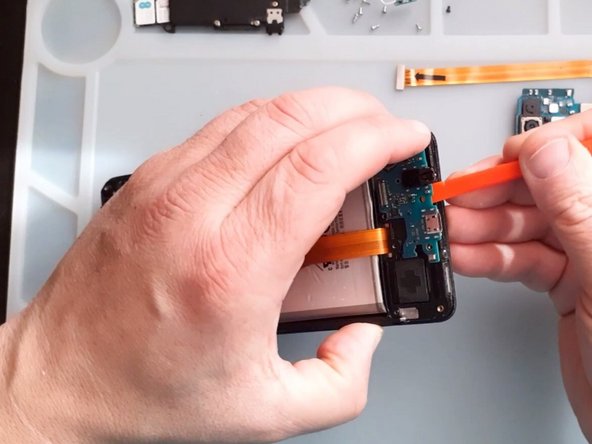
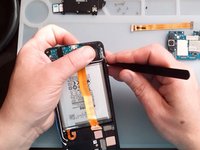
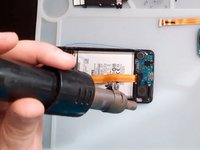
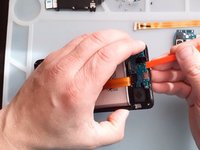

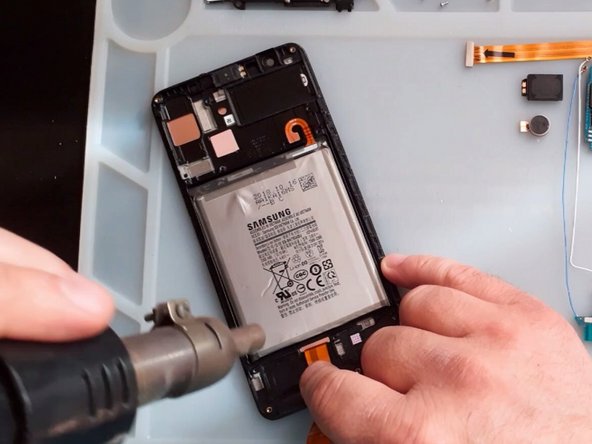
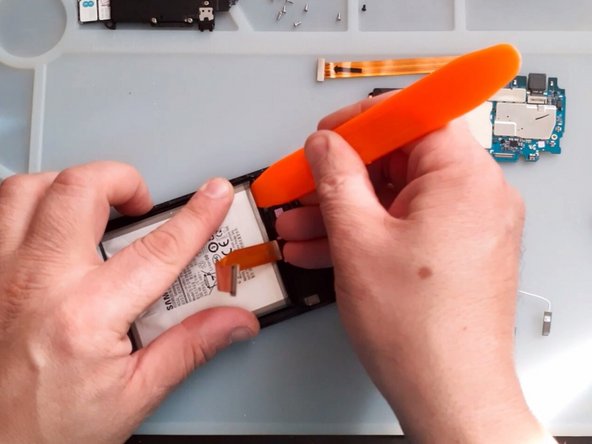
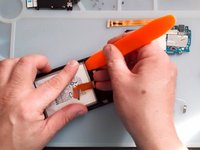

To reassemble your device, follow these instructions in reverse order.
Cancel: I did not complete this guide.
22 other people completed this guide.

Team

2 Guide Comments
Hey!!!!!!. I’ve just recently fixed my A7 (2018) screen, and with this screen, you’ll have to remove the old one, and replace it. The adhesive what is on your old screen is very strong, So i advise to use isopropyl alcohol, and/or heat, also with suction, so that you can pry up the screen. Also, Do NOT bent the Flex Cable because it is very delicate, and it will tear easy. All in all, the repair was fun, for a repairman myself, and allowed me to use my talent!!. 10/10 Recommend
I want buy the screen for samsung a7 ?
