Introduction
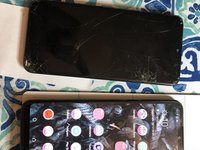
If your phone has been dropped and the glass or the LCD has broken, with this guide you can replace the display assembly of your Galaxy A20e and make it as good as new.
What you need
-
-
-
Release the back cover with the help of a thin blade or a Jimmy. Insert the tool between the frame display and the cover unclipping it along the entire perimeter.
-
Insert a Jimmy between the display frame and the side shell and slide it along the edge, in order to completely disengage the two parts.
-
-
-
Using a Philips #00 screwdriver, remove the 13 screws securing the inner cover.
-
-
-
-
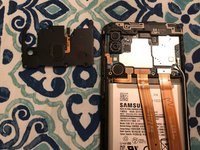
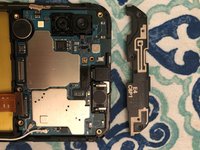
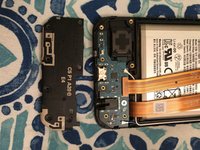
Now you can remove the upper and lower covers that protect the logic board and the speaker respectively.
-
-
-
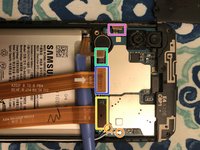
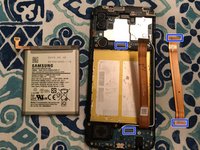
Pry up the following four connectors:
-
Battery connector;
-
Display connector;
-
Power / volume buttons;
-
Lower logic board connector.
-
-
-
Remove the battery by placing a few drops of alcohol underneath the battery and letting it sit for about a minute. This will weaken the double-sided adhesive that holds the battery.
-
-
-
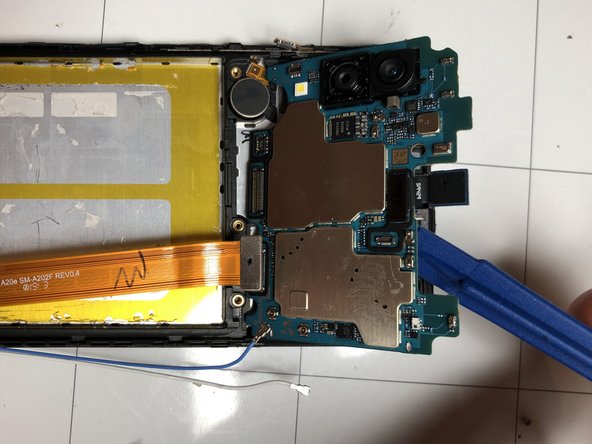
Disconnect the two blue and white antenna wires.
-
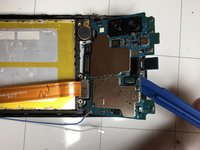
Remove the motherboard by lifting it away by the upper part.
-
Carefully remove the microphone, as it is glued and easily damaged. Try to warm up that area a little to make it easier.
-
-
-
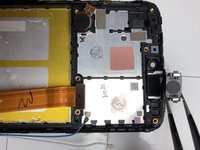
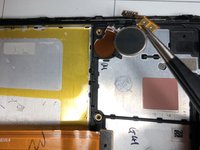
Remove the glued-on vibration motor with the help of a small amount of heat
-
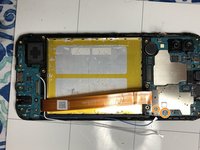
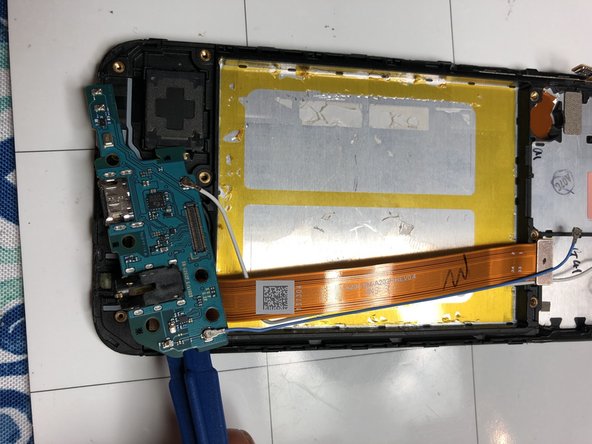
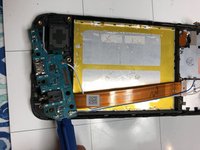
Remove the lower motherboard.
-
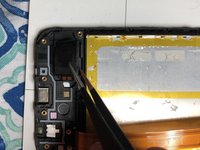
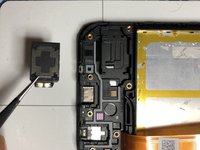
Remove the glued-on speaker with the help of a heat source.
-
-
-
Once you have completed the component removal, you can begin the reassembly by placing the components on the new display.
-


 Ask FixBot











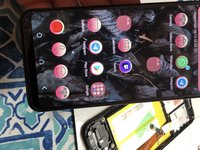
To reassemble your device, follow these instructions in reverse order.
Cancel: I did not complete this guide.
22 other people completed this guide.
Special thanks to these translators:
100%


These translators are helping us fix the world! Want to contribute?
Start translating ›

14 Guide Comments
this guide isn’t for a A20 its for an A20e
If you're gonna re-use the battery I wouldn't use heat, it damages the cells inside of the battery. Just pry with a spudger and have
@joeyhelmond0492: That is not the whole truth. And prying it with a spudger just like that is a recipe for breaking it.
The ideal solution is a heated gel pad, but from the display side, while the battery sits on a cool gel pad or heat spreader (from a PC cooler) and only letting the glue come up to 60° before removing the gel pads and removing the battery.
Electronics are wave soldered nowadays anyway, which is literally a wave of molten metal, which is way hotter than 60°C. So they are designed to take that for a short time. The battery is not, but can handle 60°C for a bit too. The only problem is hot spots that cause uneven expansion, which is the same as bending it. Hence 1. using a gel pad, and 2. making sure the heat goes through the display, not through the battery.
(Note: Quick cooling is just as bad as quick heating.)
