Free Shipping on Domestic Orders $75+

Samsung Galaxy A20e Display Assembly Replacement

What you need

Video Overview

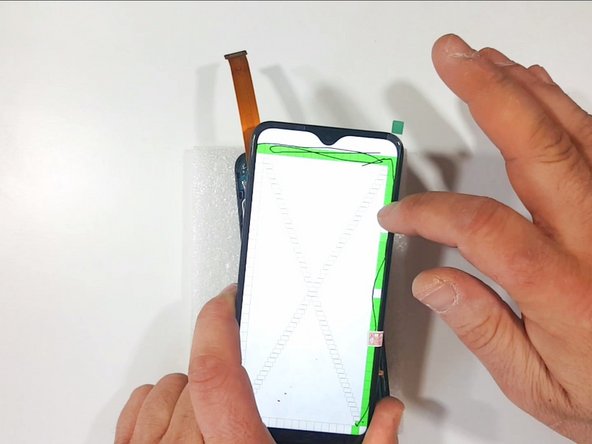
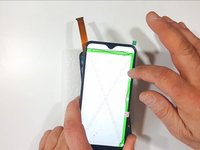
  1. Samsung Galaxy A20e Display Assembly Replacement, Display Touch Screen Assembly Spare part: step 1, image 1 of 2 Samsung Galaxy A20e Display Assembly Replacement, Display Touch Screen Assembly Spare part: step 1, image 2 of 2
    • This is Display Touch Screen Assembly with Frame

    Ask FixBot

    Add Comment

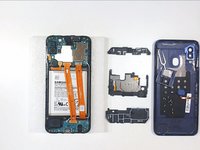
  2. Samsung Galaxy A20e Display Assembly Replacement, Back Cover Removal: step 2, image 1 of 3 Samsung Galaxy A20e Display Assembly Replacement, Back Cover Removal: step 2, image 2 of 3 Samsung Galaxy A20e Display Assembly Replacement, Back Cover Removal: step 2, image 3 of 3
    • Remove the SIM tray

    • To remove the back cover use a plastic opening tool

    • When you remove the back cover, press the Touch ID to unstick it from the back cover

    Ask FixBot

    Add Comment

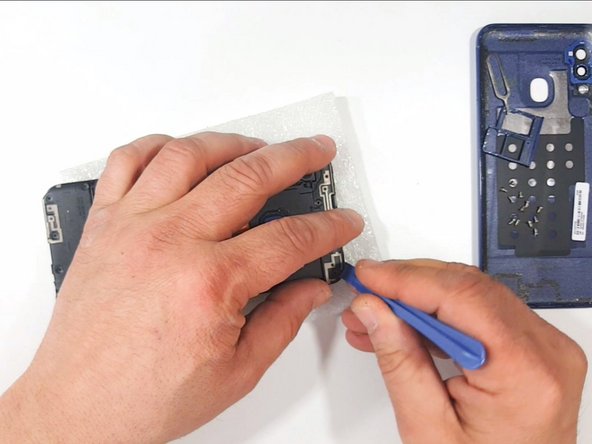
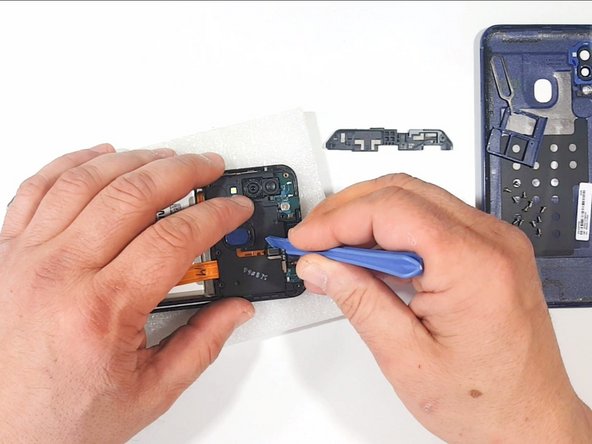
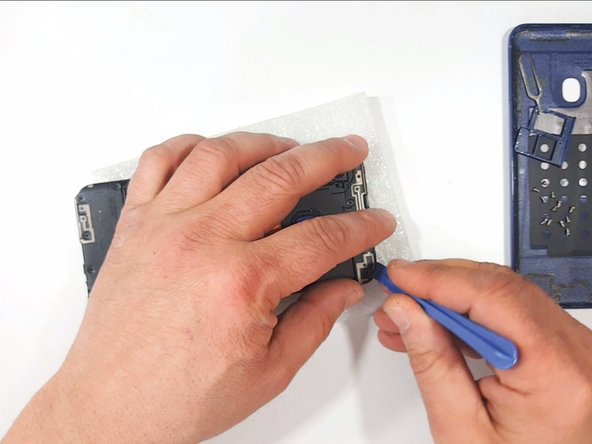
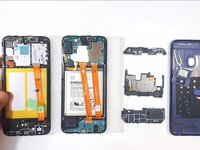
  3. Samsung Galaxy A20e Display Assembly Replacement, Fingerprint Sensor Removal: step 3, image 1 of 3 Samsung Galaxy A20e Display Assembly Replacement, Fingerprint Sensor Removal: step 3, image 2 of 3 Samsung Galaxy A20e Display Assembly Replacement, Fingerprint Sensor Removal: step 3, image 3 of 3
    • With a Phillips Screwdriver remove all the screws

    • With a Plastic Opening Tool:

    • Remove the Antenna Assembly

    • Disconnect and remove the Touch ID Fingerprint Sensor

    Ask FixBot

    Add Comment

  4. Samsung Galaxy A20e Display Assembly Replacement, Logic Board Cover Removal: step 4, image 1 of 3 Samsung Galaxy A20e Display Assembly Replacement, Logic Board Cover Removal: step 4, image 2 of 3 Samsung Galaxy A20e Display Assembly Replacement, Logic Board Cover Removal: step 4, image 3 of 3
    • Remove the Logic Board Plastic Cover

    • Remove the Sup-board Plastic Cover

    Ask FixBot

    Add Comment

  5. Samsung Galaxy A20e Display Assembly Replacement, Test the New Spare part: step 5, image 1 of 3 Samsung Galaxy A20e Display Assembly Replacement, Test the New Spare part: step 5, image 2 of 3 Samsung Galaxy A20e Display Assembly Replacement, Test the New Spare part: step 5, image 3 of 3
    • Its time to test the new spare part

    • Do not forget to disconnect the battery before you start working on the device.

    Ask FixBot

    Add Comment

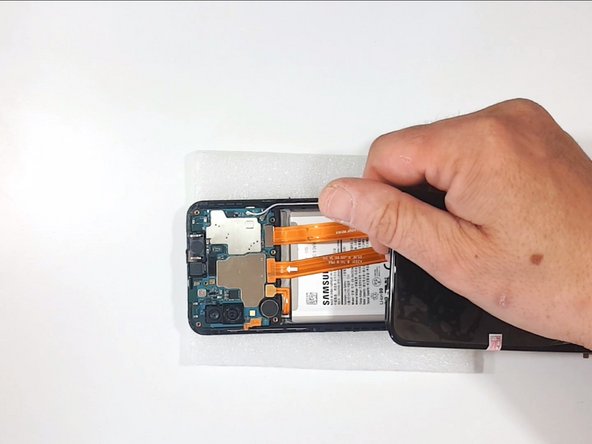
  6. Samsung Galaxy A20e Display Assembly Replacement, Logic Board Removal - Part 1: step 6, image 1 of 3 Samsung Galaxy A20e Display Assembly Replacement, Logic Board Removal - Part 1: step 6, image 2 of 3 Samsung Galaxy A20e Display Assembly Replacement, Logic Board Removal - Part 1: step 6, image 3 of 3
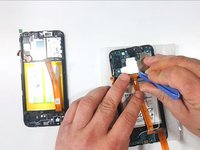
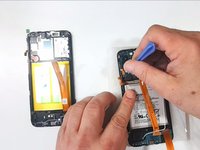
    • Disconnect the Battery

    • Disconnect the Sup-board Flex Cable

    • Disconnect the Coaxial Antenna Cables. Do it very carefully because you can easily damage them

    Ask FixBot

    Add Comment

  7. Samsung Galaxy A20e Display Assembly Replacement, Logic Board Removal - Part 2: step 7, image 1 of 3 Samsung Galaxy A20e Display Assembly Replacement, Logic Board Removal - Part 2: step 7, image 2 of 3 Samsung Galaxy A20e Display Assembly Replacement, Logic Board Removal - Part 2: step 7, image 3 of 3
    • Remove the Sup-board Flex Cable

    • Disconnect the Volume buttons Flex Cable

    • Gently remove the Logic board. Be careful for the cameras

    Ask FixBot

    Add Comment

  8. Samsung Galaxy A20e Display Assembly Replacement, Sup-board removal: step 8, image 1 of 3 Samsung Galaxy A20e Display Assembly Replacement, Sup-board removal: step 8, image 2 of 3 Samsung Galaxy A20e Display Assembly Replacement, Sup-board removal: step 8, image 3 of 3
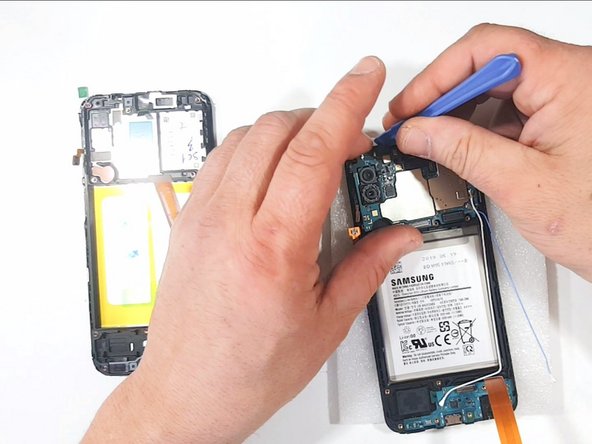
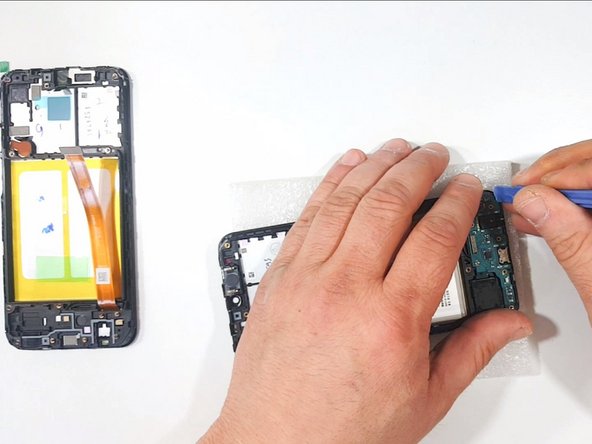
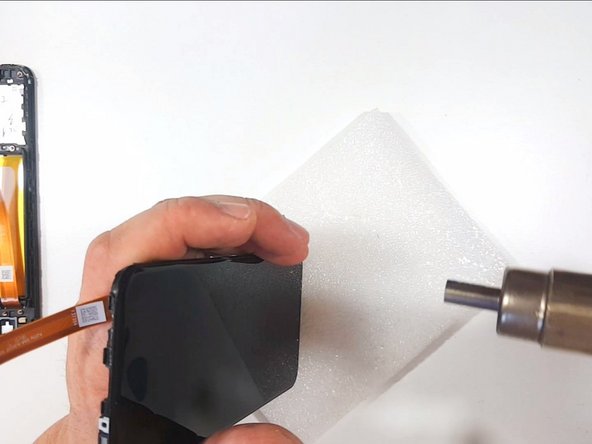
    • Use Hot air to soften the adhesive and gently remove the sup-bord

    • Its better to use a plastic tools

    Ask FixBot

    Add Comment

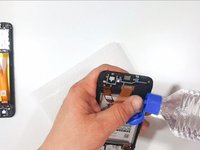
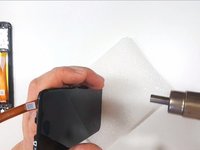
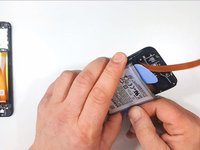
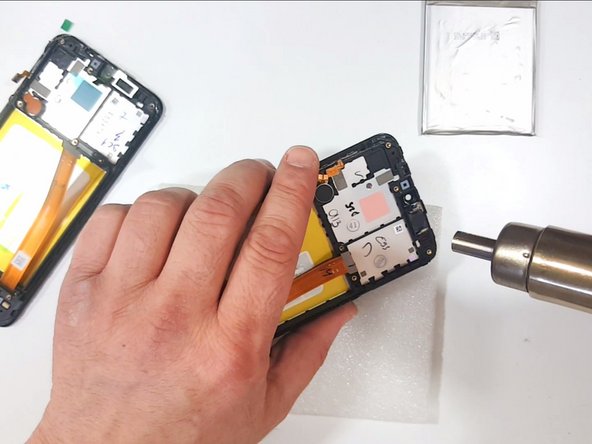
  9. Samsung Galaxy A20e Display Assembly Replacement, Battery Removal: step 9, image 1 of 3 Samsung Galaxy A20e Display Assembly Replacement, Battery Removal: step 9, image 2 of 3 Samsung Galaxy A20e Display Assembly Replacement, Battery Removal: step 9, image 3 of 3
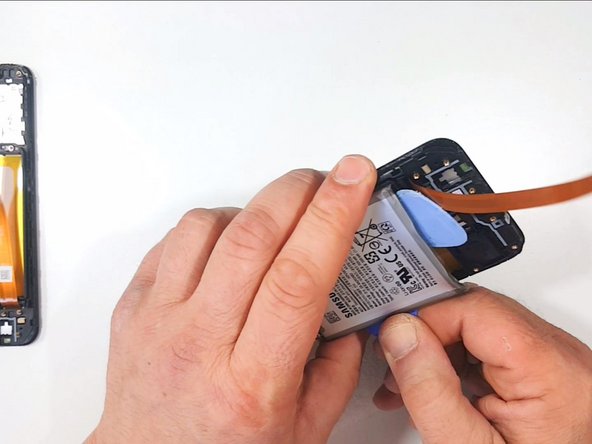
    • To remove the Battery use a few drops of alcohol and warm the device.

    Ask FixBot

    Add Comment

  10. Samsung Galaxy A20e Display Assembly Replacement, Transfer the Receiver, Loudspeaker and the Vibration-motor: step 10, image 1 of 3 Samsung Galaxy A20e Display Assembly Replacement, Transfer the Receiver, Loudspeaker and the Vibration-motor: step 10, image 2 of 3 Samsung Galaxy A20e Display Assembly Replacement, Transfer the Receiver, Loudspeaker and the Vibration-motor: step 10, image 3 of 3
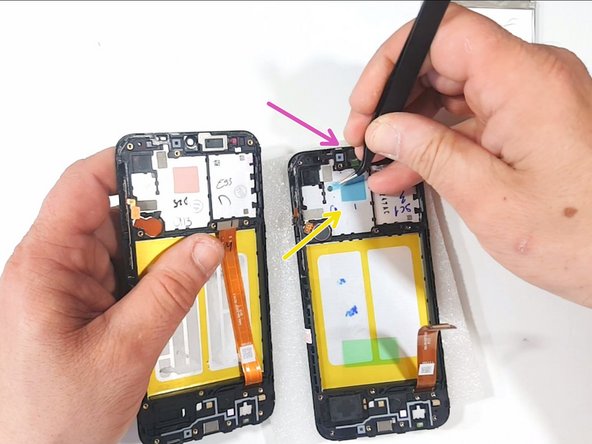
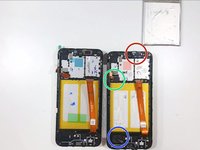
    • Now you have to transfer:

    • Receiber

    • Vibromotor

    • Loudspeacker

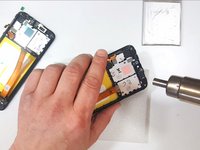
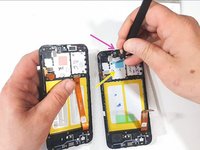
    • Remove the transport tapes from:

    • Silicon Thermal Pad

    • Front Camera Hole

    • Use Hot Air to do this easily

    Ask FixBot

    Add Comment

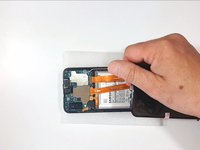
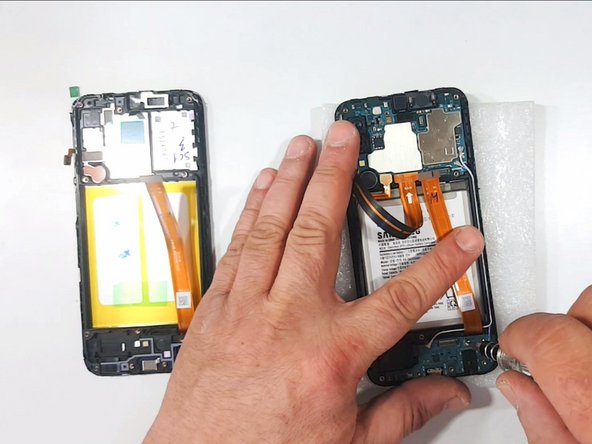
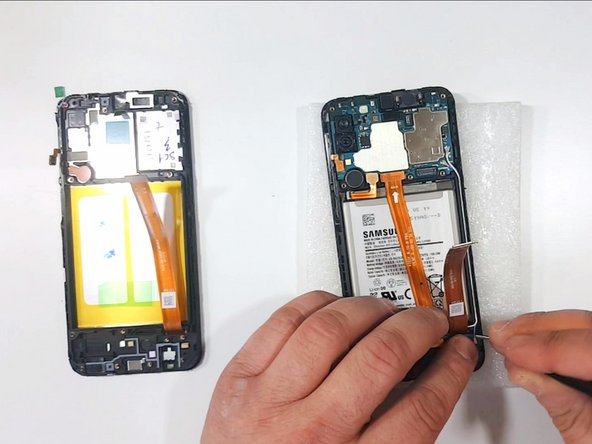
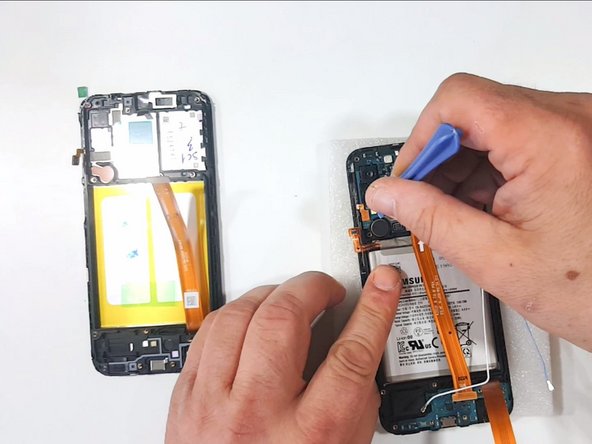
  11. Samsung Galaxy A20e Display Assembly Replacement, Battery: step 11, image 1 of 1
    • Use Double side Adhesive tape to install the battery to the new frame

    Ask FixBot

    Add Comment

  12. Samsung Galaxy A20e Display Assembly Replacement: step 12, image 1 of 1
    • "All's Well That Ends Well."

    Ask FixBot

    Add Comment

Conclusion

To reassemble your device, follow these instructions in reverse order.

Cancel: I did not complete this guide.

21 other people completed this guide.

ZFix

Member since: 12/09/13

197,270 Reputation

330 Guides authored

Team

Master Techs Member of Master Techs

Community

333 Members

1,521 Guides authored

0 Guide Comments

Add Comment

View Statistics:

Past 24 Hours: 3

Past 7 Days: 20

Past 30 Days: 86

All Time: 18,323