Free Shipping on Domestic Orders $75+

Samsung Galaxy A11 Front Facing Camera Replacement

What you need

  1. Samsung Galaxy A11 Front Facing Camera Replacement, Back Cover: step 1, image 1 of 3 Samsung Galaxy A11 Front Facing Camera Replacement, Back Cover: step 1, image 2 of 3 Samsung Galaxy A11 Front Facing Camera Replacement, Back Cover: step 1, image 3 of 3
    • Place the SIM eject tool in the hole of the sim tray.

    • Push until part of the SIM tray is pushed out.

    • Pull out the rest of the SIM tray.

  2. Samsung Galaxy A11 Front Facing Camera Replacement: step 2, image 1 of 3 Samsung Galaxy A11 Front Facing Camera Replacement: step 2, image 2 of 3 Samsung Galaxy A11 Front Facing Camera Replacement: step 2, image 3 of 3
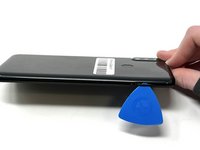
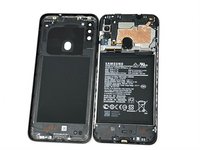
    • Gently pry open the area of the back cover near the SIM tray using an iFixit opening pick.

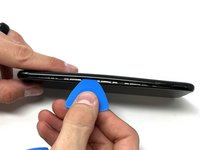
    • Gently move the pick along the gap and pry open the clips holding it together.

    • If possible, use multiple picks to prevent the back cover from closing.

  3. Samsung Galaxy A11 Front Facing Camera Replacement: step 3, image 1 of 3 Samsung Galaxy A11 Front Facing Camera Replacement: step 3, image 2 of 3 Samsung Galaxy A11 Front Facing Camera Replacement: step 3, image 3 of 3
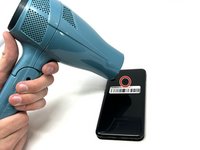
    • Using a hair dryer on low heat, heat the fingerprint sensor in increments of 30 seconds to loosen the surrounding adhesive.

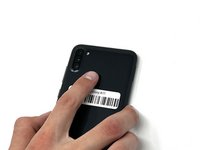
    • Gently push the fingerprint sensor until it detaches from the back cover.

    • If needed, remove the button by prying it from the bottom of the device.

  4. Samsung Galaxy A11 Front Facing Camera Replacement, Battery: step 4, image 1 of 3 Samsung Galaxy A11 Front Facing Camera Replacement, Battery: step 4, image 2 of 3 Samsung Galaxy A11 Front Facing Camera Replacement, Battery: step 4, image 3 of 3
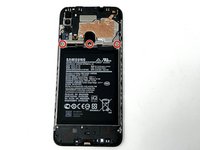
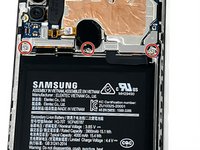
    • Remove the three 3 mm screws from the shield using a Phillips #000 screwdriver.

    • Remove the shield from the phone.

  5. Samsung Galaxy A11 Front Facing Camera Replacement: step 5, image 1 of 3 Samsung Galaxy A11 Front Facing Camera Replacement: step 5, image 2 of 3 Samsung Galaxy A11 Front Facing Camera Replacement: step 5, image 3 of 3
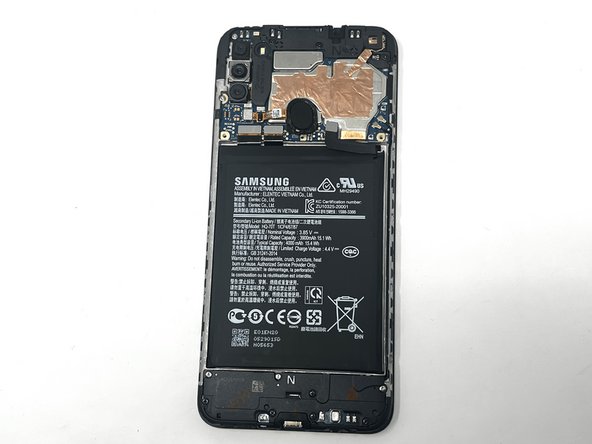
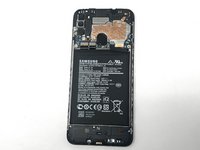
    • Using tweezers, a spudger, or your fingers, disconnect the battery press connector from the phone.

  6. Samsung Galaxy A11 Front Facing Camera Replacement: step 6, image 1 of 3 Samsung Galaxy A11 Front Facing Camera Replacement: step 6, image 2 of 3 Samsung Galaxy A11 Front Facing Camera Replacement: step 6, image 3 of 3
    • If needed, use a hairdryer on low heat to soften the adhesive under the battery. If The Battery Is Expanded, DO NOT USE A HAIRDRYER or heat; be very careful when removing to not puncture the battery.

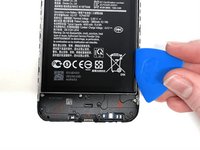
    • Use an iFixit pry tool to dig under the battery edge.

    • If needed, use multiple pry tools to hold the battery in place.

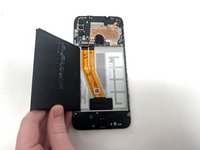
    • Continue to cut the adhesive under the battery until you are able to pry the battery away from the phone.

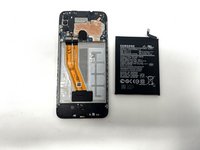
    • Remove the battery from the phone.

  7. Samsung Galaxy A11 Front Facing Camera Replacement, Fingerprint Sensor: step 7, image 1 of 3 Samsung Galaxy A11 Front Facing Camera Replacement, Fingerprint Sensor: step 7, image 2 of 3 Samsung Galaxy A11 Front Facing Camera Replacement, Fingerprint Sensor: step 7, image 3 of 3
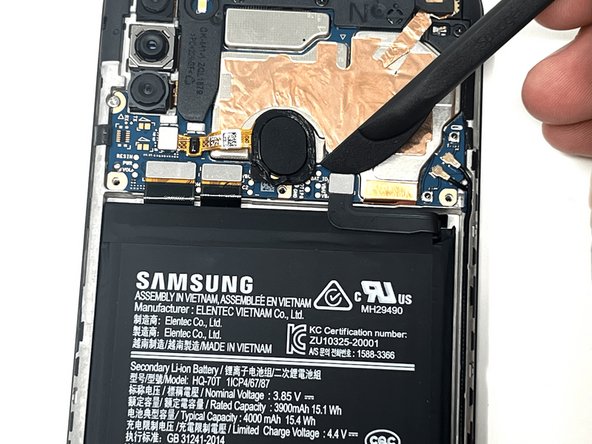
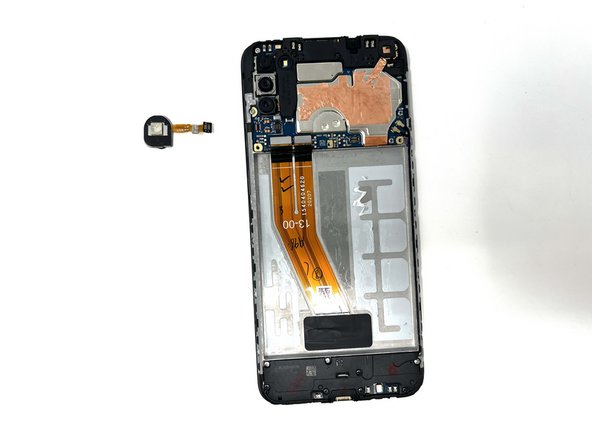
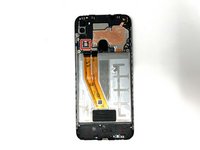
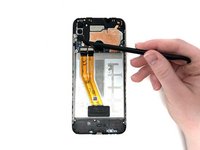
    • Using a spudger, detach the ribbon cable connected to the fingerprint sensor.

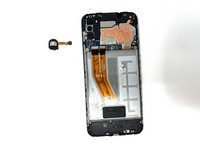
    • Remove the fingerprint sensor from the device.

  8. Samsung Galaxy A11 Front Facing Camera Replacement, Motherboard: step 8, image 1 of 1
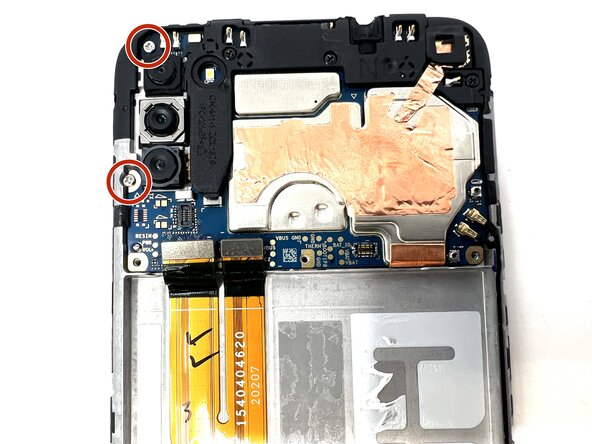
    • Remove the two 3 mm silver screws from the top left of the device using a Phillips #000 screwdriver.

  9. Samsung Galaxy A11 Front Facing Camera Replacement: step 9, image 1 of 3 Samsung Galaxy A11 Front Facing Camera Replacement: step 9, image 2 of 3 Samsung Galaxy A11 Front Facing Camera Replacement: step 9, image 3 of 3
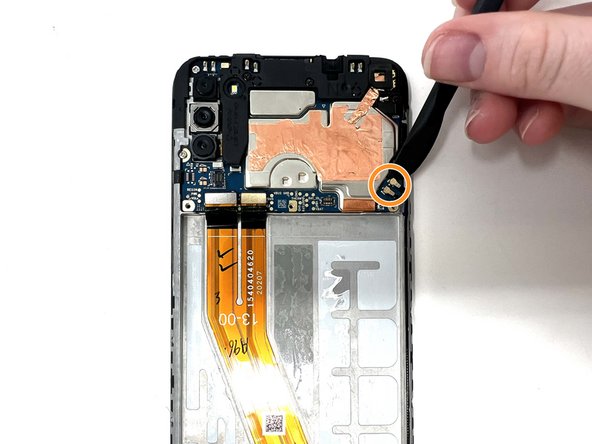
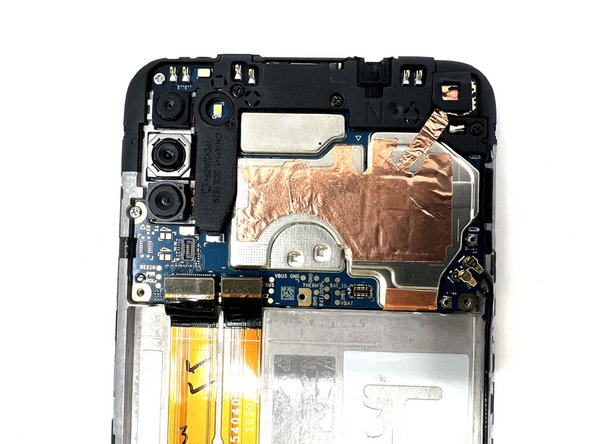
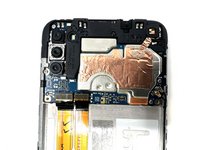
    • Using a spudger, disconnect the two ribbon cables attached to the battery slot from the motherboard.

    • Disconnect the two longer ribbon cables near the bottom right corner of the motherboard.

    • Lift these cables up slightly to reveal a gap.

  10. Samsung Galaxy A11 Front Facing Camera Replacement: step 10, image 1 of 3 Samsung Galaxy A11 Front Facing Camera Replacement: step 10, image 2 of 3 Samsung Galaxy A11 Front Facing Camera Replacement: step 10, image 3 of 3
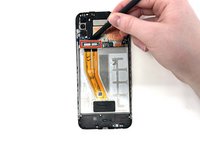
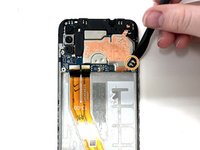
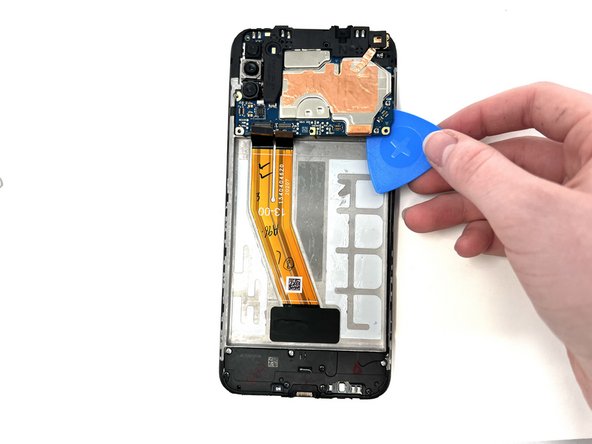
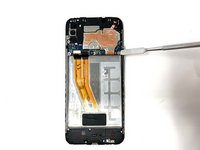
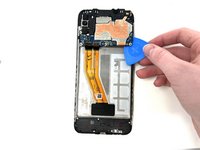
    • Using a spudger, gently pry the motherboard up using the corner revealed in the previous step.

    • If needed, use a metal spudger as a sturdier alternative.

    • If using a metal spudger, it is important to be gentle in order to not damage any components of the device.

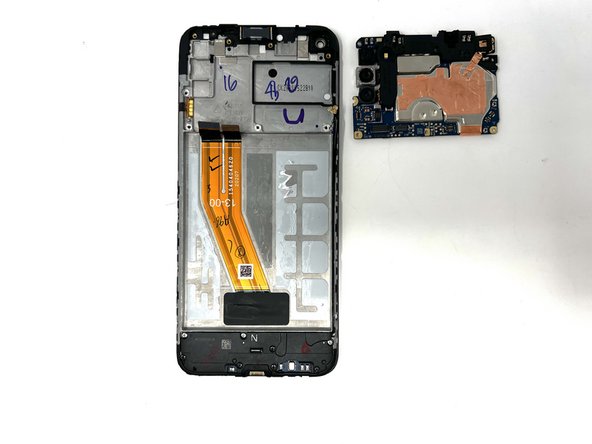
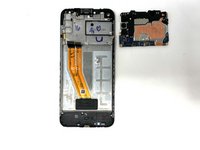
    • Remove the motherboard from the device.

  11. Samsung Galaxy A11 Front Facing Camera Replacement, Front Facing Camera: step 11, image 1 of 3 Samsung Galaxy A11 Front Facing Camera Replacement, Front Facing Camera: step 11, image 2 of 3 Samsung Galaxy A11 Front Facing Camera Replacement, Front Facing Camera: step 11, image 3 of 3
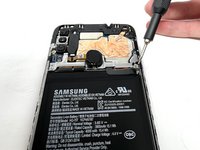
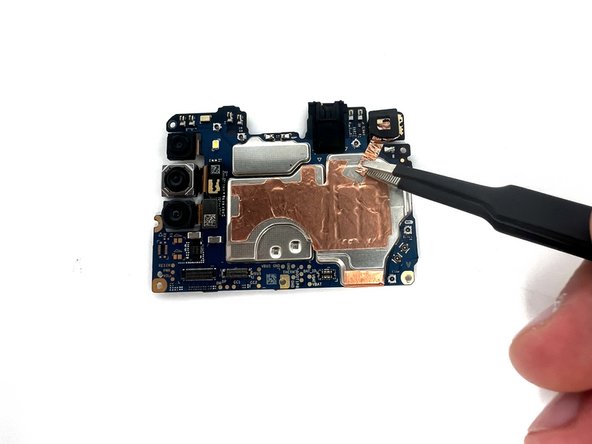
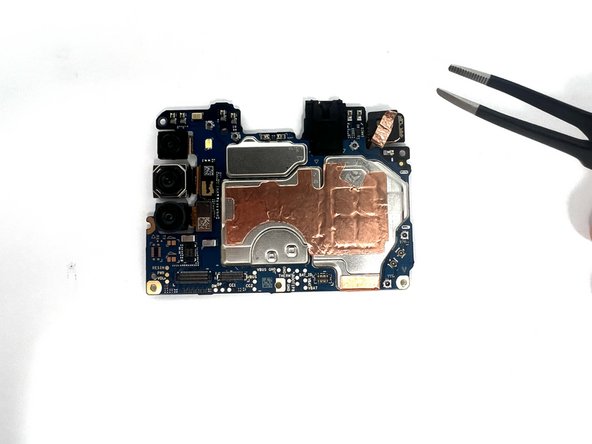
    • Gently use tweezers to peel up the copper strip that spans from the front facing camera to the motherboard.

    • If you are using metal tweezers, be gentle in order to avoid damaging the device.

  12. Samsung Galaxy A11 Front Facing Camera Replacement: step 12, image 1 of 3 Samsung Galaxy A11 Front Facing Camera Replacement: step 12, image 2 of 3 Samsung Galaxy A11 Front Facing Camera Replacement: step 12, image 3 of 3
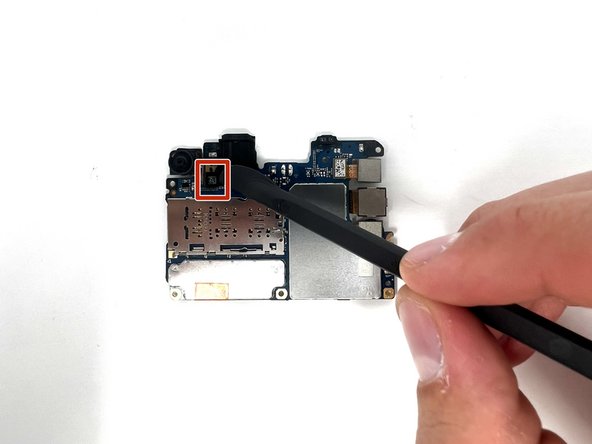
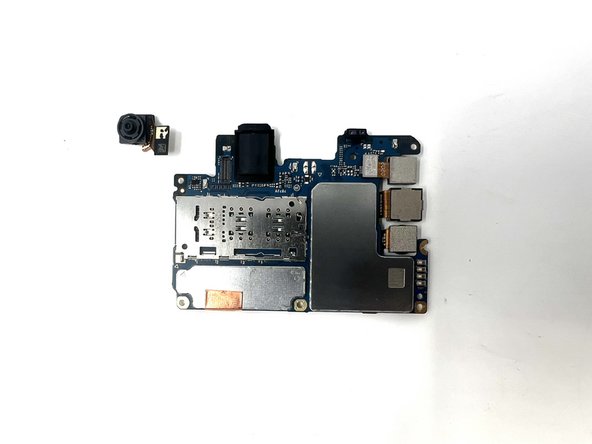
    • Flip the motherboard over.

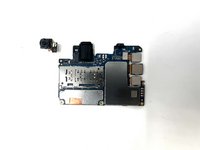
    • Using a spudger, disconnect the front facing camera from the motherboard.

Conclusion

To reassemble your device, follow these instructions in reverse order.

Alec Searle

Member since: 09/04/24

252 Reputation

2 Guides authored

Team

0 Guide Comments

Add Comment

View Statistics:

Past 24 Hours: 3

Past 7 Days: 5

Past 30 Days: 27

All Time: 413