
Samsung Galaxy A11 Fingerprint Sensor Replacement

Last updated on Dec 17, 2024
Views: 856
View statistics:
- Past 24 Hours:
- 2
- Past 7 Days:
- 22
- Past 30 Days:
- 87
- All Time:
- 856
Comments: 1
1 comment on steps.
Completed: 2 3
2 people have marked this guide "completed." Will you be next?
3 people have marked this guide "completed." Including you — great job!
Favorites: 0 1
No one has favorited (and subscribed to) this guide. Will you be the first?
1 person has favorited (and subscribed to) this guide — and that's you!
Better Introduction
Improve this guide by completing or revising its introduction.
Missing Details
Some of this guide's details are missing. Help users by adding tools, difficulty, or time.
What you need
Tools


-
-
-
Place the SIM eject tool in the hole of the sim tray.
-
Push until part of the SIM tray is pushed out.
-
Pull out the rest of the SIM tray.
 Ask FixBot
-
-
-
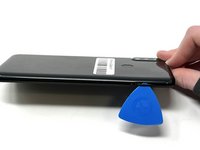
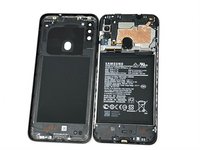
Gently pry open the area of the back cover near the SIM tray using an iFixit opening pick.
-
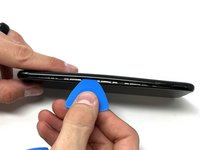
Gently move the pick along the gap and pry open the clips holding it together.
-
-
-
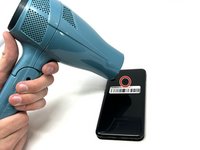
Using a hair dryer on low heat, heat the fingerprint sensor in increments of 30 seconds to loosen the surrounding adhesive.
-
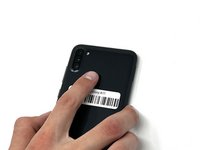
Gently push the fingerprint sensor until it detaches from the back cover.
-
-
-
-
-
-
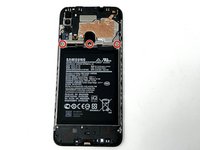
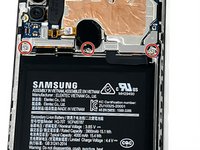
Remove the three 3 mm screws from the shield using a Phillips #000 screwdriver.
-
Remove the shield from the phone.
-
-
-
Using tweezers, a spudger, or your fingers, disconnect the battery press connector from the phone.
-
-
-
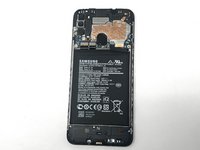
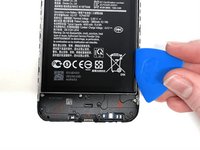
Use an iFixit pry tool to dig under the battery edge.
-
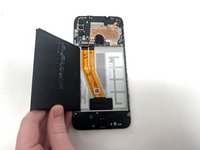
Continue to cut the adhesive under the battery until you are able to pry the battery away from the phone.
-
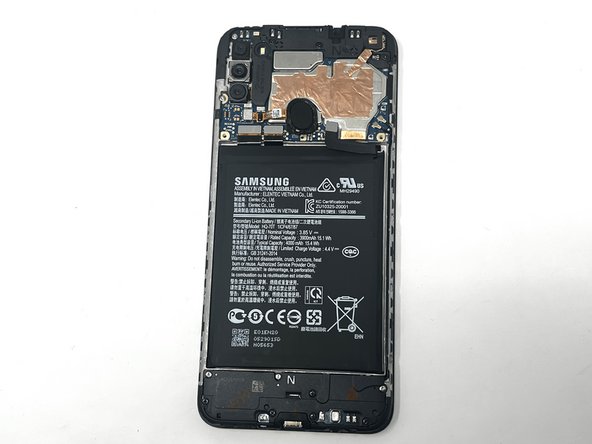
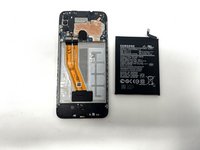
Remove the battery from the phone.
-
-
-
-
-
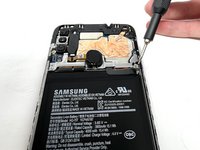
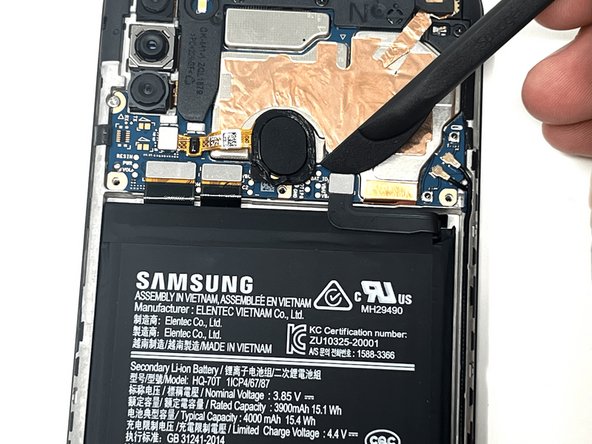
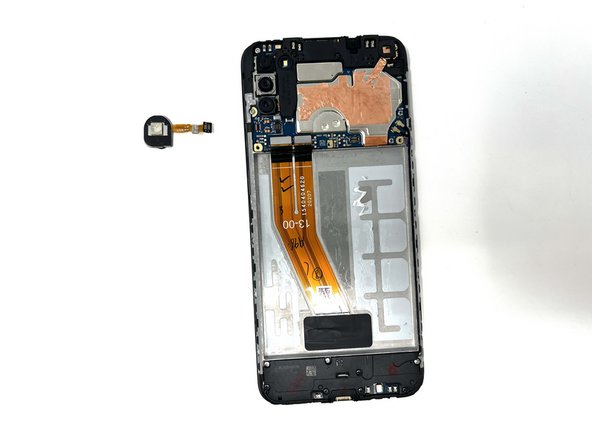
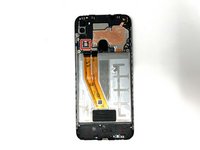
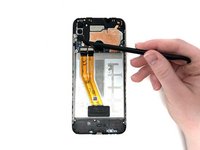
Using a spudger, detach the ribbon cable connected to the fingerprint sensor.
-
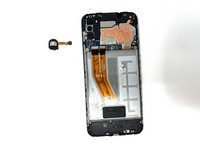
Remove the fingerprint sensor from the device.
-
-











To reassemble your device, follow these instructions in reverse order.
Cancel: I did not complete this guide.
2 other people completed this guide.


