Introduction
By following this guide, you will be able to safely remove or replace the battery in your Samsung Galaxy A11.
A smartphone battery stores and releases electricity to power your device.
For your safety, please allow the battery to be charged to 25% or less, and power off your device. Follow these instructions to tell if your battery is swollen, to remove and recycle it, to prevent future swollen batteries.
If you are replacing the battery in your phone, and are therefore disposing of your old battery, follow these instructions.
What you need
-
-
-
Place the SIM eject tool in the hole of the sim tray.
-
Push until part of the SIM tray is pushed out.
-
Pull out the rest of the SIM tray.
 Ask FixBot
-
-
-
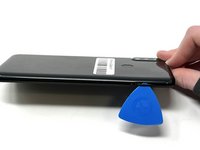
Gently pry open the area of the back cover near the SIM tray using an iFixit opening pick.
-
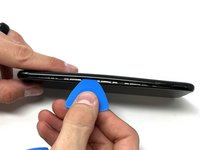
Gently move the pick along the gap and pry open the clips holding it together.
-
-
-
-
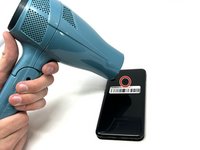
Using a hair dryer on low heat, heat the fingerprint sensor in increments of 30 seconds to loosen the surrounding adhesive.
-
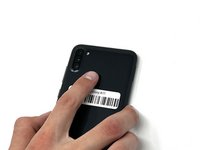
Gently push the fingerprint sensor until it detaches from the back cover.
-
-
-
-
-
Remove the three 3 mm screws from the shield using a Phillips #000 screwdriver.
-
Remove the shield from the phone.
-
-
-
Using tweezers, a spudger, or your fingers, disconnect the battery press connector from the phone.
-
-
-
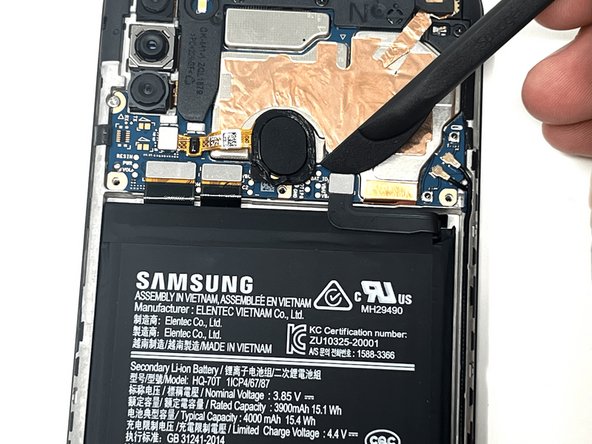
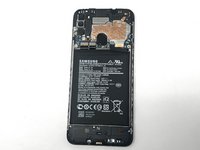
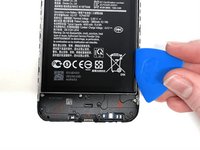
Use an iFixit pry tool to dig under the battery edge.
-
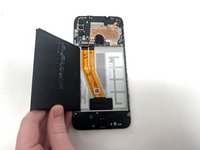
Continue to cut the adhesive under the battery until you are able to pry the battery away from the phone.
-
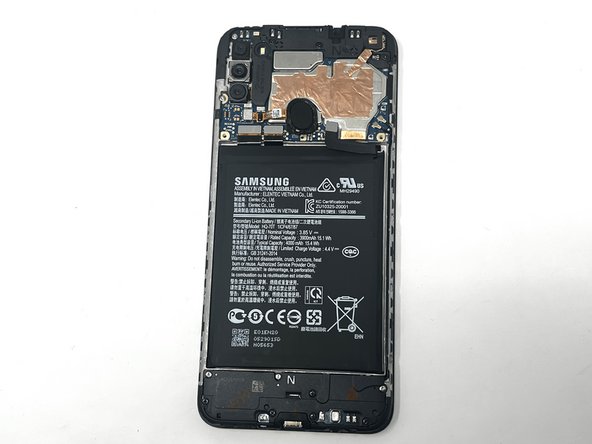
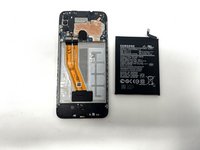
Remove the battery from the phone.
-
-




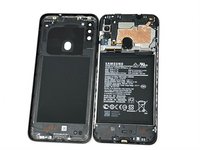


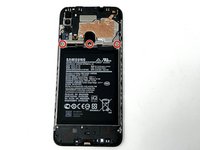
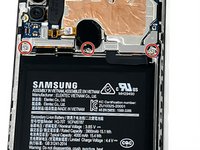
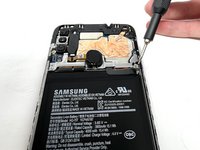



To reassemble your device, follow these instructions in reverse order. If you are planning to replace the battery, be sure to remove all remaining adhesive from the battery's spot. If possible, replace the adhesive when reassembling the device.
Cancel: I did not complete this guide.
14 other people completed this guide.

Team

Utah Tech University, Team 1-6, Crenshaw Fall 2024 Member of Utah Tech University, Team 1-6, Crenshaw Fall 2024
UTAHTECH-CRENSHAW-F24S1G6
2 Members
60 Guides authored
