
Samsung Fascinate Speaker Replacement

Kevin Carlson and 5 other contributors
Last updated on Jan 28, 2014
Views: 6.1K
View statistics:
- Past 24 Hours:
- 3
- Past 7 Days:
- 27
- Past 30 Days:
- 110
- All Time:
- 6,119
Comments: 0
No one has left comments on this guide. Will you be first?
Go to guide commentsCompleted: 2 3
2 people have marked this guide "completed." Will you be next?
3 people have marked this guide "completed." Including you — great job!
Favorites: 2 3
2 people have favorited (and subscribed to) this guide. Will you be next?
3 people have favorited (and subscribed to) this guide — including you!
Action Shots
Be an action hero! This guide needs images that better demonstrate how to perform specific actions.
Needs Better Images
Better photos will improve this guide. Help out by taking, editing, or uploading new ones!
Introduction
Go to step 1 ↓This guide will show you how to disassemble the Samsung Galaxy S so that you can gain access to the speaker.
What you need
Tools
-
Spudger4.9


-
-
-
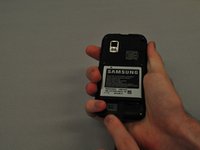
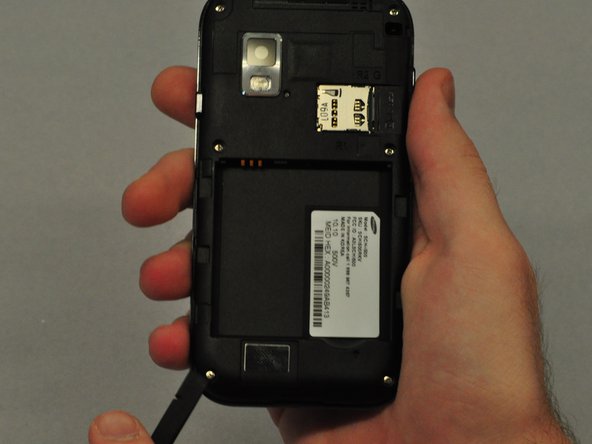
To remove the back case of the Samsung Galaxy S, you may need a spudger.
-
Identify the slit which is at the bottom edge of the phone.
 Ask FixBot
-
-
-
Insert the edge of the spudger into the slit and use it to pry the back case off of the phone.
-
-
-
-
-
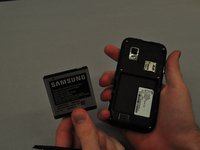
Insert the spudger into the space between the battery and the phone and pry the battery out as you slide it along the underside the battery.
-
-
-
-
-
-
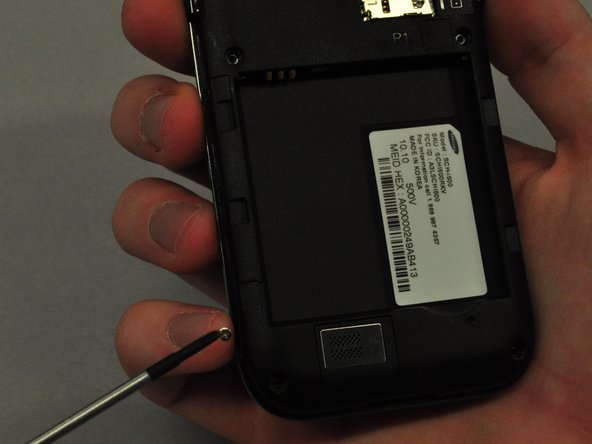
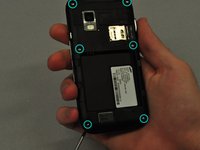
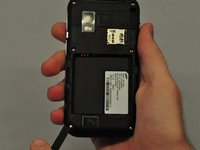
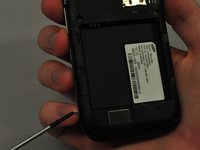
Use the screwdriver to unscrew each of the 6 silver screws holding the main case to the LCD touchscreen.
-
If the screws are stuck, use the spudger to pry them out.
-
-
-
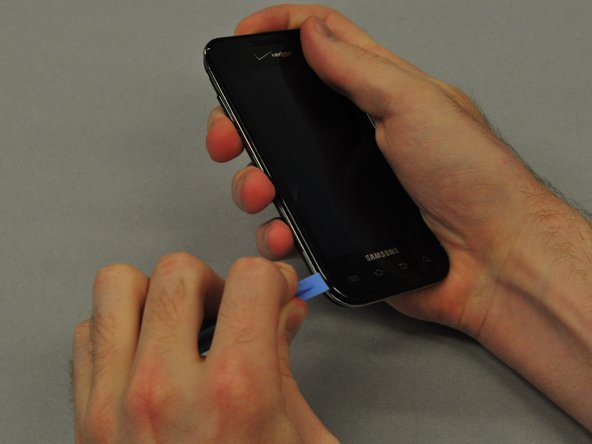
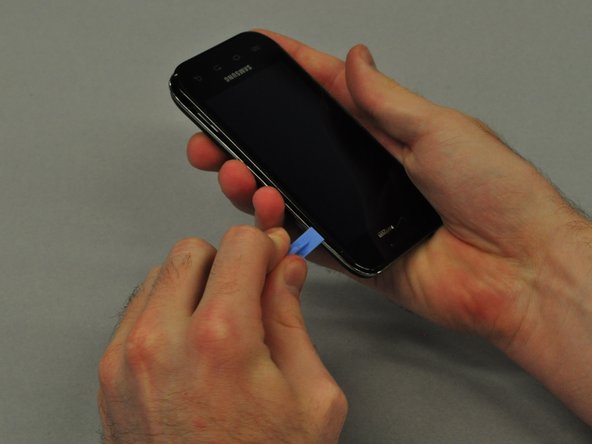
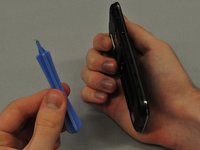
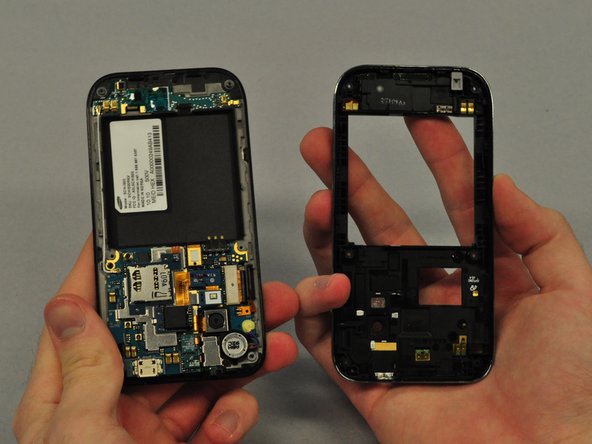
Use the plastic opening tool to pry the main case from the LCD touchscreen.
-
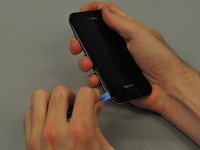
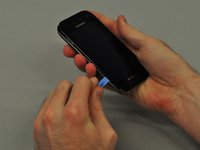
Insert the thin edge of the plastic opening tool into the groove between the silver edge and black edge.
-
Run the tool all the way around the edge of the phone until you hear each of the clips detach.
-
-
-
Once the clips are detached, separate the main case from the LCD touchscreen.
-
-
-
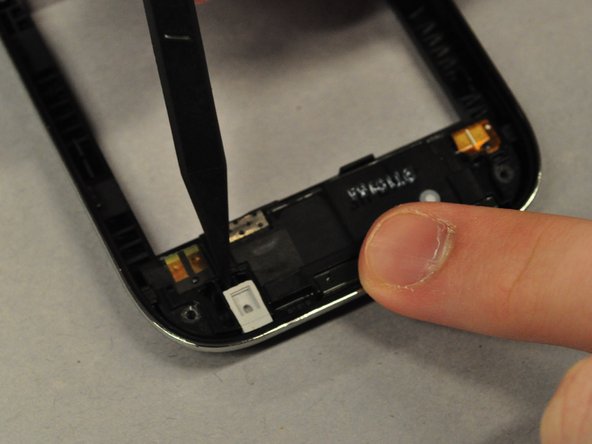
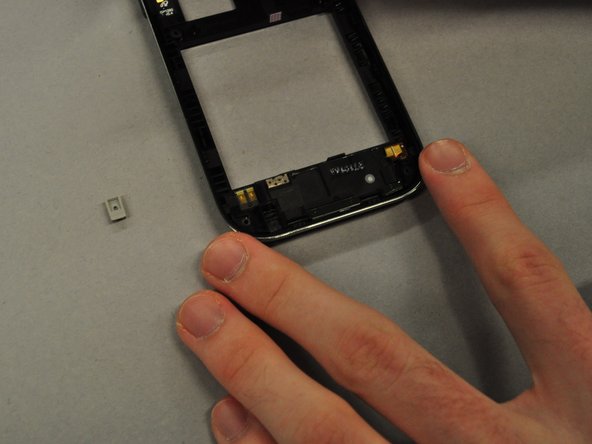
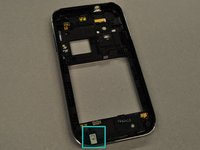
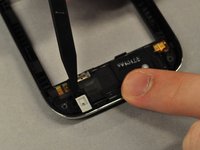
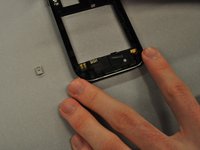
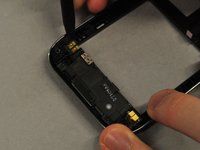
Use the spudger to pry out the grey rubber rectangular component from the main case.
-
-
-
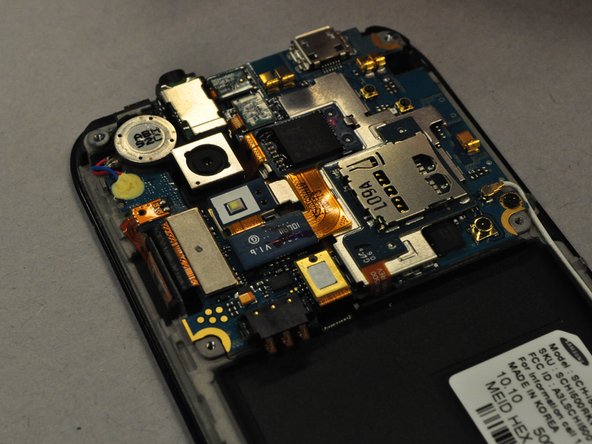
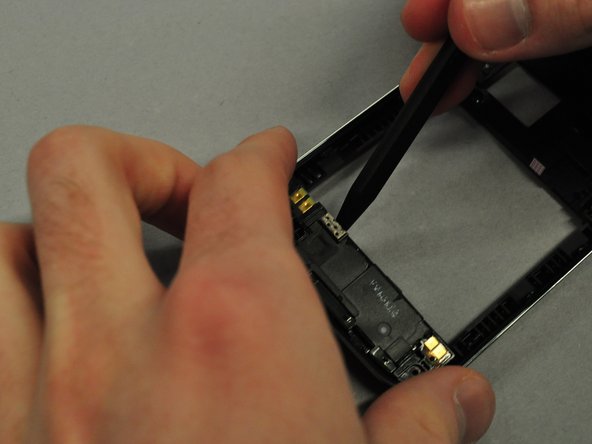
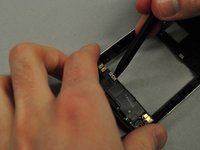
Use the spudger to pry along the groove between the speaker and the main case.
-
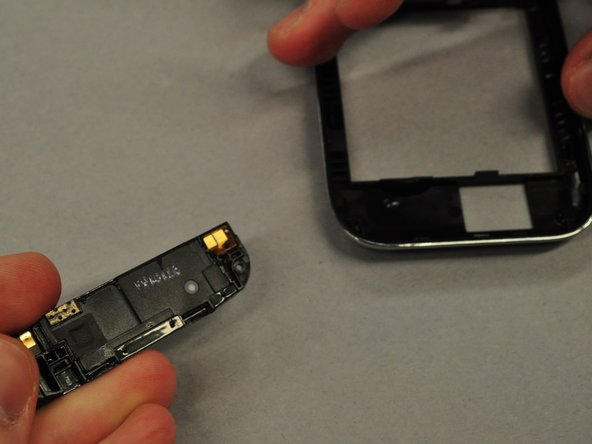
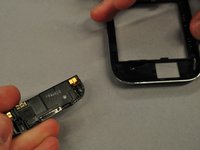
Once the speaker is unclipped it should pop out easily.
-
-





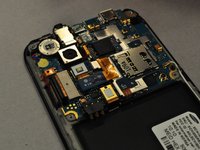


To reassemble your device, follow these instructions in reverse order.
Cancel: I did not complete this guide.
2 other people completed this guide.

Team

Cal Poly, Team 25-25, Garner Spring 2011 Member of Cal Poly, Team 25-25, Garner Spring 2011
CPSU-GARNER-S11S25G25
4 Members
72 Guides authored
