Free Shipping on Domestic Orders $75+

Samsung Exhibit II 4G Headphone Jack Replacement

What you need

  1. Samsung Exhibit II 4G Headphone Jack Replacement, Battery: step 1, image 1 of 1
    • Insert plastic opening tool under back cover.

    • Apply pressure on tool while using a downward motion to pop off back cover.

    Ask FixBot
  2. Samsung Exhibit II 4G Headphone Jack Replacement: step 2, image 1 of 1
    • Insert plastic opening tool under battery.

    • Pry battery out.

    Ask FixBot
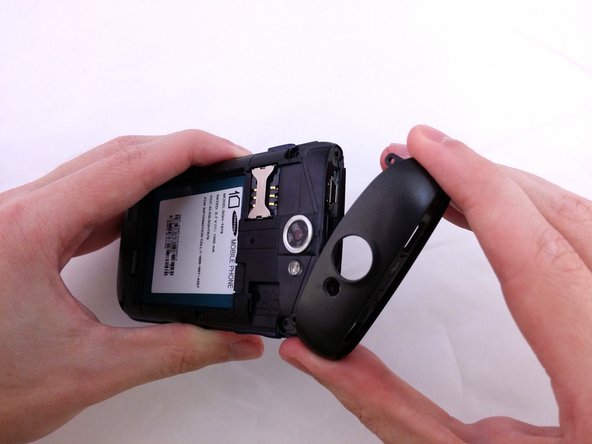
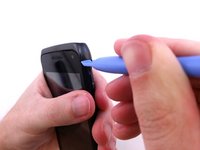
  3. Samsung Exhibit II 4G Headphone Jack Replacement, Top Rear Housing Cover: step 3, image 1 of 1
    • Insert plastic opening tool under back cover.

    • Pry the top cover upward to remove it from the phone.

    Ask FixBot
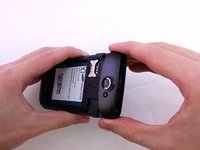
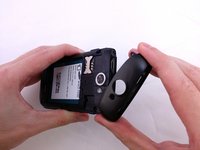
  4. Samsung Exhibit II 4G Headphone Jack Replacement: step 4, image 1 of 1
    • Remove the top cover.

    Ask FixBot
  5. Samsung Exhibit II 4G Headphone Jack Replacement: step 5, image 1 of 2 Samsung Exhibit II 4G Headphone Jack Replacement: step 5, image 2 of 2
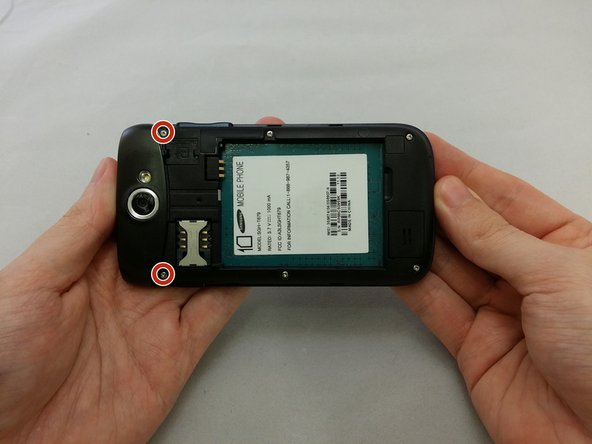
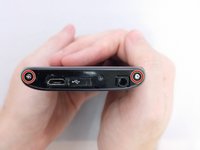
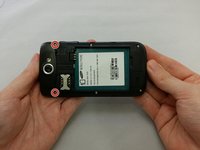
    • Remove the four 3.8mm Phillips #000 screws securing the top cover to the back assembly.

    • Two screws from top and two screws from back.

    Ask FixBot
  6. Samsung Exhibit II 4G Headphone Jack Replacement: step 6, image 1 of 3 Samsung Exhibit II 4G Headphone Jack Replacement: step 6, image 2 of 3 Samsung Exhibit II 4G Headphone Jack Replacement: step 6, image 3 of 3
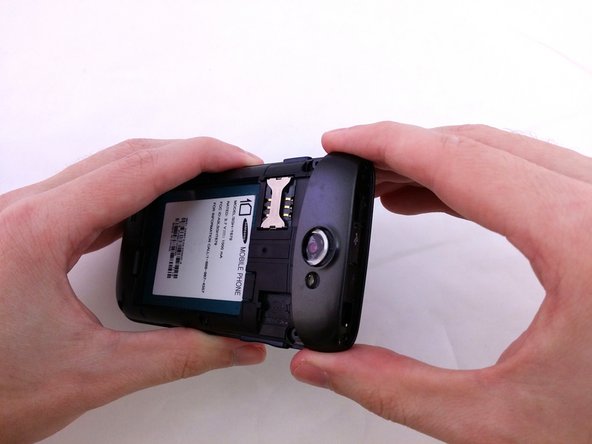
    • Insert plastic opening tool under top cover.

    • Using hand slide top cover away from phone.

    Ask FixBot
  7. Samsung Exhibit II 4G Headphone Jack Replacement, Midframe: step 7, image 1 of 1
    • Remove the four 3.8mm Phillips #000 screws securing the back assembly to the phone.

    Ask FixBot
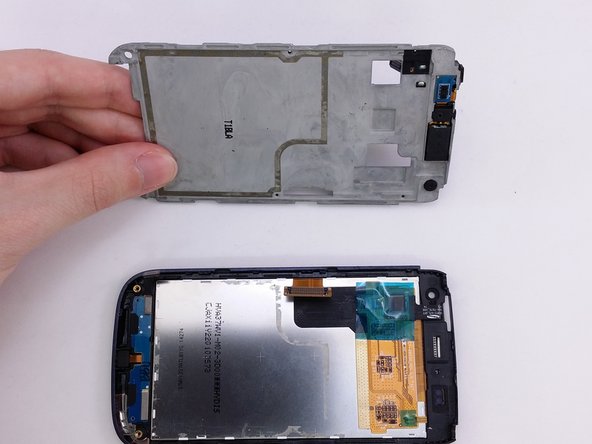
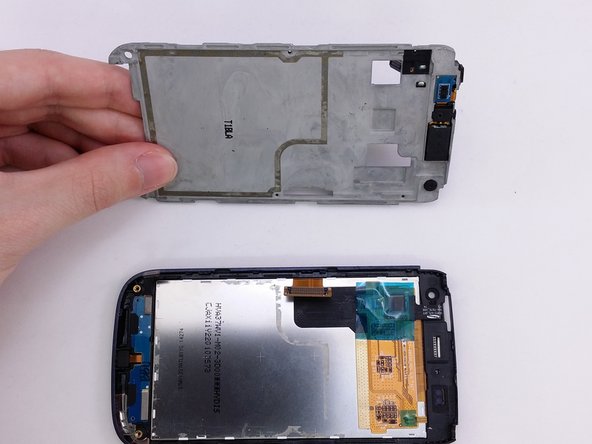
  8. Samsung Exhibit II 4G Headphone Jack Replacement: step 8, image 1 of 1
    • Insert plastic opening tool between back assembly and phone.

    • Pry the back assembly away from phone.

    Ask FixBot
  9. Samsung Exhibit II 4G Headphone Jack Replacement: step 9, image 1 of 1
    • With plastic opening tool continue prying around the edge of the back assembly.

    Ask FixBot
  10. Samsung Exhibit II 4G Headphone Jack Replacement: step 10, image 1 of 1
    • Pull back panel assembly away from main body.

    Ask FixBot
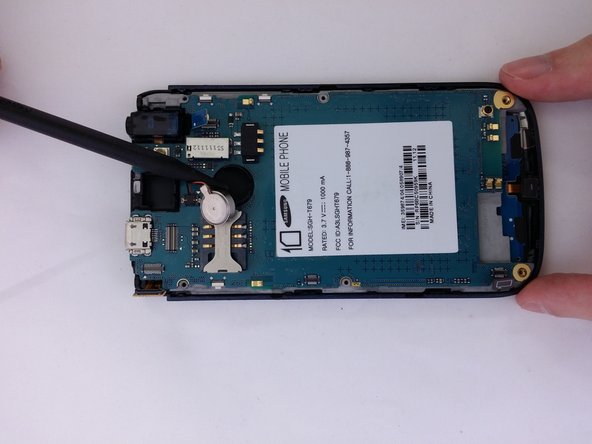
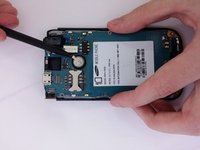
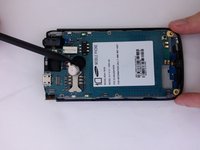
  11. Samsung Exhibit II 4G Headphone Jack Replacement, Vibration Motor: step 11, image 1 of 2 Samsung Exhibit II 4G Headphone Jack Replacement, Vibration Motor: step 11, image 2 of 2
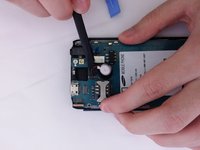
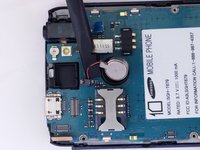
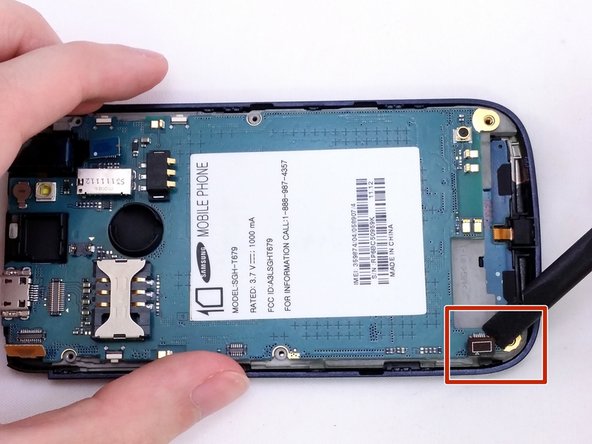
    • Insert the pointed end of a spudger into the gap in the round housing frame.

    • Using spudger to remove vibrator remove from the adhesive.

    Ask FixBot
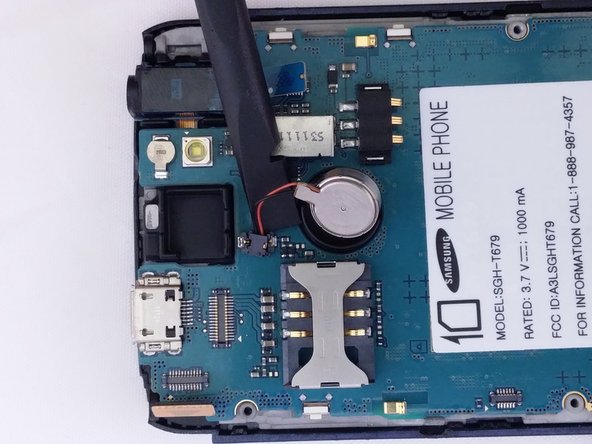
  12. Samsung Exhibit II 4G Headphone Jack Replacement: step 12, image 1 of 2 Samsung Exhibit II 4G Headphone Jack Replacement: step 12, image 2 of 2
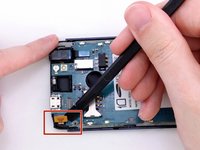
    • Use the flat end of a spudger to remove vibrator cable from motherboard.

    Ask FixBot
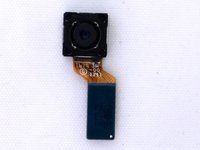
  13. Samsung Exhibit II 4G Headphone Jack Replacement, Rear Facing Camera: step 13, image 1 of 1
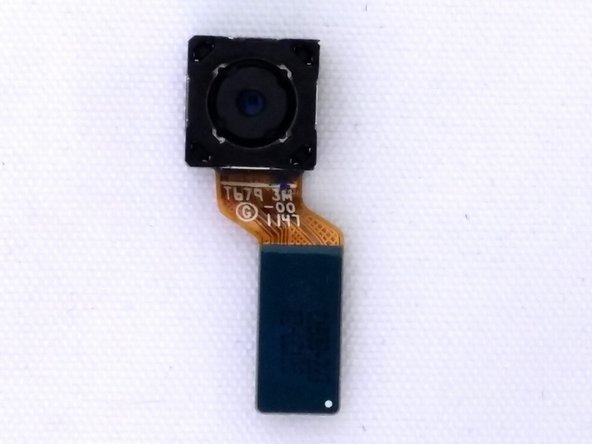
    • Use the flat end of a spudger to disconnect the camera assembly cable.

    Ask FixBot
  14. Samsung Exhibit II 4G Headphone Jack Replacement: step 14, image 1 of 2 Samsung Exhibit II 4G Headphone Jack Replacement: step 14, image 2 of 2
    • Remove camera from square housing.

    Ask FixBot
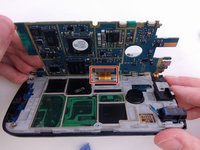
  15. Samsung Exhibit II 4G Headphone Jack Replacement, Motherboard: step 15, image 1 of 3 Samsung Exhibit II 4G Headphone Jack Replacement, Motherboard: step 15, image 2 of 3 Samsung Exhibit II 4G Headphone Jack Replacement, Motherboard: step 15, image 3 of 3
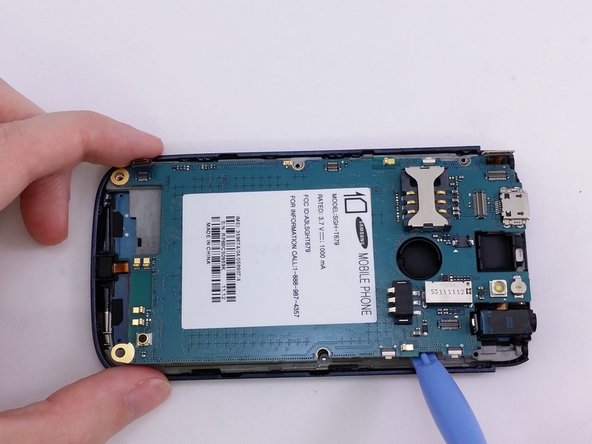
    • Insert the spudger under each corner ribbon cable and lift them out of the way.

    • Use care when lifting the ribbon cables.

    • Insert a plastic pry tool into the gap between motherboard and base of phone

    Ask FixBot
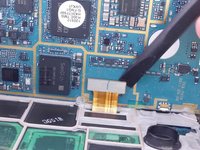
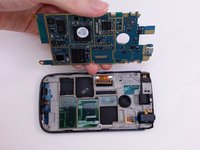
  16. Samsung Exhibit II 4G Headphone Jack Replacement: step 16, image 1 of 3 Samsung Exhibit II 4G Headphone Jack Replacement: step 16, image 2 of 3 Samsung Exhibit II 4G Headphone Jack Replacement: step 16, image 3 of 3
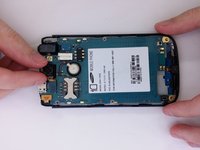
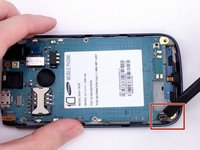
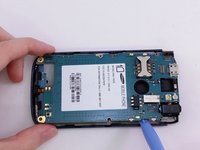
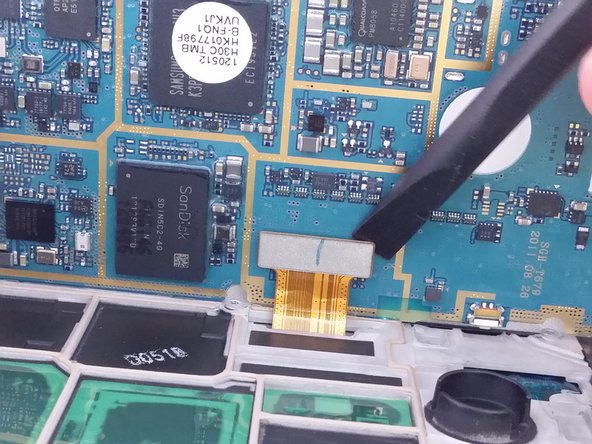
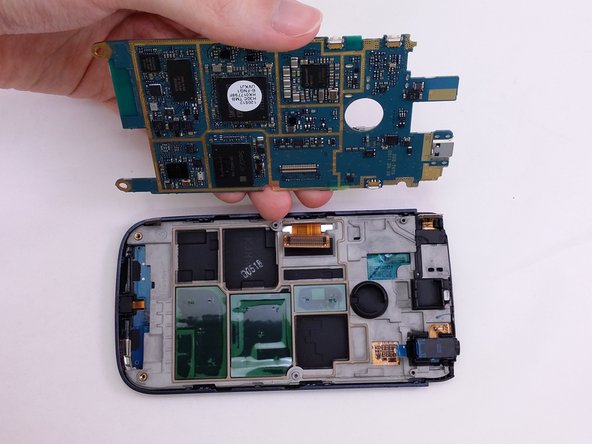
    • Tilt the motherboard up carefully.

    • Be sure not to damage the ribbon cable still connected at the bottom of the motherboard.

    • Use a spudger to pry the connector from the socket on the motherboard.

    • Lift motherboard from frame.

    Ask FixBot
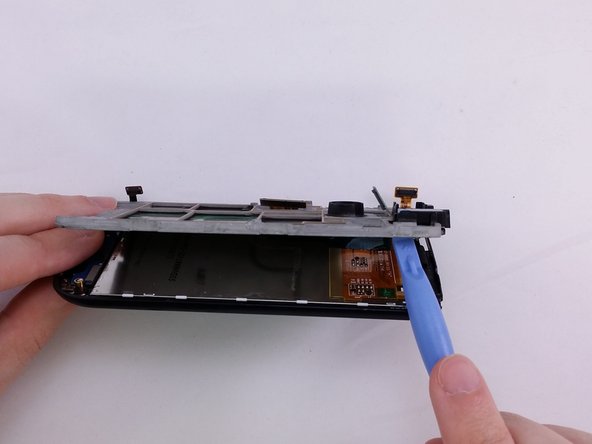
  17. Samsung Exhibit II 4G Headphone Jack Replacement, Headphone Jack: step 17, image 1 of 3 Samsung Exhibit II 4G Headphone Jack Replacement, Headphone Jack: step 17, image 2 of 3 Samsung Exhibit II 4G Headphone Jack Replacement, Headphone Jack: step 17, image 3 of 3
    • Insert flat end of spudger between support panel and front assembly.

    • Using a spudger pry up to create opening to insert plastic opening tool.

    Ask FixBot
  18. Samsung Exhibit II 4G Headphone Jack Replacement: step 18, image 1 of 2 Samsung Exhibit II 4G Headphone Jack Replacement: step 18, image 2 of 2
    • Insert a plactic opening tool in opening.

    • Use plastic opening tool to pry around the edge of support panel to free it from front assembly.

    Ask FixBot
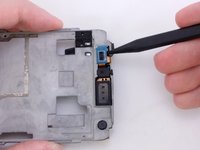
  19. Samsung Exhibit II 4G Headphone Jack Replacement: step 19, image 1 of 3 Samsung Exhibit II 4G Headphone Jack Replacement: step 19, image 2 of 3 Samsung Exhibit II 4G Headphone Jack Replacement: step 19, image 3 of 3
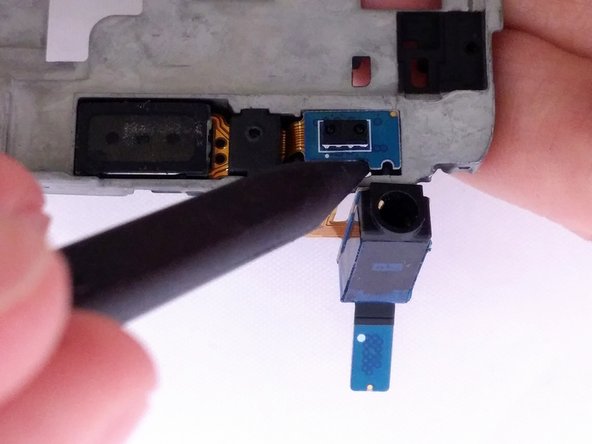
    • Insert the pointed end of a spudger into gap.

    • Lift spudger away from support plate to remove headphone component.

    Ask FixBot
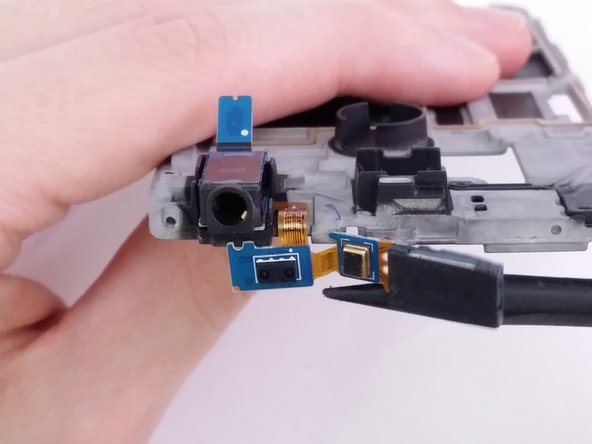
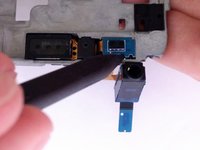
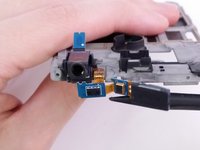
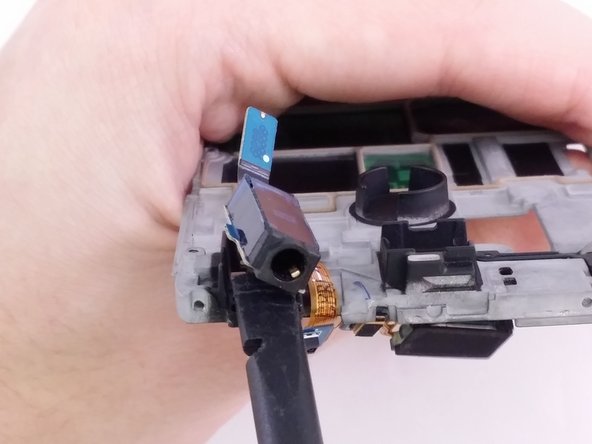
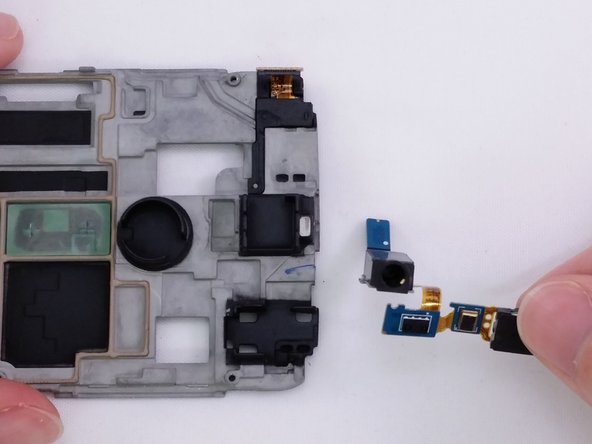
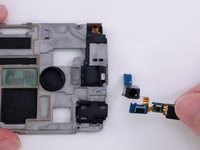
  20. Samsung Exhibit II 4G Headphone Jack Replacement: step 20, image 1 of 3 Samsung Exhibit II 4G Headphone Jack Replacement: step 20, image 2 of 3 Samsung Exhibit II 4G Headphone Jack Replacement: step 20, image 3 of 3
    • Use the flat end of the spudger to remove headphone jack component from rectangular housing.

    Ask FixBot
Conclusion

To reassemble your device, follow these instructions in reverse order.

One other person completed this guide.

David R

Member since: 07/20/15

1,152 Reputation

9 Guides authored

0 Guide Comments

Add Comment

View Statistics:

Past 24 Hours: 1

Past 7 Days: 3

Past 30 Days: 36

All Time: 557