Free Shipping on Domestic Orders $75+

Samsung DVD-P230 Tray Motor Replacement

What you need

  1. Samsung DVD-P230 Tray Motor Replacement, Outer Cover & Faceplate: step 1, image 1 of 3 Samsung DVD-P230 Tray Motor Replacement, Outer Cover & Faceplate: step 1, image 2 of 3 Samsung DVD-P230 Tray Motor Replacement, Outer Cover & Faceplate: step 1, image 3 of 3
    • Open the tray by pressing the eject button

    • Remove the DVD tray faceplate by pushing the faceplate up off of the tray.

    Ask FixBot

    Add Comment

  2. Samsung DVD-P230 Tray Motor Replacement: step 2, image 1 of 1
    • Press the eject button to insert the tray

    • After the tray is closed unplug DVD player

    Ask FixBot

    Add Comment

  3. Samsung DVD-P230 Tray Motor Replacement: step 3, image 1 of 1
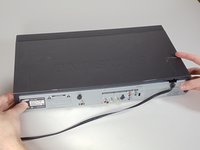
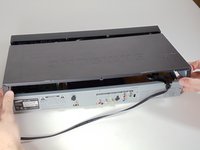
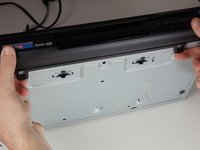
    • Unscrew the 3 screws in the back.

    Ask FixBot

    Add Comment

  4. Samsung DVD-P230 Tray Motor Replacement: step 4, image 1 of 2 Samsung DVD-P230 Tray Motor Replacement: step 4, image 2 of 2
    • Pull the outer case upward and then towards you.

    Ask FixBot

    Add Comment

  5. Samsung DVD-P230 Tray Motor Replacement: step 5, image 1 of 3 Samsung DVD-P230 Tray Motor Replacement: step 5, image 2 of 3 Samsung DVD-P230 Tray Motor Replacement: step 5, image 3 of 3
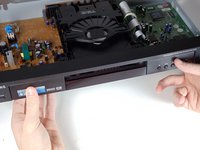
    • There are six symmetrically placed tabs holding in the front faceplate. Unhook these six tabs to loosen the faceplate.

    Ask FixBot

    Add Comment

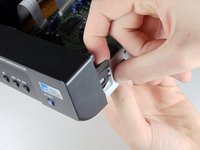
  6. Samsung DVD-P230 Tray Motor Replacement: step 6, image 1 of 2 Samsung DVD-P230 Tray Motor Replacement: step 6, image 2 of 2
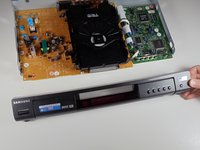
    • Pull off front faceplate. This may take a couple of tries to get all six tabs unhooked simultaneously.

    Ask FixBot

    Add Comment

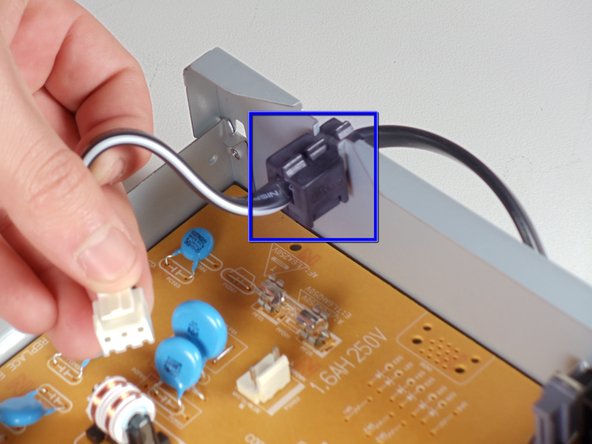
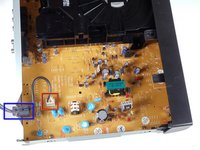
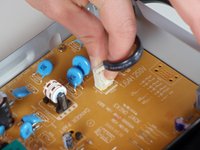
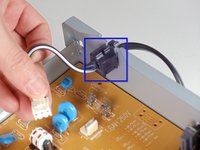
  7. Samsung DVD-P230 Tray Motor Replacement, Power Cord: step 7, image 1 of 3 Samsung DVD-P230 Tray Motor Replacement, Power Cord: step 7, image 2 of 3 Samsung DVD-P230 Tray Motor Replacement, Power Cord: step 7, image 3 of 3
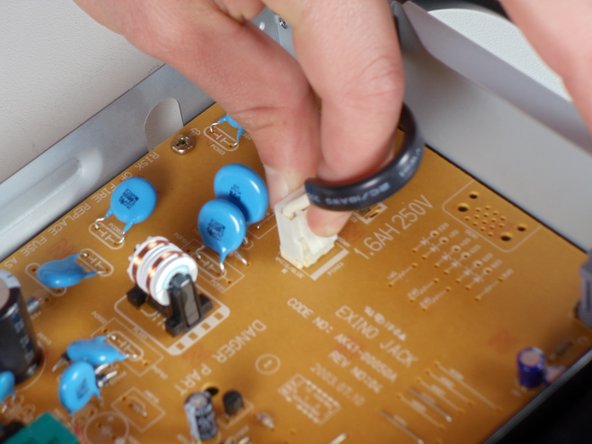
    • Locate the white clip that attaches the cord to the motherboard

    • Grasp clip and squeeze to release

    • Lift up and remove power cord

    • Slide cord mount from outer case

    Ask FixBot

    Add Comment

  8. Samsung DVD-P230 Tray Motor Replacement, Tray: step 8, image 1 of 3 Samsung DVD-P230 Tray Motor Replacement, Tray: step 8, image 2 of 3 Samsung DVD-P230 Tray Motor Replacement, Tray: step 8, image 3 of 3
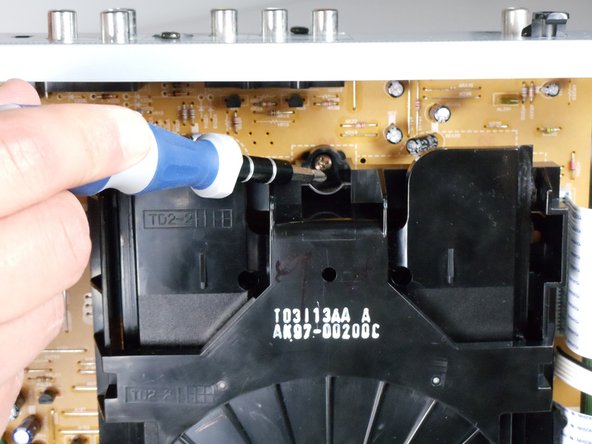
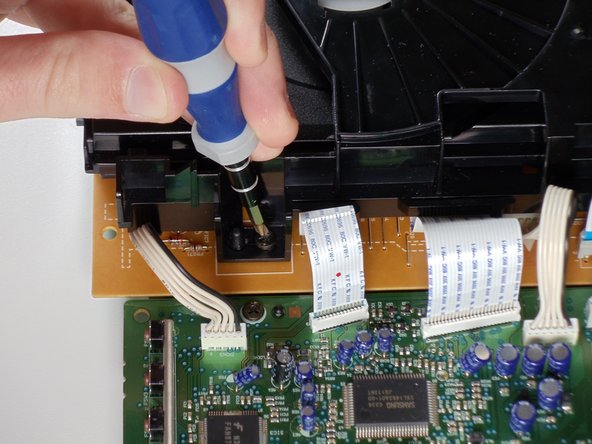
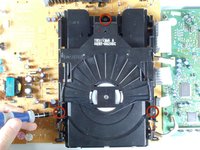
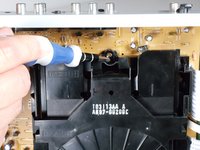
    • Remove the three screws holding in the DVD tray

    Ask FixBot

    Add Comment

  9. Samsung DVD-P230 Tray Motor Replacement: step 9, image 1 of 2 Samsung DVD-P230 Tray Motor Replacement: step 9, image 2 of 2
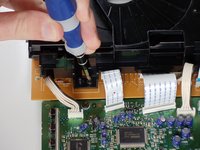
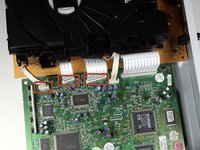
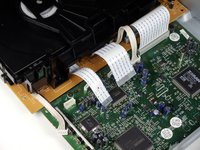
    • Remove the power cord and first two ribbons by pulling them directly out of their sockets.

    Ask FixBot

    Add Comment

  10. Samsung DVD-P230 Tray Motor Replacement: step 10, image 1 of 2 Samsung DVD-P230 Tray Motor Replacement: step 10, image 2 of 2
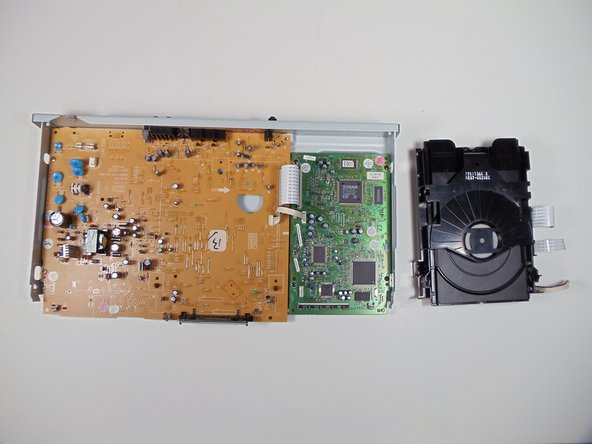
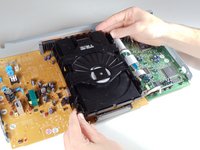
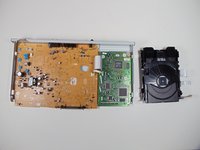
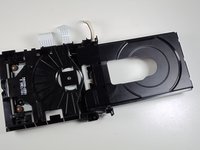
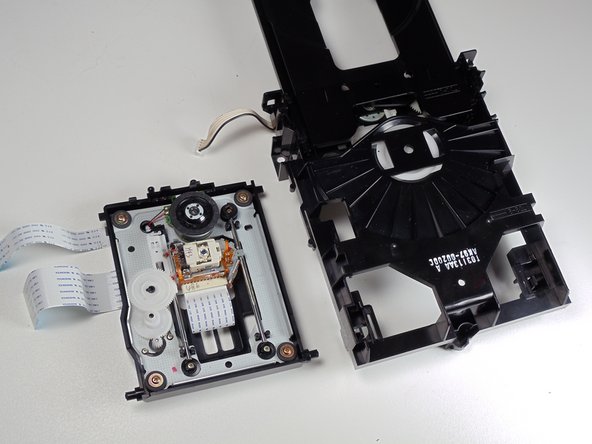
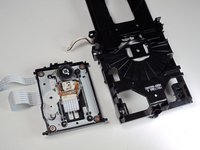
    • Gently lift the DVD tray off of the motherboard.

    Ask FixBot

    Add Comment

  11. Samsung DVD-P230 Tray Motor Replacement, Tray Motor: step 11, image 1 of 2 Samsung DVD-P230 Tray Motor Replacement, Tray Motor: step 11, image 2 of 2
    • Spin the small gear shown to the right to begin opening the tray. There should be relatively little resistance in the gear.

    Ask FixBot

    Add Comment

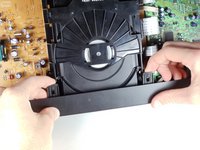
  12. Samsung DVD-P230 Tray Motor Replacement: step 12, image 1 of 3 Samsung DVD-P230 Tray Motor Replacement: step 12, image 2 of 3 Samsung DVD-P230 Tray Motor Replacement: step 12, image 3 of 3
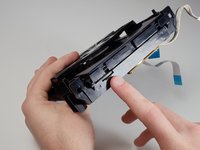
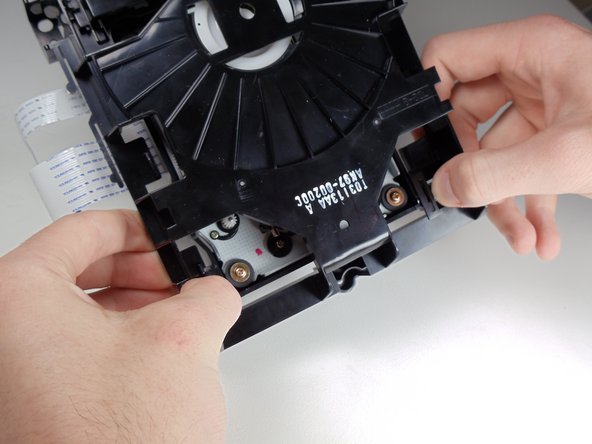
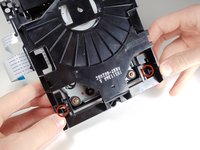
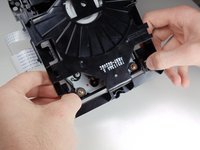
    • Use your fingers to pull the shown tabs towards the sides of the tray, releasing the internal tray that contains the laser.

    Ask FixBot

    Add Comment

  13. Samsung DVD-P230 Tray Motor Replacement: step 13, image 1 of 2 Samsung DVD-P230 Tray Motor Replacement: step 13, image 2 of 2
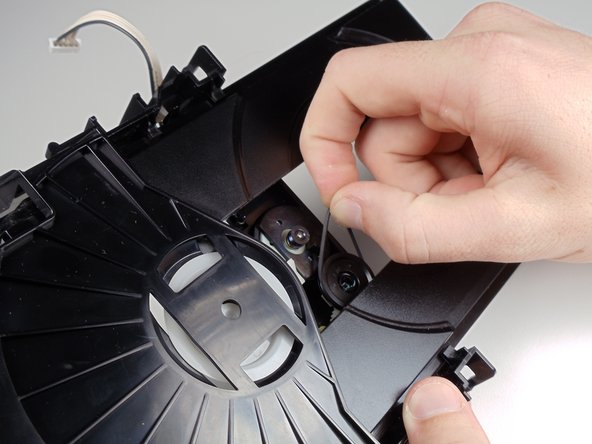
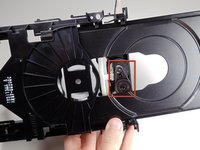
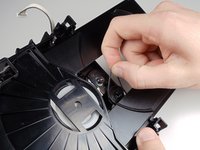
    • In order to remove the tray motor you must detach the small rubber band that runs between the two shown wheels.

    • If the rubber band is improperly fitted onto one of the wheels or broken this is probably the cause of the tray not opening or closing.

    Ask FixBot

    Add Comment

  14. Samsung DVD-P230 Tray Motor Replacement: step 14, image 1 of 2 Samsung DVD-P230 Tray Motor Replacement: step 14, image 2 of 2
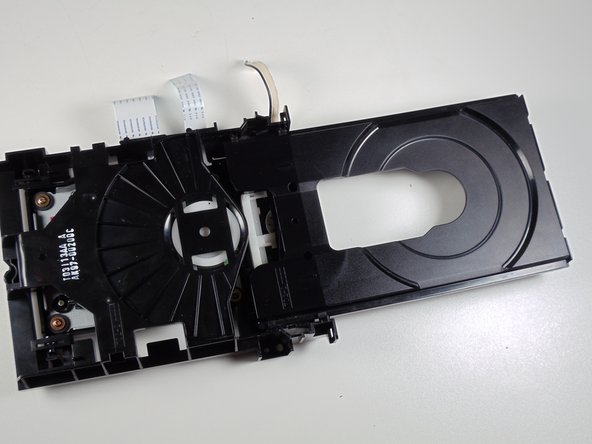
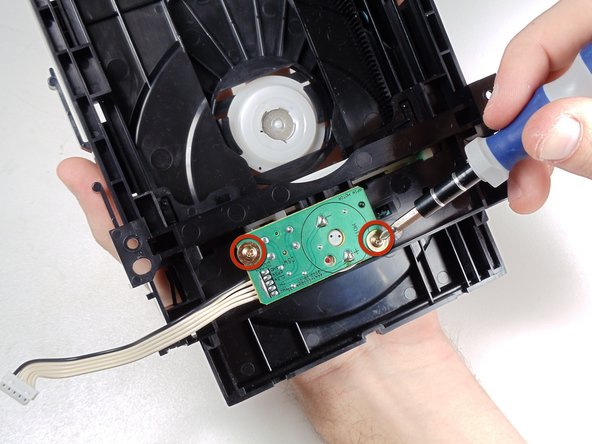
    • Flip over the tray.

    • Unscrew the two screws that attach the motor to the tray.

    • Once completed the motor can be easily removed and replaced.

    Ask FixBot

    Add Comment

Conclusion

To reassemble your device, follow these instructions in reverse order.

Cancel: I did not complete this guide.

Mitchell Hart

Member since: 01/21/11

903 Reputation

5 Guides authored

Team

Cal Poly, Team 3-30, Regan Winter 2011 Member of Cal Poly, Team 3-30, Regan Winter 2011

CPSU-REGAN-W11S3G30

4 Members

8 Guides authored

0 Guide Comments

Add Comment

View Statistics:

Past 24 Hours: 1

Past 7 Days: 2

Past 30 Days: 14

All Time: 5,472