Introduction
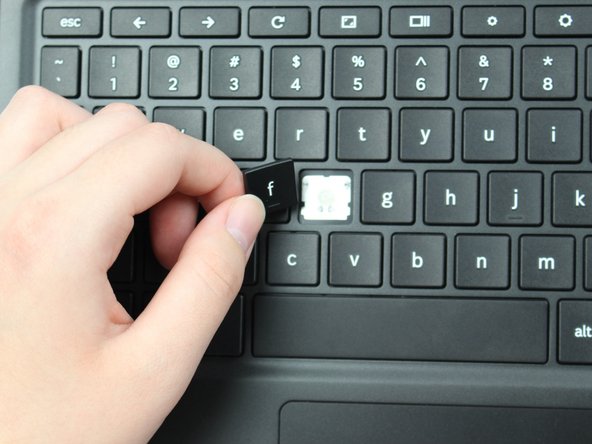
Bring your keyboard back to life by following the guide below to replace a key for the Samsung Chromebook Pro.
What you need

 Ask FixBot




Conclusion
To reassemble your device, follow these instructions in reverse order.
Cancel: I did not complete this guide.
One other person completed this guide.

Team

Sam Houston State, Team S15-G1, Blackburne Fall 2018 Member of Sam Houston State, Team S15-G1, Blackburne Fall 2018
SHSU-BLACKBURNE-F18S15G1
4 Members
60 Guides authored
