Free Shipping on Domestic Orders $75+

Samsung Captivate Glide Camera Replacement

What you need

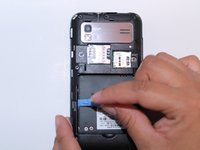
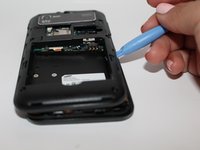
  1. Samsung Captivate Glide Camera Replacement, Motherboard: step 1, image 1 of 3 Samsung Captivate Glide Camera Replacement, Motherboard: step 1, image 2 of 3 Samsung Captivate Glide Camera Replacement, Motherboard: step 1, image 3 of 3
    • Remove back cover using fingernail or plastic opening tool. The cover pulls up and off.

    Ask FixBot

    Add Comment

  2. Samsung Captivate Glide Camera Replacement: step 2, image 1 of 2 Samsung Captivate Glide Camera Replacement: step 2, image 2 of 2
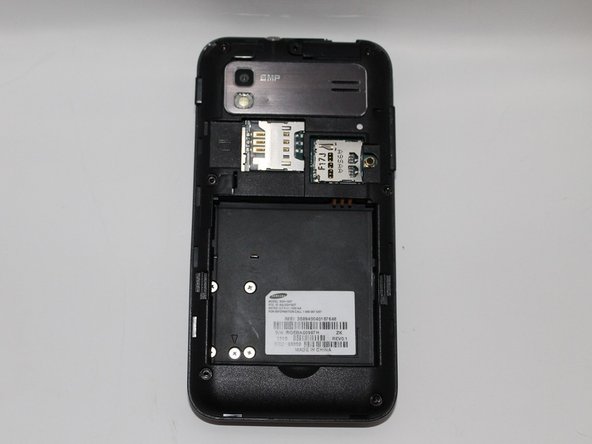
    • Remove battery with plastic opening tool or finger.

    Ask FixBot

    Add Comment

  3. Samsung Captivate Glide Camera Replacement: step 3, image 1 of 2 Samsung Captivate Glide Camera Replacement: step 3, image 2 of 2
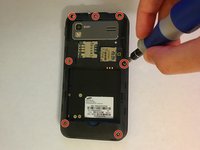
    • Remove the seven screws from backplate using the #00 screwdriver.

    Ask FixBot

    Add Comment

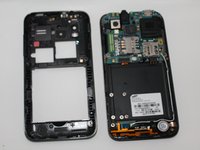
  4. Samsung Captivate Glide Camera Replacement: step 4, image 1 of 3 Samsung Captivate Glide Camera Replacement: step 4, image 2 of 3 Samsung Captivate Glide Camera Replacement: step 4, image 3 of 3
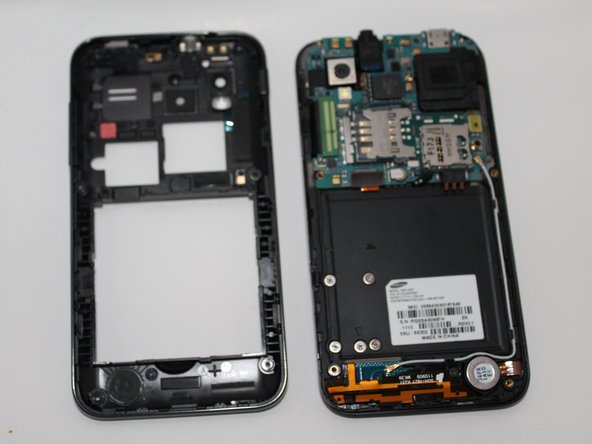
    • Remove the back plate using the plastic opening tool.

    • There is a lip on each side, and both must be pried up.

    • You can work your way around the edges after prying the two sides.

    Ask FixBot

    Add Comment

  5. Samsung Captivate Glide Camera Replacement: step 5, image 1 of 2 Samsung Captivate Glide Camera Replacement: step 5, image 2 of 2
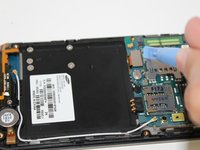
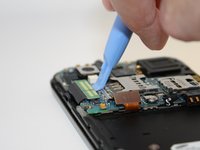
    • Use the plastic opening tool to detach the two tabs connecting the motherboard to the base of the phone.

    Ask FixBot

    Add Comment

  6. Samsung Captivate Glide Camera Replacement: step 6, image 1 of 1
    Tool used on this step:
    Tweezers
    $4.99
    Buy
    • Disconnect the antenna cable from the motherboard using tweezers.

    Ask FixBot

    Add Comment

  7. Samsung Captivate Glide Camera Replacement: step 7, image 1 of 1
    • Remove the single screw connecting the motherboard to the base of the phone by using the #00 Phillips screwdriver.

    Ask FixBot

    Add Comment

  8. Samsung Captivate Glide Camera Replacement: step 8, image 1 of 2 Samsung Captivate Glide Camera Replacement: step 8, image 2 of 2
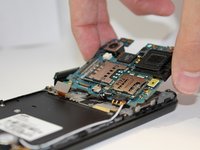
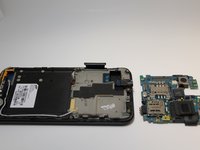
    • Lift the motherboard out of the base of the phone.

    Ask FixBot

    Add Comment

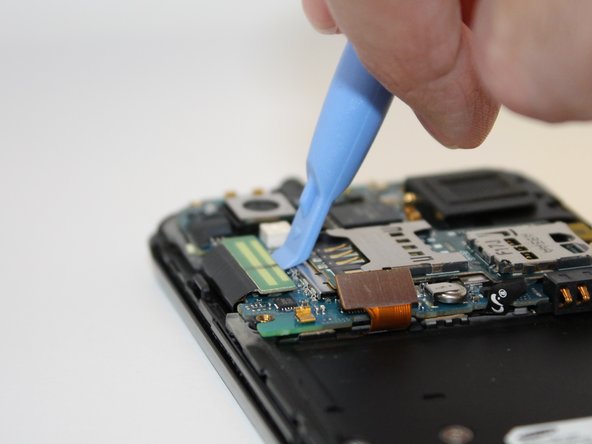
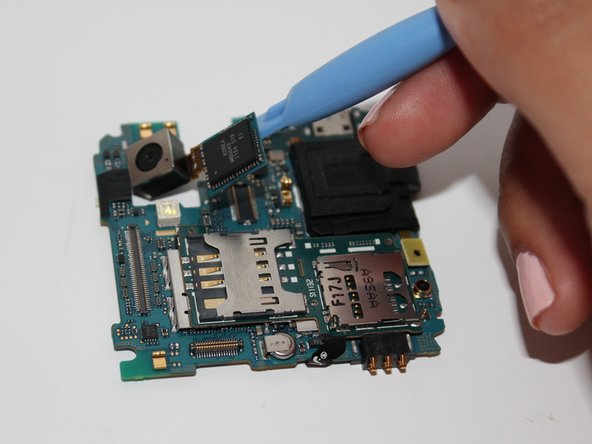
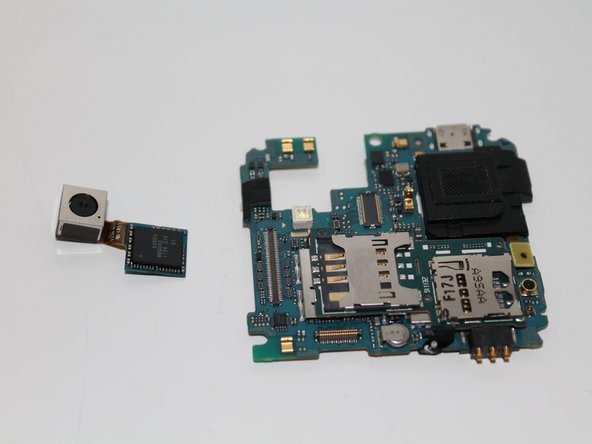
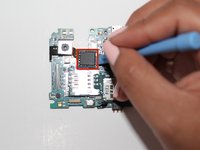
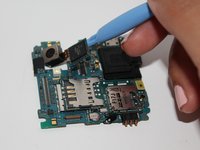
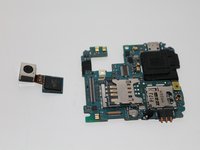
  9. Samsung Captivate Glide Camera Replacement, Camera: step 9, image 1 of 3 Samsung Captivate Glide Camera Replacement, Camera: step 9, image 2 of 3 Samsung Captivate Glide Camera Replacement, Camera: step 9, image 3 of 3
    • Using the opening tool, pry up the camera attachment from the motherboard.

    Ask FixBot

    Add Comment

Conclusion

To reassemble your device, follow these instructions in reverse order.

Cancel: I did not complete this guide.

One other person completed this guide.

Jessica Martinez

Member since: 09/25/14

260 Reputation

2 Guides authored

Team

USF Tampa, Team 5-3, Mcgee Fall 2014 Member of USF Tampa, Team 5-3, Mcgee Fall 2014

USFT-MCGEE-F14S5G3

4 Members

5 Guides authored

0 Guide Comments

Add Comment

View Statistics:

Past 24 Hours: 4

Past 7 Days: 11

Past 30 Days: 51

All Time: 1,037