Free Shipping on Domestic Orders $75+

Samsung Blackjack Speaker Replacement

What you need

  1. Samsung Blackjack Speaker Replacement, Battery Cover: step 1, image 1 of 3 Samsung Blackjack Speaker Replacement, Battery Cover: step 1, image 2 of 3 Samsung Blackjack Speaker Replacement, Battery Cover: step 1, image 3 of 3
    • Hold the device with the screen facing away from you and the camera towards you.

    • Place your thumb on the bottom half of the phone and slide the cover off while gently pushing down on the cover.

    Ask FixBot

    Add Comment

  2. Samsung Blackjack Speaker Replacement, Battery: step 2, image 1 of 2 Samsung Blackjack Speaker Replacement, Battery: step 2, image 2 of 2
    • Place your fingers on both sides of the bottom of the battery and lift upwards.

    • Pull the battery away from the phone.

    Ask FixBot

    Add Comment

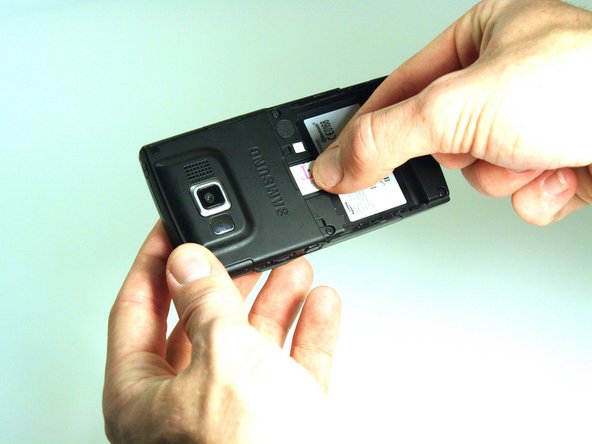
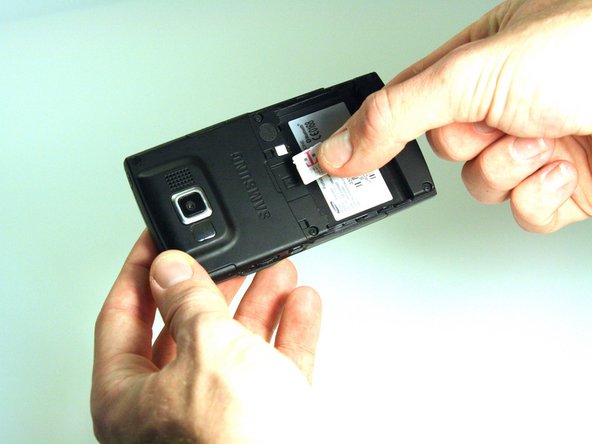
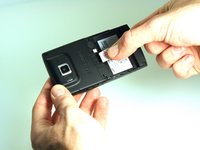
  3. Samsung Blackjack Speaker Replacement, SIM Card: step 3, image 1 of 3 Samsung Blackjack Speaker Replacement, SIM Card: step 3, image 2 of 3 Samsung Blackjack Speaker Replacement, SIM Card: step 3, image 3 of 3
    • Place your thumb on the SIM card.

    • Slide the card out of the slot.

    Ask FixBot

    Add Comment

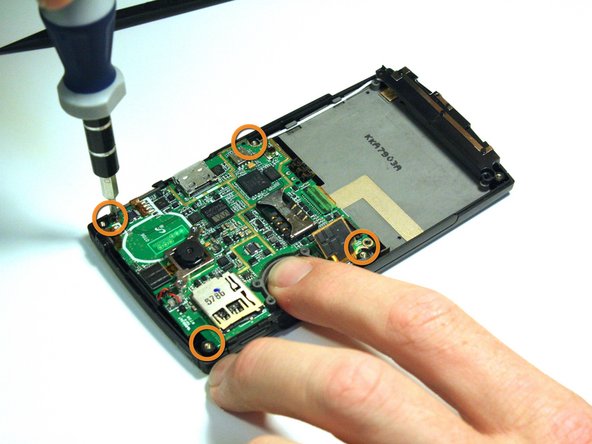
  4. Samsung Blackjack Speaker Replacement, Back Phone Casing: step 4, image 1 of 2 Samsung Blackjack Speaker Replacement, Back Phone Casing: step 4, image 2 of 2
    • Use the spudger to remove the rubber stoppers from the top of the cover.

    • Use the Phillips 00 screw driver to remove the screws from each of the four corners and the two on sides (six total).

    Ask FixBot

    Add Comment

  5. Samsung Blackjack Speaker Replacement: step 5, image 1 of 3 Samsung Blackjack Speaker Replacement: step 5, image 2 of 3 Samsung Blackjack Speaker Replacement: step 5, image 3 of 3
    • Use the spudger to loosen and separate the front and back covers.

    • Pick up the back cover once loosened.

    • The front and back covers will be attached to each other by a gold wire.

    • Remove the gold wire connecting the back cover to the motherboard to completely separate the covers.

    Ask FixBot

    Add Comment

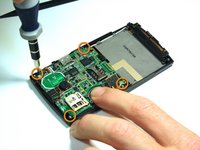
  6. Samsung Blackjack Speaker Replacement, Motherboard: step 6, image 1 of 2 Samsung Blackjack Speaker Replacement, Motherboard: step 6, image 2 of 2
    • Use the spudger to unsnap the black rectangular connection from the motherboard.

    • Use the Phillips 00 screwdriver to remove all of the screws that hold the motherboard in place.

    Ask FixBot

    Add Comment

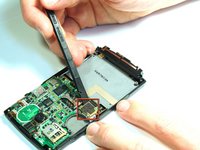
  7. Samsung Blackjack Speaker Replacement: step 7, image 1 of 2 Samsung Blackjack Speaker Replacement: step 7, image 2 of 2
    Tool used on this step:
    Tweezers
    $4.99
    Buy
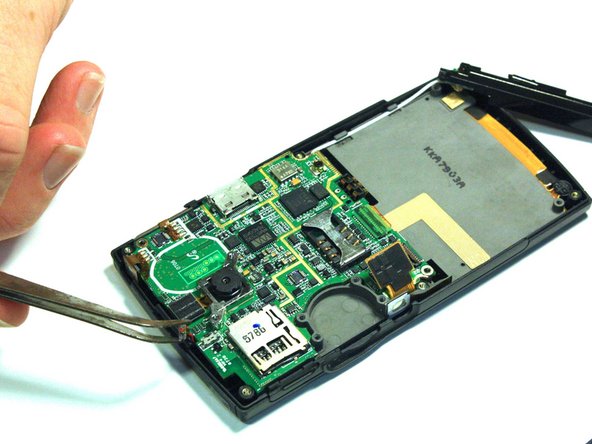
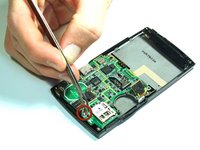
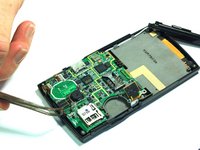
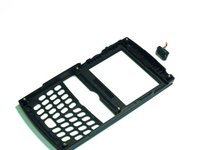
    • Use the tweezers to unsnap the connection between the motherboard and the speaker. The speaker is attached to the front casing.

    Ask FixBot

    Add Comment

  8. Samsung Blackjack Speaker Replacement: step 8, image 1 of 2 Samsung Blackjack Speaker Replacement: step 8, image 2 of 2
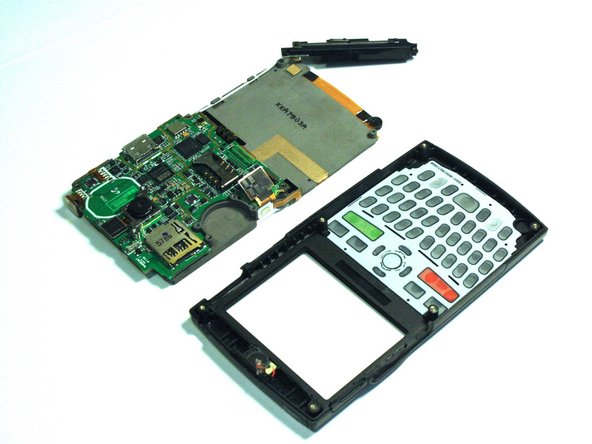
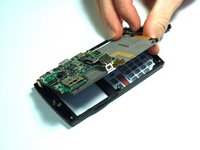
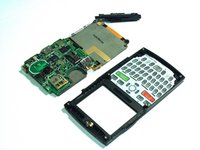
    • Once all of the connections have been snapped off of the motherboard, the motherboard can be removed.

    • Lift up on the motherboard and it will come free of the front casing.

    Ask FixBot

    Add Comment

  9. Samsung Blackjack Speaker Replacement, Speaker: step 9, image 1 of 2 Samsung Blackjack Speaker Replacement, Speaker: step 9, image 2 of 2
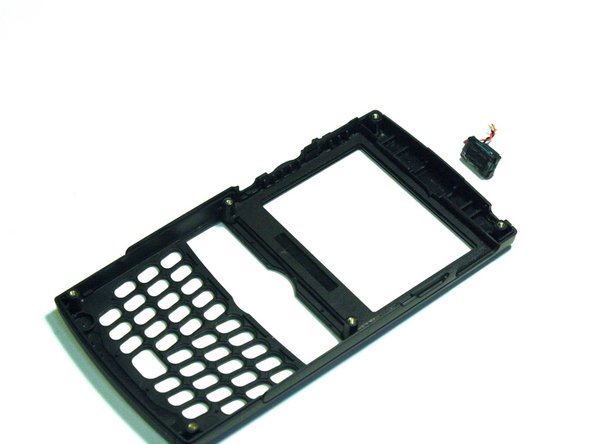
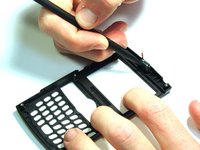
    • Use the spudger to wedge between the speaker and the speaker's casing.

    • Use the spudger to pry on the speaker until it comes free from the casing.

    Ask FixBot

    Add Comment

Conclusion

To reassemble your device, follow these instructions in reverse order.

Cancel: I did not complete this guide.

Kristin Manna

Member since: 10/22/12

29 Reputation

10 Guides authored

Team

Clemson, Team 14-4, Benson Fall 2012 Member of Clemson, Team 14-4, Benson Fall 2012

CLEM-BENSON-F12S14G4

3 Members

14 Guides authored

0 Guide Comments

Add Comment

View Statistics:

Past 24 Hours: 1

Past 7 Days: 12

Past 30 Days: 48

All Time: 817