
Samsung BN59-01199F Keypad Replacement

yeisom Garrido and one other contributor
Last updated on Dec 28, 2022
Views: 2.3K
View statistics:
- Past 24 Hours:
- 5
- Past 7 Days:
- 30
- Past 30 Days:
- 156
- All Time:
- 2,336
Comments: 0
No one has left comments on this guide. Will you be first?
Go to guide commentsCompleted: 0 1
No one has marked this guide "completed." Will you be the first?
1 person has marked this guide "completed." It's you — great job!
Favorites: 0 1
No one has favorited (and subscribed to) this guide. Will you be the first?
1 person has favorited (and subscribed to) this guide — and that's you!
Incorrect Tools
Help make this guide better by using the correct tools in images and/or text.
Needs More Images
A few more images would make this guide's procedures crystal clear.
Missing Steps
Oops! This guide is currently missing one or more important steps.
Introduction
Go to step 1 ↓If you need to replace the keypad of your Samsung BN59-01199F remote control, follow this guide and you'll be able to navigate to all the channels in no time!
It can be a hassle to stand up to change the channel or increase the TV volume every time and if your remote isn't functioning you might have to do that. One of the most common problems is when one of the buttons stops working.
Before starting this repair, test the remote to make sure that it had working batteries as this might be the cause of the problem. If your batteries are good, then this guide could be for you.
In order to safely do this repair, remove the batteries from the back of the device before you begin.
What you need
Tools
-
-
Spudger4.9


-
-
-
Use an opening pick in the seam of the controller and work it around the perimeter.
-
With the opening pick, scrape and remove the glue and undo the clips holding the top and bottom of the remote together.
 Ask FixBot
-
-
-
Use additional opening picks to keep the seam open.
-
Use a spudger or opening pick to work your way around the seam of the remote.
-
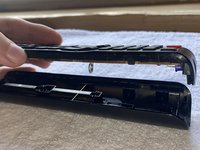
Separate the two sides of the remote.
-
-
-
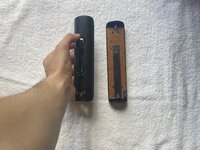
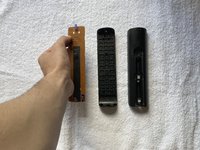
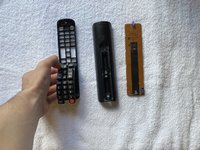
Remove the motherboard, the plastic button case, and finally the buttons from the plastic case.
-
-
-
-
When joining the two halves of the remote together line the spring up with the appropriate slot.
-
Carefully, press the two parts of the remote together.
-
-



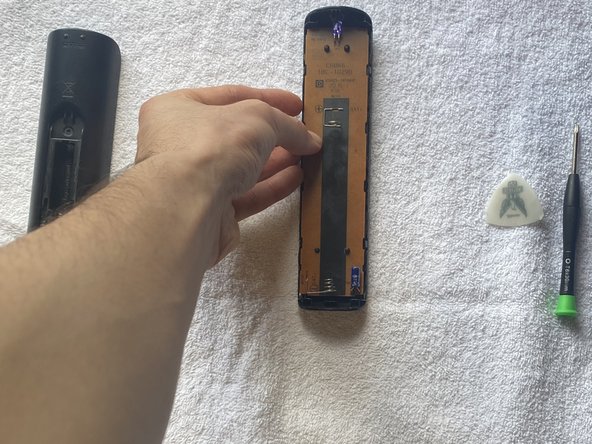
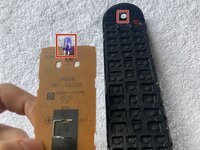
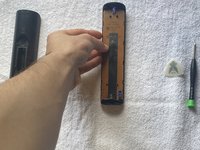
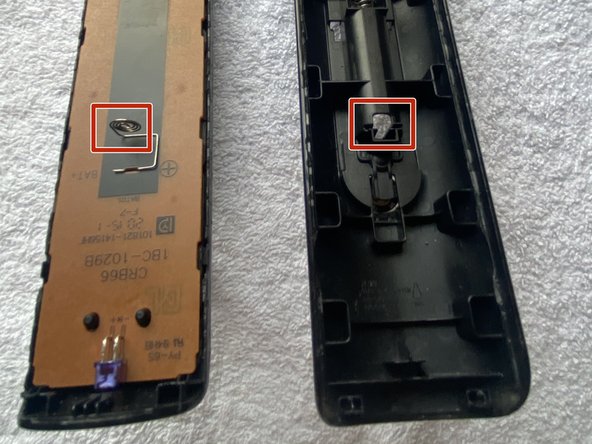


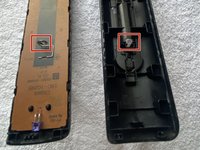
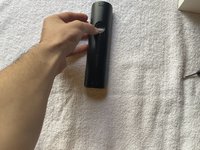

To reassemble your device, follow these instructions in reverse order.

Team

CSU Los Angeles, Team 1-46, Briggs Fall 2022 Member of CSU Los Angeles, Team 1-46, Briggs Fall 2022
CSULA-BRIGGS-F22S1G46
1 Member
12 Guides authored
