Free Shipping on Domestic Orders $75+

Samsung Alias 2 Hinge Replacement

What you need

  1. Samsung Alias 2 Hinge Replacement, Battery: step 1, image 1 of 1
    • Press down on the back cover of the phone and remove it.

    Ask FixBot
    Add Comment

  2. Samsung Alias 2 Hinge Replacement: step 2, image 1 of 1
    • Take out the battery from the device.

    Ask FixBot
    Add Comment

  3. Samsung Alias 2 Hinge Replacement, Hinge: step 3, image 1 of 1
    • Use a Phillips #00 screwdriver to remove the two 4 mm screws on screen.

    Ask FixBot

    Add Comment

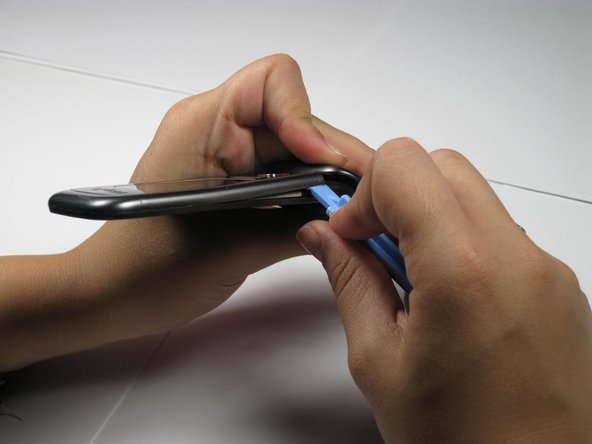
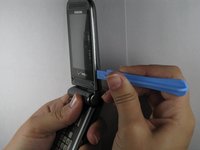
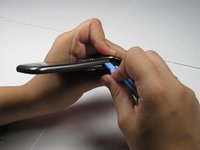
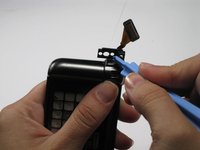
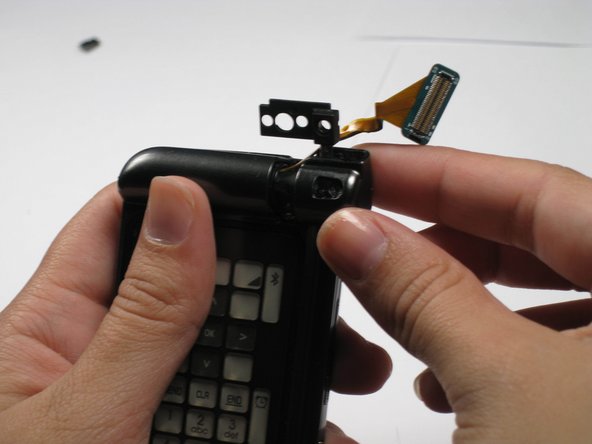
  4. Samsung Alias 2 Hinge Replacement: step 4, image 1 of 2 Samsung Alias 2 Hinge Replacement: step 4, image 2 of 2
    • Use the opening tool to remove the front outside casing.

    Ask FixBot

    Add Comment

  5. Samsung Alias 2 Hinge Replacement: step 5, image 1 of 1
    Tool used on this step:
    Tweezers
    $4.99
    Buy
    • Remove ribbon connector next to camera using tweezers.

    Ask FixBot

    Add Comment

  6. Samsung Alias 2 Hinge Replacement: step 6, image 1 of 1
    • Unscrew and remove the two 3.95 mm screws underneath that ribbon connector.

    • Be careful not to lose their accompanying plastic washers.

    Ask FixBot

    Add Comment

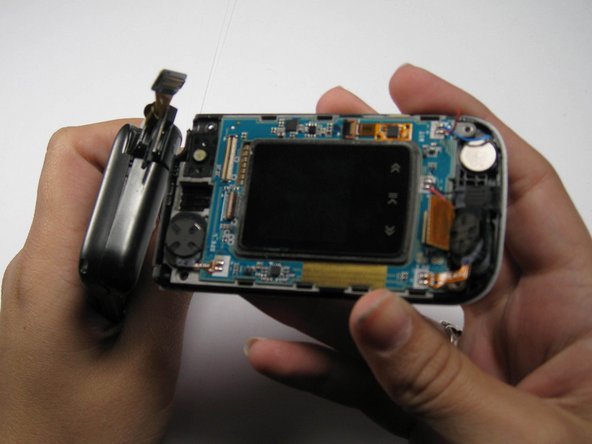
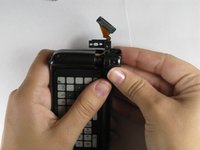
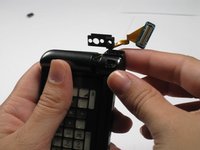
  7. Samsung Alias 2 Hinge Replacement: step 7, image 1 of 2 Samsung Alias 2 Hinge Replacement: step 7, image 2 of 2
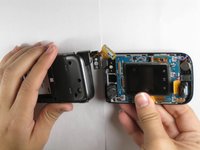
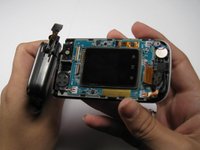
    • Pull the two halves of the phone apart.

    • The phone will not slide straight apart. You have to angle the back half up a little.

    • Do not force it. Jiggle it a little if it doesn't come apart.

    Ask FixBot

    Add Comment

  8. Samsung Alias 2 Hinge Replacement: step 8, image 1 of 1
    • Remove the plastic panel cover from the hinge.

    Ask FixBot

    Add Comment

  9. Samsung Alias 2 Hinge Replacement: step 9, image 1 of 2 Samsung Alias 2 Hinge Replacement: step 9, image 2 of 2
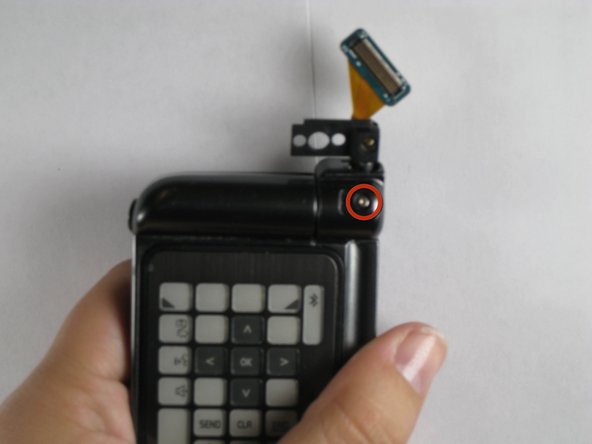
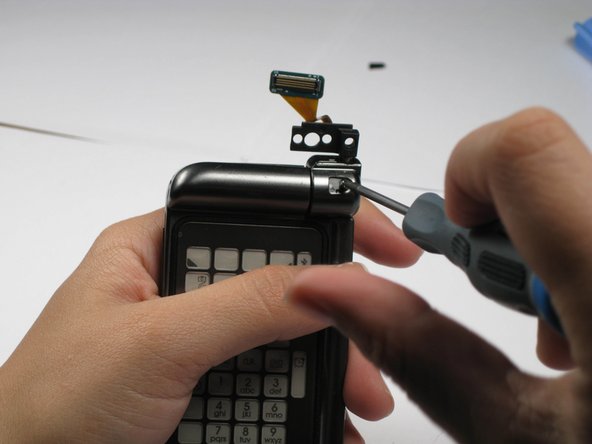
    • Remove the 3.41 mm screw out from underneath plastic cover.

    Ask FixBot

    Add Comment

  10. Samsung Alias 2 Hinge Replacement: step 10, image 1 of 2 Samsung Alias 2 Hinge Replacement: step 10, image 2 of 2
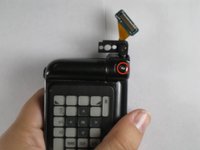
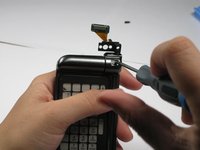
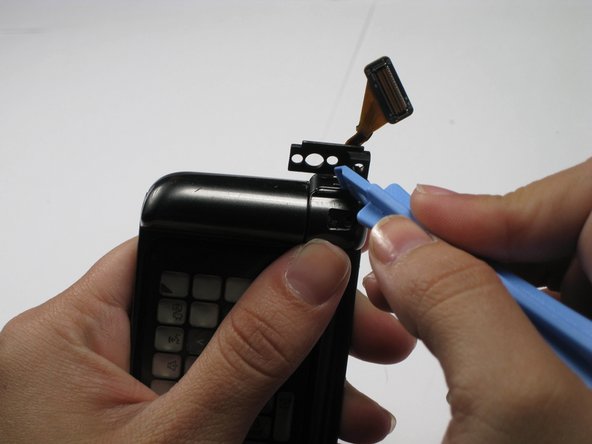
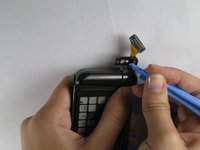
    • Pop out the top half of the hinge with the plastic opening tool. This will release the hinge cover for removal.

    Ask FixBot

    Add Comment

  11. Samsung Alias 2 Hinge Replacement: step 11, image 1 of 2 Samsung Alias 2 Hinge Replacement: step 11, image 2 of 2
    • Pull off the hinge cover.

    Ask FixBot

    Add Comment

  12. Samsung Alias 2 Hinge Replacement: step 12, image 1 of 2 Samsung Alias 2 Hinge Replacement: step 12, image 2 of 2
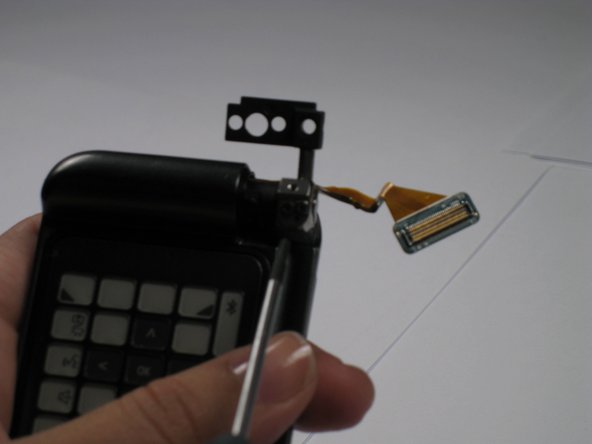
    • Remove the two 2.71 mm screws on the hinge using screwdriver.

    • Under these screws will be a washer, spring, and small metal disc. Make sure you don't lose these.

    Ask FixBot

    Add Comment

  13. Samsung Alias 2 Hinge Replacement: step 13, image 1 of 1
    • Remove the Verizon logo from the back of phone using the plastic opening tool.

    • The logo is attached with glue. It will be sticky, but it just pulls off.

    Ask FixBot

    Add Comment

  14. Samsung Alias 2 Hinge Replacement: step 14, image 1 of 1
    • Remove the four 4.44 mm screws from the back.

    • Remove the three 4.35mm screws from under the Verizon logo.

    • Make sure you don't mix the screws together.

    Ask FixBot

    Add Comment

  15. Samsung Alias 2 Hinge Replacement: step 15, image 1 of 1
    • Pull the back off by using the plastic opening tool.

    • Do not lose the buttons on the side of the phone, as they will come off of the phone when you remove the back outside casing.

    Ask FixBot

    Add Comment

  16. Samsung Alias 2 Hinge Replacement: step 16, image 1 of 1
    • Pull up on the yellow tab.

    Ask FixBot

    Add Comment

  17. Samsung Alias 2 Hinge Replacement: step 17, image 1 of 1
    • Disconnect the connecting cord using tweezers.

    Ask FixBot

    Add Comment

  18. Samsung Alias 2 Hinge Replacement: step 18, image 1 of 1
    • Disconnect the rectangular ribbon.

    Ask FixBot

    Add Comment

  19. Samsung Alias 2 Hinge Replacement: step 19, image 1 of 1
    • Remove the logic board.

    Ask FixBot

    Add Comment

  20. Samsung Alias 2 Hinge Replacement: step 20, image 1 of 1
    • Remove the three 3.95 mm screws.

    • The two rightmost screws must be pulled out with tweezers after unscrewed.

    Ask FixBot

    Add Comment

  21. Samsung Alias 2 Hinge Replacement: step 21, image 1 of 1
    • Pull the hinge out.

    Ask FixBot

    Add Comment

Conclusion

To reassemble your device, follow these instructions in reverse order.

Cancel: I did not complete this guide.

One other person completed this guide.

Chris

Member since: 04/16/11

133 Reputation

5 Guides authored

Team

Cal Poly, Team 12-35, Maness Spring 2011 Member of Cal Poly, Team 12-35, Maness Spring 2011

CPSU-MANESS-S11S12G35

4 Members

15 Guides authored

0 Guide Comments

Add Comment

View Statistics:

Past 24 Hours: 4

Past 7 Days: 7

Past 30 Days: 35

All Time: 4,685