
Samsung 27E510C NAV Button Replacement

giggythore and 4 other contributors
Last updated on Aug 1, 2019
Views: 1.6K
View statistics:
- Past 24 Hours:
- 4
- Past 7 Days:
- 19
- Past 30 Days:
- 132
- All Time:
- 1,587
Comments: 1
1 comment on steps.
Completed: 0 1
No one has marked this guide "completed." Will you be the first?
1 person has marked this guide "completed." It's you — great job!
Favorites: 0 1
No one has favorited (and subscribed to) this guide. Will you be the first?
1 person has favorited (and subscribed to) this guide — and that's you!
Introduction
Go to step 1 ↓The JOG button is used to control monitor functions like volume, brightness, and contrast. Common issues of this feature include the button sticking and the control stick breaking off.
What you need
Tools


-
-
-
Use the #1 Phillips head screw driver to remove each 13.75mm length screw from the rear panel.
 Ask FixBot
-
-
Tool used on this step:Heavy-Duty Spudger$4.99
-
Insert the heavy duty spudger in between the monitors back panel and its frame.
-
Use the heavy duty spudger to pry open the back panel.
-
-
-
-
-
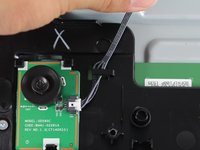
Carefully remove the tape holding down the connector wire.
-
-
-
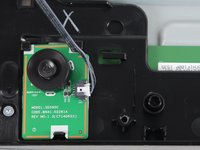
Disconnect the navigation button from the motherboard by holding down the thumb tab and pulling its connector out.
-
-
-
-
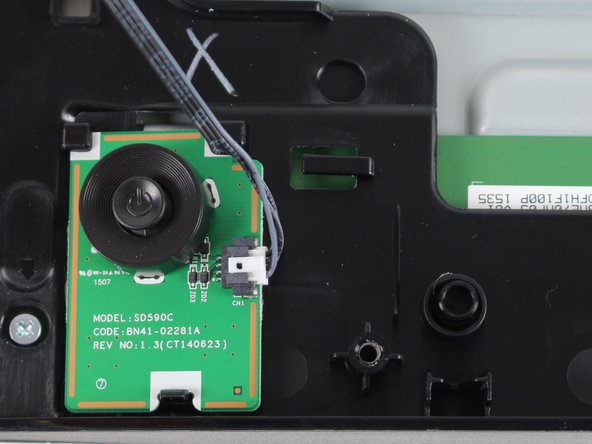
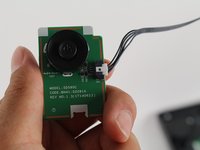
With one thumb, hold down the tab on the bottom of the navigation buttons base.
-
While holding the tab down, lift the base of the navigation button with your other hand.
-
-
-
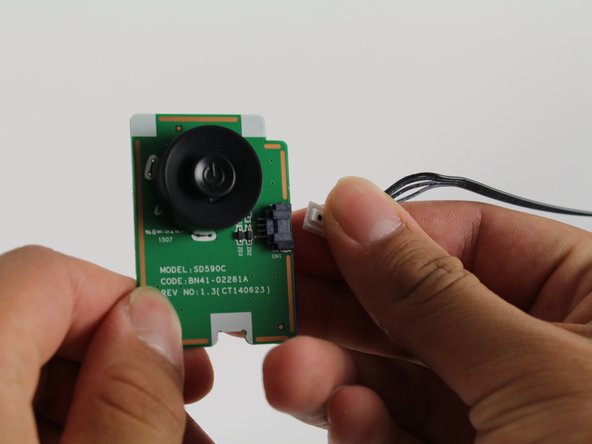
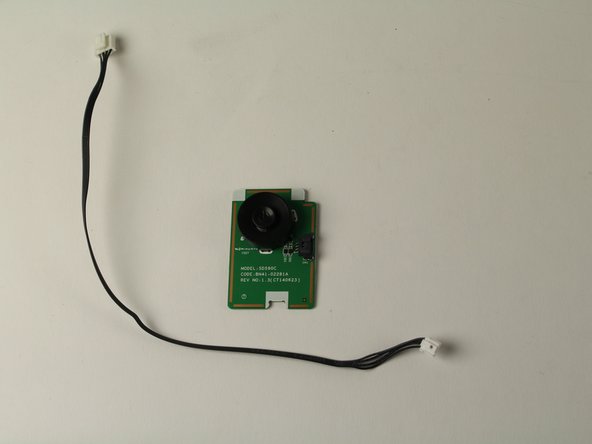
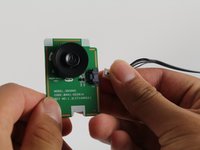
Remove the connector wire from the defective navigation button by first gripping its connectors thumb tab.
-
While gripping the thumb tab, pull the connector from the base of the navigation button.
-
-




To reassemble your device, follow these instructions in reverse order.

