Free Shipping on Domestic Orders $75+

SONY ZS-BTG900 Bluetooth Module Replacement

What you need

  1. SONY ZS-BTG900 Bluetooth Module Replacement, SONY ZS-BTG900 Disassembly: step 1, image 1 of 2 SONY ZS-BTG900 Bluetooth Module Replacement, SONY ZS-BTG900 Disassembly: step 1, image 2 of 2
    • Lift up the handle to reveal the screws.

    • Use your Phillips #2 screwdriver to remove the eight 1/2 inch screws.

    Ask FixBot

    Add Comment

  2. SONY ZS-BTG900 Bluetooth Module Replacement: step 2, image 1 of 3 SONY ZS-BTG900 Bluetooth Module Replacement: step 2, image 2 of 3 SONY ZS-BTG900 Bluetooth Module Replacement: step 2, image 3 of 3
    • Flip your device over.

    • Use your Phillips #2 screwdriver to remove the six 3/4inch screws.

    • In removing the screws within the two holes on the back of the device, you may want to use your shaft extension to provide extra torque as they may be very tight.

    Ask FixBot

    Add Comment

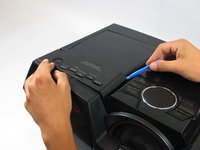
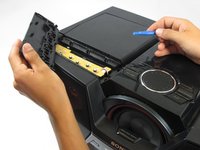
  3. SONY ZS-BTG900 Bluetooth Module Replacement: step 3, image 1 of 2 SONY ZS-BTG900 Bluetooth Module Replacement: step 3, image 2 of 2
    • Flip your device back over to access the top of the device.

    • Use your plastic opening tool to pry up and remove the panel on the top, left hand side of the device.

    • This will reveal two additional screws.

    Ask FixBot

    Add Comment

  4. SONY ZS-BTG900 Bluetooth Module Replacement: step 4, image 1 of 1
    • Use your Phillips #2 screwdriver to remove the two 1/2 inch screws underneath the now-removed panels.

    Ask FixBot

    Add Comment

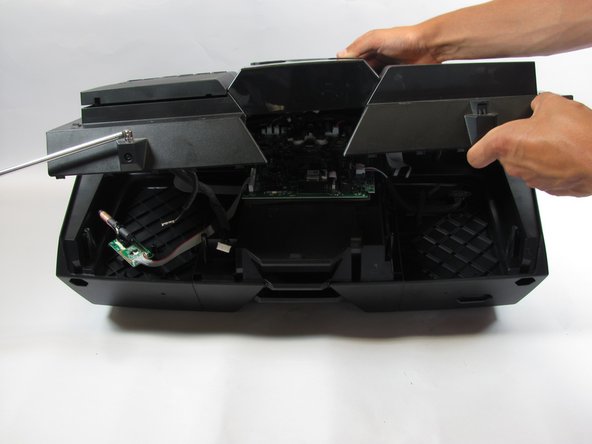
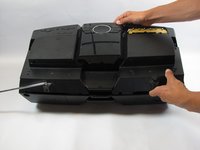
  5. SONY ZS-BTG900 Bluetooth Module Replacement: step 5, image 1 of 2 SONY ZS-BTG900 Bluetooth Module Replacement: step 5, image 2 of 2
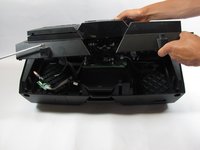
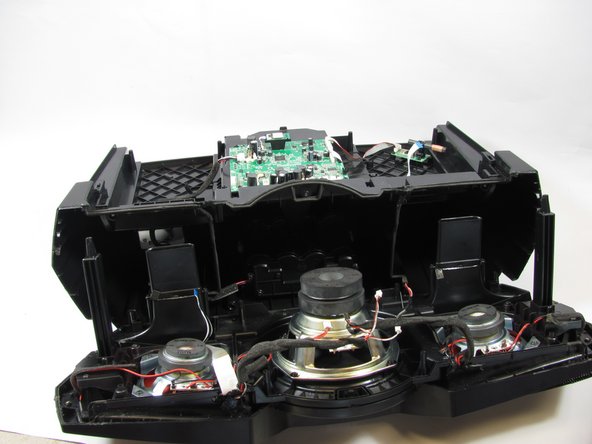
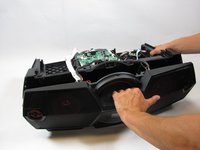
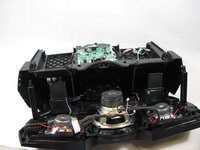
    • Lift off the top, beginning from the back of the device.

    • Take care when lifting the top portion as there are many wires connected to the inside of the device and you do not want to disconnect these just yet.

    Ask FixBot

    Add Comment

  6. SONY ZS-BTG900 Bluetooth Module Replacement: step 6, image 1 of 2 SONY ZS-BTG900 Bluetooth Module Replacement: step 6, image 2 of 2
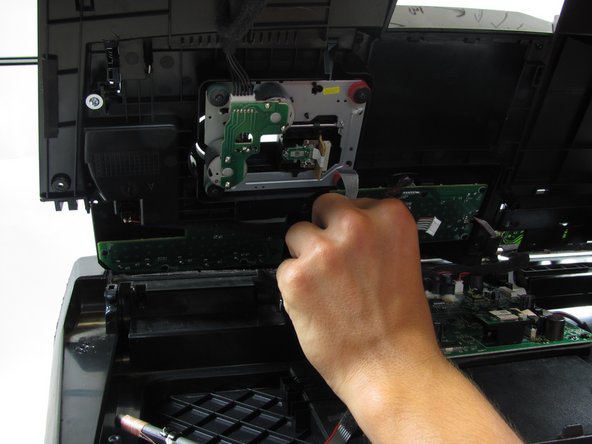
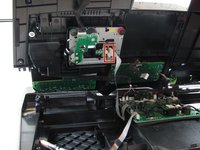
    • Disconnect the CD drive ribbon cable from the top of the device.

    Ask FixBot

    Add Comment

  7. SONY ZS-BTG900 Bluetooth Module Replacement: step 7, image 1 of 2 SONY ZS-BTG900 Bluetooth Module Replacement: step 7, image 2 of 2
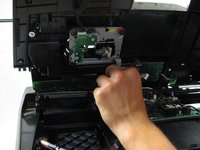
    • Disconnect the antenna cables.

    Ask FixBot

    Add Comment

  8. SONY ZS-BTG900 Bluetooth Module Replacement: step 8, image 1 of 3 SONY ZS-BTG900 Bluetooth Module Replacement: step 8, image 2 of 3 SONY ZS-BTG900 Bluetooth Module Replacement: step 8, image 3 of 3
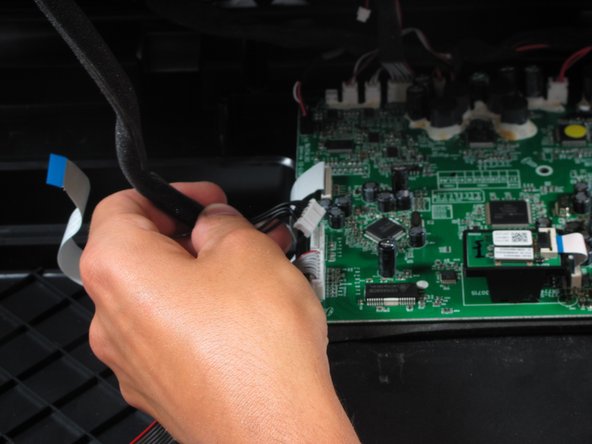
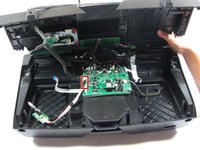
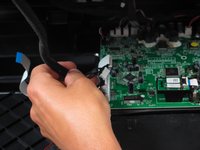
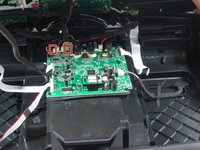
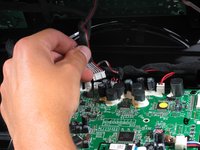
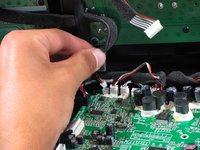
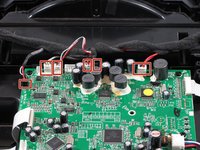
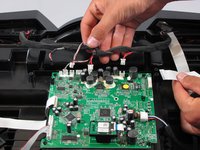
    • Disconnect the remaining cables from the motherboard.

    Ask FixBot

    Add Comment

  9. SONY ZS-BTG900 Bluetooth Module Replacement: step 9, image 1 of 2 SONY ZS-BTG900 Bluetooth Module Replacement: step 9, image 2 of 2
    • Once you have removed the top, we will begin removing the front of the device.

    • Begin by disconnecting the 6 cables that lead from the front of the device to the motherboard.

    Ask FixBot

    Add Comment

  10. SONY ZS-BTG900 Bluetooth Module Replacement: step 10, image 1 of 1
    • Use your Philips #2 screwdriver to remove the two 1 inch screws on the outermost part of the device.

    • Use your Philips #2 screwdriver to remove the two 3/4 inch screws on the outermost part of the device.

    • Use your Philips #2 screwdriver to remove the one 5/6 inch screw on the middle part of the device.

    Ask FixBot

    Add Comment

  11. SONY ZS-BTG900 Bluetooth Module Replacement: step 11, image 1 of 2 SONY ZS-BTG900 Bluetooth Module Replacement: step 11, image 2 of 2
    • Firmly pull off the front of device.

    • There will be a small amount of black glue. You can simply ignore this, and continue to pull, or use a sharp edge to cut the glue once you've revealed it.

    Ask FixBot

    Add Comment

  12. SONY ZS-BTG900 Bluetooth Module Replacement, Bluetooth Module: step 12, image 1 of 3 SONY ZS-BTG900 Bluetooth Module Replacement, Bluetooth Module: step 12, image 2 of 3 SONY ZS-BTG900 Bluetooth Module Replacement, Bluetooth Module: step 12, image 3 of 3
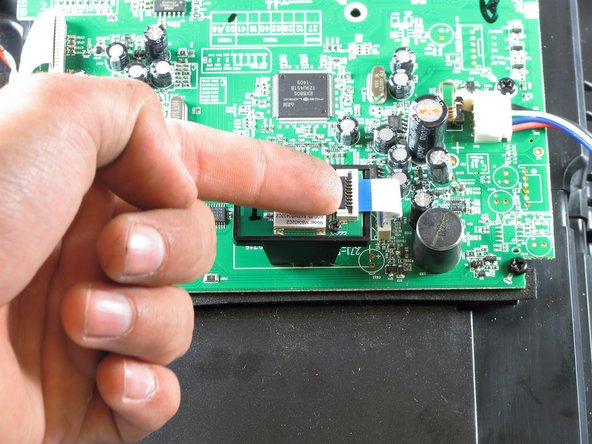
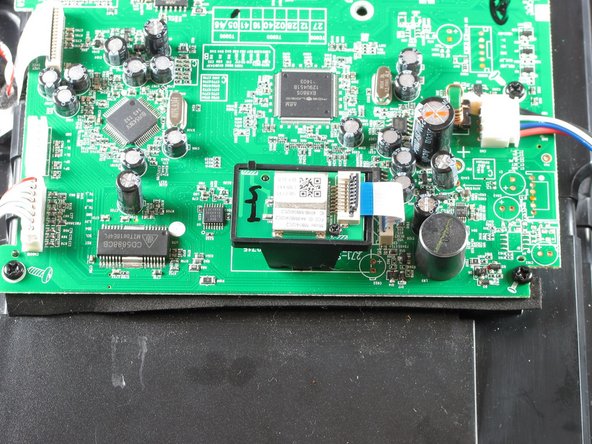
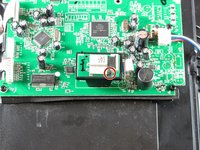
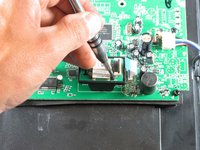
    • Lift the plastic tab on the ribbon cable on the bluetooth module using the spudger.

    Ask FixBot

    Add Comment

  13. SONY ZS-BTG900 Bluetooth Module Replacement: step 13, image 1 of 2 SONY ZS-BTG900 Bluetooth Module Replacement: step 13, image 2 of 2
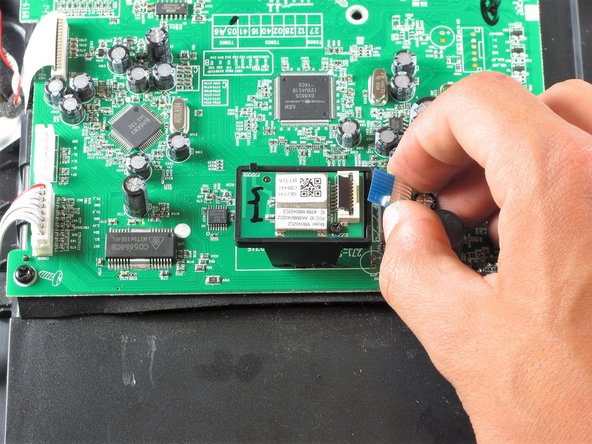
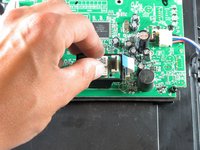
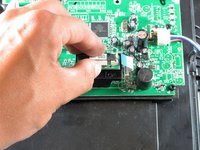
    • Pull the ribbon cable out to remove it.

    Ask FixBot

    Add Comment

  14. SONY ZS-BTG900 Bluetooth Module Replacement: step 14, image 1 of 2 SONY ZS-BTG900 Bluetooth Module Replacement: step 14, image 2 of 2
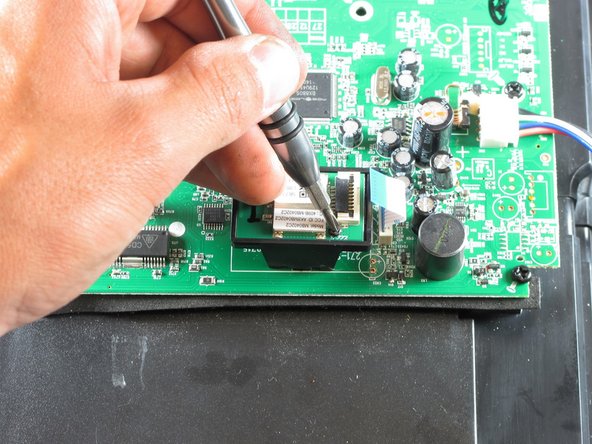
    • Use a Phillips #0 screwdriver to unscrew the single 1/4 inch screw.

    Ask FixBot

    Add Comment

  15. SONY ZS-BTG900 Bluetooth Module Replacement: step 15, image 1 of 3 SONY ZS-BTG900 Bluetooth Module Replacement: step 15, image 2 of 3 SONY ZS-BTG900 Bluetooth Module Replacement: step 15, image 3 of 3
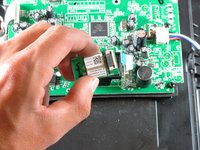
    • Gently grab the top and lift the chip up to remove it.

    Ask FixBot

    Add Comment

Conclusion

To reassemble your device, follow these instructions in reverse order.

Cancel: I did not complete this guide.

2 other people completed this guide.

Al R.

Member since: 04/11/16

1,004 Reputation

8 Guides authored

2 Guide Comments

Where did you get the Bluetooth module?

Victor - Reply Share

Great fix it article. Thank you. I, too am wondering where to get the replacement Bluetooth module? Part number as well. Thank you very much.

jwalkermark - Reply Share

Add Comment

View Statistics:

Past 24 Hours: 1

Past 7 Days: 4

Past 30 Days: 35

All Time: 1,586