Introduction
The following guide details steps on how to reach your SONY Ericsson's motherboard. Once you reach the motherboard, you can identify issues the part may have.
What you need
-
-
Flick the two lock tabs into the unlocked positions by pushing each button forward.
 Ask FixBot
-
-
-
You can now access the phone's battery.
-
Using a spudger, remove the battery and set it aside.
-
-
-
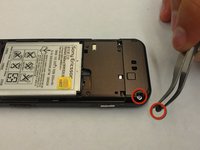
Remove the two small rubber pieces that cover the lower screws.
-
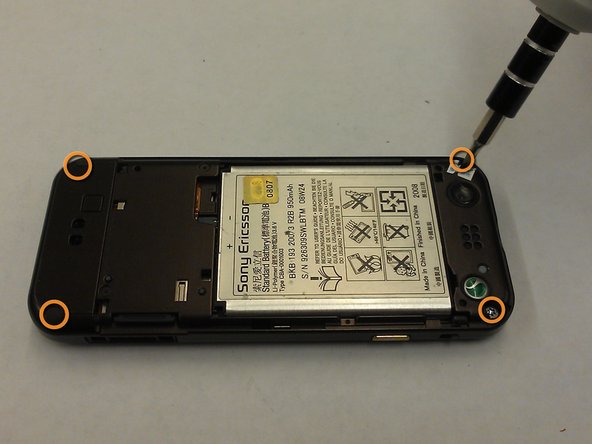
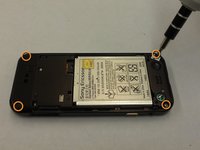
Using a T-6 Torx wrench or screwdriver, remove all four of the small screws at the top and bottom corners on the back of the phones.
-
-
-
-
Gently pry off the faceplate using a plastic opening tool.
-
Insert the plastic opening tool into the middle of the front and back panels of the phone.
-
-
-
Separate the front and back panels that were pryed open with the plastic opening tool.
-
-
Tool used on this step:Tweezers$4.99
-
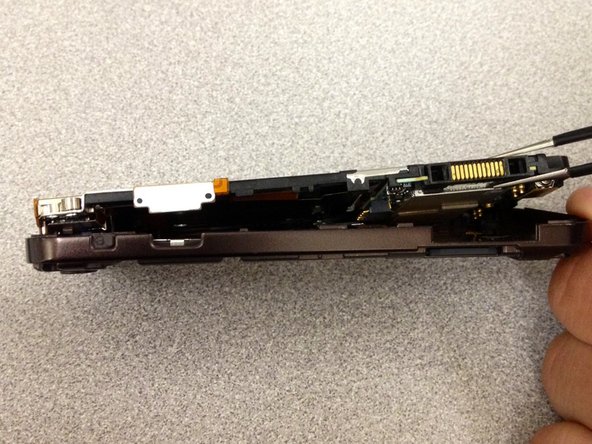
Now that the faceplate is off, use tweezers to separate the backplate from the inner manifold.
-
-
-
With both insides of the phone exposed, gently detach the ribbon cable connecting the two inner sides. You can now separate the two sides of the phone.
-
-
-
The motherboard is located on the side with the green and black bumper on the bottom. Use the plastic opening tool to pry the bumper off.
-






To reassemble your device, follow these instructions in reverse order.
Cancel: I did not complete this guide.
One other person completed this guide.

Team

SUNY Cortland, Team 1-3, Getto Spring 2013 Member of SUNY Cortland, Team 1-3, Getto Spring 2013
SUNYCORT-GETTO-S13S1G3
3 Members
8 Guides authored
