Free Shipping on Domestic Orders $75+

SCUF Reflex Joystick Replacement

What you need

    1. SCUF Reflex Joystick Replacement, Remove the middle trim: step 1, image 1 of 1
      • Insert an opening pick underneath the middle trim at the bottom-right corner of the controller to release the clips.

      • Loosen the rest of the clips and take the middle trim out.

      Ask FixBot

      Add Comment

    2. SCUF Reflex Joystick Replacement, Remove L1 and R1: step 2, image 1 of 3 SCUF Reflex Joystick Replacement, Remove L1 and R1: step 2, image 2 of 3 SCUF Reflex Joystick Replacement, Remove L1 and R1: step 2, image 3 of 3
      • Use a tool to pop the R1 and L1 buttons off of the controller.

      Ask FixBot

      Add Comment

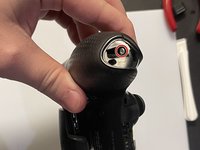
    3. SCUF Reflex Joystick Replacement, Unscrew the grips: step 3, image 1 of 2 SCUF Reflex Joystick Replacement, Unscrew the grips: step 3, image 2 of 2
      • Unscrew and remove the screw from the bottom of each grip.

      Ask FixBot

      Add Comment

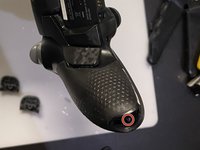
    4. SCUF Reflex Joystick Replacement, Unscrew behind L1 and R1: step 4, image 1 of 1
      • Unscrew the screws behind the L1 and R1 buttons.

      Ask FixBot

      Add Comment

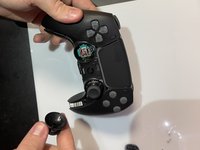
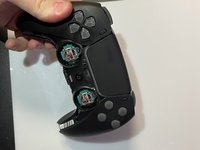
    5. SCUF Reflex Joystick Replacement, Pull the joysticks off: step 5, image 1 of 2 SCUF Reflex Joystick Replacement, Pull the joysticks off: step 5, image 2 of 2
      • Pull the joysticks off of the controller.

      Ask FixBot

      Add Comment

    6. SCUF Reflex Joystick Replacement, Pull the scuff buttons off: step 6, image 1 of 1
      • Pull the scuff buttons off the back of the controller by sliding them down.

      Ask FixBot

      Add Comment

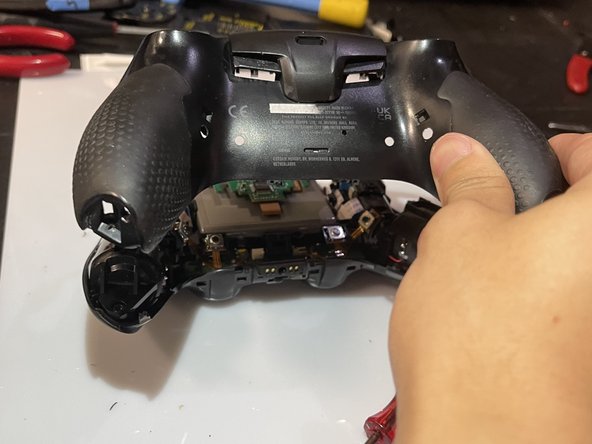
    7. SCUF Reflex Joystick Replacement, Remove the rear case: step 7, image 1 of 2 SCUF Reflex Joystick Replacement, Remove the rear case: step 7, image 2 of 2
      • Slide the prying tool down the edge of the rear casing of the controller to remove the rear case.

      • Be sure to deal with all the clips!

      Ask FixBot

      Add Comment

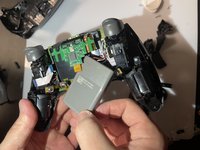
    8. SCUF Reflex Joystick Replacement, Slide the battery out: step 8, image 1 of 2 SCUF Reflex Joystick Replacement, Slide the battery out: step 8, image 2 of 2
      • Slide the battery out of the controller. It's grey and held in by a couple of wires, so be careful not to damage them.

      Ask FixBot

      Add Comment

    9. SCUF Reflex Joystick Replacement, Unplug the battery: step 9, image 1 of 1
      • Unplug the battery to finish removing the battery from the controller.

      Ask FixBot

      Add Comment

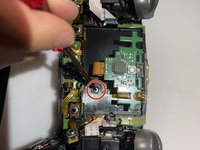
    10. SCUF Reflex Joystick Replacement, Take the battery bracket out: step 10, image 1 of 2 SCUF Reflex Joystick Replacement, Take the battery bracket out: step 10, image 2 of 2
      • Unscrew the screw on the back of the controller to remove the battery bracket.

      Ask FixBot

      Add Comment

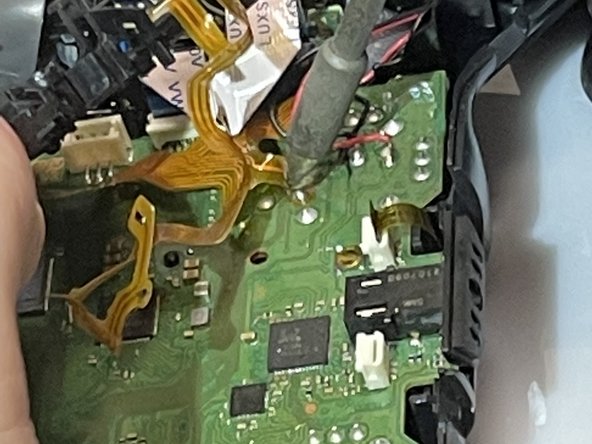
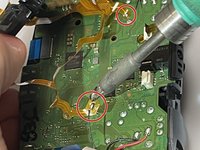
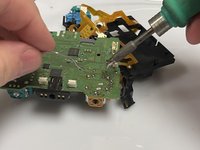
    11. SCUF Reflex Joystick Replacement, Desolder the ribbon cables: step 11, image 1 of 2 SCUF Reflex Joystick Replacement, Desolder the ribbon cables: step 11, image 2 of 2
      • Use a soldering iron to desolder the ribbon cables on the motherboard.

      Ask FixBot

      Add Comment

    12. SCUF Reflex Joystick Replacement: step 12, image 1 of 1
      • Unplug these four cables from the motherboard.

      Ask FixBot

      Add Comment

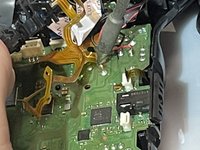
    13. SCUF Reflex Joystick Replacement: step 13, image 1 of 1
      • Use the soldering iron to desolder the black and red wires off of the motherboard.

      Ask FixBot

      Add Comment

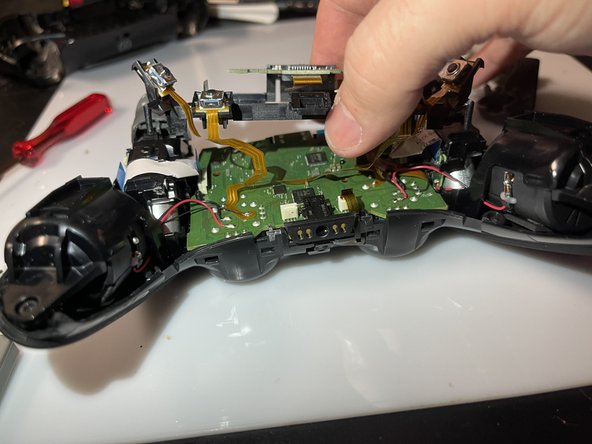
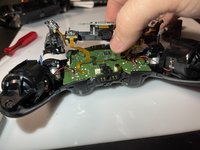
    14. SCUF Reflex Joystick Replacement: step 14, image 1 of 1
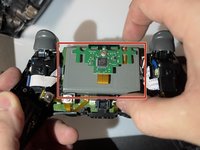
      • Remove the motherboard and the battery bracket from the controller to expose the joystick component.

      Ask FixBot

      Add Comment

    15. SCUF Reflex Joystick Replacement: step 15, image 1 of 1
      Tool used on this step:
      Desoldering Pump
      $3.99
      Buy
      • Use the soldering iron and the desoldering pump to desolder the 14 connections for the component.

      Ask FixBot

      Add Comment

    16. SCUF Reflex Joystick Replacement: step 16, image 1 of 1
      • Remove the component from the motherboard.

      Ask FixBot

      Add Comment

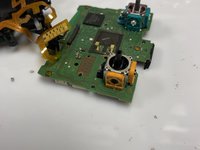
    17. SCUF Reflex Joystick Replacement: step 17, image 1 of 2 SCUF Reflex Joystick Replacement: step 17, image 2 of 2
      • Put the new component on the motherboard.

      • Use the soldering iron to connect the new component to the motherboard.

      Ask FixBot

      Add Comment

Conclusion

To reassemble your device, follow these instructions in reverse order.

Cancel: I did not complete this guide.

5 other people completed this guide.

Tri Truong

Member since: 02/13/23

443 Reputation

2 Guides authored

1 Guide Comment

Hi! Wich replacement component do you use?

Antonis Lambropoulos - Reply Share

Add Comment

View Statistics:

Past 24 Hours: 35

Past 7 Days: 223

Past 30 Days: 830

All Time: 23,069