
Ryobi P517 Housing Assembly Replacement

Abner Fernandez and 3 other contributors
Last updated on May 15, 2024
Views: 618
View statistics:
- Past 24 Hours:
- 2
- Past 7 Days:
- 14
- Past 30 Days:
- 60
- All Time:
- 618
Comments: 0
No one has left comments on this guide. Will you be first?
Go to guide commentsCompleted: 0 1
No one has marked this guide "completed." Will you be the first?
1 person has marked this guide "completed." It's you — great job!
Favorites: 0 1
No one has favorited (and subscribed to) this guide. Will you be the first?
1 person has favorited (and subscribed to) this guide — and that's you!
Introduction
Go to step 1 ↓Use this guide to remove the housing assembly of your Ryobi P517 reciprocating saw.
The housing assembly is the plastic outer shell of the saw that contains and protects the device's inner components. The housing assembly needs to be removed to access the inner components of the saw, such as the trigger assembly and the motor. A poorly assembled housing assembly can allow debris and/or moisture to enter and cause damage to the electrical components of the saw. Additionally, the housing assembly provides structure to the device, so its integrity is essential for user experience.
Before reading this guide, please review the Ryobi P517 Troubleshooting Page to ensure that your issue cannot be resolved externally, without removing the housing assembly. Remove the blade and battery from the saw before beginning the housing assembly removal process.
What you need


-
-
-
Position the saw so you can access the button-clips on both sides of the battery.
 Ask FixBot
-
-
-
-
-
Lay the saw flat so the left side is facing up.
-
Remove the grey orbital button by twisting it counterclockwise.
-
-
-
Flip the saw so its right side is facing up.
-
Remove the 10 mm screw using a Torx T27H screwdriver.
-
-
-
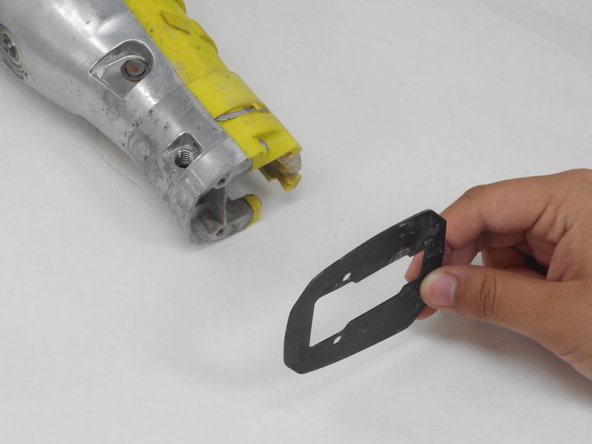
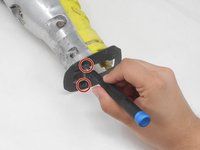
Remove the two 12.5 mm screws from the front of the guide plate using the Torx T10H screwdriver.
-
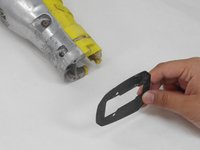
Then remove the guide plate.
-
-
-
Flip the saw so its right side is facing up.
-
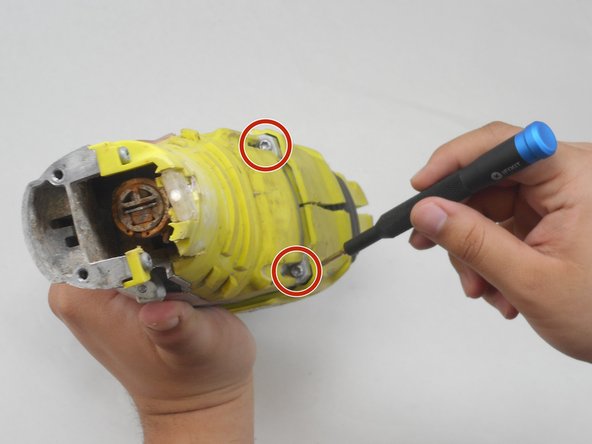
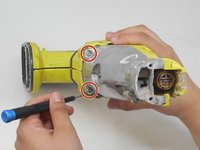
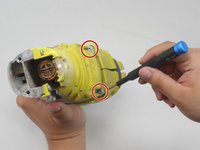
Use the Torx T15H screwdriver to remove the eleven 18.1 mm screws from the housing assembly.
-
-
-
-
Use a Torx T15H screwdriver to remove the four 30.7 mm screws that are holding the housing assembly with the gear case assembly and gear case cover.
-
-
-
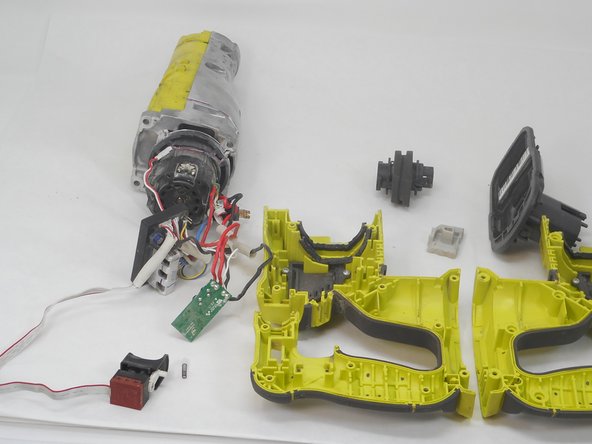
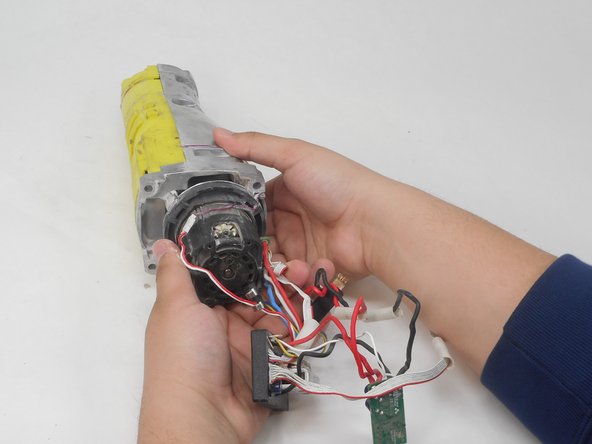
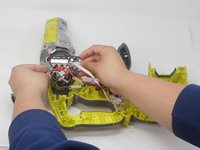
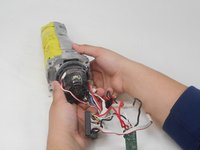
Remove the switch, circuit board, and contact plate holder assembly from the housing assembly.
-
-
-
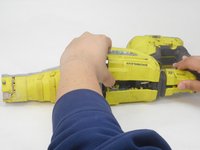
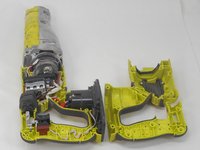
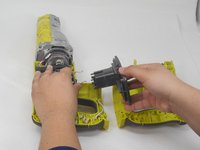
Lift and remove the gear case from the housing assembly and ensure that there are no parts remaining in housing assembly.
-
-








To reassemble your device, follow these instructions in reverse order.

Team

University of Memphis, Team 4-4, Sneed Spring 2024 Member of University of Memphis, Team 4-4, Sneed Spring 2024
UM-SNEED-S24S4G4
4 Members
48 Guides authored
