Introduction
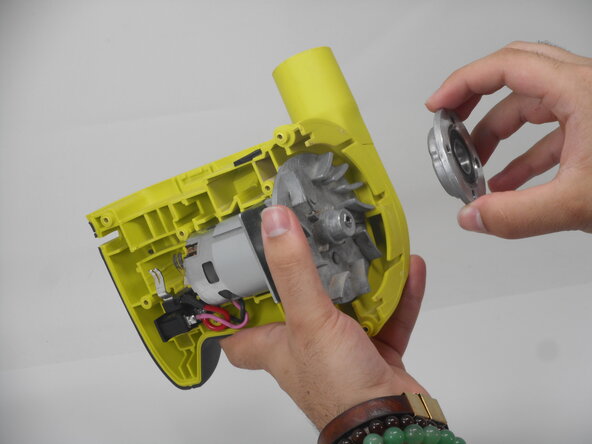
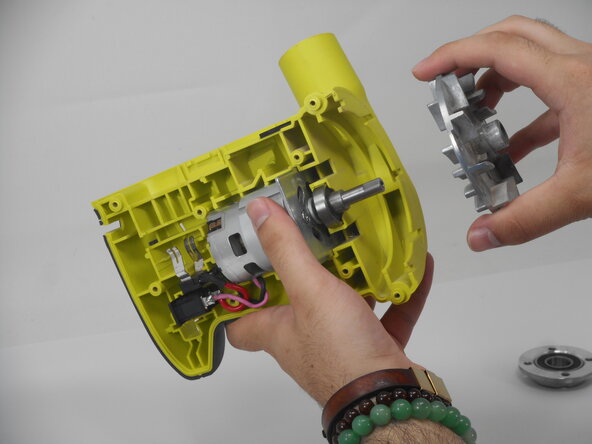
Use this guide to replace a defective fan and bearing Cap in your Ryobi P411. The Fan is the part that is inside the sander that spins when the machine is activated, and the bearing cap is the part that holds the pad assembly. If your device is not working the problem might be a faulty fan and bearing cap. Before replacing the fan and bearing cap, make sure to review the troubleshooting page to make sure nothing else is preventing your Ryobi P411 from turning on. Make sure to remove the battery before beginning.
What you need
-
-
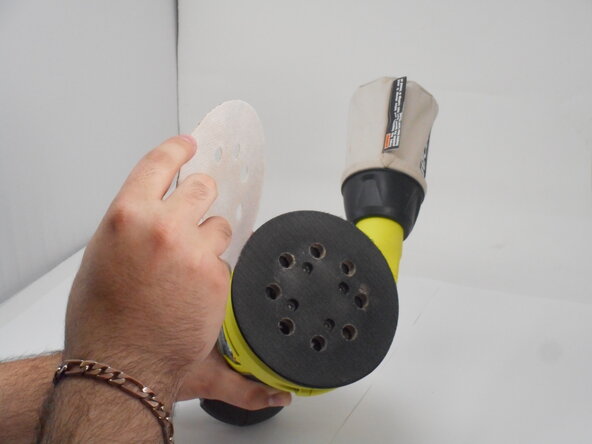
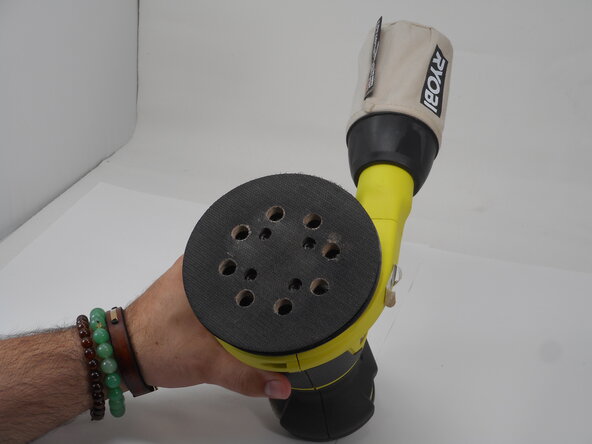
Remove the sanding pad to expose the screws at the bottom of the sander.
 Ask FixBot
-
-
-
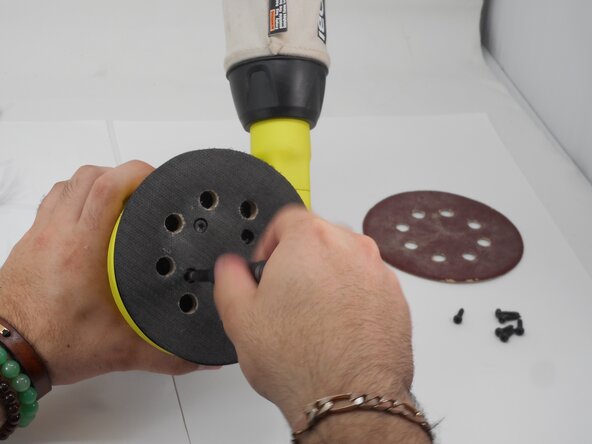
Remove the four M5 x 8.9mm screws with a T6 Torx screwdriver.
-
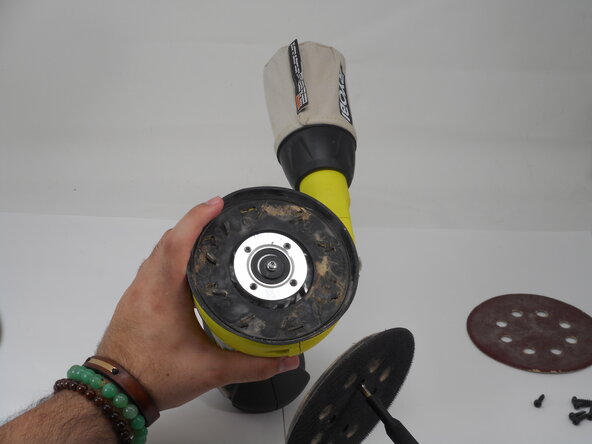
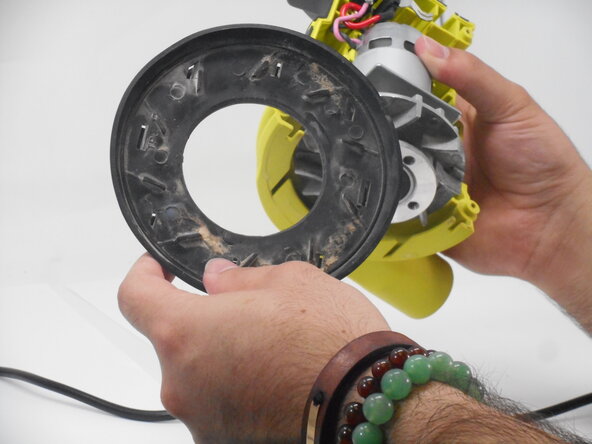
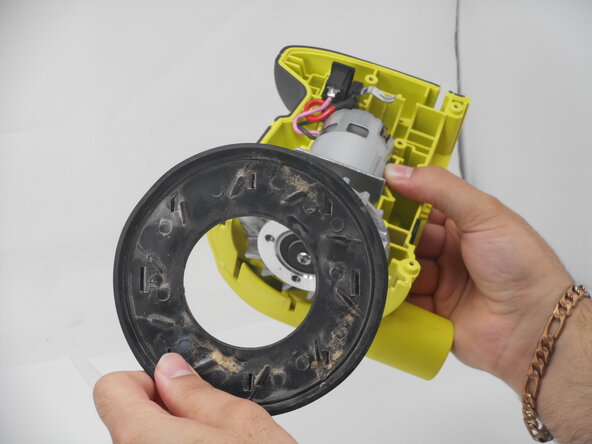
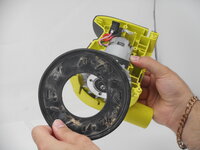
Remove the pad assembly.
-
-
-
Use a Phillips #1 screwdriver to remove the eight M4 x 18.5mm screws from the side of the casing.
-
-
-
-
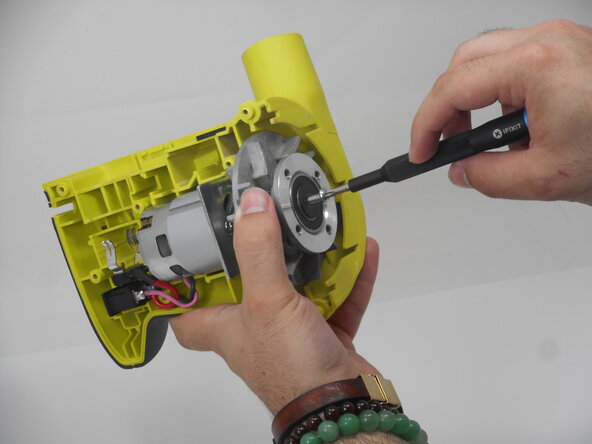
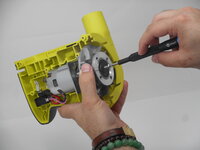
Use a T20 Torx screwdriver to loosen the 15.8 mm screw at the bottom of the sander.
-
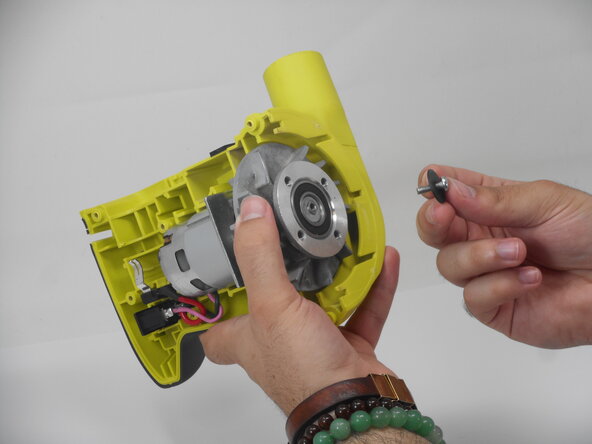
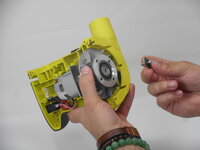
Remove the screw and washer.
-





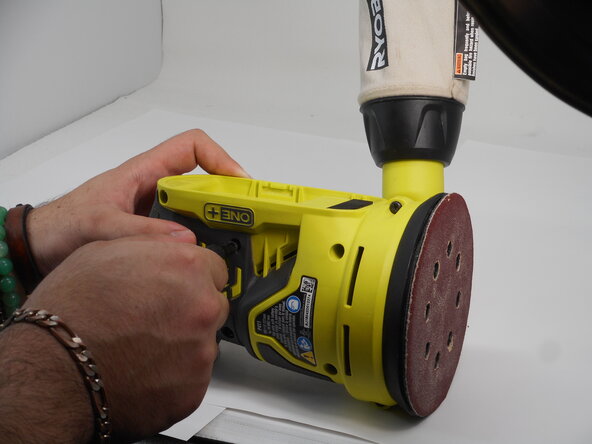
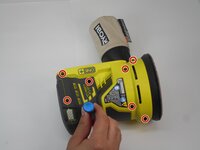
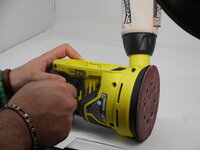

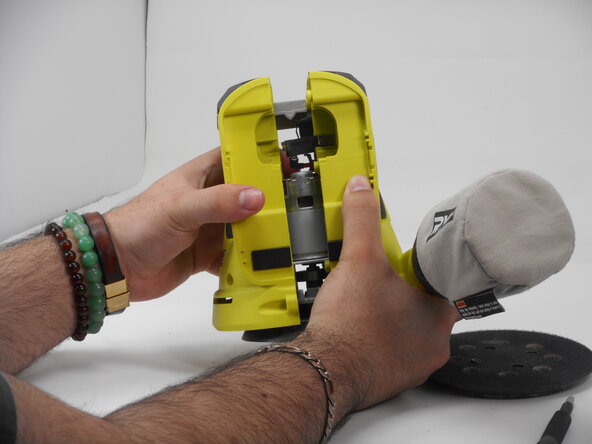
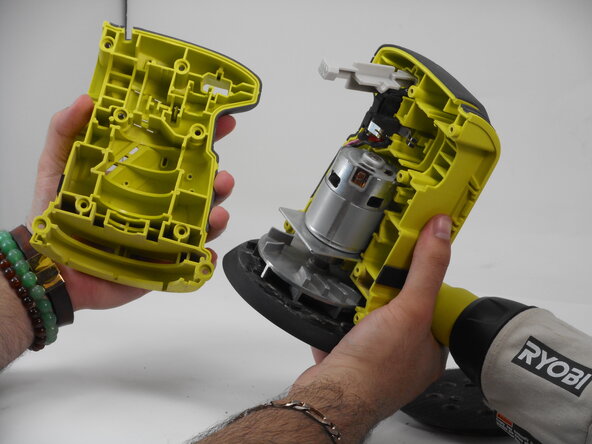
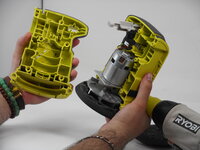



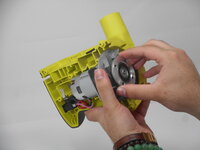
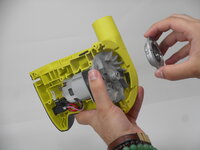
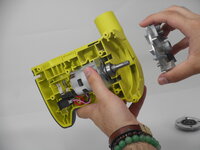
To reassemble your device, follow the above steps in reverse order.
Repair didn’t go as planned? Try some basic troubleshooting or ask our Answers community for help.
Cancel: I did not complete this guide.
One other person completed this guide.

Team

University of Memphis, Team 3-4, Sneed Spring 2025 Member of University of Memphis, Team 3-4, Sneed Spring 2025
UM-SNEED-S25S3G4
4 Members
11 Guides authored
