Introduction
Does your Rydis H68 Pro robot vacuum not power on even after replacing the battery? The motherboard may be defective. Follow this guide on how to change it for a new one!
What you need
-
-
-
Flip the vacuum over so that the wheels are facing you.
-
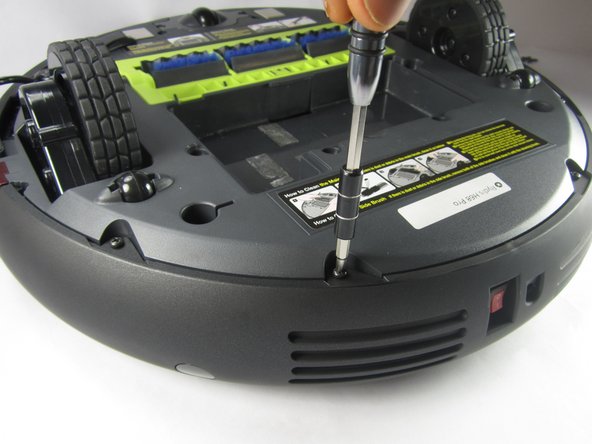
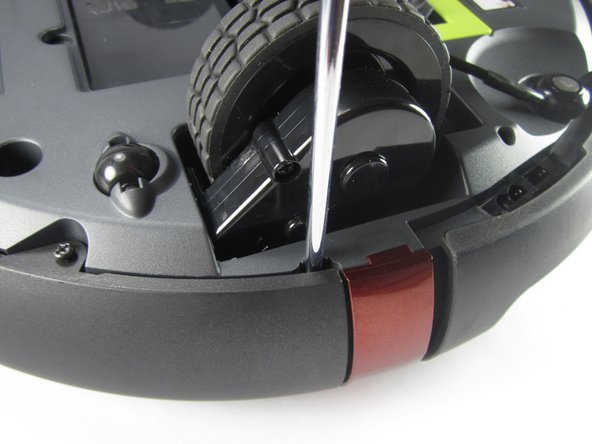
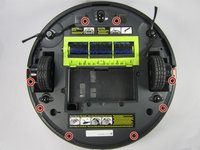
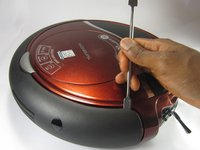
Use a Phillips #1 screwdriver to remove the four 10 mm screws that surround the battery cover.
 Ask FixBot
-
-
-
-
-
-
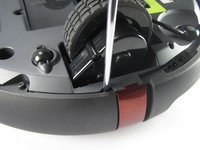
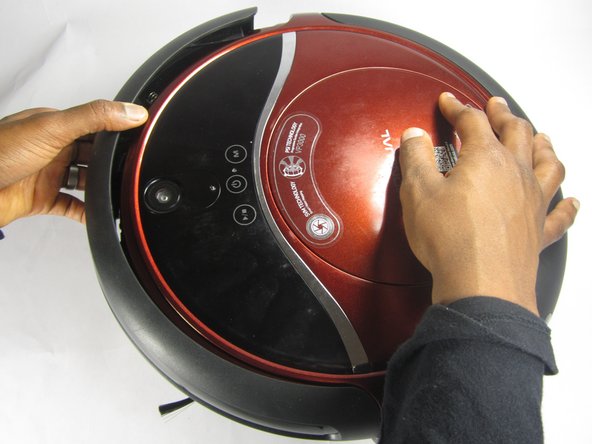
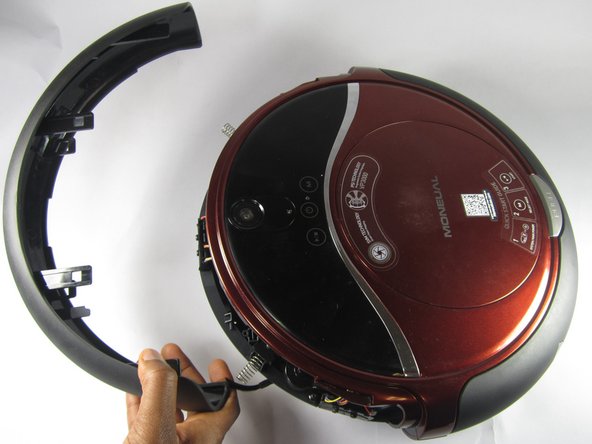
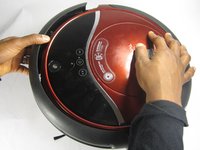
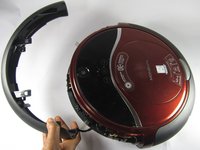
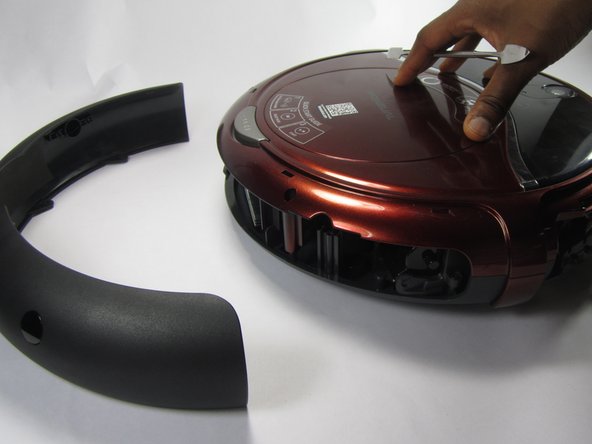
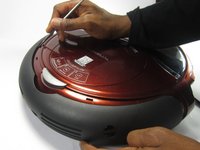
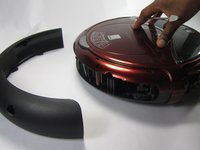
Pry off the back bumper by going around the entire top of the bumper with the metal spudger.
-
-
-
-
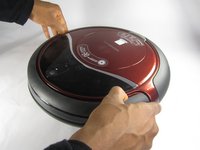
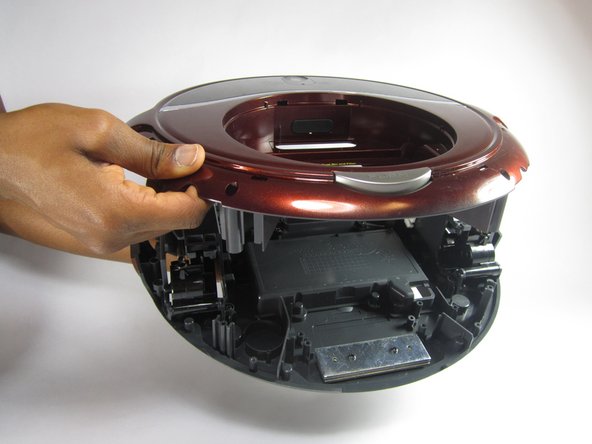
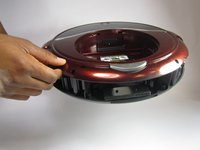
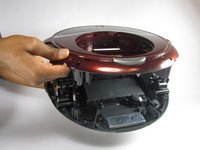
To access the motherboard, lift the top portion of the vacuum off.
-
-
-
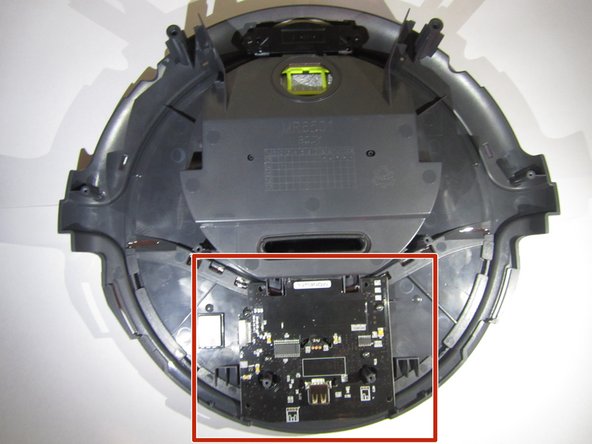
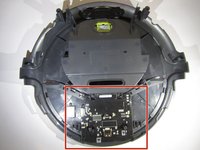
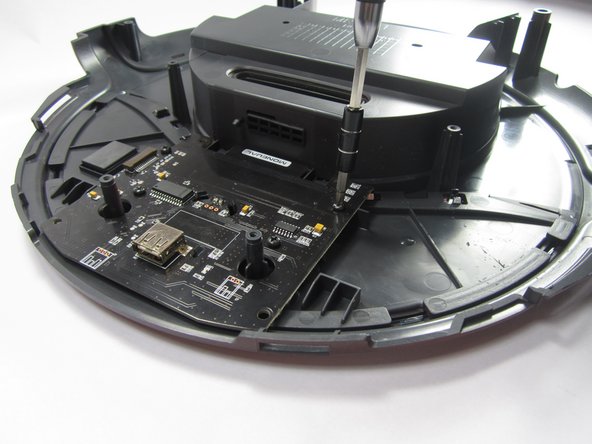
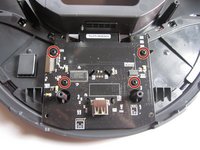
Use a Phillips #1 screwdriver to remove the four 10 mm screws holding the motherboard in place.
-
-
-
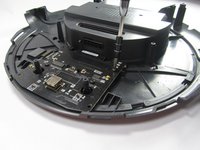
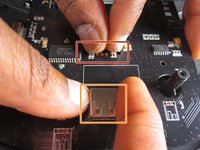
Pinch the two tabs together, shown here, to loosen the motherboard out of the vacuum.
-
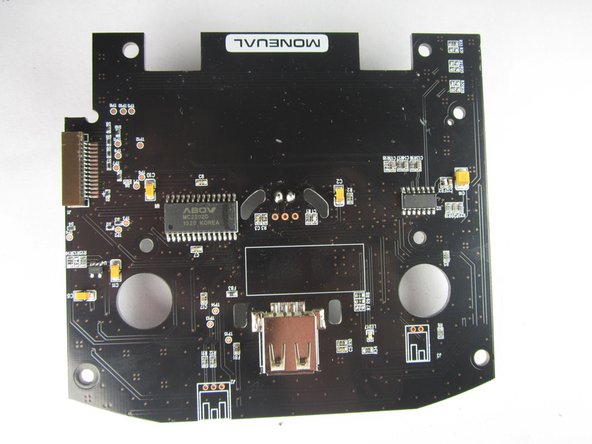
Lightly pull on the USB connector shown to lift the motherboard out.
-
-








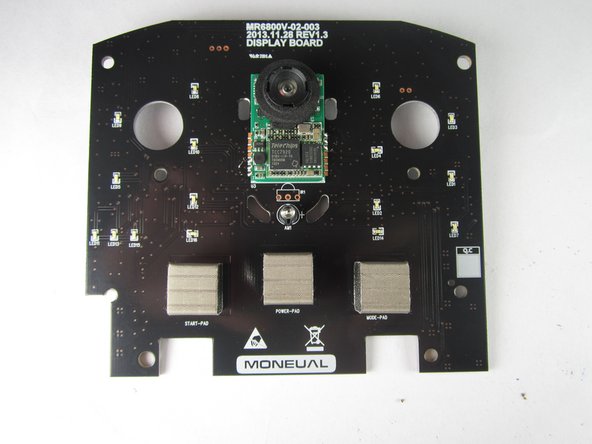
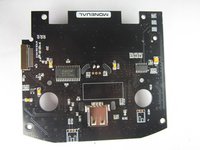
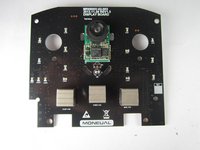
To reassemble your device, follow these instructions in reverse order.
Cancel: I did not complete this guide.
One other person completed this guide.

Team

3 Guide Comments
This was GREAT.... Lots of pics :-)
I was able to pull the mother board without much trouble. Mostly scared of breaking the connections.
NOW???? Where do I buy the darn thing?
Please respond,
Robert
