Introduction
Use this guide to replace a damaged or malfunctioning audio port on the Roku XD 2050X. To complete this guide, you will need to disassemble your device and use a soldering iron to replace the port.
What you need
-
-
-
Turn the device upside down.
-
Remove the two rubber pads using a plastic spudger.
 Ask FixBot
-
-
-
-
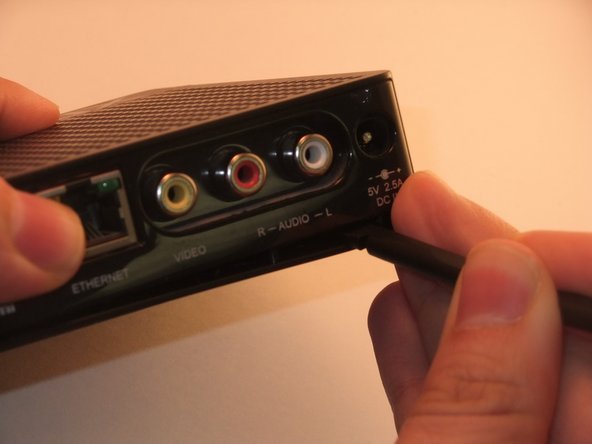
Insert spudger between upper and lower frame underneath the port access.
-
Guide spudger around to loosen upper and lower frame to pry frame apart.
-
Gently remove upper frame.
-
-
-
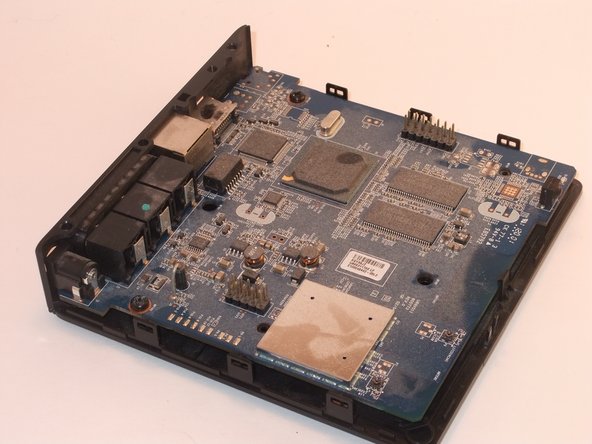
On the side of the board opposite the ports, find and tilt back the tab securing the board in place.
-
Lift the motherboard out of the lower frame.
-
-
-
-
-
Desolder the leads for the audio port that you wish to replace.
-
Left audio port leads are circled in red.
-
Right audio port leads are circled in orange.
-
Remove the audio port from board.
-
For help with soldering view the iFixit soldering guide.
-
-


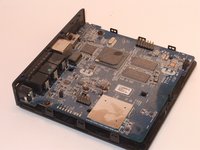

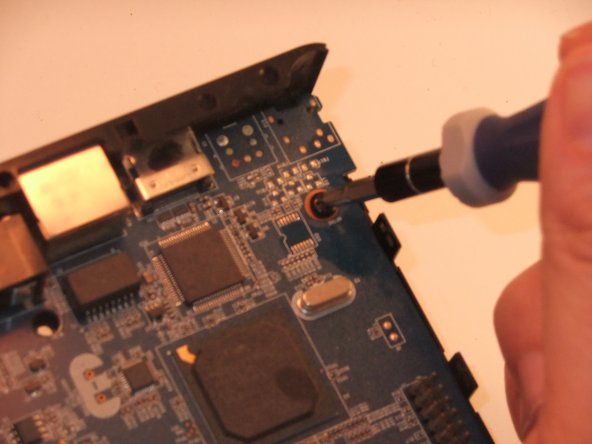
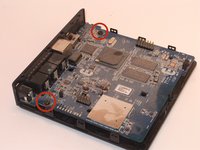
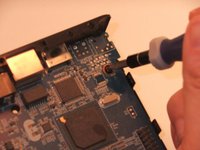


To reassemble your device, follow these instructions in reverse order.

Team

University of Kentucky Louisville, Team 1-6, Rountree Winter 2015 Member of University of Kentucky Louisville, Team 1-6, Rountree Winter 2015
LOUISVILLE-ROUNTREE-W15S1G6
4 Members
30 Guides authored
