Free Shipping on Domestic Orders $75+

Roconia Q6 Motherboard Replacement

What you need

  1. Roconia Q6 Motherboard Replacement, Top Cover: step 1, image 1 of 2 Roconia Q6 Motherboard Replacement, Top Cover: step 1, image 2 of 2
    • Flip your device upside down so that the interface is facing downwards.

  2. Roconia Q6 Motherboard Replacement: step 2, image 1 of 3 Roconia Q6 Motherboard Replacement: step 2, image 2 of 3 Roconia Q6 Motherboard Replacement: step 2, image 3 of 3
    • The device is supported by rubber pieces located at the bottom extremities.

    • There are screws beneath the rubber pieces that can be removed. Remove all four 1.1 mm Phillips #1 screws by using the Phillips #0 screwdriver.

  3. Roconia Q6 Motherboard Replacement: step 3, image 1 of 3 Roconia Q6 Motherboard Replacement: step 3, image 2 of 3 Roconia Q6 Motherboard Replacement: step 3, image 3 of 3
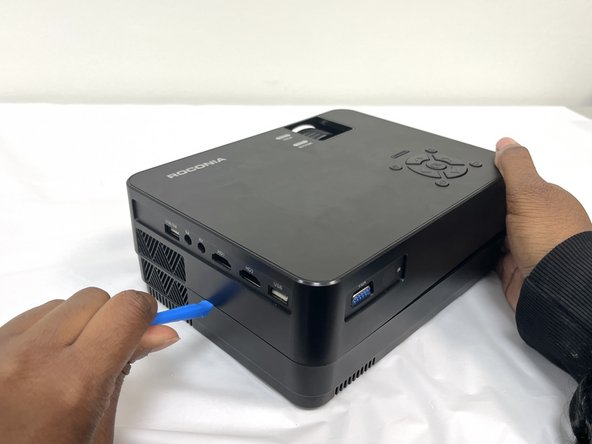
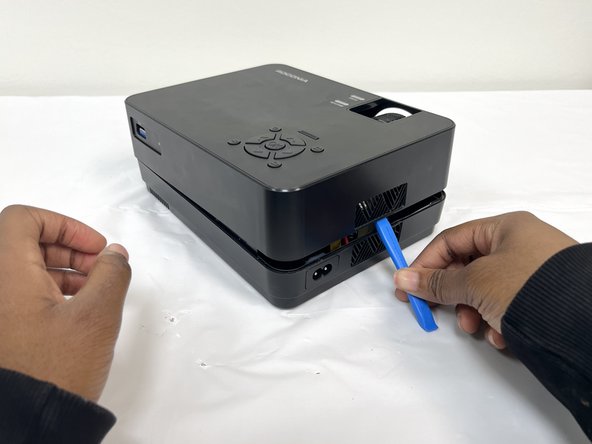
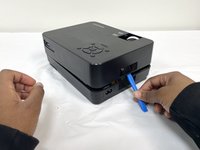
    • Turn device over again and pry open the device to remove the cover.

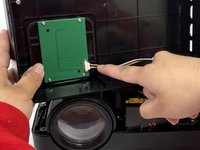
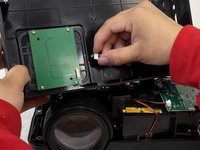
  4. Roconia Q6 Motherboard Replacement: step 4, image 1 of 3 Roconia Q6 Motherboard Replacement: step 4, image 2 of 3 Roconia Q6 Motherboard Replacement: step 4, image 3 of 3
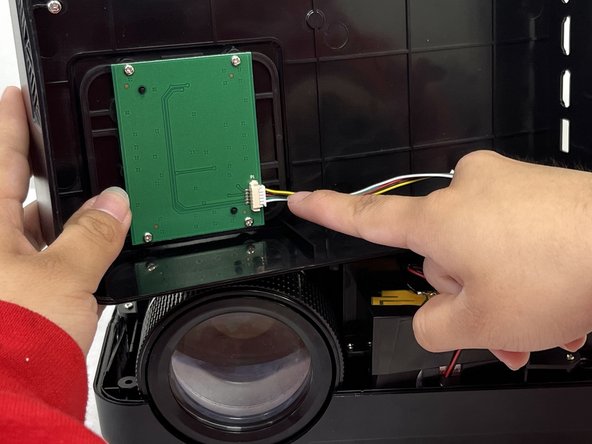
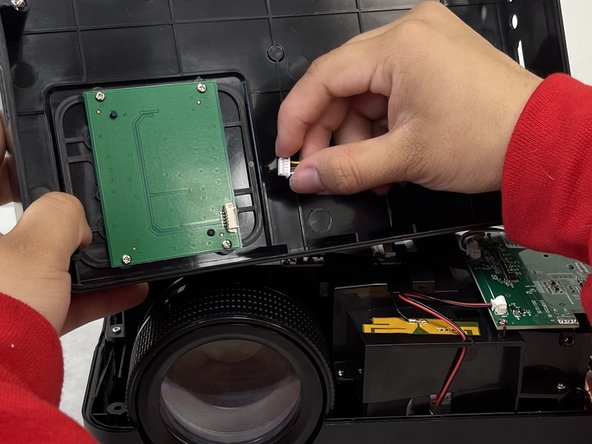
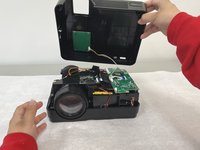
    • Pull out the cable that is connected to the top cover to fully separate.

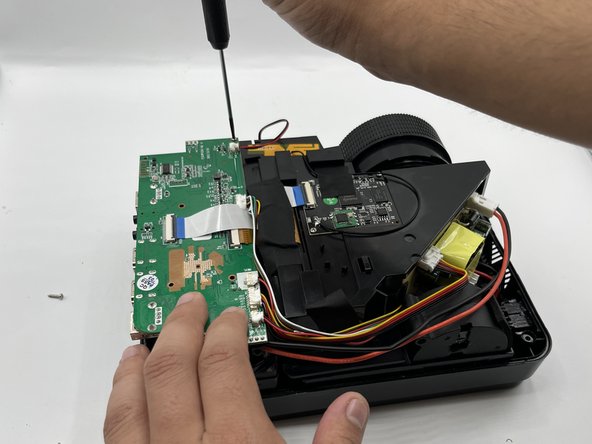
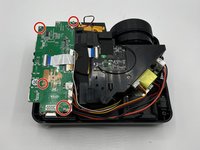
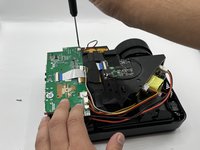
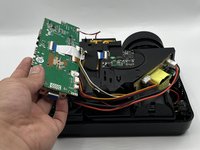
  5. Roconia Q6 Motherboard Replacement, Motherboard: step 5, image 1 of 3 Roconia Q6 Motherboard Replacement, Motherboard: step 5, image 2 of 3 Roconia Q6 Motherboard Replacement, Motherboard: step 5, image 3 of 3
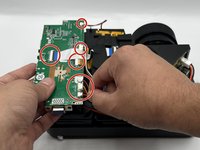
    • Remove the 8.8mm screws holding the device in place using the Phillips #0 screwdriver.

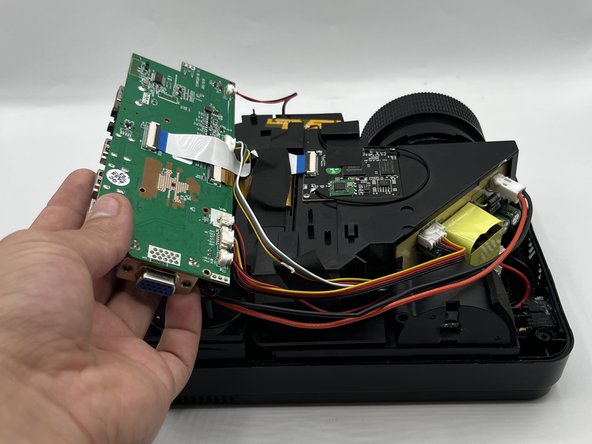
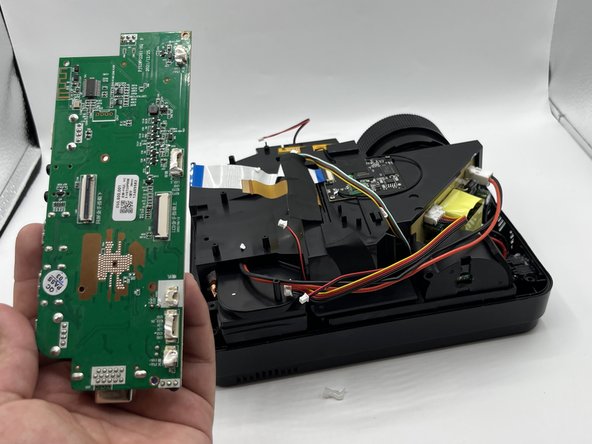
  6. Roconia Q6 Motherboard Replacement: step 6, image 1 of 2 Roconia Q6 Motherboard Replacement: step 6, image 2 of 2
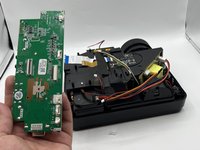
    • Remove the wires attached to the motherboard by pulling them out gently.

Conclusion

To reassemble your device, follow these instructions in reverse order.

Axel

Member since: 02/08/24

193 Reputation

2 Guides authored

0 Guide Comments

Add Comment

View Statistics:

Past 24 Hours: 4

Past 7 Days: 16

Past 30 Days: 50

All Time: 269